Block collection not loading in Brizy builder

Hello
On my site, the collection of blocks does not load in the Brizy constructor. There is not a single block. I think you are blocking my IP.
My site:
https://algoplus.ru/
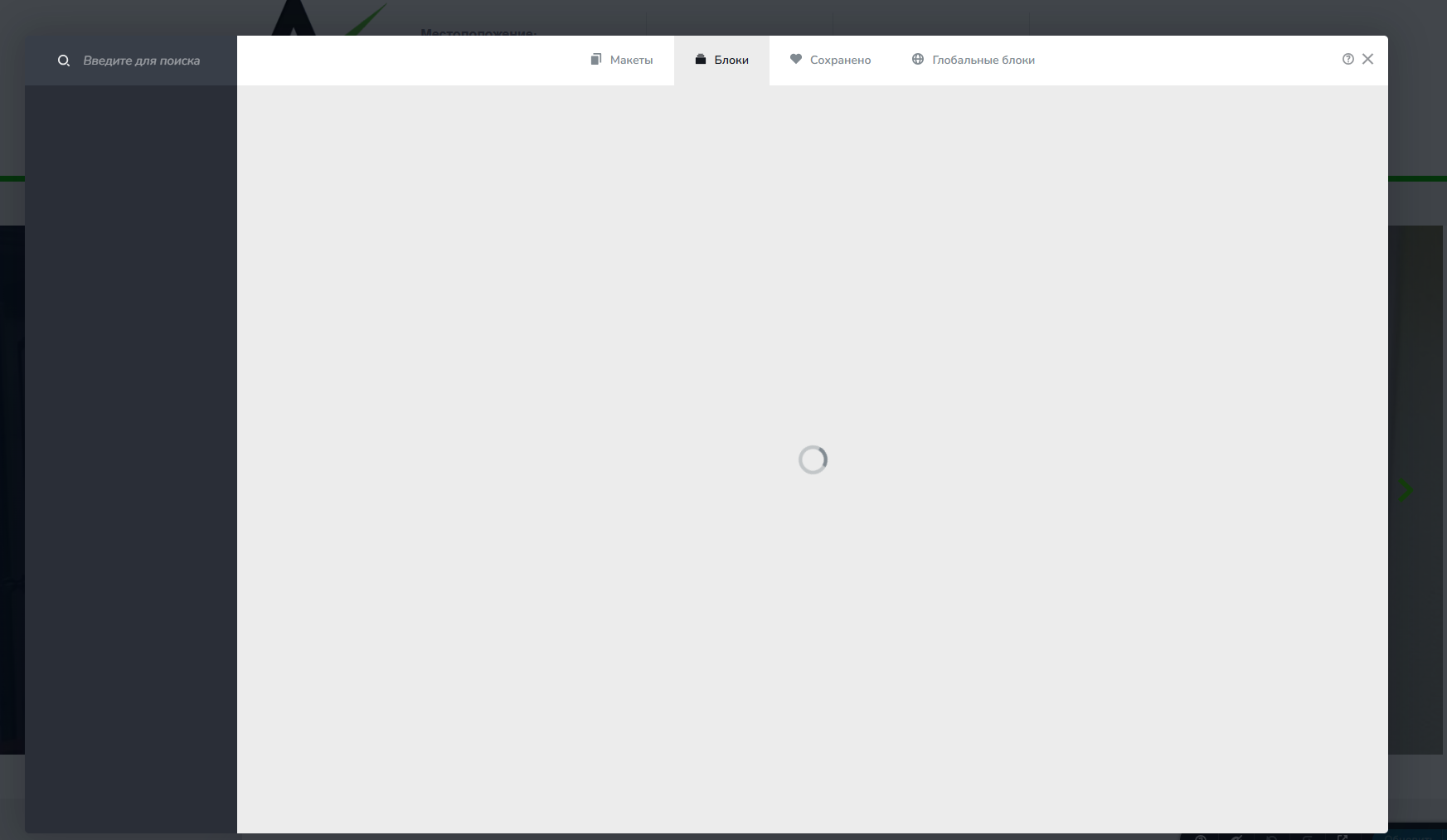
-

Hi Timur,
Thank you for contacting us.
Could you please try disabling all other plugins except Brizy and Brizy Pro to see if the issue still occurs?
If that doesn’t help, please provide us with temporary access to your WordPress admin so we can inspect the site. Kindly add us as an admin user to your WordPress dashboard and send the following details to communitysupport@brizy.io:
Community post link: https://support.brizy.io/hc/en-us/community/posts/26494383030290
WordPress Admin URL:
Username:
Password:Please make a full backup of your site as a precaution.
Best regards,
Ariel H.0 -
Hi Timur,
Thanks for sending over the site credentials. I tried logging in, but unfortunately, they don't seem to be working.
Could you please double-check the details and resend them when you get a chance?
Best regards,
Ariel H.0 -
Website: algoplus.ru
login:---
pass: ---0 -
Hi Timur,
Thank you for your cooperation.
I tested your site on my end and was able to access the Brizy saved blocks without any issues. Since it’s working here, the issue likely isn’t with the site or server, but something local on your side.
Here are a few quick things you can try:
1. Use Incognito/Private Mode – This disables extensions that might be interfering.
2. Try a Different Browser – Chrome, Firefox, Edge, etc.
3. Switch Networks – For example, try using mobile data or a different Wi-Fi connection.
4. Disable Browser Extensions – Especially ad blockers, privacy tools, or security plugins.
5. Clear Your Browser Cache – Sometimes a fresh load helps.Let me know if any of these work or if the issue persists, I’ll be glad to assist further.
Best regards,
Ariel H.0 -
Hello
We tried everything, nothing helped. There are no blocks when connecting via mobile Internet and via high-speed Internet.
You can check for yourself, maybe you are blocking from your side.
How to solve this problem?
0 -
Hi Timur,
Thanks for your patience. I've reached out to our senior support team and asked them to whitelist your site for further troubleshooting. I'll keep you updated as soon as I hear back.
Best regards,
Ariel H.0 -
Hi Timur,
We've now whitelisted your site. When you have a moment, please try accessing your saved blocks again and let us know if everything is working as expected.
Looking forward to your reply.
Best regards,
Ariel H.0
Please sign in to leave a comment.
Comments
7 comments