No pop-up in mobile

Hello.
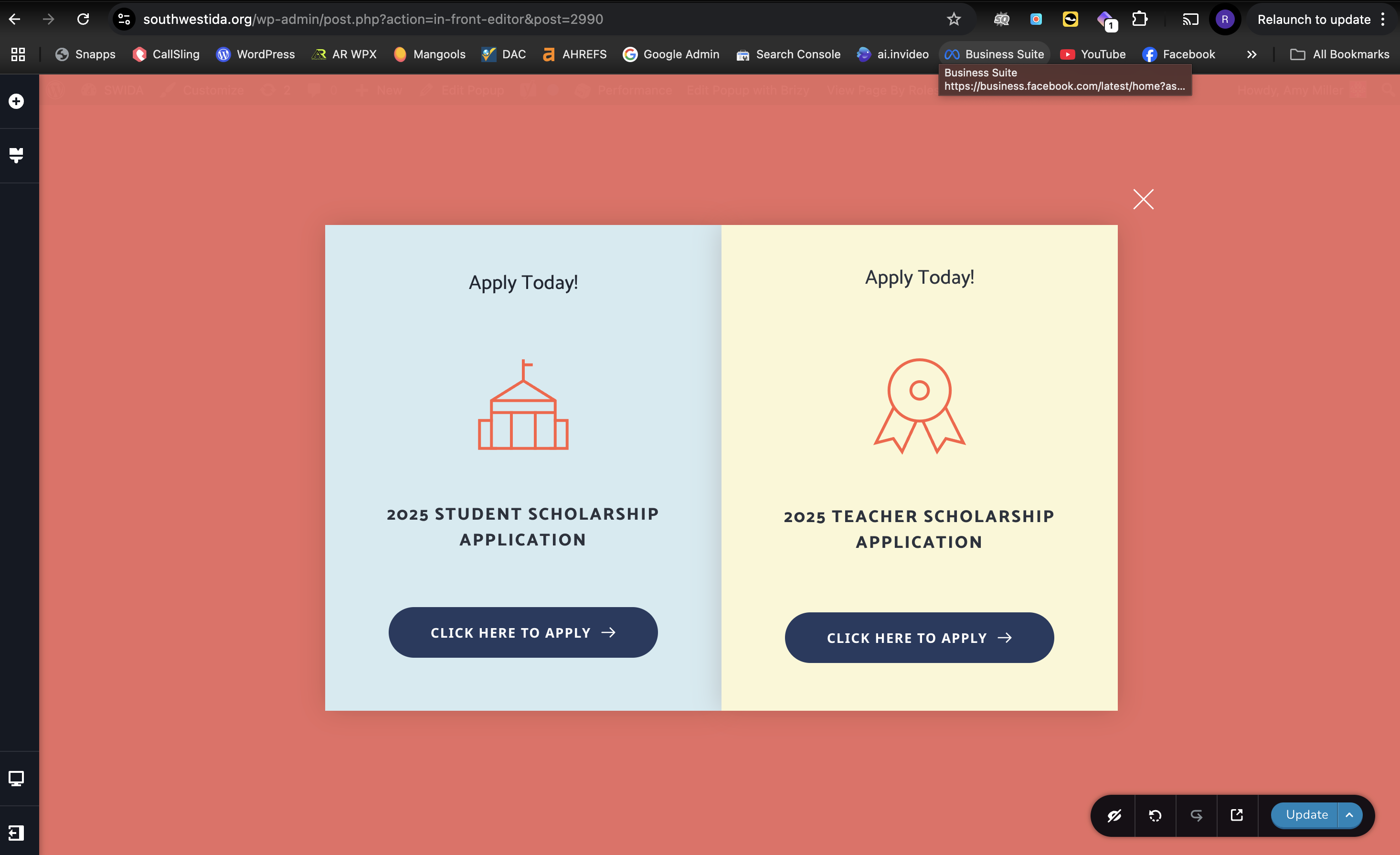
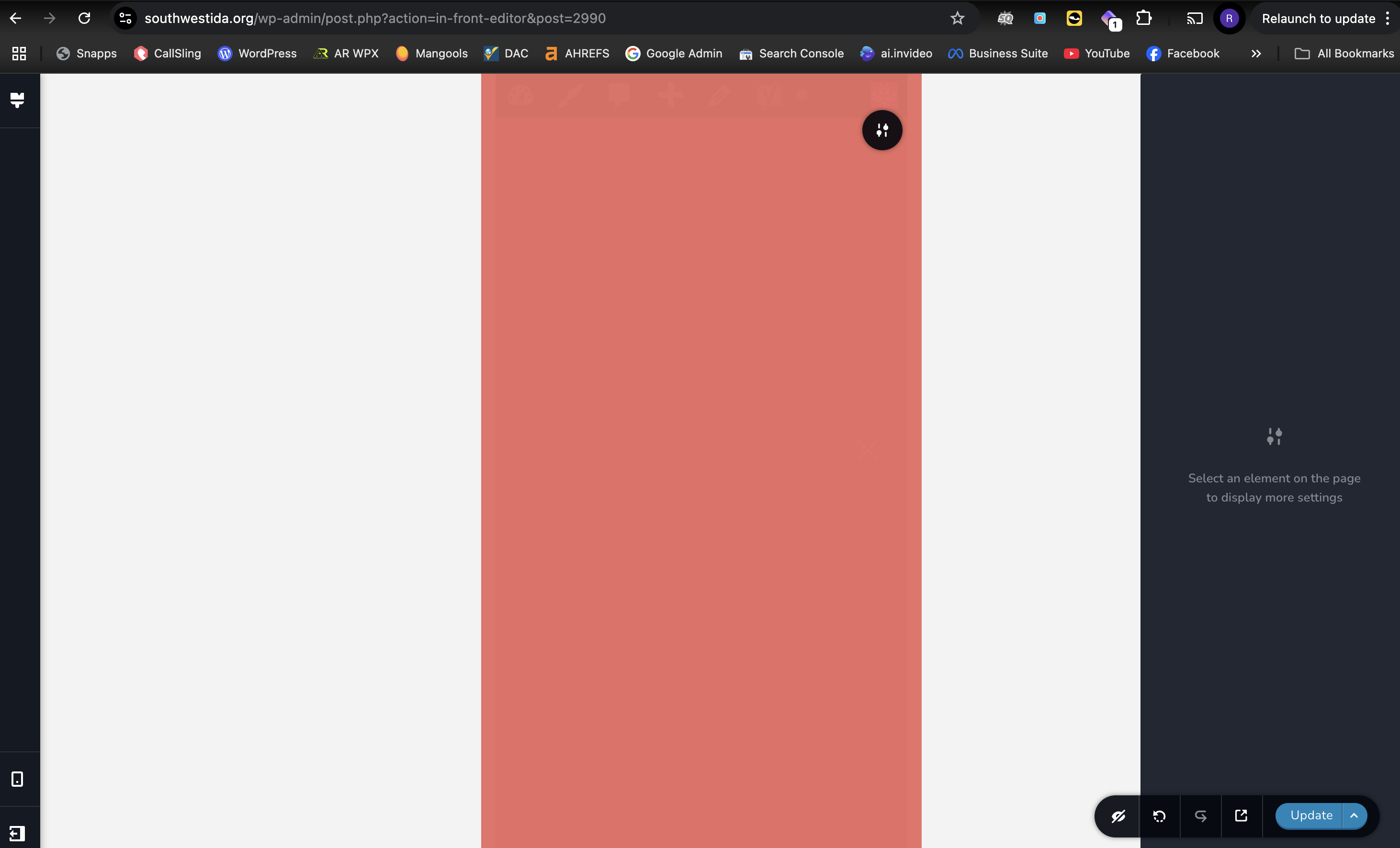
My pop-up isn't showing up in mobile view to edit it and it's also not showing up when I go to look at the page on my phone. I have tried clearing the caches and also disabling plug-ins and the issue persists. Could you please help me resolve this issue. I have attached photos of what I'm talking about. Thank you!
-

Hi Amy,
Could you please provide temporary access the second website so we can take a closer look? Kindly add us as an Admin user in your WordPress Dashboard and send the details to communitysupport@brizy.io:
Community Post link: https://support.brizy.io/hc/en-us/community/posts/25525403502482
WordPress Admin URL:
Username:
Password:Best regards,
Ariel H.0 -
Hi Amy,
Thanks for the update.
It looks like the popup is hidden in mobile view. To edit it, switch to mobile view and click the Eye icon to reveal hidden elements in the editor. Once visible, you can click the Eye icon again to display them in the live preview.
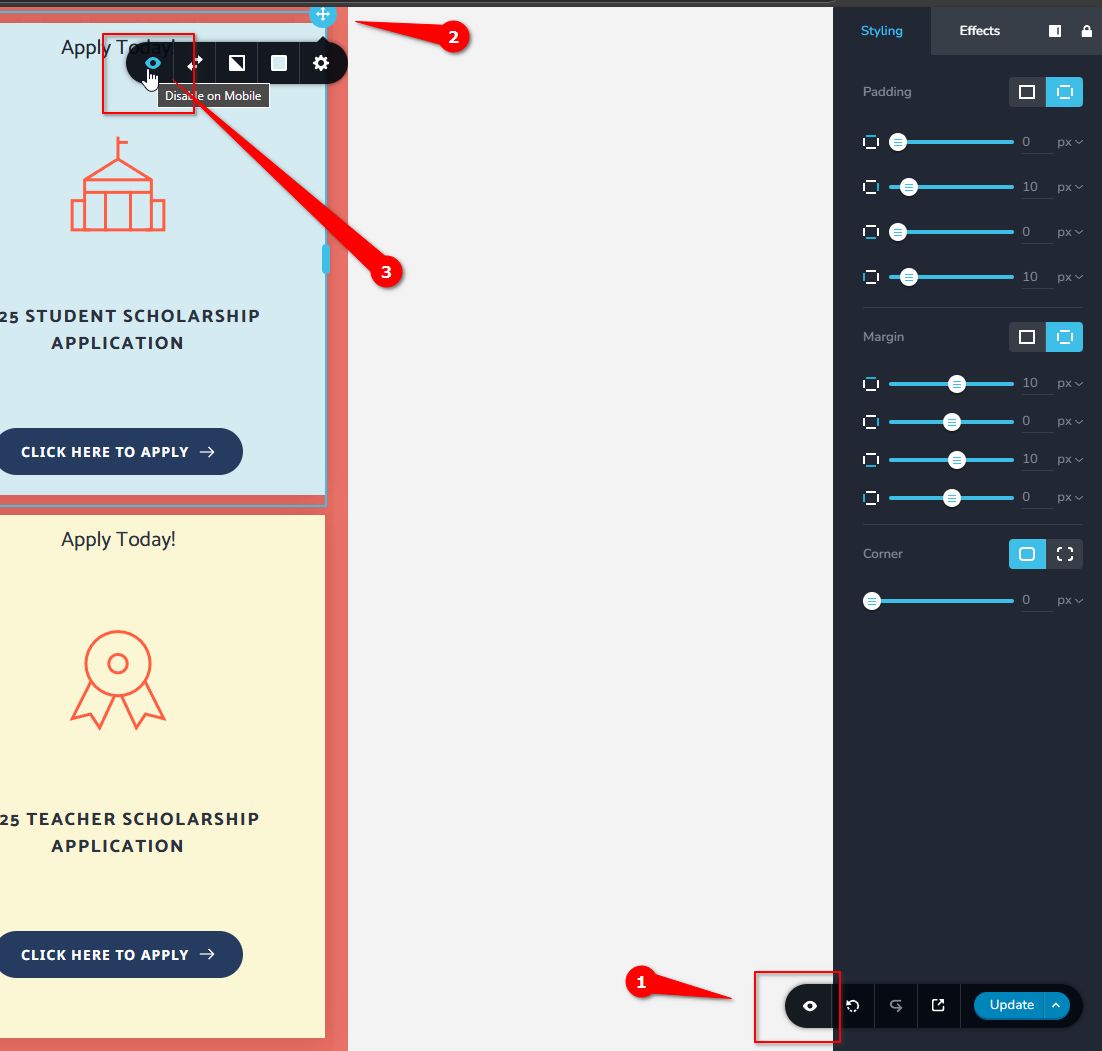
Give it a try and let me know how it goes.
Best regards,
Ariel H.0 -
That did it! Thanks Ariel!
0
Please sign in to leave a comment.
Comments
3 comments