Brevo integration is not working

When i try to click on BREVO icon, to integrate my form with brevo list, nothing happen. i see the green circle but nothing happen. Until yesterday everything worked fine. This is causing me lot of problems! please help!
-

Hi Chiara,
I'm sorry to hear you're having trouble with the Brevo integration. Could you try duplicating the form and reconfiguring the Brevo connection to see if that resolves the issue?
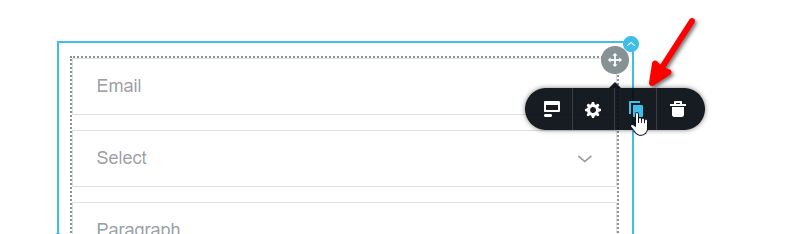
If the problem persists, please let us know so we can further assist you.
Best regards,
Ariel0 -

Hi!
I have the same problem.
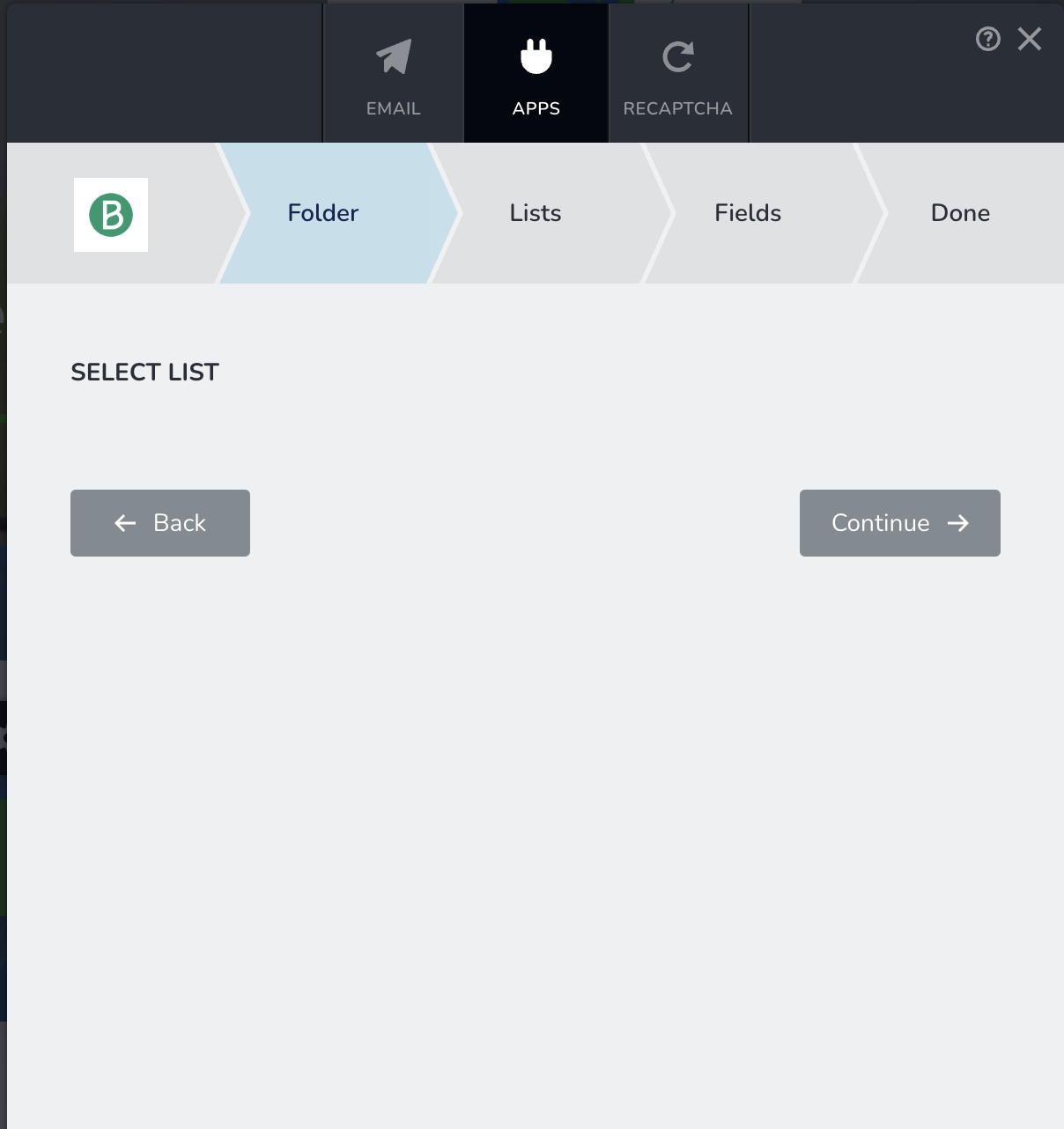
When I try to use the already configured integration, no list is displayed:
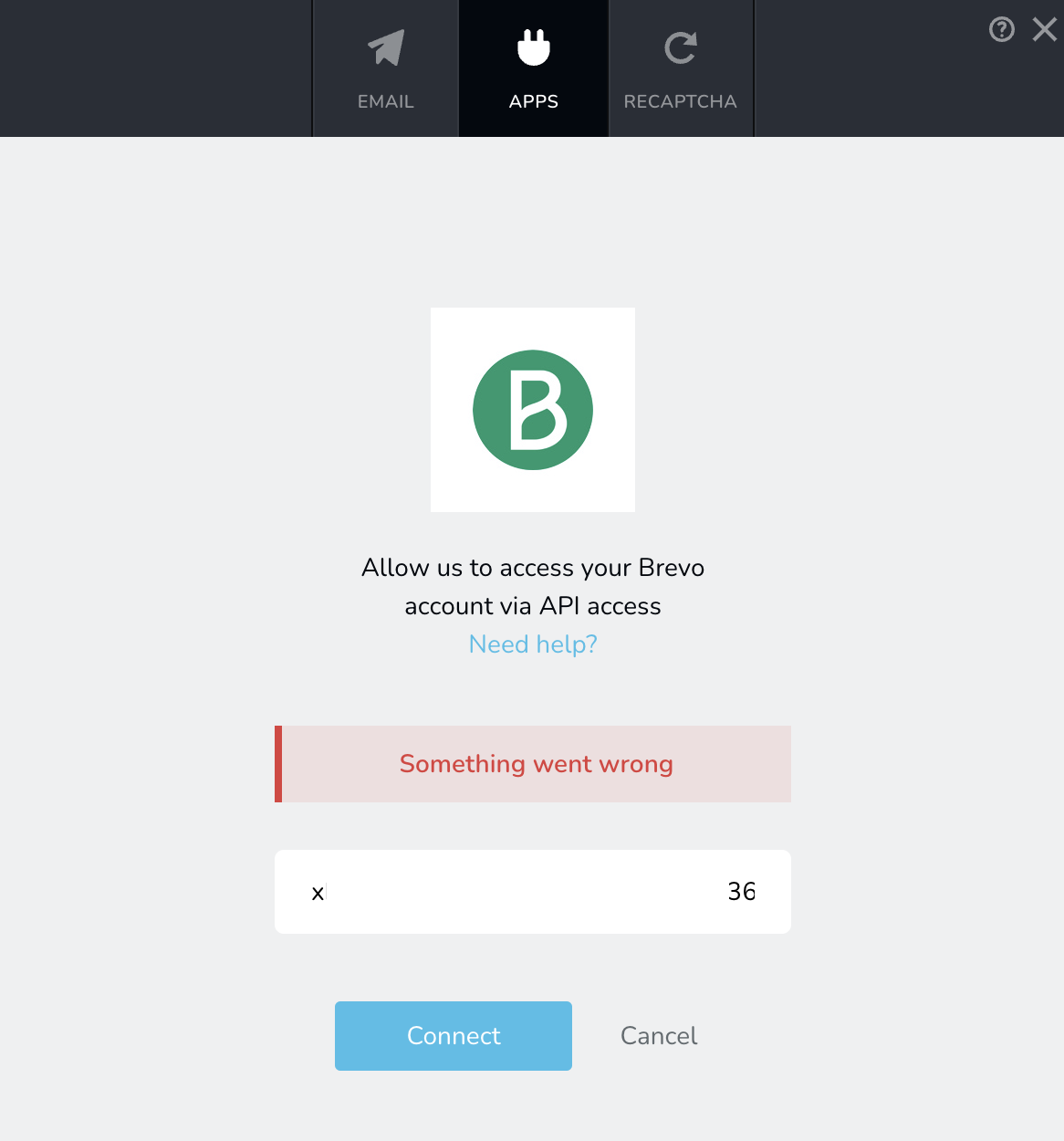
and when I try to configure a new account, I get this error:
Any help? this is very critical as we have ongoing lead generation campaigns...
0 -

Hello Driss,
We apologize for the inconvenience. Brizy form- Brevo integration is currently broken. We have escalated this bug and our developers are looking into it. It may take sometime for us to fix this bug. In the interim, you will need to explore other means to complete your project. Here are two options.
- Use Pabbly Connect to integrate Brizy Form with Brevo by following similar steps described at Connect Brizy Form Fields to Moosend with Pabbly FREE
- Use Make.com to integrate Brizy form with Brevo by following similar steps outlined at https://jmp.sh/S93RMfna
0 -

Has the Brevo issue been resolved, or is this workaround permanent?
I can't get past the step of inserting my API key. It keeps spinning, and I can't get to the next step.0 -
Hello Nick,
API calls to Brevo can only be made from web servers whose IP addresses have been authorized in your Brevo account. If your web server’s IP address is not authorized in Brevo, your Brizy form integration with Brevo will be blocked, and you will not be able to add or use the Brevo API.
For instructions on how to authorize your web server’s IP address in Brevo, please refer to the “Authorize your webserver IP in Brevo” section of the following article:
https://support.brizy.io/hc/en-us/articles/360043865331-Brevo
0
Please sign in to leave a comment.
Comments
5 comments