contact form

Hello,
I hope this request is my last one for this projectand many thanks for your support. My website is online since yesterday. I just changed the mean to contact us and created a popup contact form. In terms of setting - either via the Wordpress connection or the SMTP connection, I alway get the message error "Your email was not sent". I join a few screen shots for your understanding. I would like to use the SMTP process and I use Infomaniak. I join a couple of screenshot for you to see where I did something wrong. Thanks in advance! Alex
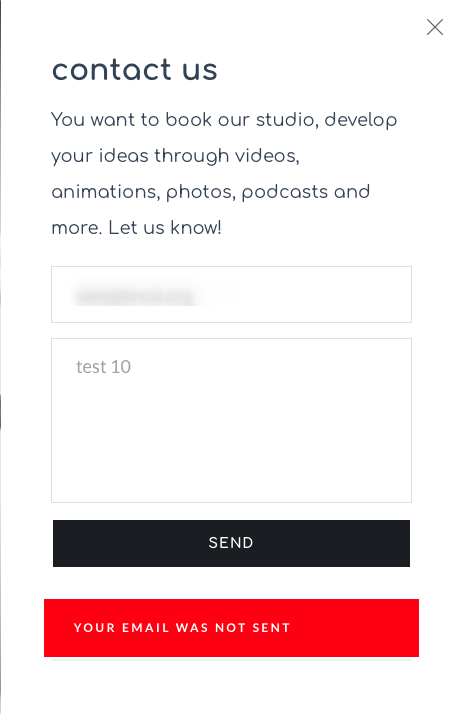

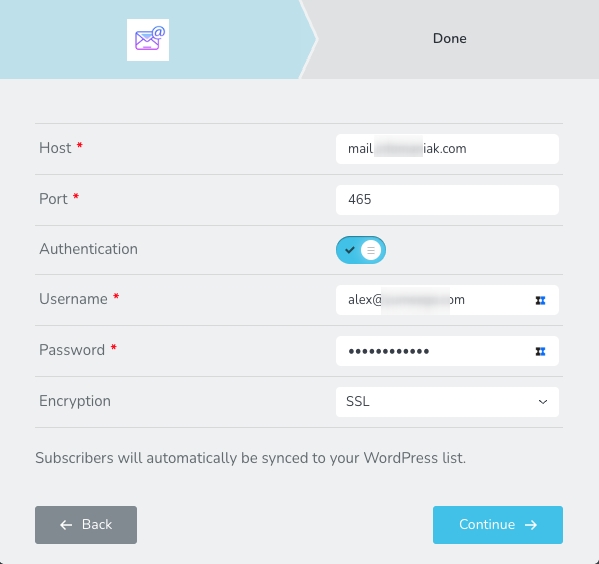
-

Hi Alexandre,
Thank you for contacting us.
Please verify that your SMTP credentials are working by testing them using this online tool:
https://dnschecker.org/smtp-test-tool.php
If the credentials are correct, try using Port 587 instead of Port 465 and set the encryption to TLS.
Please try this and let me know how it goes.
Best regards,
Ariel H.0 -
Ok Ariel,
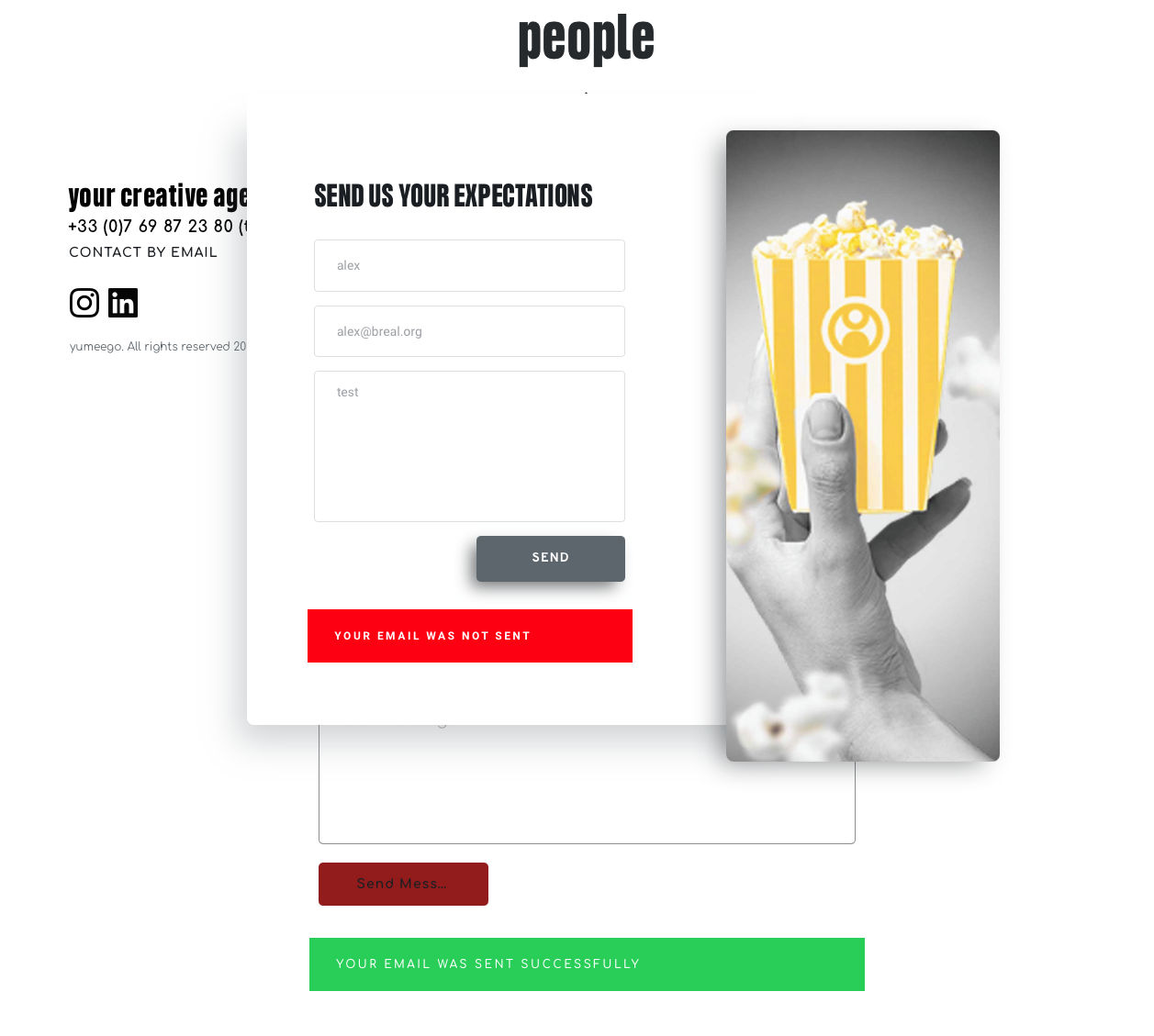
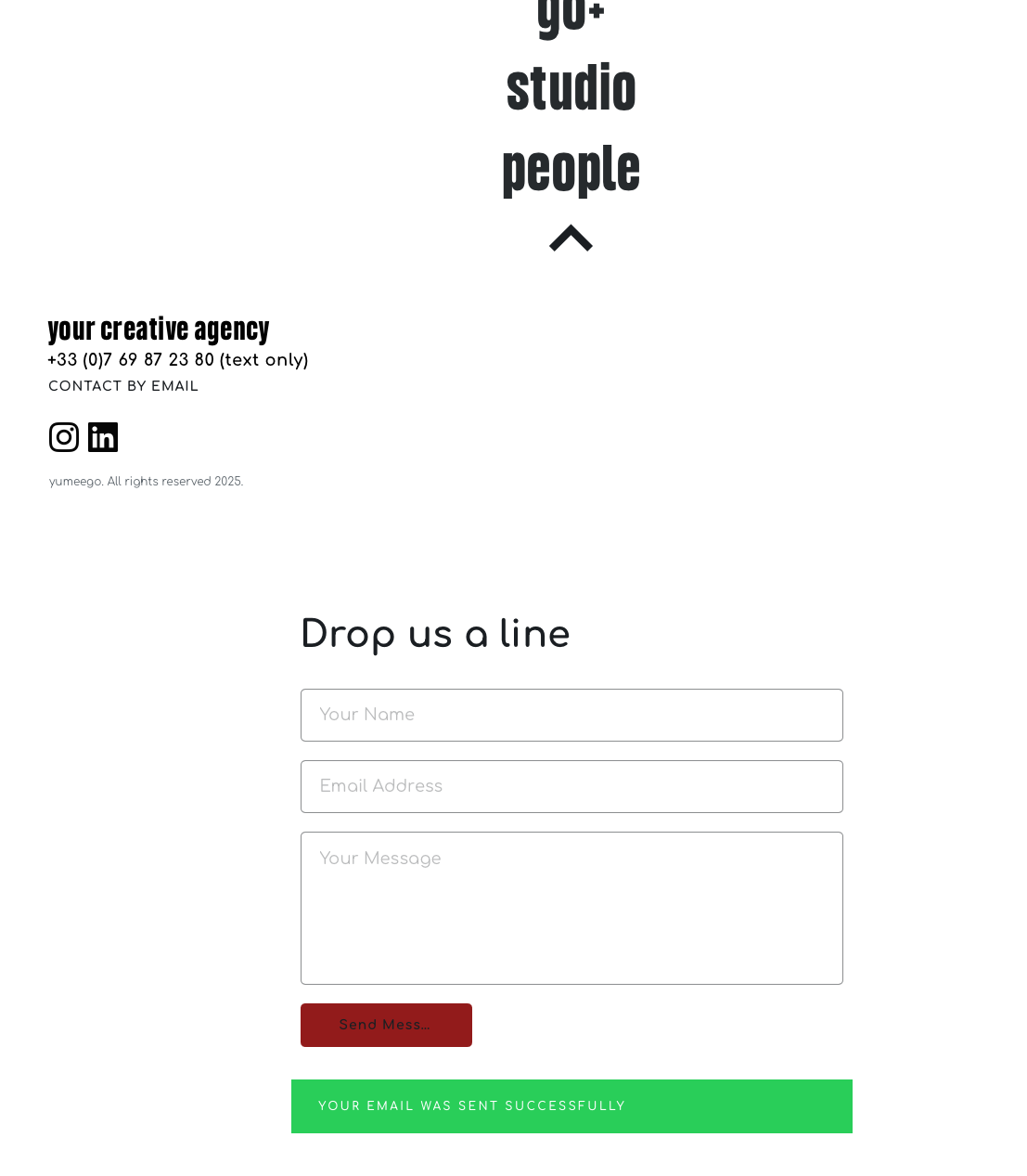
Many thanks but it does not fully works. Let me explain and you can test it. go to my site yumeego.fr
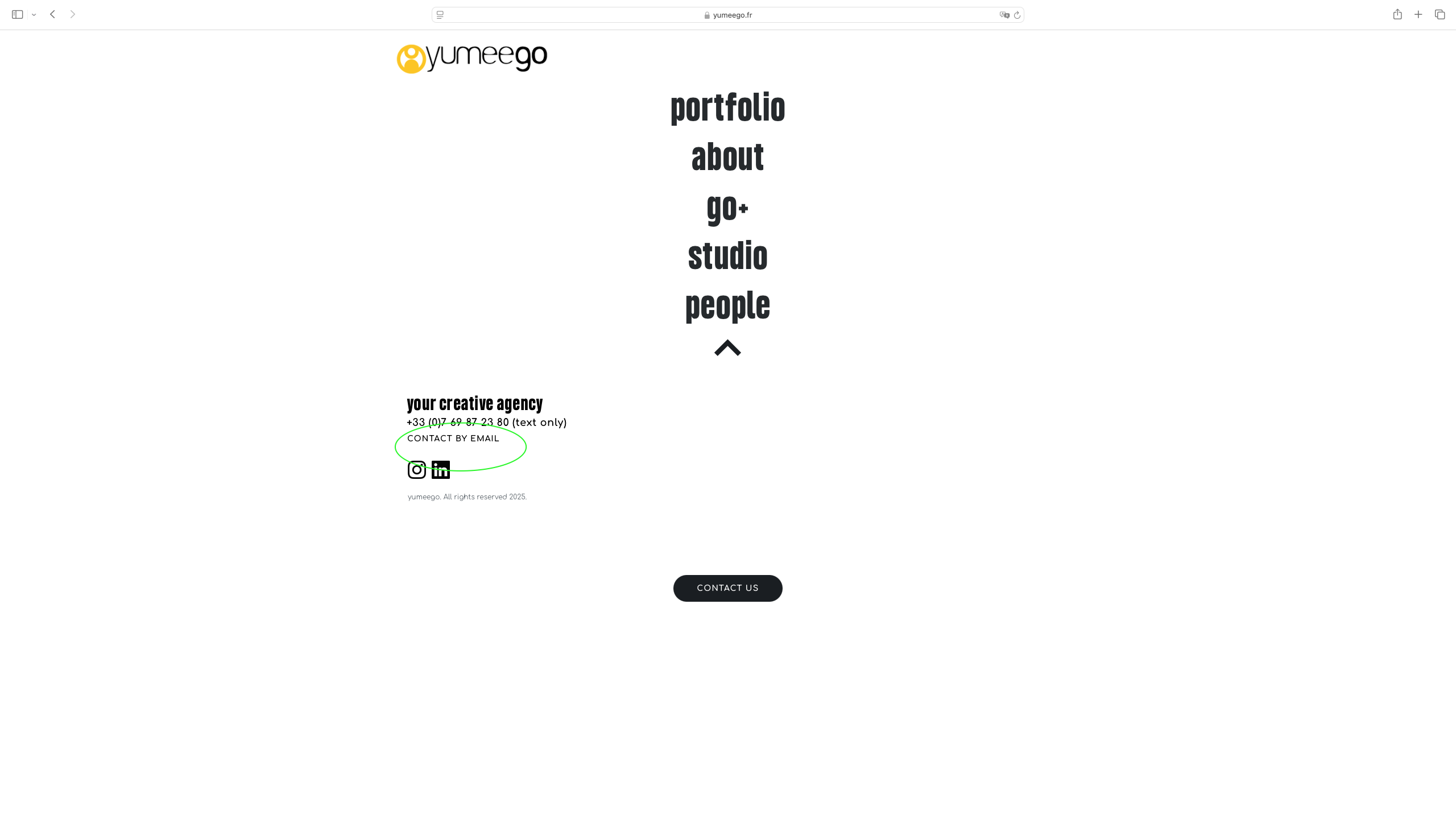
you will see that when the contact for is within the page it works. But - and that is what I want - if this is a popup contact form link to a butto (CONTACT BY EMAIL just under the phone number ) then the message is not sent.
Can you please help!
 0
0 -
Hi Alexander,
Could you please provide temporary access to your WP Admin so we can take a closer look at your site? Kindly add us as an Admin user in your WordPress Dashboard and send the details to communitysupport@brizy.io:
Community Post link: https://support.brizy.io/hc/en-us/community/posts/25407590187282
WordPress Admin URL:
Username:
Password:Best regards,
Ariel H.0 -
Hello,
Yes of course. The page is called 'start'. I have already made a backup page for safety so feel free to use it. You will see in the popup section that I have many forms already available with some tests that I already made. So pickup one or feel free to start from scratch.
0 -
Hi Alex,
It seems like you've changed the default WordPress Admin URL. Could you please send it as well?
Best regards,
Ariel H.0 -
So sorry, my bad :
yu*******o.***/welcome
0 -
Hi Alex,
Thanks for the update.
It seems that no email service was selected for the popup, so you'll need to configure SMTP again for the form to work properly.
Since you already have the WP Mail SMTP plugin set up, you can select WordPress as the email option in your forms. WP Mail SMTP will override the settings and should send the email successfully. This is demonstrated in this screencast: https://youtu.be/F9LN9qIytEI
Please check both the popup and the duplicated form on the same page to verify the settings.
If you have any further questions, feel free to let us know.
Best regards,
Ariel H.0 -
Hi Ariel,
Thanks for your effort. It's still not properly functioning on my side with even more mysteries...Since it works with the popup within the Studio section, I created a button on the main page that also use the same popup. It is not send email when the Studio one does !!!!! I am lost, confused, tired, fedup since I do not understand why it does not work. Please see by yourself here :
If you can make work for me that would be perfect and I would like to have it here :
Many thanks again!
 0
0 -
One last point: I also duplicated the button from Studio, drag it to themain page, saved the page and...Message cannot be send...!!!!!
0 -
Hi Alex,
Thank you for the update.
That’s likely the reason the button didn’t work. Unfortunately, when duplicated, it doesn’t retain its settings, so you’ll need to reconfigure it manually.
This is demonstrated on this screencast - https://youtu.be/lsML-YW8YLUIf you have any further questions, please let us know.
Best regards,
Ariel H.0 -
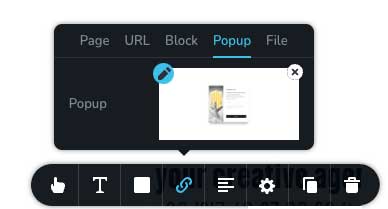
Great news ! I understand what was wrong! We were not at the same place.
May be you can suggest to add this Icon to the dev team. It would help basic user like me a lot!
But anyways , manay thanks for your help and patience.
0
Please sign in to leave a comment.
Comments
11 comments