Contact form in Pop-Up Not Working

I submitted a message yesterday and received no response so I am doing it again.
Contact Forms in Brizy Pop-Ups are not working. I am using the exact same sending means on pages with no issues, on a pop-up it just won't send. This time I rebuild the pop-up using one of your own templates and it still would not send.
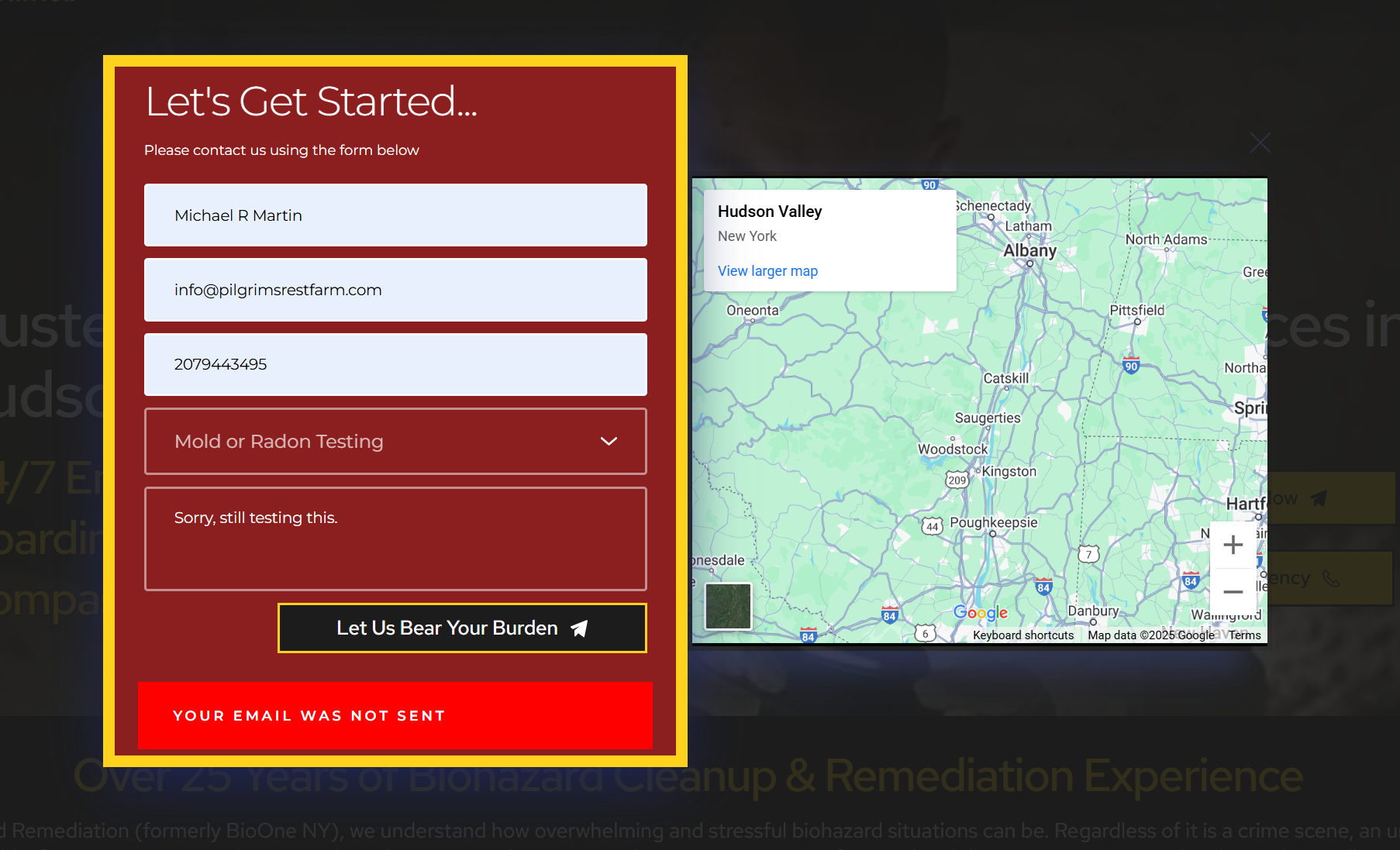
-

Hi Michael,
Could you please provide temporary access to your WP Admin so we can take a closer look at your site? Kindly add us as an Admin user in your WordPress Dashboard and send the details to communitysupport@brizy.io:
Community Post link: https://support.brizy.io/hc/en-us/community/posts/25094958035346
WordPress Admin URL:
Username:
Password:
Also include the URL of the problematic page.Best regards,
Ariel H.0 -
Hi Michael,
Thank you for your cooperation.
It looks like the form wasn’t configured properly.
I’ve attached a screenshot showing how I set it up, including my email address in the CC field to test if the form works.

The second and third screenshot confirms that the email was successfully sent and received. You should have received the same email as well.
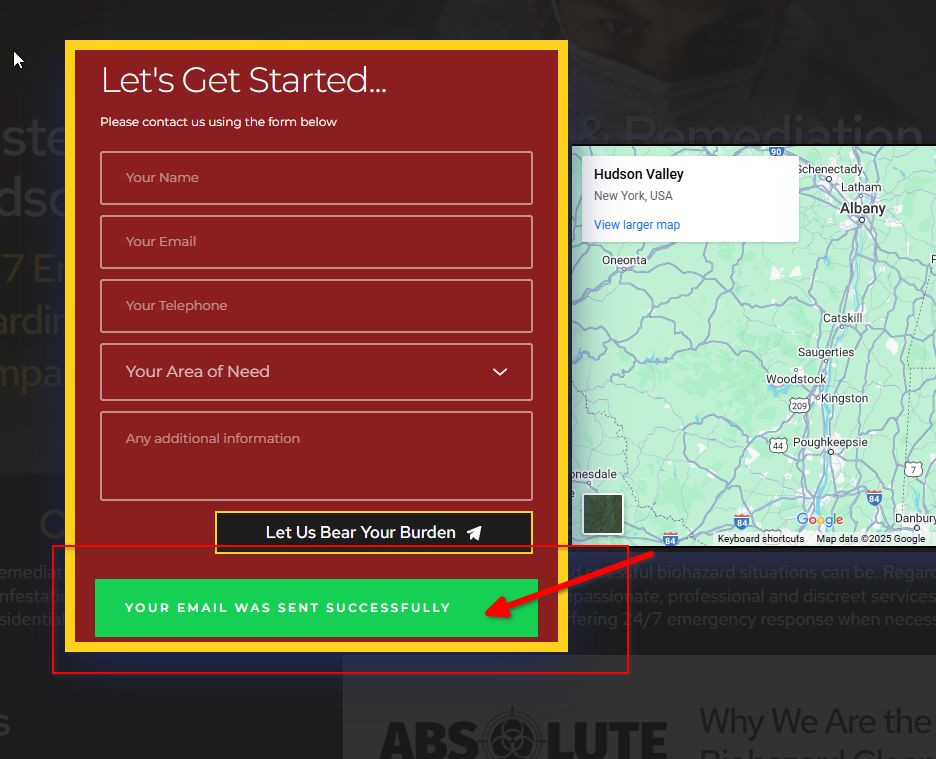
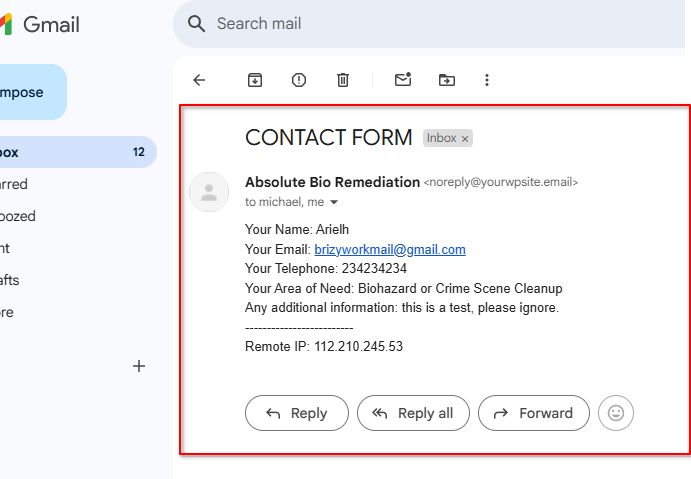
Please refer to the screenshot to reconfigure the form, and don’t forget to remove my email address from the CC field.
Best regards,
Ariel H.0 -
Thank you, Ariel. However, that does not explain why:
1. Every other form on this site - set up in the exact manner as this form (with not cc address) works fine.
2. Why it only happened on a pop-up (which I experienced once before and just abandoned the pop-up).
3, Why I must have 30-40 websites, each with 4-5 contact forms - none with cc addresses, all work fine.
0 -
Also, did you create a staging site or send this from my actual site? I have reconfigured the form as you show and it still will not send.
0 -
Hi Michael,
Thank you for the update. I sincerely wish I had a clear explanation for why this happened, but after reconfiguring the form, it just started working again.
This issue might be related to your server’s email settings, as some servers handle emails from pop-up forms differently—possibly due to recent updates, spam filters, or security rules.
I’d recommend checking with your hosting provider or trying an SMTP plugin like WP Mail SMTP to ensure emails are sent correctly.
I appreciate your patience, and I’m here if you need further assistance.
Best regards,
Ariel H.0 -
I also neglected to mention that I inserted a Forminator Form in the same spot and it worked fine.
0 -
The hosting company assures me that they do not treat forms on pop-ups any differently than on pages or posts.
0 -
Hi Michael,
I checked your site again and created this test page: https://absolutebioremediation.com/page-test/
If the form is set up correctly, it should send the email as shown in this screencast: https://youtu.be/nE5hrGHw7Sw
Best regards,
Ariel H.0
Please sign in to leave a comment.
Comments
8 comments