Brizy CSS that overwrites our website's CSS

Hi, on our website spinoffice-crm.com we have <strong> parts but they don't show as bold. I noticed that is because Brizy adds a part in the HTML that makes the bold text not bold. I believe it's this part in the HTML: "brz-css-hQ0eW" in the example below.
<p class="brz-text-lg-center brz-tp-lg-paragraph brz-css-hQ0eW" data-uniq-id="pWff3"><strong style="color: rgb(39, 39, 39);">Ideaal voor MKB-bedrijven</strong></p>
Can you inform us what to do, how to disable that Brizy overwrites our own CSS.
-

Hi Hugo,
Could you please provide temporary access to your WP Admin so we can take a closer look at your site? Kindly add us as an Admin user in your WordPress Dashboard and send the details to communitysupport@brizy.io:
Community Post link: https://support.brizy.io/hc/en-us/community/posts/25074620185618
WordPress Admin URL:
Username:
Password:Best regards,
Ariel H.0 -
Hi Hugo,
Thank you for your cooperation.
It looks like you've edited your blog posts directly with Brizy. Could you let us know which specific posts are affected by this issue?
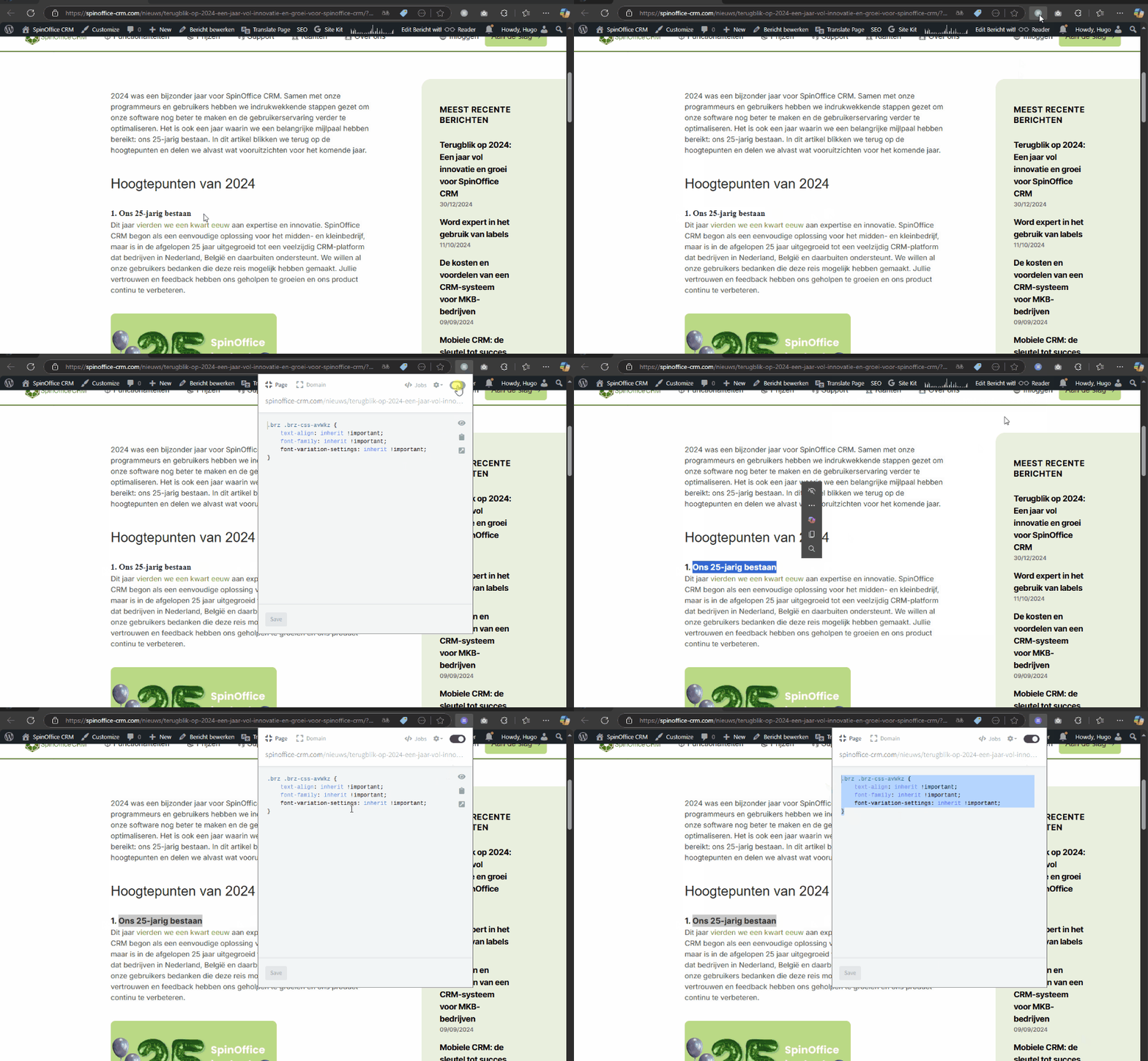
In the meantime, I also noticed that the paragraph titles' formatting is being ignored. You can use the following CSS to fix it.
.brz .brz-css-avWkz {
    text-align: inherit !important;
    font-family: inherit !important;
    font-variation-settings: inherit !important;
}
Best regards,
Ariel H.0 -
Thank you, but when I add the CSS script you mention to the website's CSS file, it does not change any <strong> text on the web pages. It's still not showing as strong/bold text...
0 -
And for your info, many/almost all pages are affected by this. All texts that have <strong> font are not showing like that, while in Brizy edit page mode it shows. Clear formatting option does not solve it.
0 -
Hi Hugo,
It looks like some of your current CSS might be causing this issue.
To confirm, go to Appearance → Customize → Additional CSS, back up the existing CSS, then temporarily remove it and preview your pages. This will help determine if the CSS is the culprit.
Once you've checked, you can restore the CSS and review the rules that might be affecting the layout.
Best regards,
Ariel H.0 -
That seems to solve it!! It was in the Google font that was added in CSS. Thanks!!
0
Please sign in to leave a comment.
Comments
6 comments