Integration of WP Blog fails, Display conditions all messed up, duplicate headers and a lot of frustration

Hi Team Brizy,
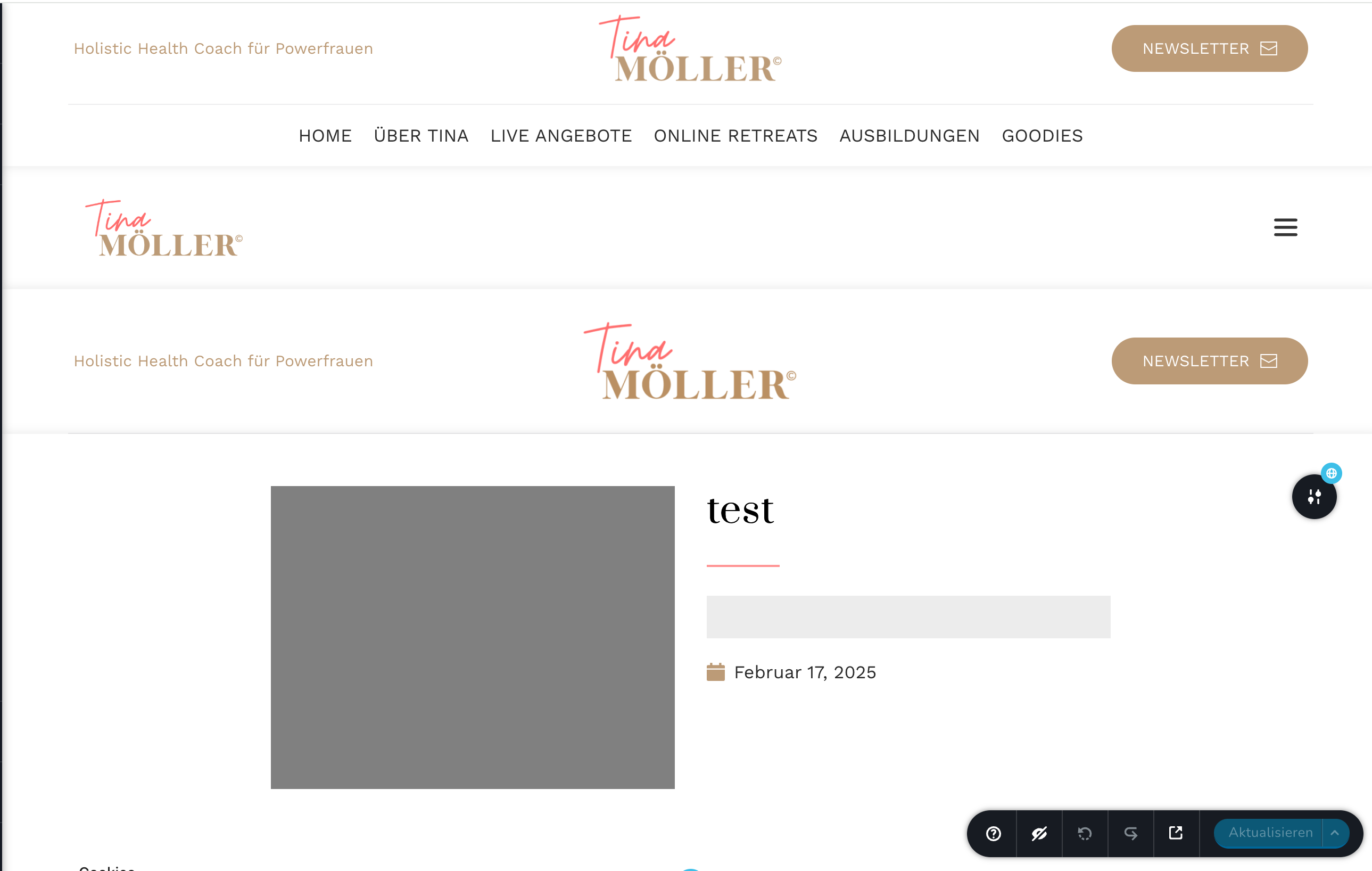
we have tried several times to integrate a blog page (we preferred the GLOBAL BLOCKS way) and we also trried with a Brizy template archive page) everything is a mess! We need help in the back end. The more we try new ways, the more everything messes up. If we open a new page we get many different headers – all claimed as global – however we keep disabling them and they are not visible within the global favorites. The keep popping up with the strangest display conditions.
This does feel like a bug and we are not able to make a blog funktion. Can you take a look into that?
Regards, Leslie
www.tinamoeller.de
-

Hi Leslie,
Could you please provide temporary access to your WP Admin so we can take a closer look at your site? Kindly add us as an Admin user in your WordPress Dashboard and send the details to communitysupport@brizy.io:
Community Post link: https://support.brizy.io/hc/en-us/community/posts/24715228448658
WordPress Admin URL:
Username:
Password:Best regards,
Ariel H.0 -
Great, E-Mail was just sent.
0 -
Hi Leslie,
Thank you for your cooperation. Could you try again and let me know if the issue still occurs?
Best regards,
Ariel H.0 -
Hi Ariel, as I can see you switched back to a previous Brizy Version. For the headers it is fine!
What I still see are DISPLAY CONDITIONS that I never set up like that. It does not make sense to say "include all" and "exclude all" at the same time. (see picture.). I will clean that tomorrow. I am also a bit unsure how to make a "post" template. Can you give me the link to your tutorial?
Thanks in advance, Leslie
0 -
Hi Leslie,
Thank you for the update.
For creating a post template, you can check out this tutorial: https://youtu.be/lkiSk6IE7tA?si=_-7Ch2QEmG-k7-08&t=295
Best regards,
Ariel H.0 -
Hi Ariel,
since you rolled Brizy back to an older version, we got the blog page running:
https://tinamoeller.de/blog/
There is just another thing about it bothering us:
We work with categories and made a menue for these on top of the posts on the blog page. Right now: STRESSMANAGEMENT with sub categories. However, ih these get clicked, the pages that wil open is not a brizy page but a wordpress page. Looking very ugly!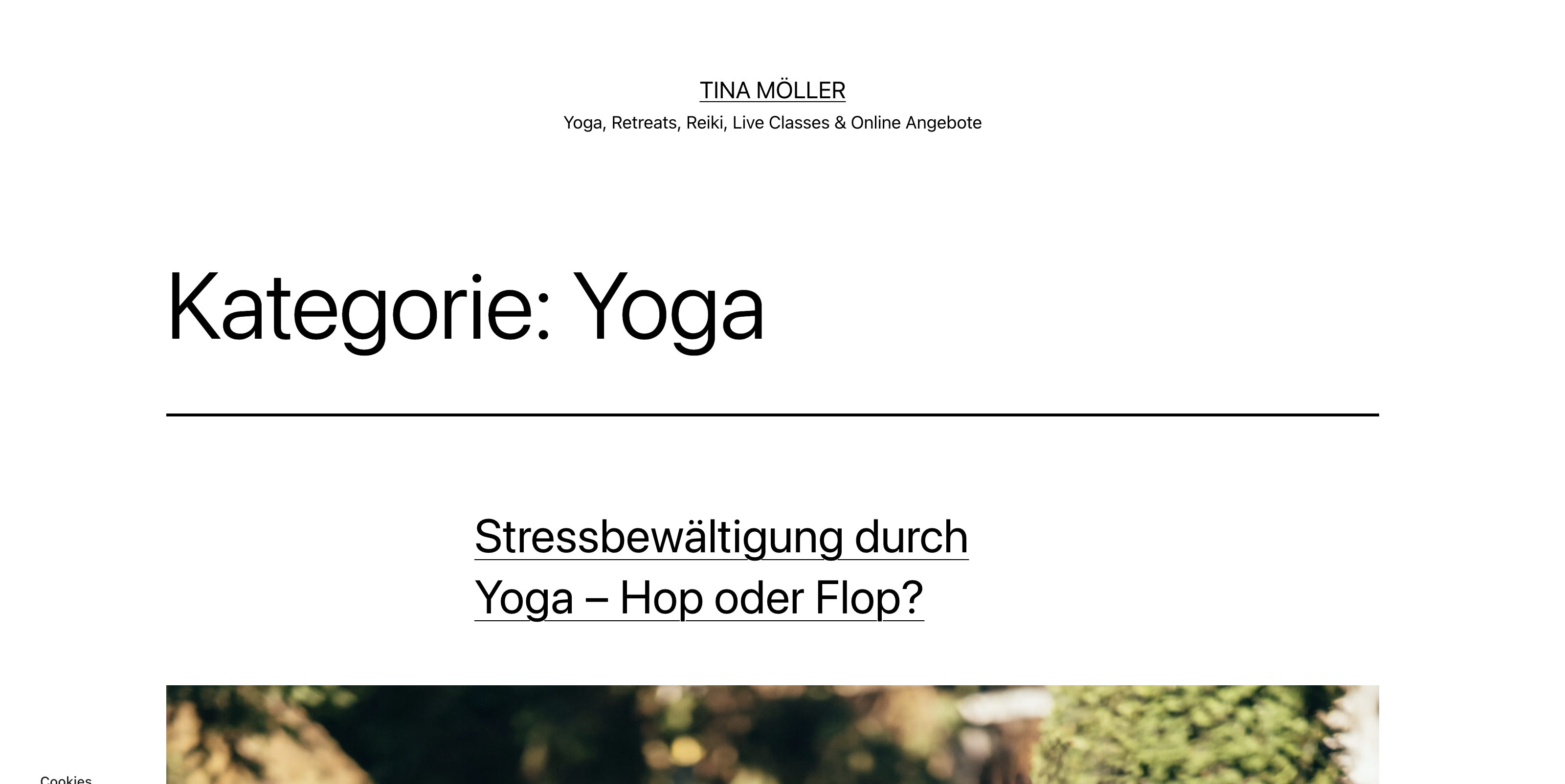
Shouldn't this be more like a tool filtering all the posts for a certain category? What are we doing wrong setting this up?0 -
Hi Leslie,
Thank you for the update.
To resolve the issue, please add 'All Categories' to your single post template.
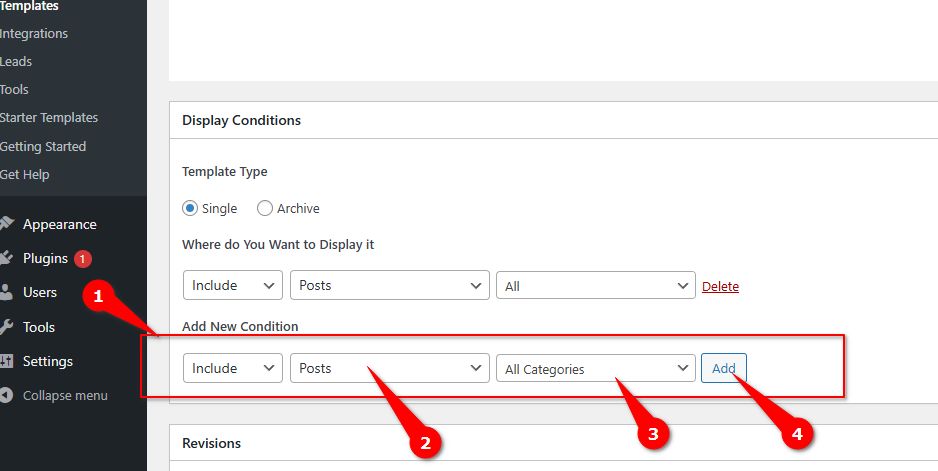
After adding the new condition, click the Update button to save your changes.
Let me know if you need further assistance.
Best regards,
Ariel H.0 -
Hi Ariel, strange, we actually did not have a single post template. Now we do, but the problem is not solved.
0 -
Hi Leslie
Thank you for the update. I can see that your blog posts are now properly displayed on the front end.
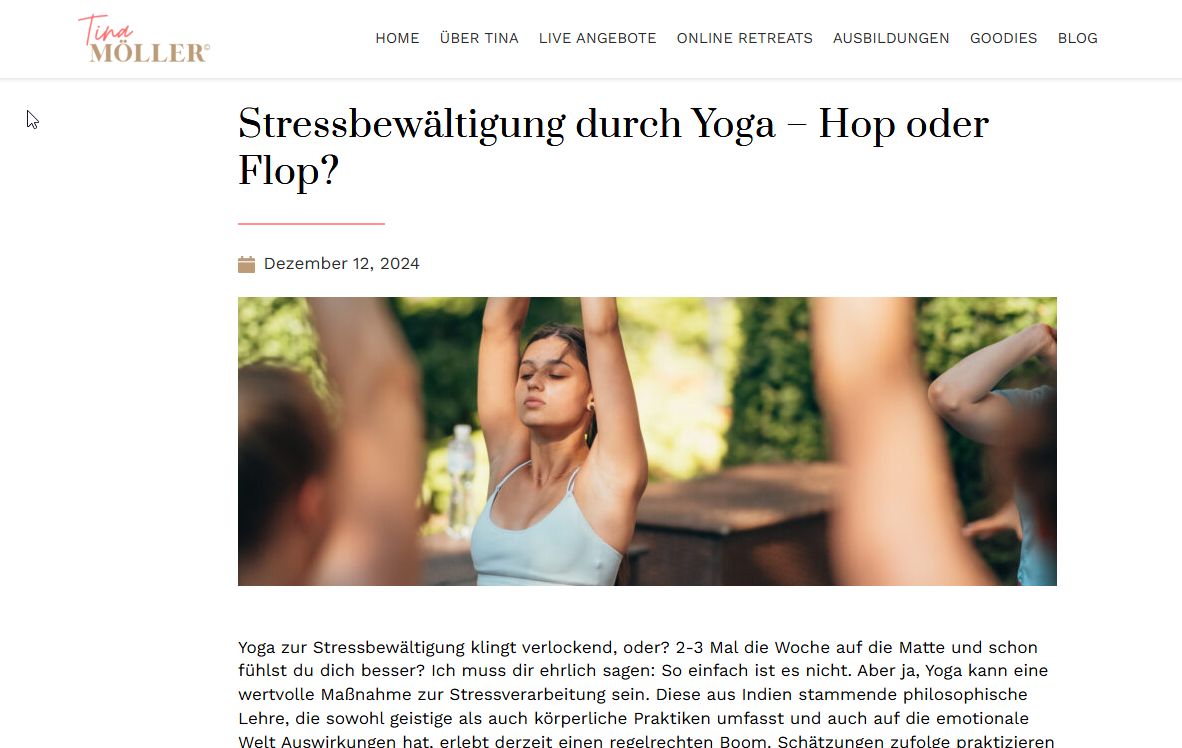
Could you clarify the main issue you're experiencing? Are you referring to a specific aspect of the blog layout or functionality that isn't working as expected?
Best regards,
Ariel0 -
Hello Ariel, thank you for helping. To clarify: The actual post layout is not the problem. It is the "MENU for KATEGORIES" to filter the blog post by kategory. If we click on it than the blogpost shows the plain WP Page as shown in my request at the beginning.
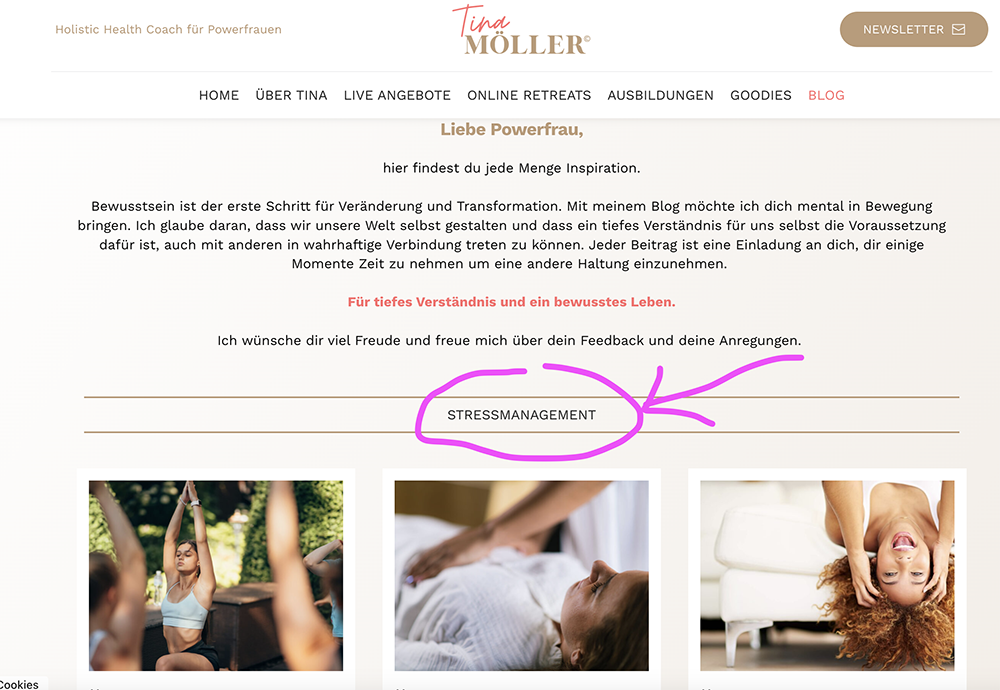 0
0 -

Hello Leslie,
Blog category archive template (to display blog posts belonging to each category) was missing in your project. I have added it now following the procedure at https://jmp.sh/7Ihnfara Now your blog post category pages have a Brizy design. Feel free to modify the design according to your preference.
0
Please sign in to leave a comment.
Comments
11 comments