Essentials/Icone - Génère une erreur

Essentials/Icone - Génère une erreur en Back-end.
Essentials/Icon - Generates a back-end error.
En mode modification page, il est impossible de modifier les paramètres d'un icone placé sur la page :
In page modification mode, it is impossible to modify the parameters of an icon placed on the page:
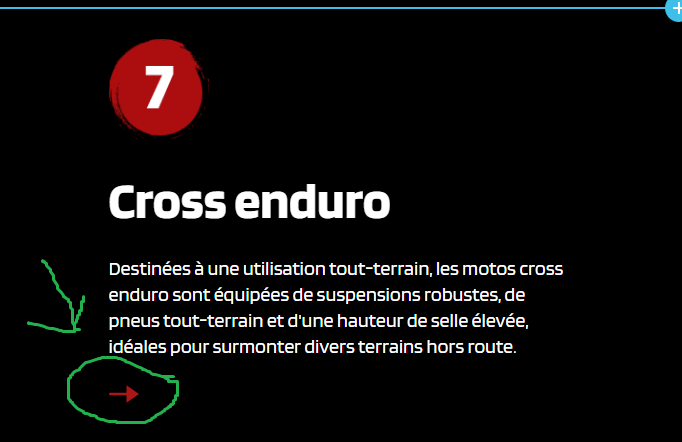
Message erreur : "Une erreur s'est produite en essayant d'afficher cet élément. Vous pouvez ouvrir un problème ou supprimer cet élément"
Error message: “An error has occurred while trying to display this element. You can open a problem or delete this element"
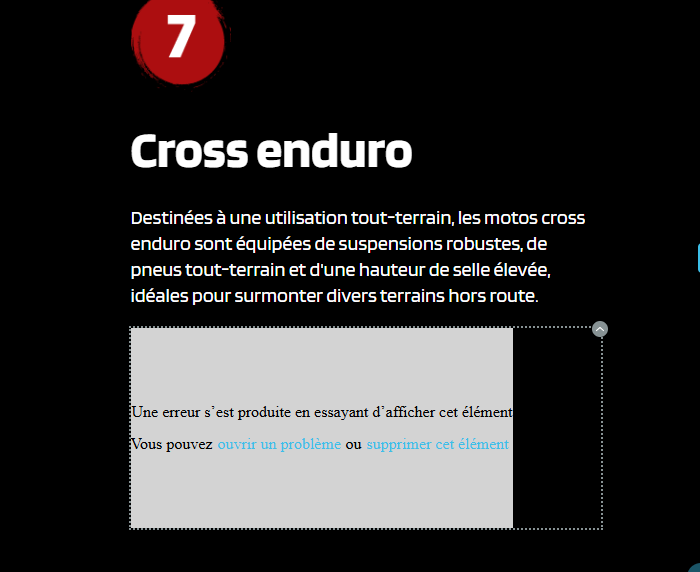
Comment corriger cet erreur, cela fonctionnait auparavant ?
How to correct this error, it worked before?
-

Hello Vincent,
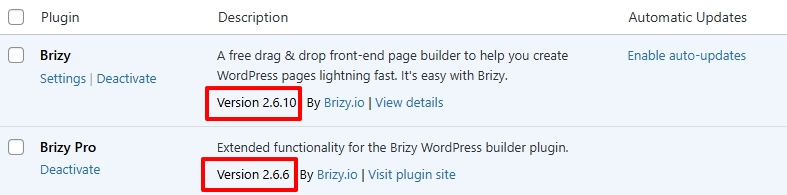
This error usually occurs when using incompatible Brizy and Brizy Pro versions. Kindly update to these versions of Brizy and Brizy Pro and check if the issue resolves
 0
0 -
Hello George
I updated to version 2.6.10 Brizy, the Pro version was up to date. However, this did not solve the problem. In fact, it got worse, I no longer have the vertical menu bar with Brizy tools in page editing. I can no longer add new pages to the site.
J'ai mis à jour la version 2.6.10 Brizy, la version Pro était à jour. Toutefois cela n'a pas réglé le problème. Cela à même empiré, je n'ai plus la bare de menu verticale avec les outils Brizy en édition de page. Je ne sais plus ajouter de nouvelle page au site
0 -

Hi Vincent,
We're sorry to hear you're having this issue with Brizy.
Please provide us with temporary access to your WP Admin page so we can take a look. Please add us as an Admin user to your WordPress Dashboard and send the following details to communitysupport@brizy.io.
Community Post link: https://support.brizy.io/hc/en-us/community/posts/24597543343762
WordPress Admin URL:
Username:
Password:Additionally, we will also need temporary access to FTP/cPanel:
FTP / cPanel host address:
Username:
Password:Best regards,
Ariel H.0 -
Hi Vincent,
Thank you for your cooperation.
Unfortunately, we were unable to resolve the issue. I also noticed that creating a new page results in a blank white screen, even with all plugins disabled. This suggests a potential issue with the theme, server configuration, or WordPress core files.
To further isolate the problem, could you try replicating the issue on a fresh WordPress installation in a staging environment? This will help determine if the issue is site-specific or related to the server setup.
Let me know how it goes.
Best regards,
Ariel H.0
Please sign in to leave a comment.
Comments
4 comments