Brizzy Contact Form Won't Send Emails

I have brizzy pro using on wordpress. Trying to set up a contact form using the SMPT option. I've added the login and host details form my website host (hostinger) and my from email matches host login details.
I've tried SSL and TLS as hostinger says both will work but neither work.
These are the host settings
Below image are the settings I've inputted.
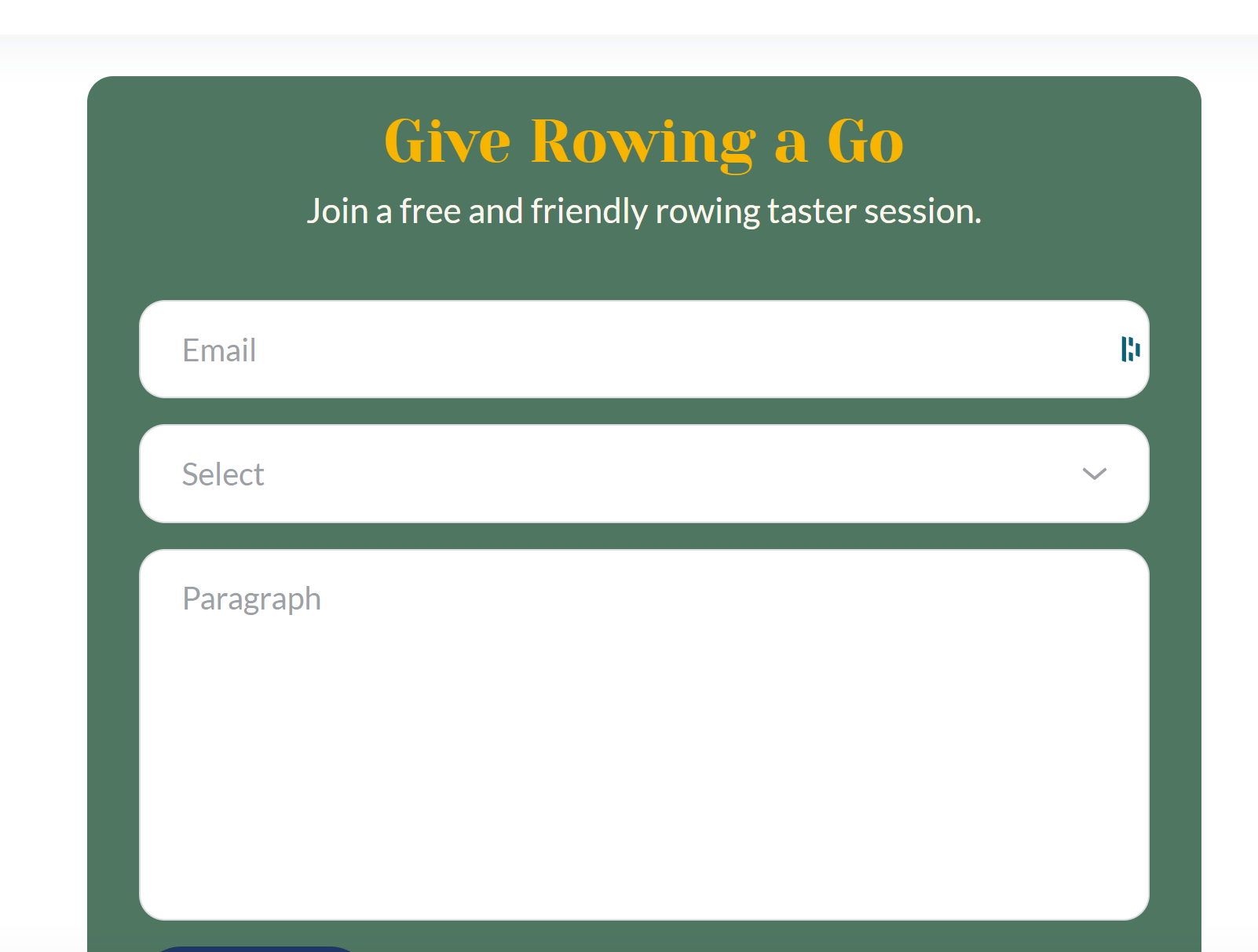
Next image is the contact form itself - am I missing something or shouldn't this form send directly to the email in my settings?
Thanks for your help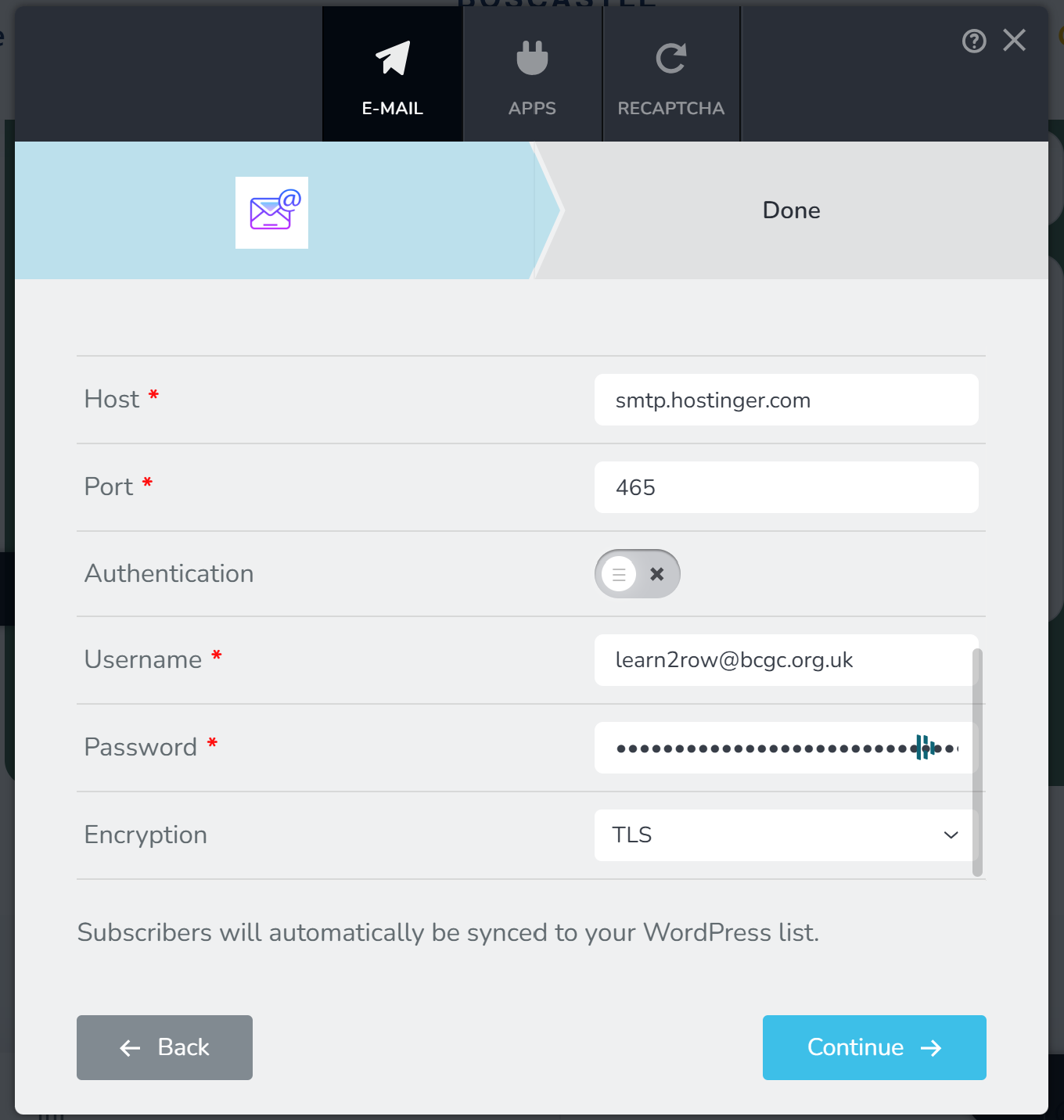
-

Hi,
Thank you for contacting us.
Please enable Authentication, everything else remains the same.
If it doesn't work, try using port 587 instead of port 465.
https://www.hostinger.com/tutorials/smtp-port-587Please try this and let me know how it goes.
Best regards,
Ariel H.0 -
Hello. I’ve tried these suggestions and still get the same issue.
0 -
Hi,
Could you please provide temporary access to your WP Admin so we can take a closer look at your site? Kindly add us as an Admin user in your WordPress Dashboard and send the details to communitysupport@brizy.io:
Community Post link: https://support.brizy.io/hc/en-us/community/posts/24356576237202
WordPress Admin URL:
Username:
Password:Best regards,
Ariel H.0 -
Hi Francesca,
Thank you for your cooperation, we received the password, but could you also send us the username so we can log in to your site?
Best regards,
Ariel H.0 -
Hi Francesca,
Thank you for your cooperation.
I checked your site and noticed that the SMTP details were missing from the form. To demonstrate how it works, I tested it using my Brevo SMTP credentials and included your email address as CC so you can verify if you're receiving the notification. You can view the short screencast here: https://youtu.be/Q2hS5UQk-vU
For testing purposes, I also created a separate page for your reference.
As long as the SMTP credentials are correct, the form should function as expected. If it's not working on your end, I recommend reaching out to your hosting provider for assistance with the correct settings.
Let us know if you have any further questions.
Best regards,
Ariel H.0 -
Hi Francesca,
It should work, as I tested with a Gmail address. However, some domains and email providers have strict authentication policies that may block SMTP when sending emails from a different domain. This is often due to SPF, DKIM, or DMARC settings restricting email sending to authorized servers.
I recommend checking with your email provider to see if any restrictions apply or if additional configurations are needed.
If possible, you could create a test email account like webtest@bcgc.org.uk and share the credentials with me—I’d be happy to test it directly on your website.
Best regards,
Ariel H.0
Please sign in to leave a comment.
Comments
6 comments