Problem with search results and Brizy

Helo,
I have the same problem as here in the ticket.
https://support.brizy.io/hc/en-us/community/posts/21099738481170-search-result-have
This string is written to the search result {{ brizy_dc_global_blocks position=’top’ }} .
please help
I have
Latest wordpress
Brizy Pro 2.6.4
Ajax Search Lite 4.12.5
thank you
-

Hello Miroslav,
Are you seeing the codes in the search suggestions provided within the search box or in search results page?
Looks like the codes that you see are part of the "Excerpt" for the page/post. When a page or a post is edited using Brizy, auto generated "excerpts" do not work well. To fix the issue, you must add excerpts manually to each page/blog post.
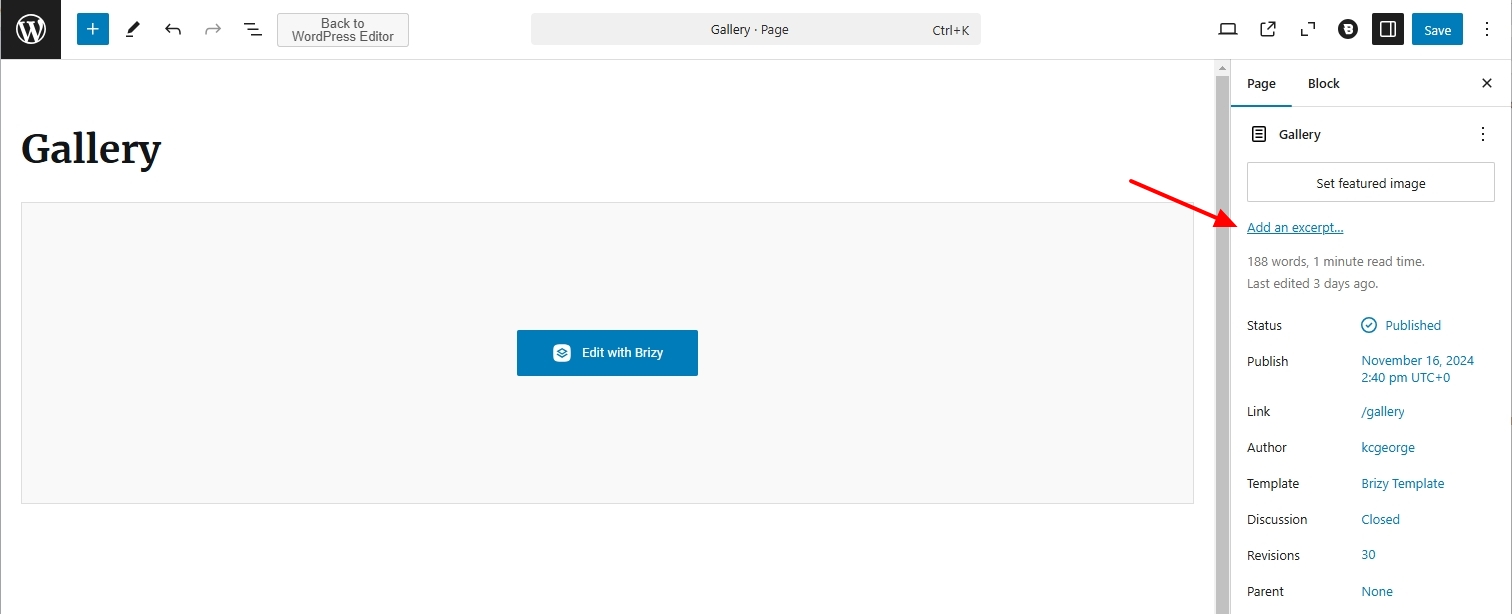
If you have several pages/posts and adding manual excerpts to all pages/posts will add a huge workload, you may need to consider either disabling search suggestions in Ajax Search Lite or use an alternate search plugin.
0 -
I enabled "excerpt" in my template for the site and added the text, but nothing changed.

Resolute:

I tried to change the theme and no result and I tried to change majory search plugin (Ivory Search, Ajax search Lite, FiboSearch)
0 -

Hi Miroslav,
Thank you for the update.
I am unable to replicate the issue on my end.
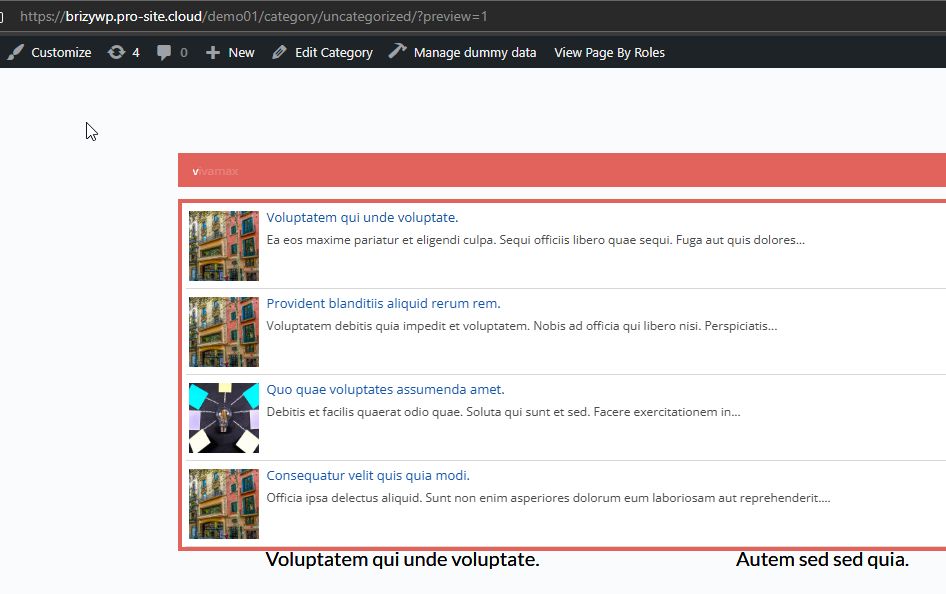
Could you please provide temporary access to your WP Admin so we can take a closer look at your site? Kindly add us as an Admin user in your WordPress Dashboard and send the details to communitysupport@brizy.io:Community Post link: https://support.brizy.io/hc/en-us/community/posts/24215238384658
WordPress Admin URL:
Username:
Password:Please make a full backup of your site as a precaution.
Best regards,
Ariel H.0 -
Hi Miroslav,
Thank you for your cooperation.
Upon checking, it seems that the problem occurs only when searching for pages, not blog posts, since they aren’t edited with Brizy. Unfortunately, this is a compatibility issue with Ajax Search Lite.
We also noticed that you’re using the Ivory Search plugin on other pages, and it appears to be working fine.
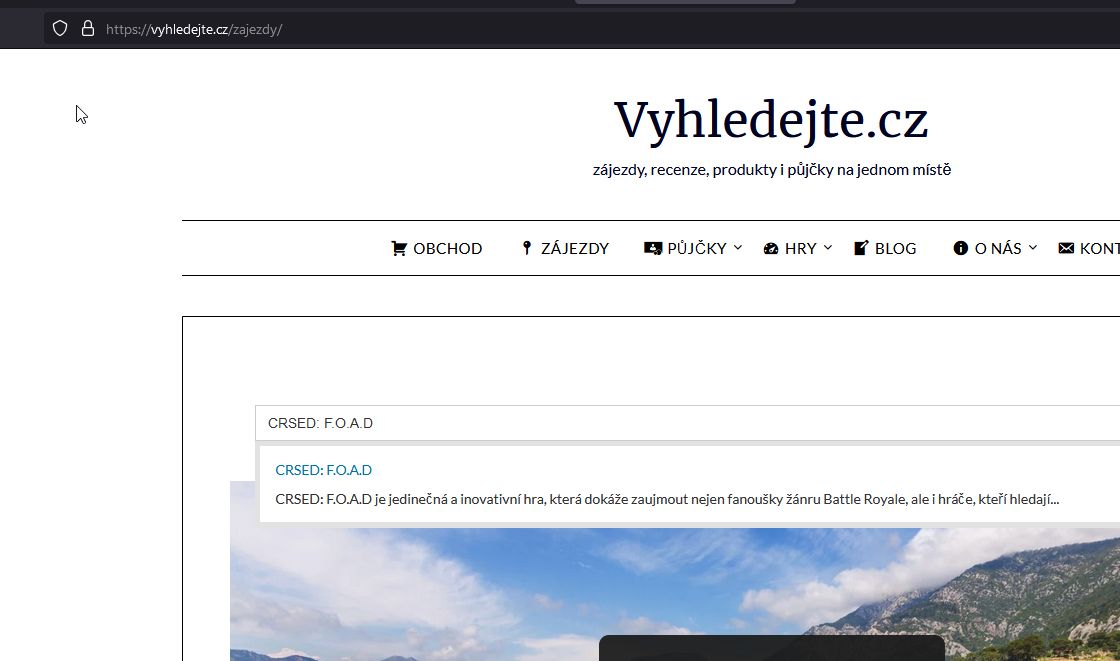
We recommend switching to Ivory Search for the homepage instead of Ajax Search Lite.
Apologies for the inconvenience.
Best regards,
Ariel H.0 -
Hello,
yes, the problem is only with pages that are edited using Brizy. Unfortunately even switching to Ivory does not solve the problem. I also tried the FiboSearch plugin and the same result. I can't believe that Brizy buider can't work with any Search plugin. I also use the competing SiteOrigin and it doesn't have this problem.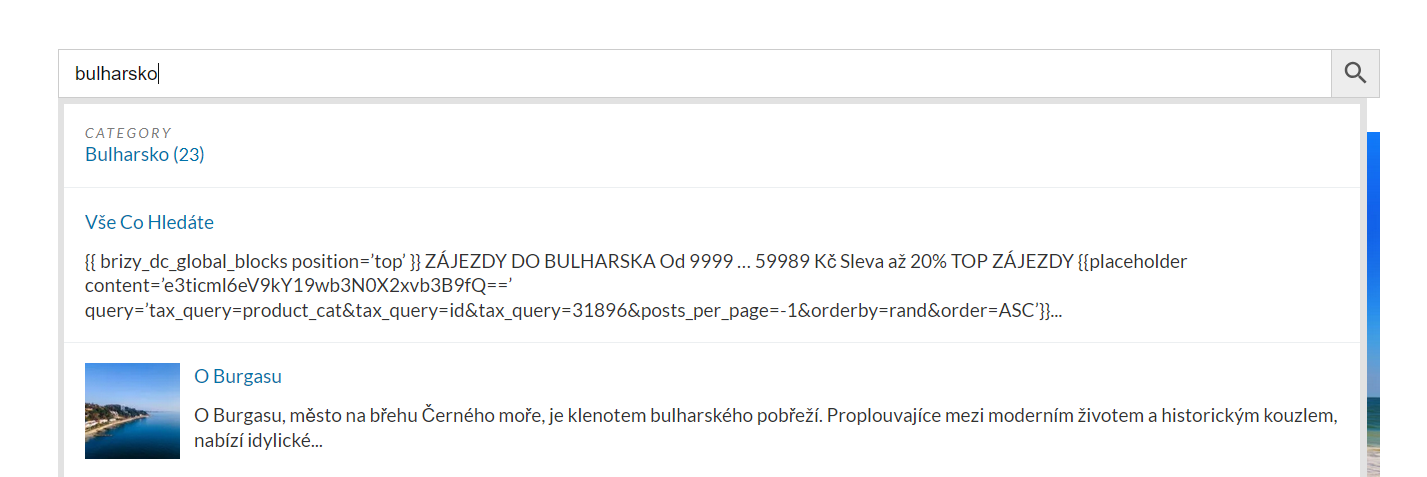 0
0 -
so I finally figured it out on my own. Anyway I'm dissatisfied with the quality of the plugins. I spent $361 with you guys and I have to fix basic problems.
0 -
Hi Miroslav,
I understand your concern, and the issue can also be reproduced using WordPress's built-in search. I’ve asked a colleague to look into it and possibly escalate it to our dev team for further investigation.
I apologize for the inconvenience caused.
Best regards,
Ariel H.0 -
Hi Miroslav,
With the latest versions of Brizy (v2.6.9) and Brizy Pro (v2.6.5), go to the affected pages, make a small update—such as adding padding or a period to some text—then save your changes. After that, try searching for the updated page in the search bar. This should resolve the issue. Repeat the process for the remaining pages.
This is demonstrated on this screencast - https://youtu.be/PlMGa62pnYA
Please give it a try and let me know how it goes.
Best regards,
Ariel H.0 -
Update working. Thank you, please close ticket
0
Please sign in to leave a comment.
Comments
9 comments