Blocks failing to upload

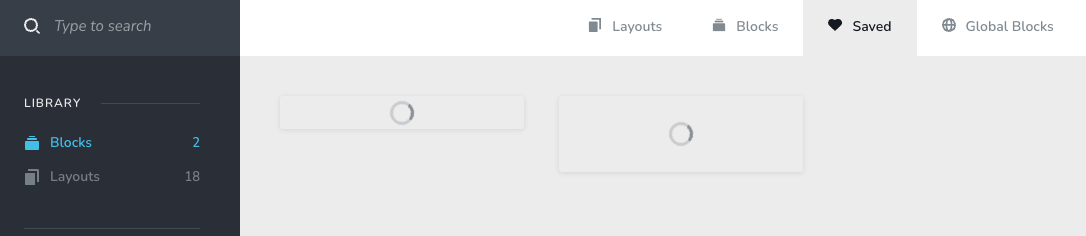
All saved blocks, layouts, global blocks are failing to upload once saved. Have tried logging into my account on Safari (told browser not compatible when attempt to save/screenshot) and Chrome without success.
Issue happened relatively recently. How can I access saved items from library and stop seeing wheel of death??
-

Hello Simon,
As suggested to you earlier at https://support.brizy.io/hc/en-us/community/posts/24104070434834 the only solution to the problem is to recreate the affected projects in the current Brizy Cloud format.
There isn't an automated procedure to migrate projects from the legacy format to the current format. However you can recreate the projects in the current Brizy Cloud project format, following a manual procedure.
- Save each page as a layout in the old project
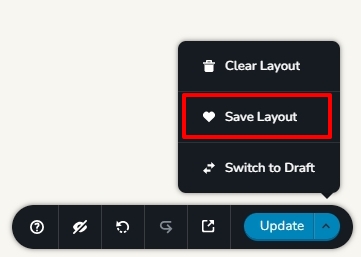
- Create a new project and add pages one by one and import the page layouts saved in step 1
- Copy paste the global styles and typography from the old to the new project
- Recreate menu, setup global blocks and display conditions
- Re-setup the email notifications for Brizy forms in the new project
0 - Save each page as a layout in the old project
Please sign in to leave a comment.
Comments
1 comment