BLOCK SAVES

My saved 'blocks' / layouts etc.... are not downloading. Using Safari browser.
-

Hello Simon,
Projects that are created after February 2021 use the current Brizy Cloud project format, while projects developed before that date use the legacy project format. A number of features that have been added in recent years, such as blogging, project duplication, multilingual websites, project cloning, AI builder, etc. are missing in legacy projects. Only projects developed after February 2021 have access to these features.
Legacy projects have these options in the project thumbnail.
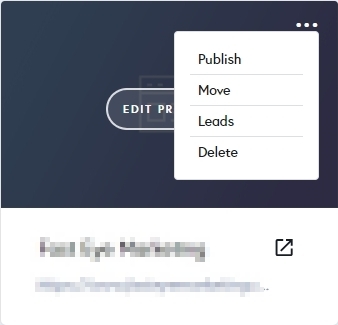
Current projects have these options in the thumbnail. The "Duplicate" option is missing in legacy projects.
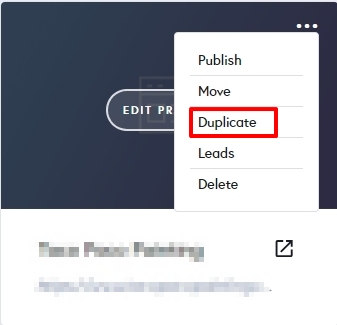
All three of your projects in your account are in the legacy project format. In the projects with the current format, saved blocks and layouts appear properly, but not in legacy projects. I have created a new project called "Current project format". You can view the saved blocks and layouts from within this project.
If you would like to reuse saved blocks, you must recreate the project in the current Brizy Cloud project format, following a manual procedure.
- Save each page as a layout in the old project
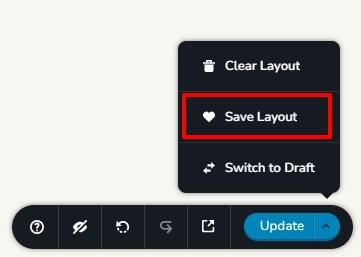
- Create a new project and add pages one by one and import the page layouts saved in step 1
- Copy paste the global styles and typography from the old to the new project
- Recreate menu, setup global blocks and display conditions
- Re-setup the email notifications for Brizy forms in the new project
0 - Save each page as a layout in the old project
Please sign in to leave a comment.
Comments
1 comment