Menus gone from Header

Hello,
The Primary Navigation is not displaying on the site https://www.harmonyepos.co.uk/ on desktop or mobile (on mobile the burger menu is there but shows nothing when clicked).
I can see it when editing in Brizy. I have changed the menu, saved and tried again but it still doesn't show.
Another update and another issue.
Thanks,
Darren
-

Hi Darren,
Thank you for contacting us.
Could you please provide us with temporary access to your WP Admin page so we can inspect your site? Kindly add us as an Admin user to your WordPress Dashboard and send the following details to communitysupport@brizy.io:
Community Post link: https://support.brizy.io/hc/en-us/community/posts/24052453704594
WordPress Admin URL:
Username:
Password:Please make a full backup of your site as a precaution.
Best regards,
Ariel H.0 -
Hi Darren,
I apologize for the inconvenience.
As a temporary fix, we’ve reverted Brizy and Brizy Pro to earlier versions. Another website, submitted by Eilidh, is experiencing the same issue, and our senior support team is currently investigating it. This issue is still in progress, and we’ll provide you with an update as soon as we have more information.
Best regards,
Ariel H.0 -
Hi Ariel,
Ok, thanks for this. Unfortunatly the Burger Menu doesn't work on Mobile. I you click the Burger menu it doesn't do anything.
However, it is wokring on desktop now.
Thanks,
Darren0 -
Hi Darren,
Thank you for the update, and I apologize for the inconvenience. I’ve escalated this issue to one of my colleagues for further investigation. I’ll keep you informed as soon as I have any updates.
Best regards,
Ariel H.0 -
Ok thanks.
0 -
Hi Ariel,
Any update on this?
So currently the burger menu doen't work on mobile, the drop-down is broen on desktop as it overhangs the primary menu name.
It's not great to be honest and we're getting questions we can't answer from our client.
Thanks,
Darren0 -
Hi Darren,
I apologize for the delay. The update to address this issue is currently in the beta testing phase and should be rolled out soon.
Best regards,
Ariel H.0 -
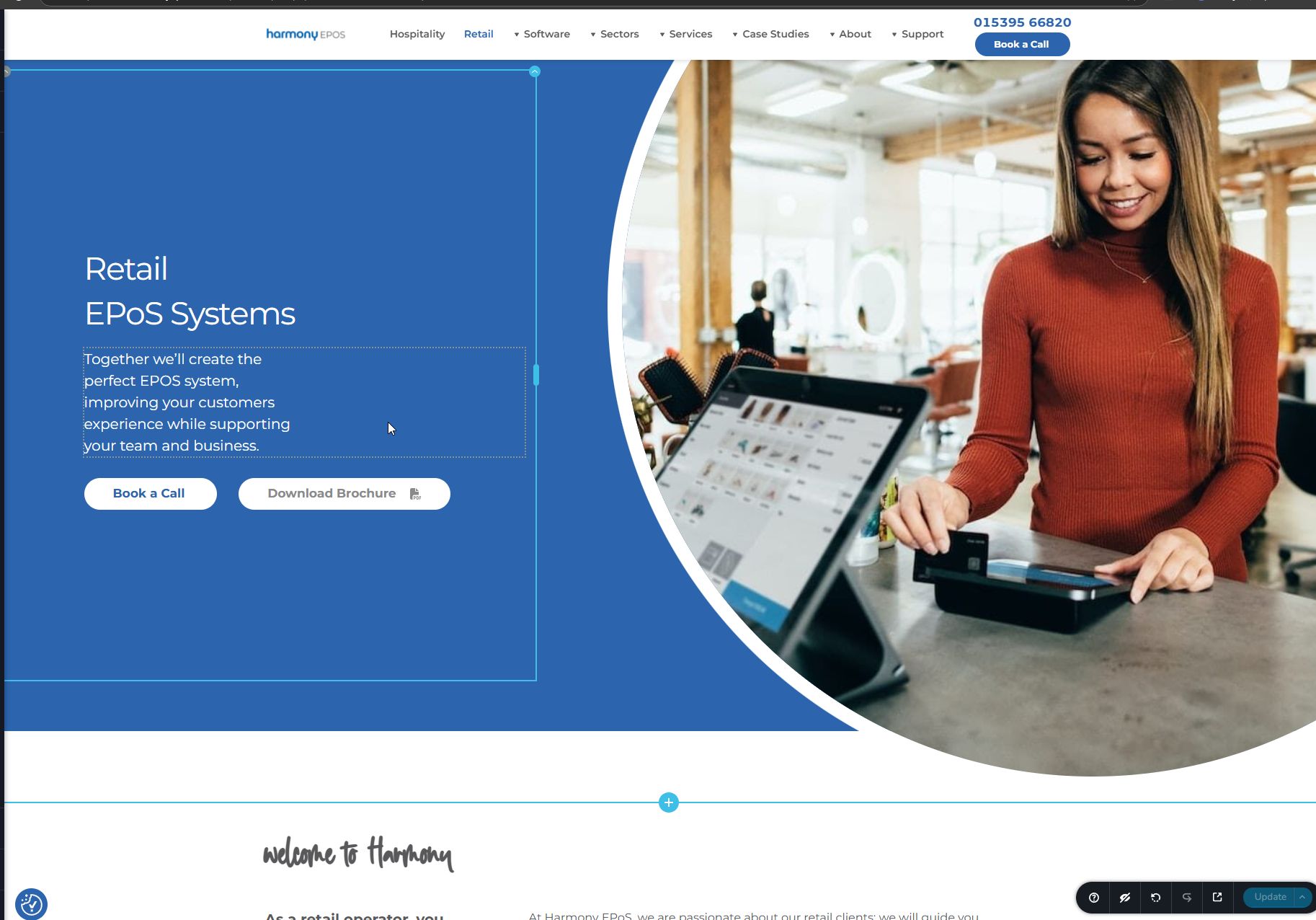
Ok, we've also noticed that this page https://www.harmonyepos.co.uk/retail/ no longer works and we're unable to edit it in Brizy. It just spins without the editor opening.
Could you help with that please?
Thanks,
Darren0 -
Hi Darren,
Upon checking, it seems the issue is related to the Redirection and Smush Pro plugins. Temporarily disabling them will allow you to make changes to the page, and you can re-enable them once you're done. The page layout was broken earlier, but it’s working fine now.
Best regards,
Ariel H.0 -
Ok, I also turned off Hummingbird and the problem just went away thankfully.
0 -
Hi Arial,
I see there is a Brizy udate today so I'm going to run the updates.
Our client is very frustrated as he wants to send out newslettet to his own clients but can't as the burger menu doesn't work and ovwer 30% iof his client look at his site on mobile.
If I run the update and it doesn't work, can you asist in installing an older version again?
Thanks,
Darren0 -
Unfortunatly the update has once again hidden the menu on desktop and just shows an empty menu on mobile.
Really, really frustrating!
0 -

Hello Darren,
Should we roll back to Brizy 2.6.4 and Brizy Pro 2.6.3? We can do this with the previous access you had given us. Please confirm
0 -
Sorry, I had an idea. Can the sticky menu appear straight away as the menu works in sticky on desktop and mobile?
Guess we just need some code or know where to change the ofset to zero.
0 -
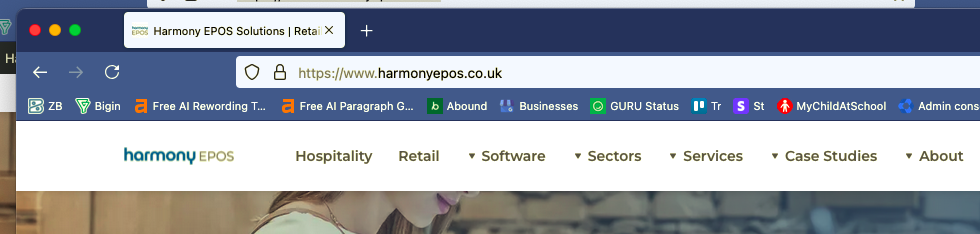
This is the sticky menu which works just fine.
 0
0 -
Hello Darren,
Regular menu and the sticky menu are two different menus. Hence the above solution may not be feasible. However setting the menu to "Static" seems to work for desktop and mobile. Please check.
0 -
Yeah I thought as much but just wanted to try and find a quick work around so that we can get the menu working on mobile too which it now is.
Thanks for your help with this. I'll let our client know.
0
Please sign in to leave a comment.
Comments
17 comments