Issue with Media Library: Pictures Not Displaying or Insertable

I’m encountering an issue where pictures from the WordPress Media Library are not displayed and cannot be inserted into my Brizy project. This occurs both with previously uploaded images and new ones added to the library.
Could you please help me troubleshoot this? Let me know if you need further details or access to investigate the issue.
Thank you in advance for your support!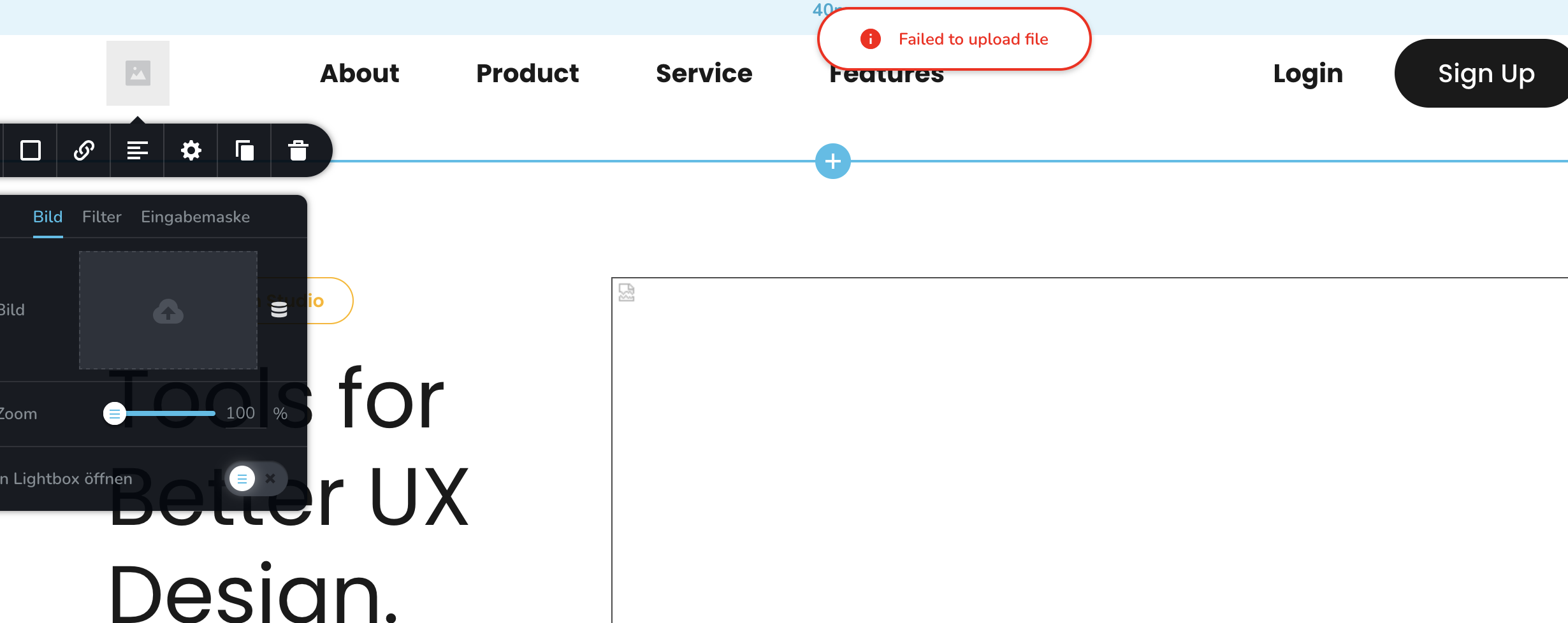
-

Hi Sascha,
Thank you for contacting us.
To help us understand and resolve the issue you're facing, could you please confirm that you're using the most up-to-date versions of Brizy and Brizy Pro?

If the issue persists, try these steps:
1. Deactivate all other plugins except Brizy and Brizy Pro. If the problem goes away, reactivate plugins one by one to find the conflicting plugin.
2. Also, try switching to a default WordPress theme to see if that resolves the issue.If neither deactivating other plugins nor switching themes resolves the issue, we may need to investigate further by accessing your WordPress admin area. To ensure your website's security, please create a temporary admin user account specifically for our support team. Once created, please send the following information to communitysupport@brizy.io:
Community Post link: https://support.brizy.io/hc/en-us/community/posts/23978920651026
WordPress Admin URL:
Username:
Password:Before granting us access, we strongly recommend creating a full backup of your website as a precaution.
Best regards,
Ariel H.0 -
Hi Sascha,
I apologize for the inconvenience. We’ve reverted Brizy and Brizy Pro to the following versions:

I’ve installed the ‘Download Plugin’ plugin so you can download the working versions to your production site while we work on resolving the issue.
Please don't update your staging site’s login details, as I’ll be escalating this issue to our senior support team for further investigation. I’ll get back to you with an update as soon as I have more information.
Best regards,
Ariel H.0
Please sign in to leave a comment.
Comments
2 comments