Mega Menu is now messed up

Sorry to be so pointed with the title, but I don't know how to describe it. Since updating the Brizy/Brizy Pro plugin yesterday, which while the mega menu looks fine on page editor:

It is horribly screwed up on the page view:
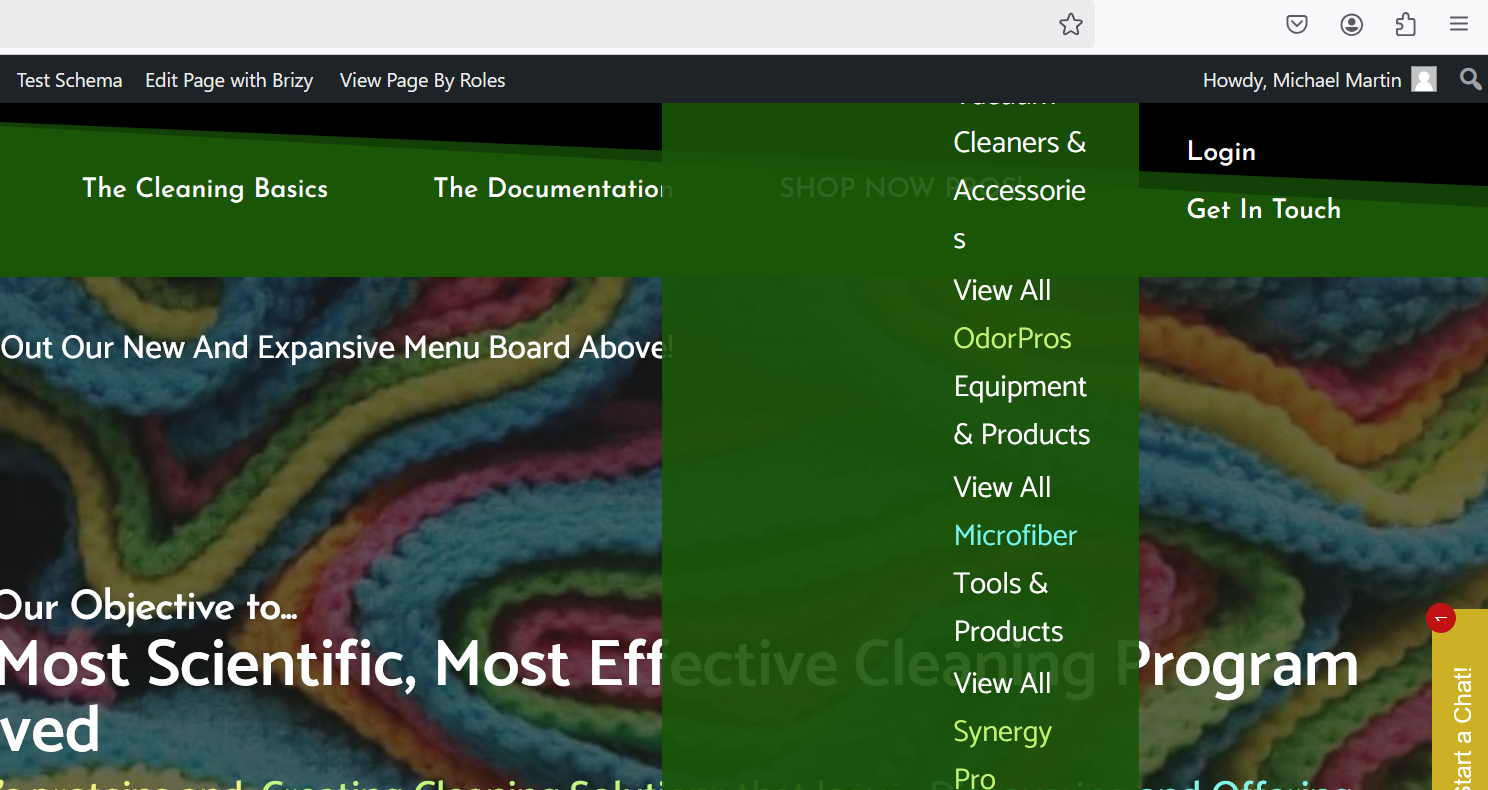
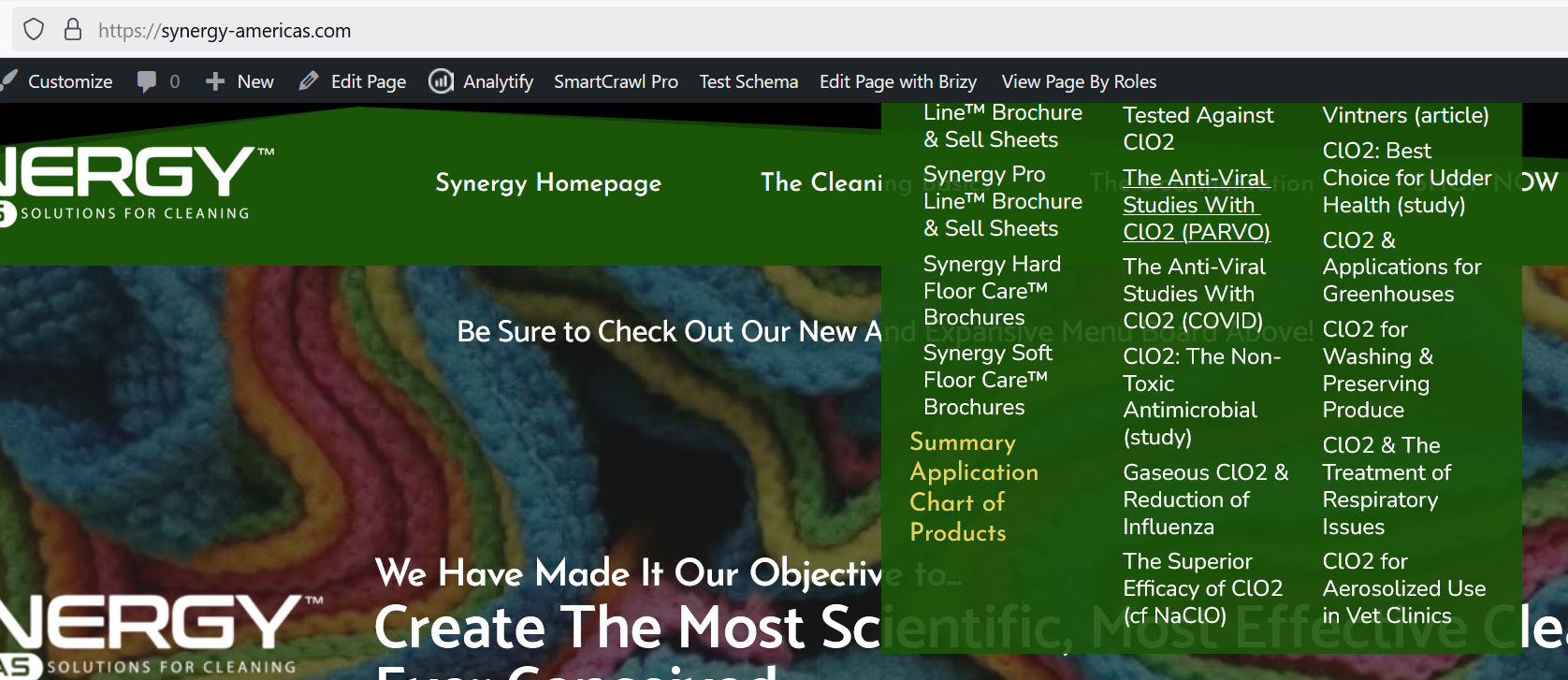
-

Hi Michael,
Thank you for contacting us. Please ensure you have the following versions installed and let us know if the problem persists.
 0
0 -
 0
0 -
I also disabled my optimizer plugin, Hummingbird Pro, and it has made no difference.
0 -
Hi Michael,
Please provide us with temporary access to your WP Admin page so we can take a look. Please add us as an Admin user to your WordPress Dashboard and send the following details to communitysupport@brizy.io.
Community Post link: https://support.brizy.io/hc/en-us/community/posts/23973461814418
WordPress Admin URL:
Username:
Password:As a precaution, we recommend creating a full backup of your site.
Best regards,
Ariel H.0 -
Hi Michael,
Thank you, please give me a few minutes to check this.
0 -
Hi Michael,
Thank you for your cooperation.
The mega menu seems to be working now. Please check it on your end to confirm. You might need to clear your browser cache or try using a different browser to rule out any caching issues. For now, we’ve applied a manual fix to address the problem. Our developers have been informed, and the issue is expected to be resolved in an upcoming update.
We apologize for the inconvenience. If you have any further concerns, don’t hesitate to reach out.
Best regards,
Ariel H.0 -
Ariel -
You have MADE my DAY! Thank you!
0
Please sign in to leave a comment.
Comments
7 comments