Media Library Not there in duplicated site

Hi,
I recently duplicated a site due to gettting a 500 error. However the media library was not duplicated, when I click it there is nothing there.. BUT the site shows with all of the images as it should. The media library is there and hiding OR it is referencing image locations from the old site. I am needing to use the uploaded media in the new (duplicated) site and will eventually want to delete the old site that was throwing the 500 error.
-

Hi Gary,
Thank you for the update.
The images are still being referenced from the old site, which is why they’re showing up on the new project, even though they’re not appearing in the media library.
Deleting the original project with the 500 error won’t affect the media already present on the new project. The images will still be there and won’t be deleted.
If you have any further questions, please let us know.
Kind regards,
Ariel H.0 -
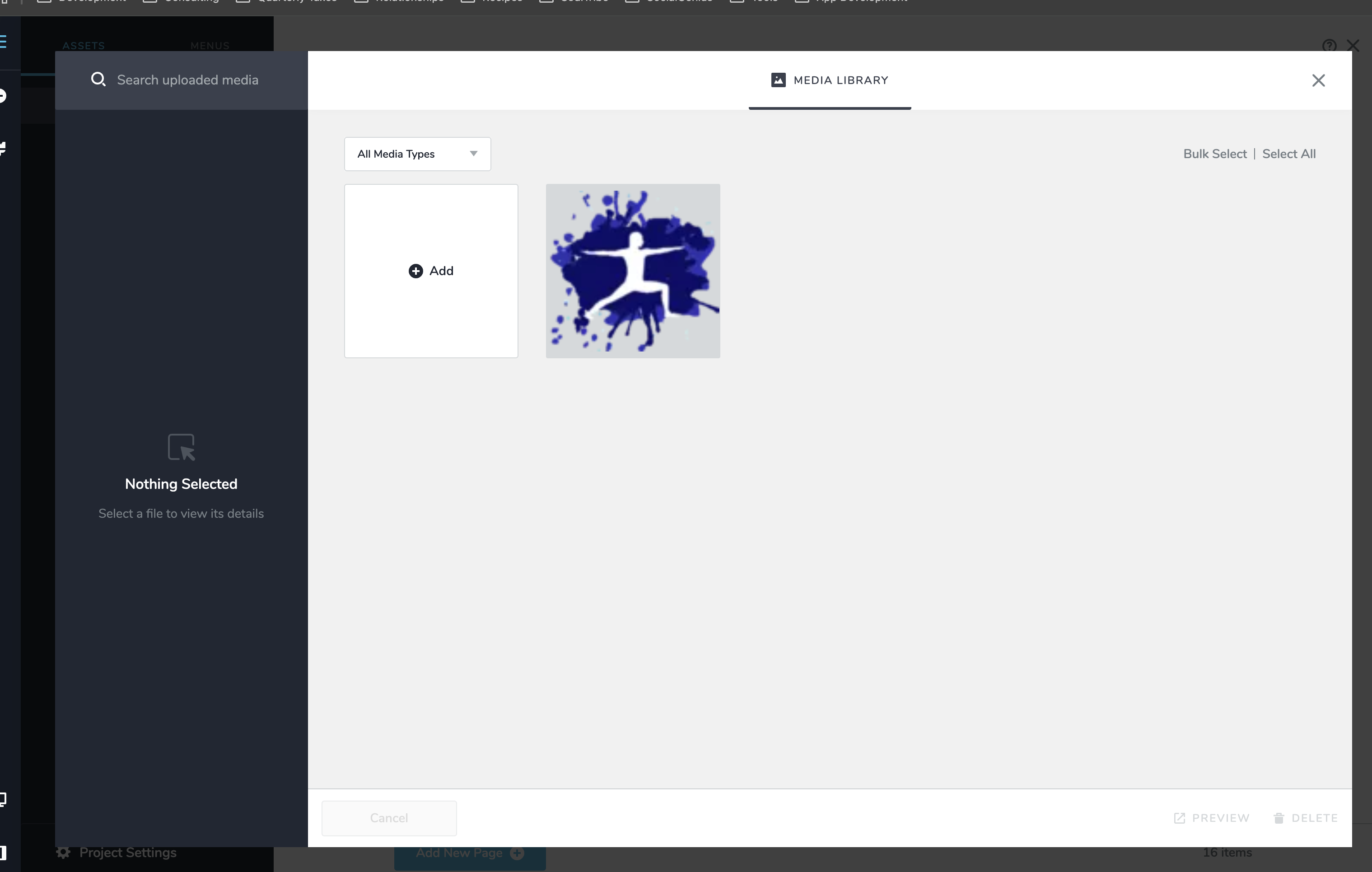
Ok, just so I understand. If I delete the old project the images will still be there. BUT I cannot see them in the new project right now. Will I be able to see them after the deletion? I need to reuse some of the images and cannot see them in the new project.
Here's the new project's media library:
 0
0 -
Hi Gary,
You can reuse the current images by going to the block where they’re used, saving it as a block, and then importing it into a new page. Alternatively, you can copy the images and paste them into other sections of your pages, as shown in this screencast - https://youtu.be/dOkkyvs2W1c
If you have any further questions, please let us know.
Kind regards,
Ariel H.0 -
Ok but I will not be able to have access to the images that are already in the pages in the media library?
Is there a way to copy pages from projectA to projectB?
0 -
Hi Gary,
You can use the sync feature to accomplish it, for more details please refer to this link - https://youtu.be/iid5ZagYpuE
0 -
I went to the project that has the page layout I want to save and it shows up as a saved layout in that project, but when I go to the old project there are 0 saved layouts. There is an option to import, but that is not how sync should work according to the video. Please advise.
0 -
Also would like to duplicate a blog including posts. Essentially need to bring across the data from one project to another. How can I export or sync the posts?
0 -
Hi Gary,
Thank you for the update.
Could you share the projects you’re working on from your account dashboard so we can take a closer look?
Syncing posts from a project should follow the same process, but we’d like to review your projects to understand why the sync isn’t working.
Looking forward to your reply.
Best regards,
Ariel H.0 -
They were not in the same workspace. I had moved the old one out so that I wouldn't get confused.
Is there a way to easily export blog posts (data) and import it in another site?
The 500 error thing really got me messed up since I thought duplicating the site would duplicate everything, including the media library. I didn't know until I tried to add an image in the duplicated site, which I had done a lot of work adding blogs to, that the media library didn't duplicate. Now I'm having to merge these sites.. :(
0 -
Hi Gary,
My apologies for the late reply. I raised this issue to our senior support team to look into this issue, I also asked them if they could fix the error 500 in the old project. I will get back to you as soon as I have an update.
Best regards,
Ariel H.0 -
Hi Gary,
Thank you for your patience.
Could you please check if you’re still encountering the error 500 you reported in the original project you were working on? Also, can you confirm if this is the project you’re referring to: https://aardvark665ec8f9.brizy.site/
Looking forward to hearing from you.
Best regards,
Ariel H.0 -
Hi Ariel,
Yes that project is back up and I have it ready to go now. All images are there and in tact and just in time too!
Question, when does the 24 hour window for SSL start? When I select and generate the new records or when I make the change in the dns? Or do I need to request it manually?
Please advise
Gary
0 -
Hi Gary,
Thank you for the update. The DNS changes typically shouldn’t take 24 hours to take effect. If you’ve already pointed your domain to Brizy Cloud but the SSL hasn’t activated yet, please let me know, and I’ll ask our team to look into it for you.
Best regards,
Ariel H.0 -
Hi Ariel,
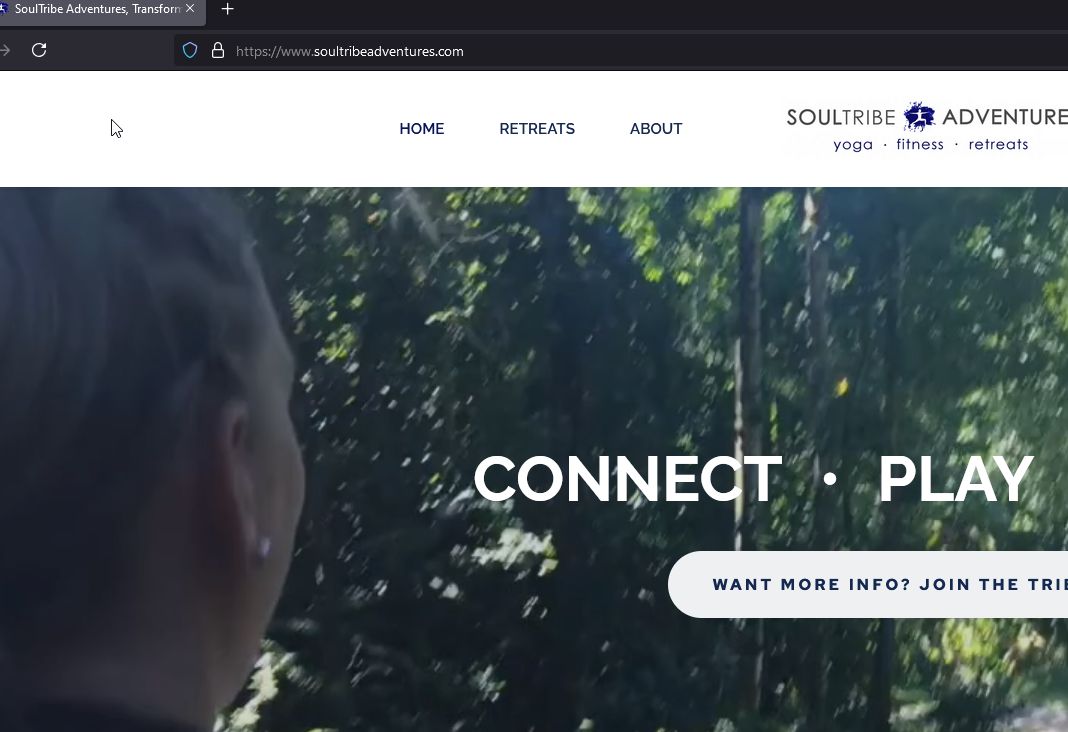
Please have someone look into it. I have activated my site and there is no SSL.
0 -
Hi Gary,
It appears to be working on my end, could you please try clearing your browser cache or try in on another browser.
 0
0 -
Appears to be working now. Thank you!
0 -
I have a global menu that is behaving strangely on one page on desktop. It is behaving correctly on all others. the page is https://www.soultribeadventures.com/greece would you mind taking a look and telling me why when I hover over menus on that page the div shifts up over the main menu and the colors are off? compared to any other page?
Also the site seems slow, can we fix that?
Thanks
0 -
Hi Gary,
Thank you for the update. Could you try updating the global header by adding 1px of padding, saving the changes, and checking if this resolves the issue? If it works, you can revert the changes afterward.
Best regards,
Ariel H.0 -
I tried adding the padding to the menu and the row that contains it, but that one page still has the bad menu. I've also tried removing and adding it again. Very strange because this page was a duplicate of another that works as it should.
0 -
Hi Gary,
Thank you for the update. We're now looking into this issue, I will get back to you shortly.
0 -
Hi Gary,
Thank you for your patience. After checking, it seems there's a glitch with the carousel element that's causing the menu to overlap. I noticed there are about three carousels on this page. Could you please remove all of them, save the page, and check if the menu is functioning correctly? Once you've done that, you can add the carousels back and test the menu again to see if rebuilding the carousel elements resolves the issue.
Please give this a try and let me know how it goes.
Best regards,
Ariel H.0 -
Hi Ariel,,
Removing the final carousel seems to work for the menu, however something else seems to be off because the other images that are farther down the page are not displaying. Namely the retreat leaders. I'm confused as to how it can work on all of the other retreat pages but this one. https://www.soultribeadventures.com/greece is a copy of a previous page (/italy). I then copied /greece to /mexico and the menu works on that page as well. This is a page specific problem.
0 -
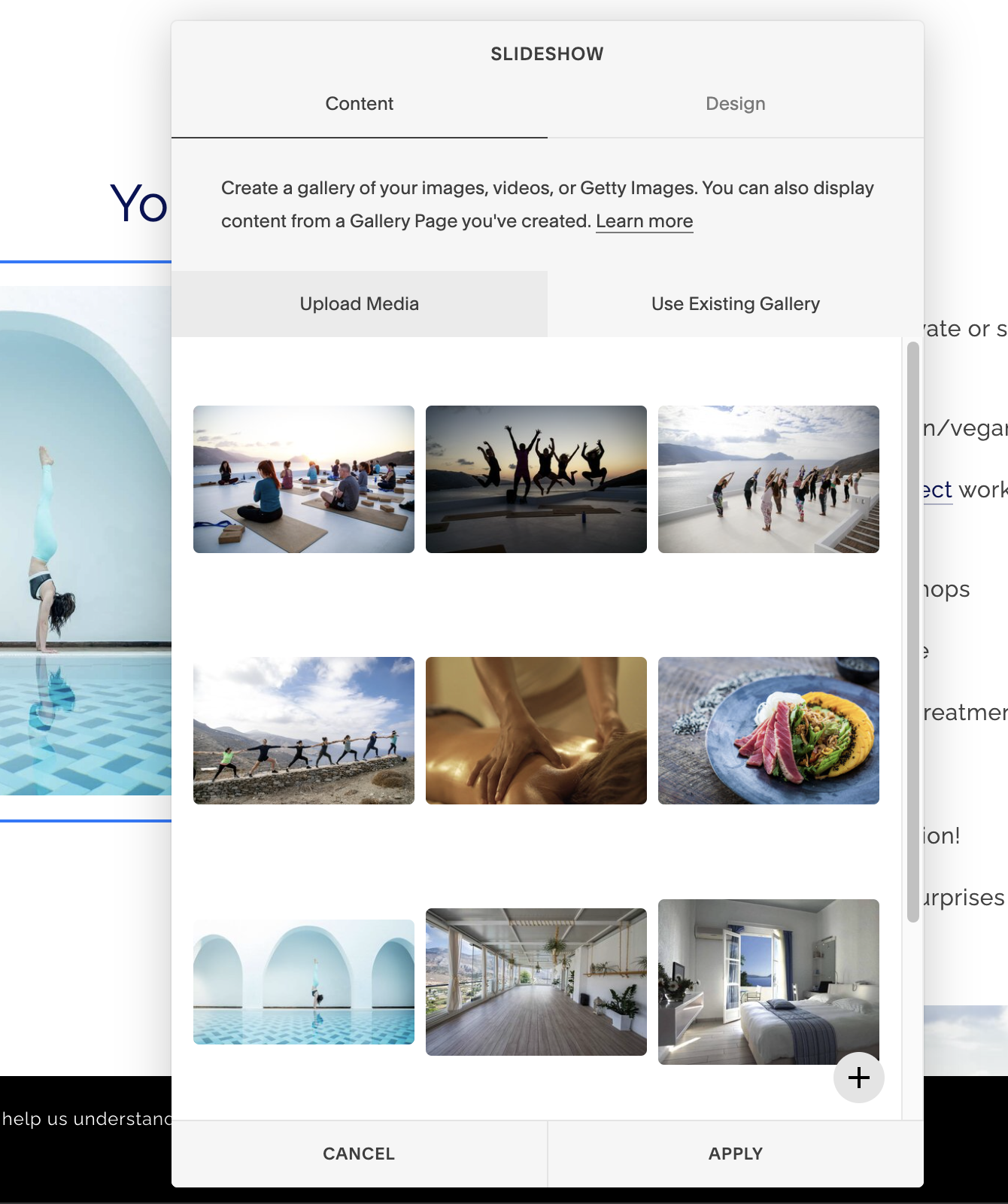
By the way those sliders are cumbersome to build need to have a better way to add images, manage their order, etc. SquareSpace does a great job of allowing you to use a gallery (custom asset would work beautifully) and to see what images you have in the slider already. See attached.
 0
0 -
Hi Gary,
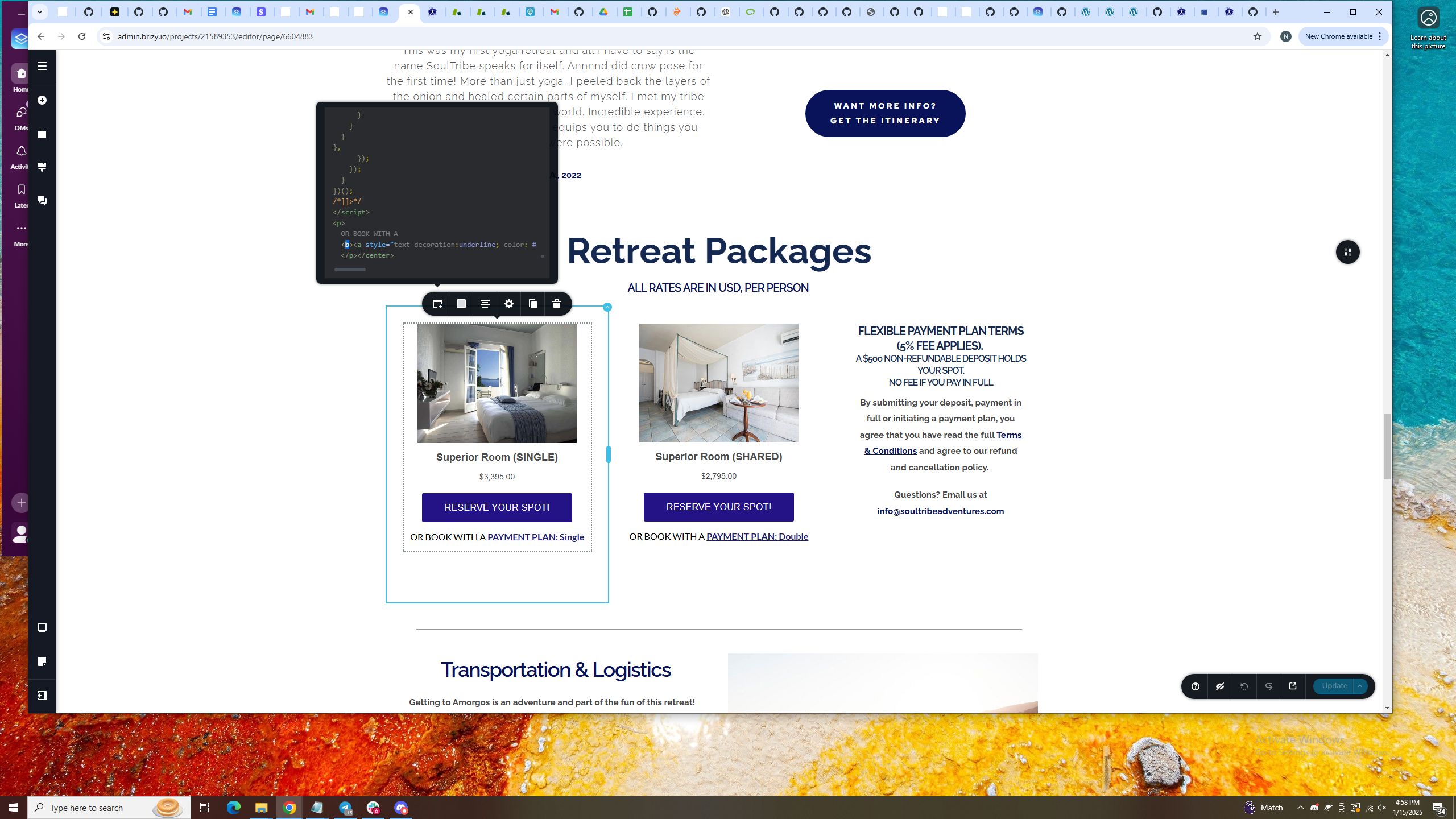
Upon checking, it seems the issue is caused by a missing closing <b> tag.
 0
0 -
Hi Gary,
Thank you for your feedback. I understand how important it is to have an easy and efficient way to manage them. I encourage you to share this as a feature request at https://www.brizy.io/ideas-and-roadmap. This platform helps us better track suggestions and prioritize feature requests based on user feedback.
We truly appreciate your input.
Best regards,
Ariel H.0 -
Perfect Ariel!
That fixed it. I will submit a request on the other platform for this.
0
Please sign in to leave a comment.
Comments
26 comments