Getting 500 error on all pages in admin

I am attempting to migrate a site from SquareSpace and in moving the blog began to see some type of JSON error on saving the pages. Then whole admin area of that site returned 500 Internal Server area. Please advise because I'm on a tight deadline with this project.
-

Hi,
Thank you for reaching out to us.
Could you please share the Project Name and the Preview URL of your project from the Brizy Cloud Dashboard so we can investigate further?
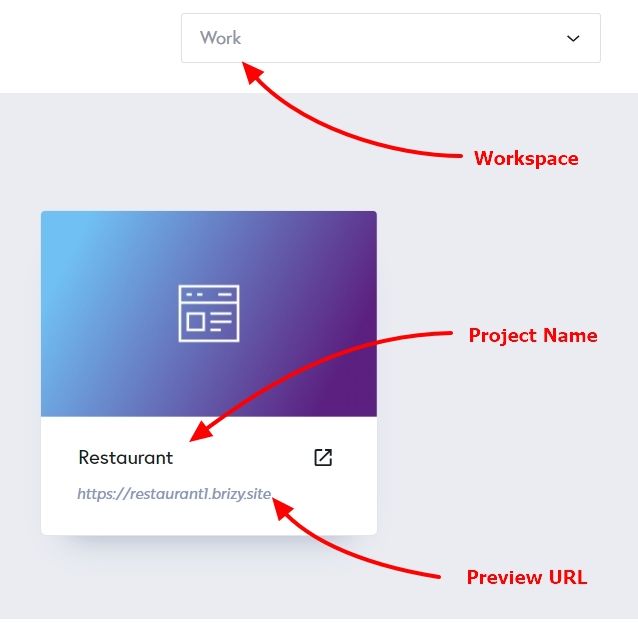
Best regards,
Ariel H.0 -
 0
0 -
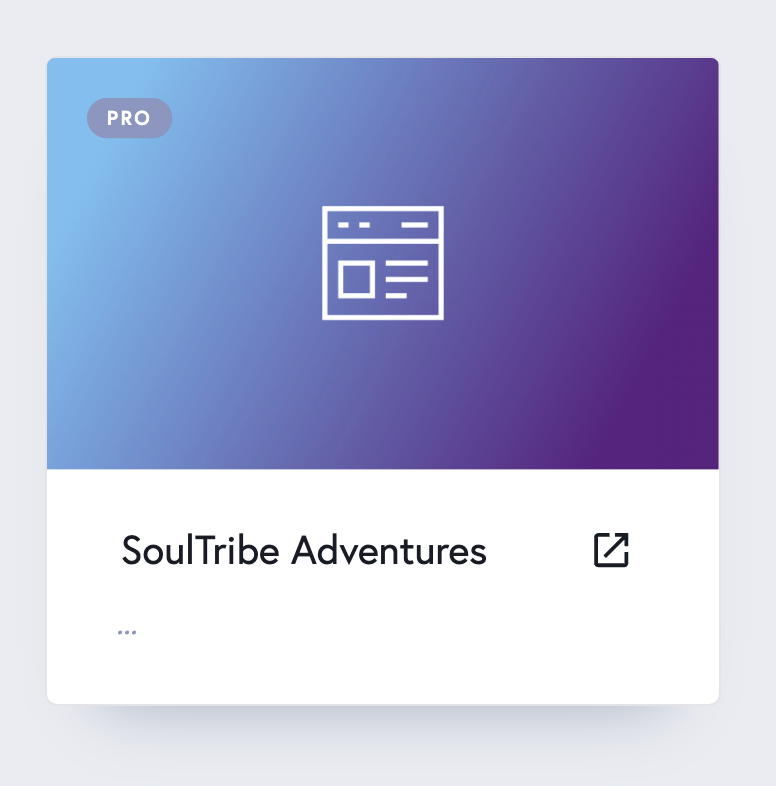
The workspace name is the same as the project
0 -
I was able to duplicate it and it now works and gives the preview url of dungbeetle....brizy.site. Is this a common issue? Also, I sign in with a google account but my user name shows up as just a random set of characters. How can I chnage to my actual name?
0 -
Oh and one more thing... For this site move I need to back date the publish date for the blogs. How can I do that?
0 -
Hi Gary,
Thanks for the update!
I’m glad duplicating the project addressed the issue. This kind of issue occurs occasionally, but we always try to fix it right away. If it happens again with your new project, please don’t hesitate to let us know. Regarding your username, you can update it by clicking the person icon in the top-right corner, selecting Profile, and editing your details there.
About backdating blog publish dates, I’m afraid Brizy doesn’t currently have that feature. As a workaround, you could add a "Published On" note within the blog content to show the correct date.
If there’s anything else you need help with, please let us know.
Best regards,
Ariel H.0 -
It's fine right now, but what if it were to occur on a published project using my custom domain? wouldn't' that cause the site to be down while you fix the problem? I won't be able to duplicate it then obviously.
0 -
Hi,
Thank you for sharing your concern, and we understand your worry about this happening on a published project using your custom domain.
As we mentioned earlier, this issue is quite rare, and when it does occur, we work to resolve it immediately as soon as it’s reported. If such a situation were to occur, our team would prioritize fixing it without the need for duplication, ensuring minimal interruption to your site.
If you have any further questions, please let us know.
Kind regards,
Ariel H.0
Please sign in to leave a comment.
Comments
8 comments