503 Service Unavailable when trying to edit a page (new or existing)

Hello, I have Brizy PRO. When I try to edit a page, or create a new one with Brizy I end up at "503 Service Unavailable". What can be the issue? I have already checked with the webhotel that could not see anyting.
Screenshot here: 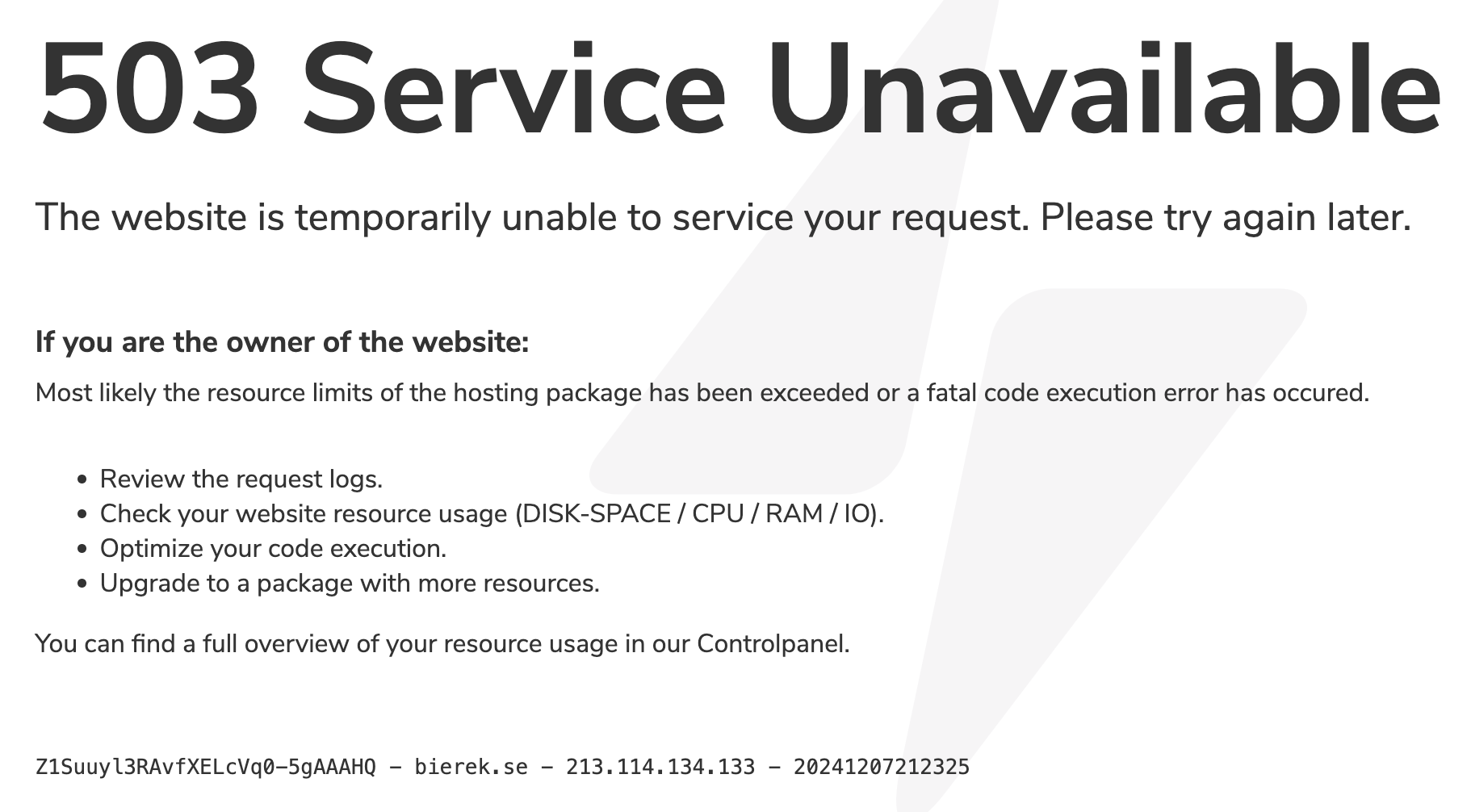 I deleted and reinstalled both plugins, same issue remains. I think you made some change to a clients website earlier on the same matter, but I don't remember what the change was.
Thank you for any advice on how to proceed,
Best Emily
-

Hello Emily,
We would like to take a look at your hosting account to troubleshoot this issue. Kindly add a new user to your Simply.com hosting account following the procedure below. Have a look at the screenshot https://jmp.sh/AoIs8SVc
- Sign into your Simply.com hosting account and access your profile section at the top right corner.
- Select "Account Management" option
- Under the heading "Users" select the "Add User Access" button to add a new user to your hosting account. Kindly send an invitation to our email communitysupport@brizy.io
We would also like access to your WordPress Dashboard. Kindly add a new user to your WordPress Dashboard and send the following details to our email: communitysupport@brizy.io
- Support Forum link: https://support.brizy.io/hc/en-us/community/posts/23138361475858-503
- WordPress Admin URL:
- Username
- Password
Please let us know in this forum when you send us the email.
0 -
Hello Emily,
Your hosting plan has a memory limit 512 MB RAM. During page edits, this limit gets exhausted. Hence you see the error "503 Service Unavailable" Kindly refer to their support article at https://www.simply.com/en/support/faq/50/587/ One solution is to upgrade to a higher plan to resolve this issue.
You could also consider switching to alternate host like https://brixly.uk/. Their Infinity plan at https://brixly.uk/unlimited-web-hosting should work for you.
0 -
Hello again,
Why does the same setup then work for my client? They have 512 MB RAM and the same Basic suite package. The website of mine is a "demo" version for my client's website. I test things before going live for the client. I think you made a config a while ago for my client's website to make this work, I just can remember what the change was.
Thank you in advance,
Emily0 -
If I test to disable Brizy + pro and try to edit pages, the 503 goes away?
0 -
Hello Emily,
We don't have a record of of configuration changes made by us. Is it possible that the changes were made by the Simply.com Support?
Editing of pages work only with the Gutenberg editor. I could not make edits to a page using Elementor as well.
0 -
Hello again, it was support by you at "augusti 2023" see screenshot from the issue. My client still runs their site on the same setup. What can be the difference?
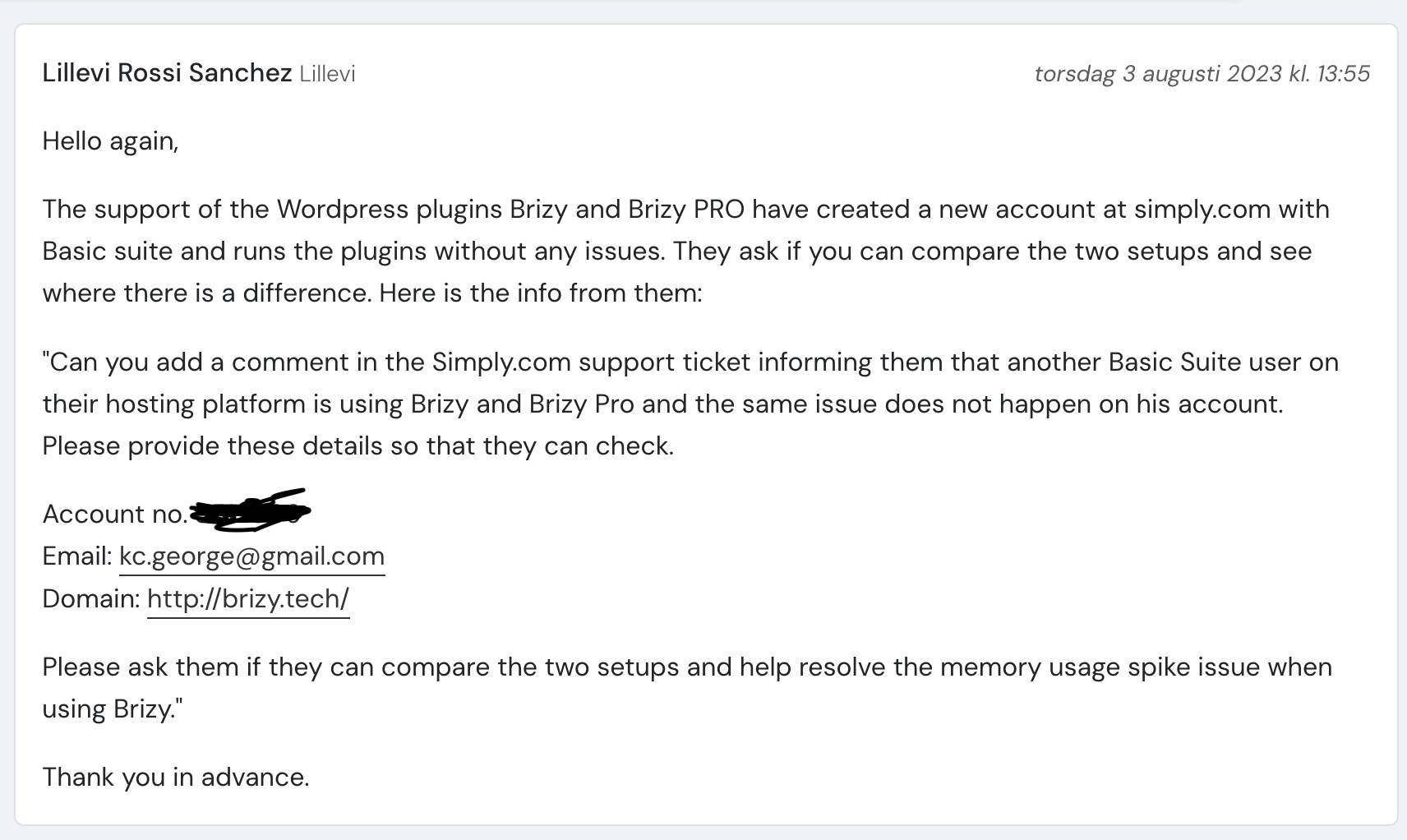
What do you mean by edit by Gutenberg editor? We only use Brizy Pro.
Thank you in advance,
Emily0 -
Hello Emily,
Unfortunately the Support Forum post related to the above issue was deleted. Hence we do not have a record of what was discussed.
We had looked into your client's issue and could not find the root cause. Then I signed up for a new account with Simply.com and the error could not be replicated in my account. Then you wrote to Simply.com support asking them to compare my website configuration and your client's to see if they could find the difference. It is possible that the hosting support later fixed the issue. (Even if we fixed it, we do not currently have a record of how it was fixed). At the moment, your best solution would be to use Brixly or another host as your Demo server.
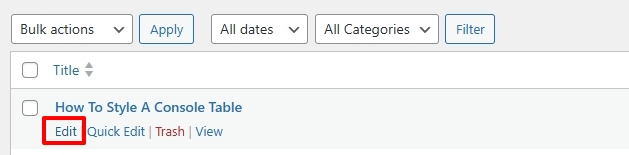
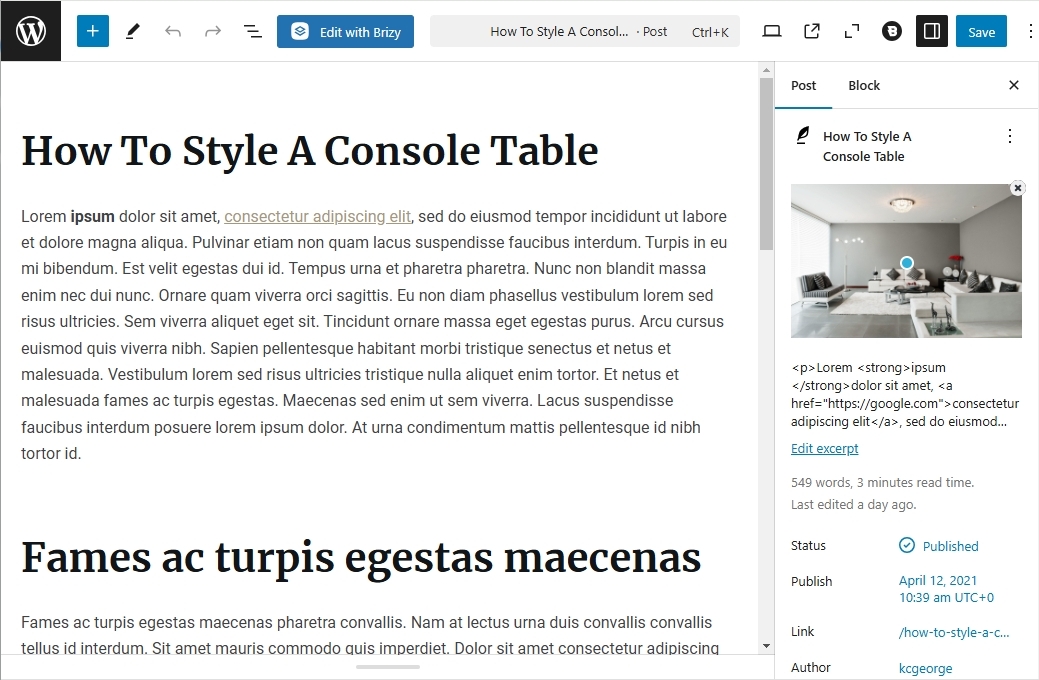
When you click on the "Edit" option that you see when you hover over any page in your WordPress Dashboard, you open the page in the Gutenberg Editor
Gutenberg Editor is the default page editor that comes with WordPress (when you do not use a page builder)
 0
0 -
Okay, what do I then do when/if Brizy stopps working for my client (on the same setup)? Since I'm testing the new releases on my website. Is it safe to do an update now? Client has 2.5.3 and 2.5.1 for PRO. It's not an option to change hosting for the client.
Client does not use the Gutenberg editor, only Brizy.0 -
Hello Emily,
If your client's website stops working, possible solutions are the same for them as well
- Upgrade to a higher hosting plan with Simply.com
- Migrating to an alternate host
Its is good to take a backup of the website before updating. If your host does not provide a backup feature, you could consider using the UpdraftPlus WP Backup plugin for this purpose. After updating the plugin, if you encounter any errors, you can restore the website from a backup.
0 -
Hello, I just did a clean install of wordpress for the test site. Now it works fine editing pages with Brizy Pro. Do you have an idea of what the issue could have been?
Thank you in advance.0 -
Hello Emily,
Your hosting provider's stringent resource allocation policy is the cause behind the "503 Service Unavailable" error. The reason why it didn't work earlier and why it does now, depend on how your web server is set up. Hence we do not have any insight into what the issue could have been earlier.
0 -
Hello, could it maybe have been some old wordpress code causing issues? Since the hosting is all the same. Thank you in advance, Emily
0 -

Hi Emily,
Thank you for the update.
The only way to determine the source of the issue is by checking the server's error logs. Your hosting provider should have access to these logs and can help identify the exact problem.
Best regards,
Ariel H.0
Please sign in to leave a comment.
Comments
13 comments