Can't save a page / Webinar automation.

Hello,
I'm trying to save my page and this message comes up every time.
Also, do you have any templates for an automated webinar page? I would like to have a timer for when exactly in the webinar a new part of the page unlocks so people can schedule a consultation by clicking a link.
Thank you.
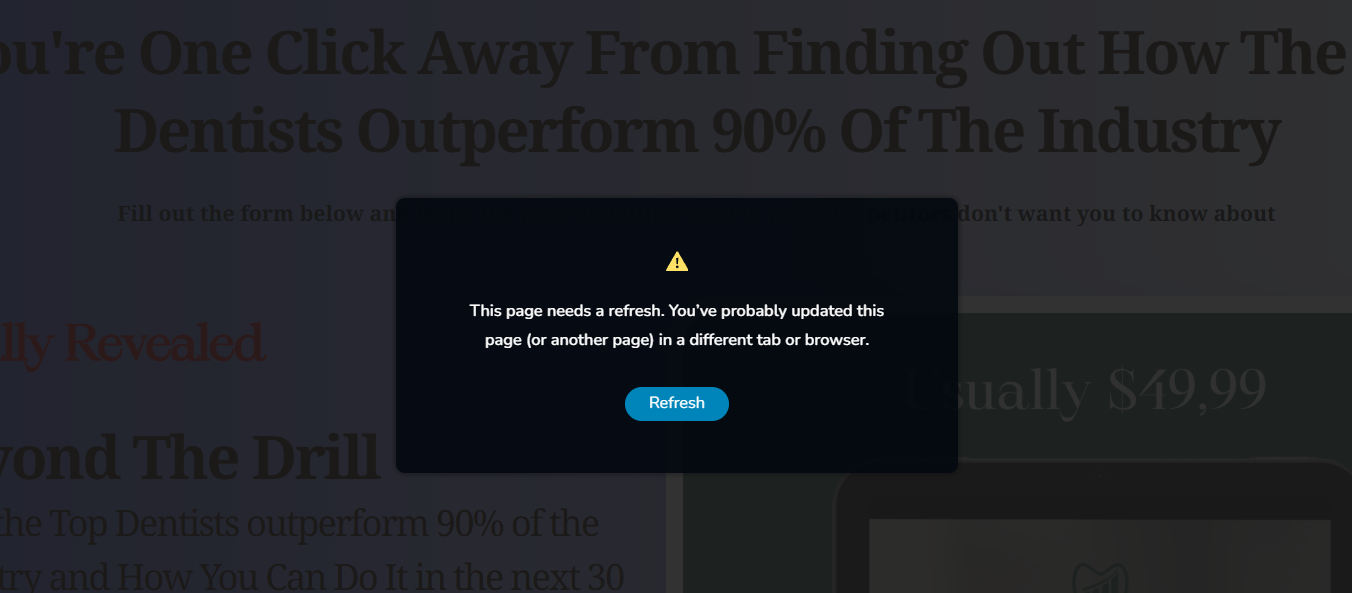
-

Hi Stefan,
Thank you for contacting us.
Could you please confirm if you can replicate the issue with all other plugins besides Brizy and Brizy Pro disabled. Also try using another theme and see if this makes any difference?
Also please try to update the following settings in the php.ini file, or contact your hosting provider to assist with these adjustments:
max_execution_time: 300
max_input_vars: 6000
memory_limit: 512M (or higher)
post_max_size: 128M
upload_max_filesize: 128MIf you have cPanel access, look for Select PHP Version, click on the Options tab, and you should be able to modify these settings there.
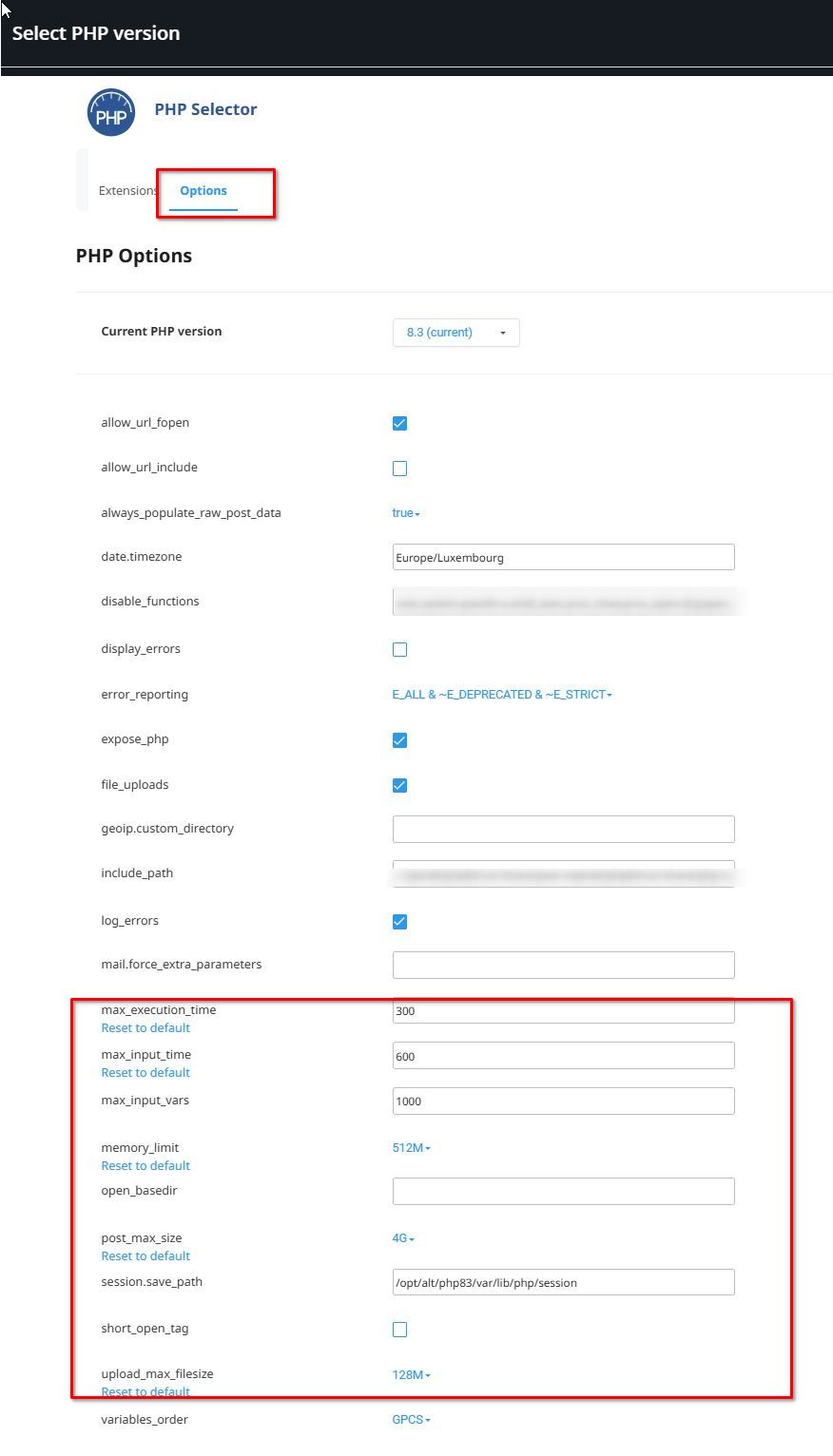
If the issue continues, this is something we need to inspect from your WP Admin page. Please add us as an Admin user to your WordPress Dashboard and send the following details to: communitysupport@brizy.io
Community Post link: https://support.brizy.io/hc/en-us/community/posts/22711263075986
WordPress Admin URL:
Username:
Password:Please make a full backup of your site as a precaution.
Regarding a template for an automated webinar page, we currently don’t offer a specific template for this purpose. While we do have a countdown element, it doesn’t automatically unlock sections of the page or make them visible. However, you can create a workaround by designing a form block and a counter block. Initially, the counter block would be visible, and once the countdown ends, you could manually toggle the visibility—hiding the countdown block and displaying the registration block instead.
If you’d like assistance with setting this up, let me know, and I’ll prepare a step-by-step guide for you.
Best regards,
Ariel H.0
Please sign in to leave a comment.
Comments
1 comment