Header + Footer disappered, can't safe page, WP Update messed up totally

Hi Support-Team,
after the Update of Brizy some months ago, my Header and Footer was gone. I tried to do your troubleshoot tipp of doing a minor change to the header/footer and safing it new. However then I had the next problem: I could not refresh my page. It was stating that I had a page open somewhere else, which is not the case.
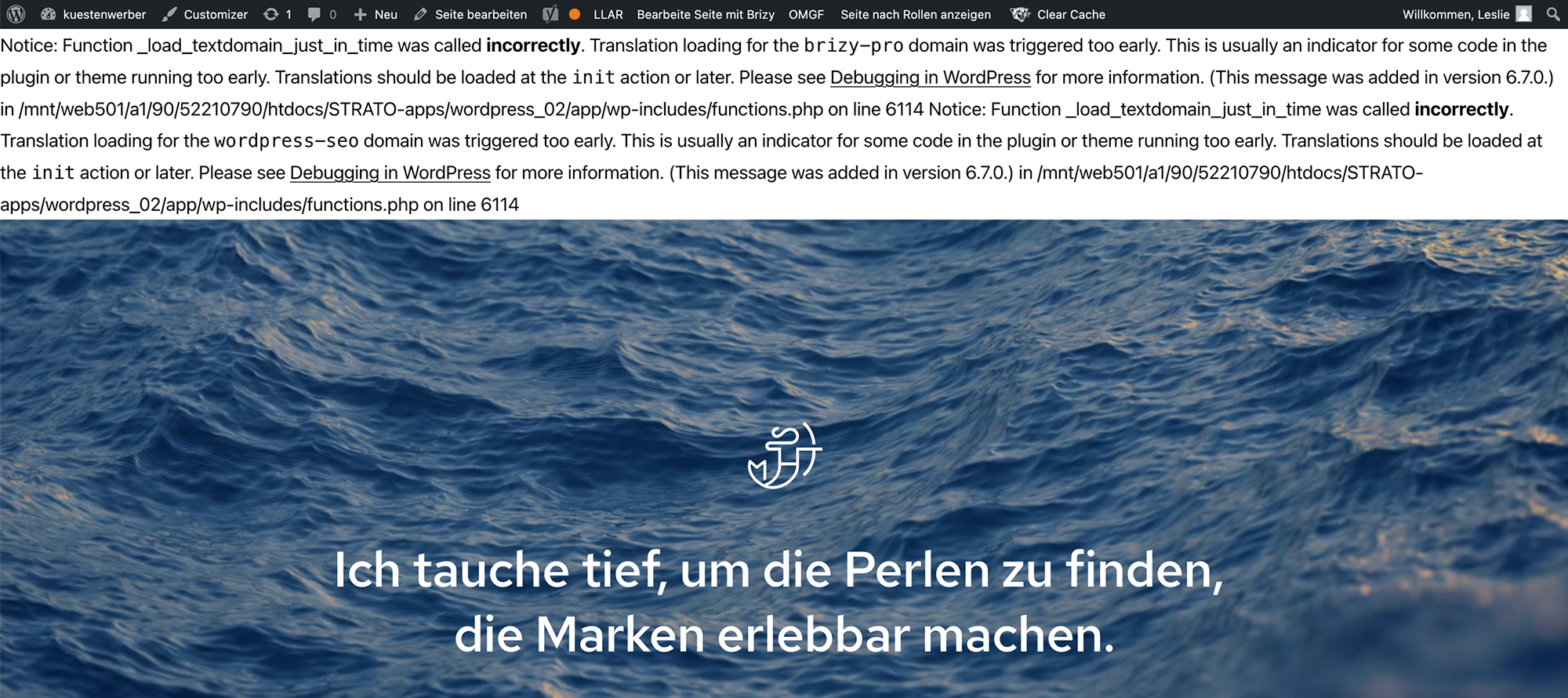
Today I tried again, then I saw there was a wordpress update and now in the middle of the update the entire wordpress dashboard changed to a debugging site stating this:
---------------------
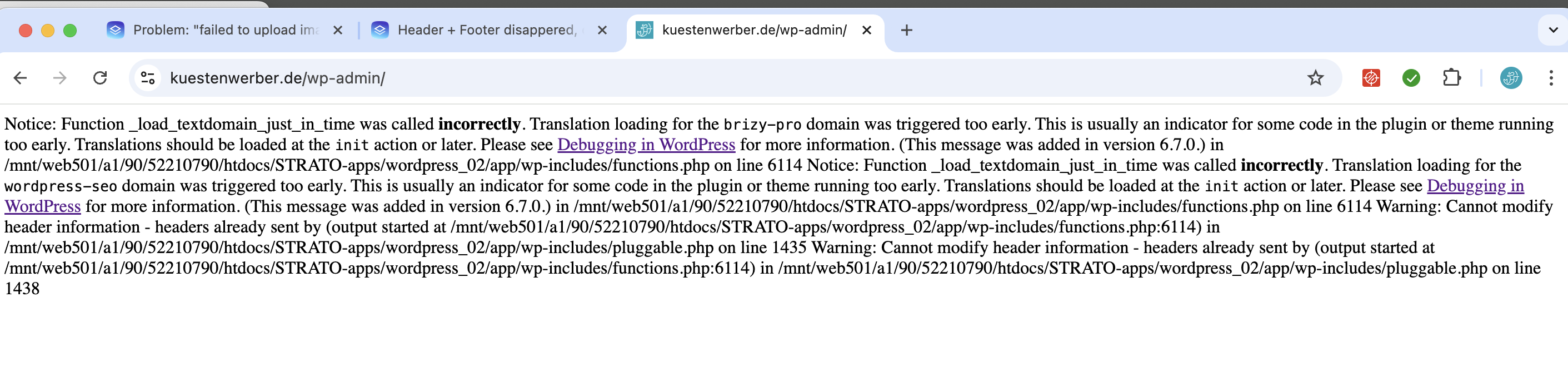
Notice: Function _load_textdomain_just_in_time was called incorrectly. Translation loading for the brizy-pro domain was triggered too early. This is usually an indicator for some code in the plugin or theme running too early. Translations should be loaded at the init action or later. Please see Debugging in WordPress for more information. (This message was added in version 6.7.0.) in /mnt/web501/a1/90/52210790/htdocs/STRATO-apps/wordpress_02/app/wp-includes/functions.php on line 6114 Notice: Function _load_textdomain_just_in_time was called incorrectly. Translation loading for the wordpress-seo domain was triggered too early. This is usually an indicator for some code in the plugin or theme running too early. Translations should be loaded at the init action or later. Please see Debugging in WordPress for more information. (This message was added in version 6.7.0.) in /mnt/web501/a1/90/52210790/htdocs/STRATO-apps/wordpress_02/app/wp-includes/functions.php on line 6114 Warning: Cannot modify header information - headers already sent by (output started at /mnt/web501/a1/90/52210790/htdocs/STRATO-apps/wordpress_02/app/wp-includes/functions.php:6114) in /mnt/web501/a1/90/52210790/htdocs/STRATO-apps/wordpress_02/app/wp-includes/pluggable.php on line 1435 Warning: Cannot modify header information - headers already sent by (output started at /mnt/web501/a1/90/52210790/htdocs/STRATO-apps/wordpress_02/app/wp-includes/functions.php:6114) in /mnt/web501/a1/90/52210790/htdocs/STRATO-apps/wordpress_02/app/wp-includes/pluggable.php on line 1438
---------------------
Now I can't even go into the dashboard to make you as a user. My host is strato. Do I need to check with them? Do I need to start from scatch?
Helpless regards, Leslie
-

Hi Leslie,
Please provide us with temporary access to your WP Admin page so we can take a look. Please add us as an Admin user to your WordPress Dashboard and send the following details to communitysupport@brizy.io.
Community Post link: https://support.brizy.io/hc/en-us/community/posts/22665292583058
WordPress Admin URL:
Username:
Password:Additionally, we will also need temporary access to cPanel/FTP:
cPanel/FTP host address:
Username:
Password:As a precaution, we recommend creating a full backup of your site.
Best regards,
Ariel H.0 -
Hi Ariel, thank you for helping. Unfortunately I can't get back to the dashboard window of wordpress. This is all I get (see screenshot). I could give you my login data and change the password afterwords when you are done?
 0
0 -
Hi Leslie,
Please provide us the last working credentials, also provide us temporary access to FTP or cPanel so we can check this for you.
Best regards,
Ariel H.0 -
Hi Ariel, I have just sent the credentials via e-mail. I will put a copy in here too:
Hi Ariel,
one tiny thing my tech collegue did correct already: he changed „true“ into „false“ within the WP config so that the error message on my website is not visible anymore. I could also now put you as a user to my WP.
** credentials removed **
Let me know, if you need anything else. Thank you!!!!!!!!!0 -
Hi Leslie,
Thank you for your cooperation. We have resolved the header and footer issue - https://imgur.com/OeAr4HL
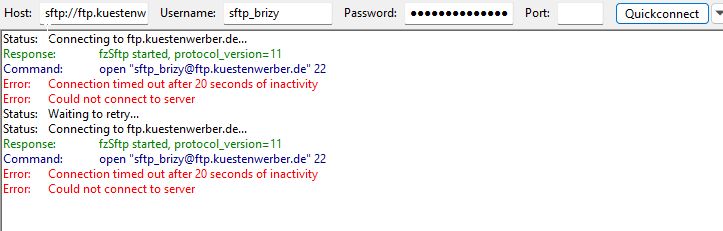
However, we’re unable to connect to FTP to investigate the errors appearing on your website. Could you please provide valid FTP credentials so we can look into this further?
Best regards,
Ariel H.0 -
Sorry, I did something wrong. Please try this:
** credentials removed **0 -
Hi Leslie,
Thank you for the update.
It appears that debug mode is enabled, which is why PHP notices are showing on your website. These notices usually don’t cause immediate issues.
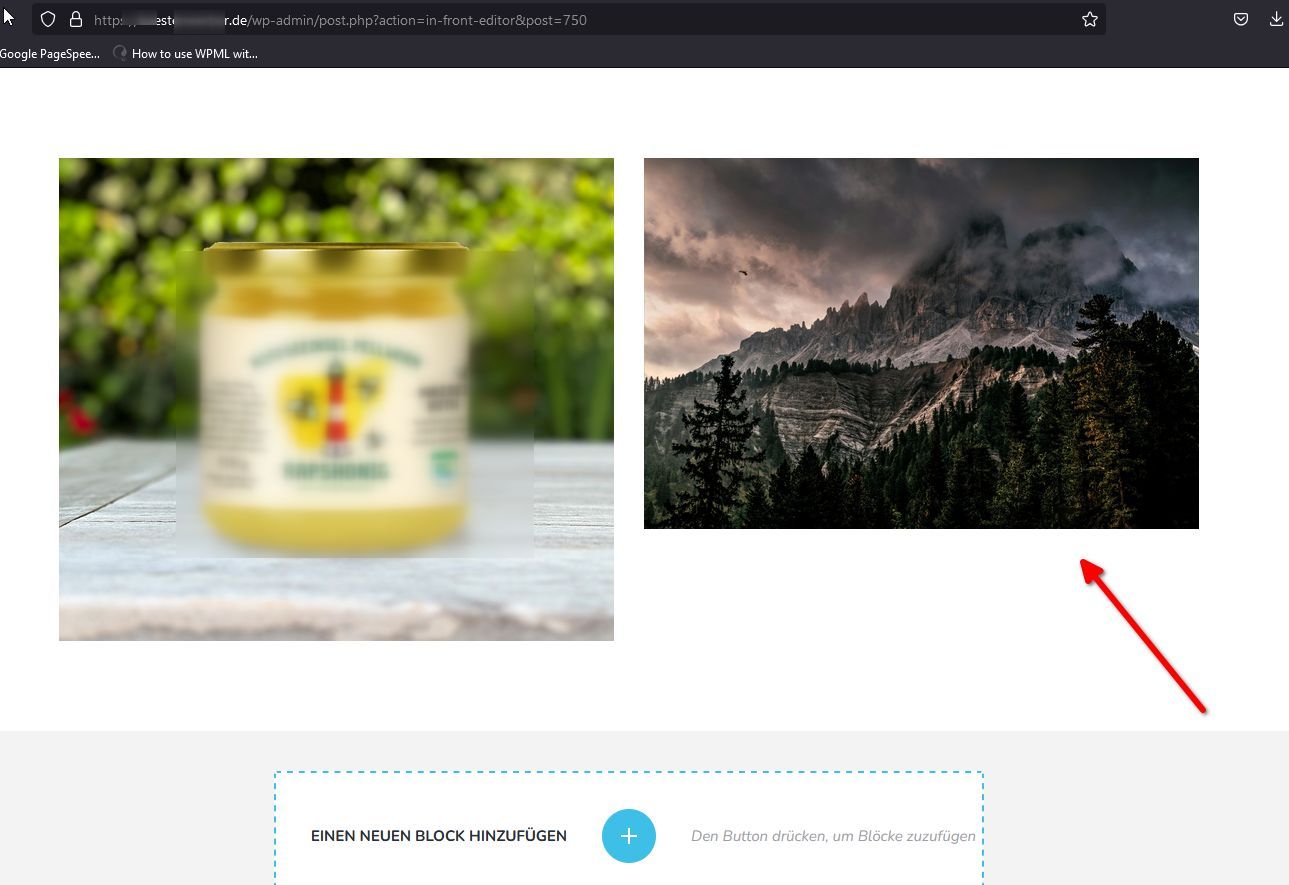
In another support thread, you mentioned having trouble uploading files. Is this issue occurring on the same website? I tested uploading an image here, and it seems to be working fine.
To address the missing header and footer, we set WordFence to Learning Mode, edited the page, made a 1px adjustment to the padding, and saved the changes. If this issue arises again, following these steps might also help resolve image upload problems.
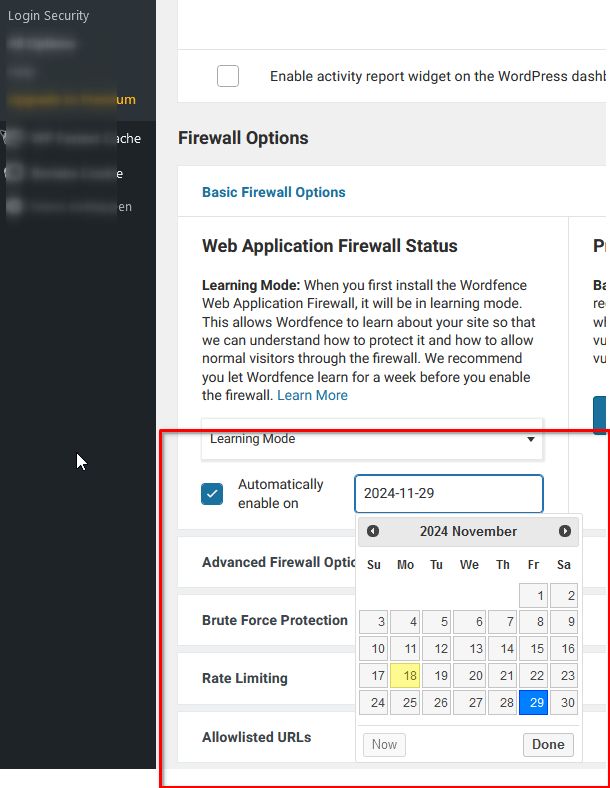
Please note that Learning Mode will automatically switch back to Protected Mode after a few days. This allows WordFence to adapt to Brizy's actions, ensuring it won’t interfere while you work on your pages.
If you have any further questions, don’t hesitate to reach out.
Best regards,
Ariel H.0 -
Hi Ariel, please don't mix up the two different issues. Thank you for solving this. I will save it as a hack for my website in case the header & footer get lost again.
The other issue: FAILED TO UPLOAD FILE is a problem on a totally different website. That website does not have wordfence at all, and please read what I have just wrote in the other comment
(copy here: I have TWO different problems with two different websites. The other Thread is almost solved, I guess (www.kuestenwerber.de looks correct now with header and footer, thank you so much).
Here I have a problem to paste/place Photos from the mediathek into a brizy page. It states "failed to upload file" .... however the files are in the mediathek available and have been working in elementor so far.
What I tried so far and did not help:
1. I deactivated all other plugins, did not solve the problem
2. Changed the "WP hello theme" to "twenty twenty one"
3. Roll back from Brizy Pro 2.6 to 2.5.6
No matter what, I cannot build this site due to this error. What can we do to fix it?
PS. This new client website has a different provider too: hosteurope and the domain has not been moved yet to that one. It still is at WIX0 -

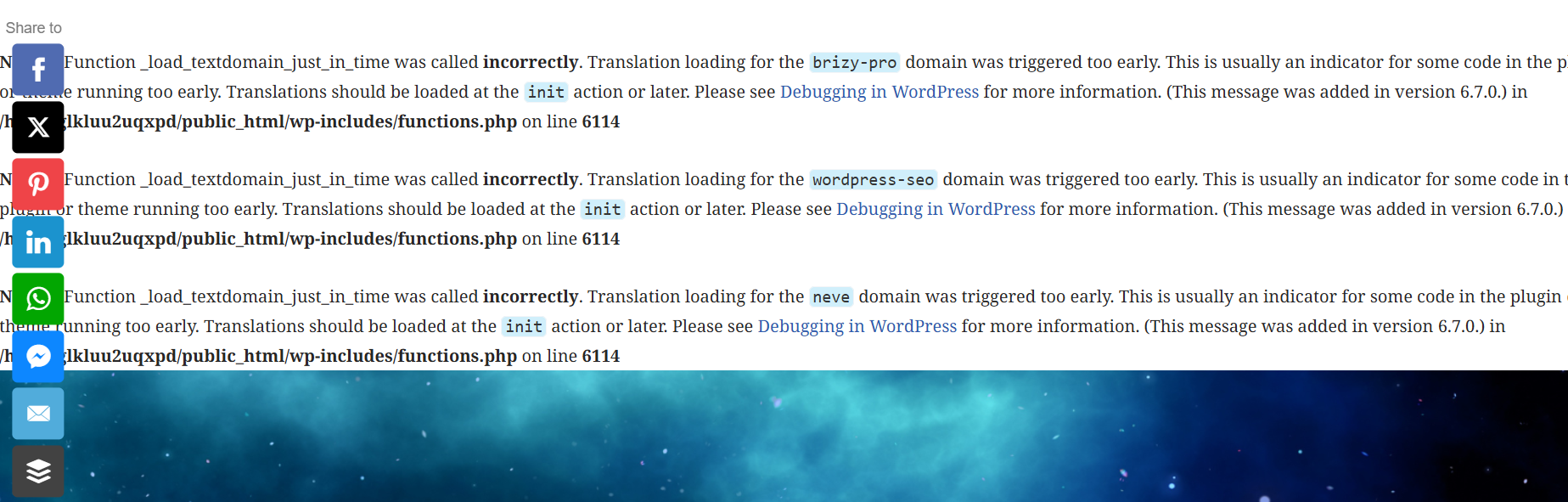
I appear to be experiencing something similar. This has just appeared in my header
 0
0 -
Hi Ariel,
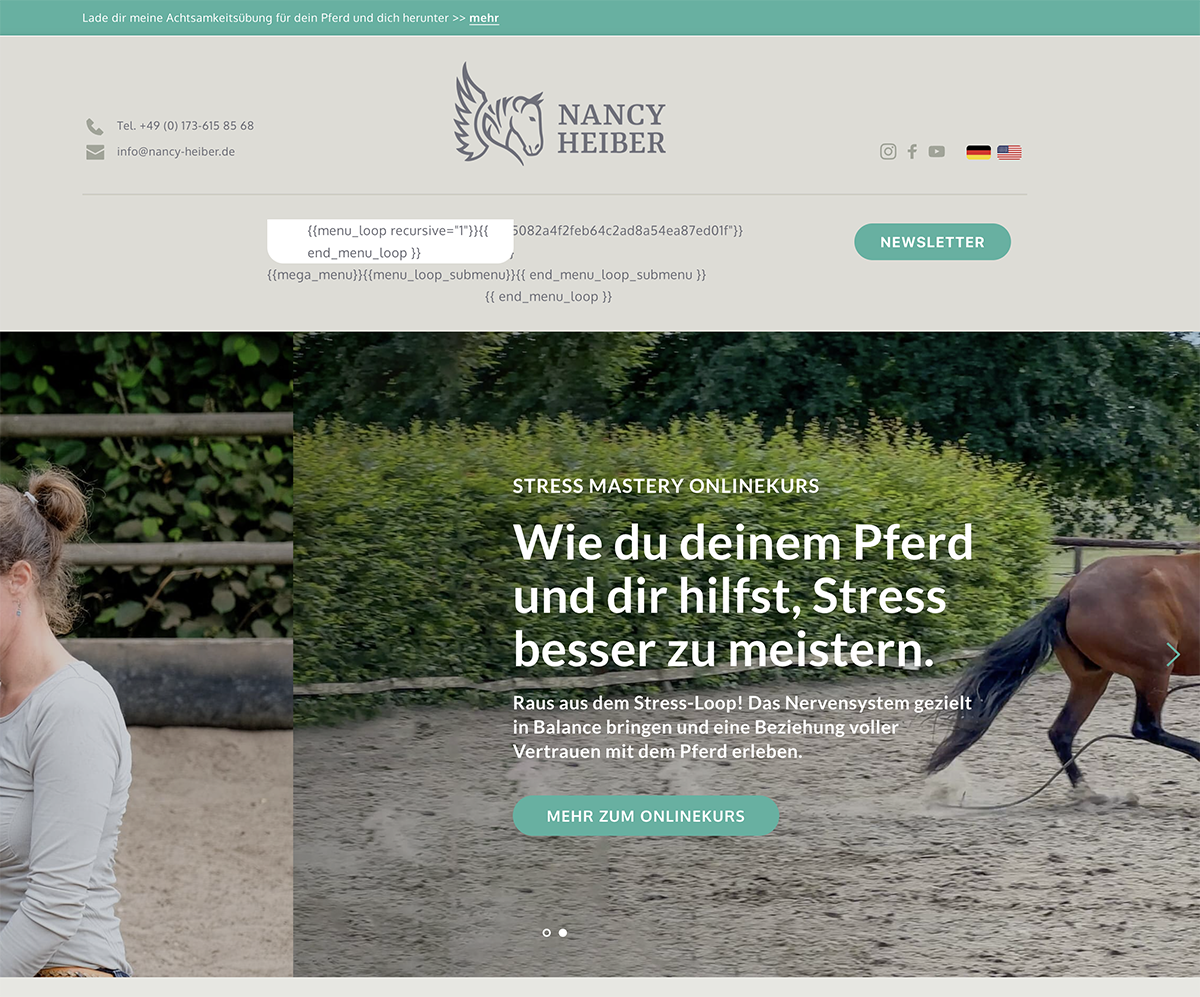
I do have another issue with another clients webpage: www-nancy-heiber.de . It has to do with the header and I guess display conditions?Or with the latest wordpress update?! The englisch pages show no pictures anymore and also wrong pages are linked.... OMG
The site is complex and does have 2 languages and several global header with different display conditions. Somehow it got totally messed up and there are many many display condidions, which I don't actually ALL made. Just some of them. Could you have a look into that too? We are having a launch of a new product and need the site to work!
I am wondering, why so much stuff happens right now. I did want to update to Brizy 2.6. but I did not dare because I was afraid something will not work....Here are credentials especially for you:
[credentials removed]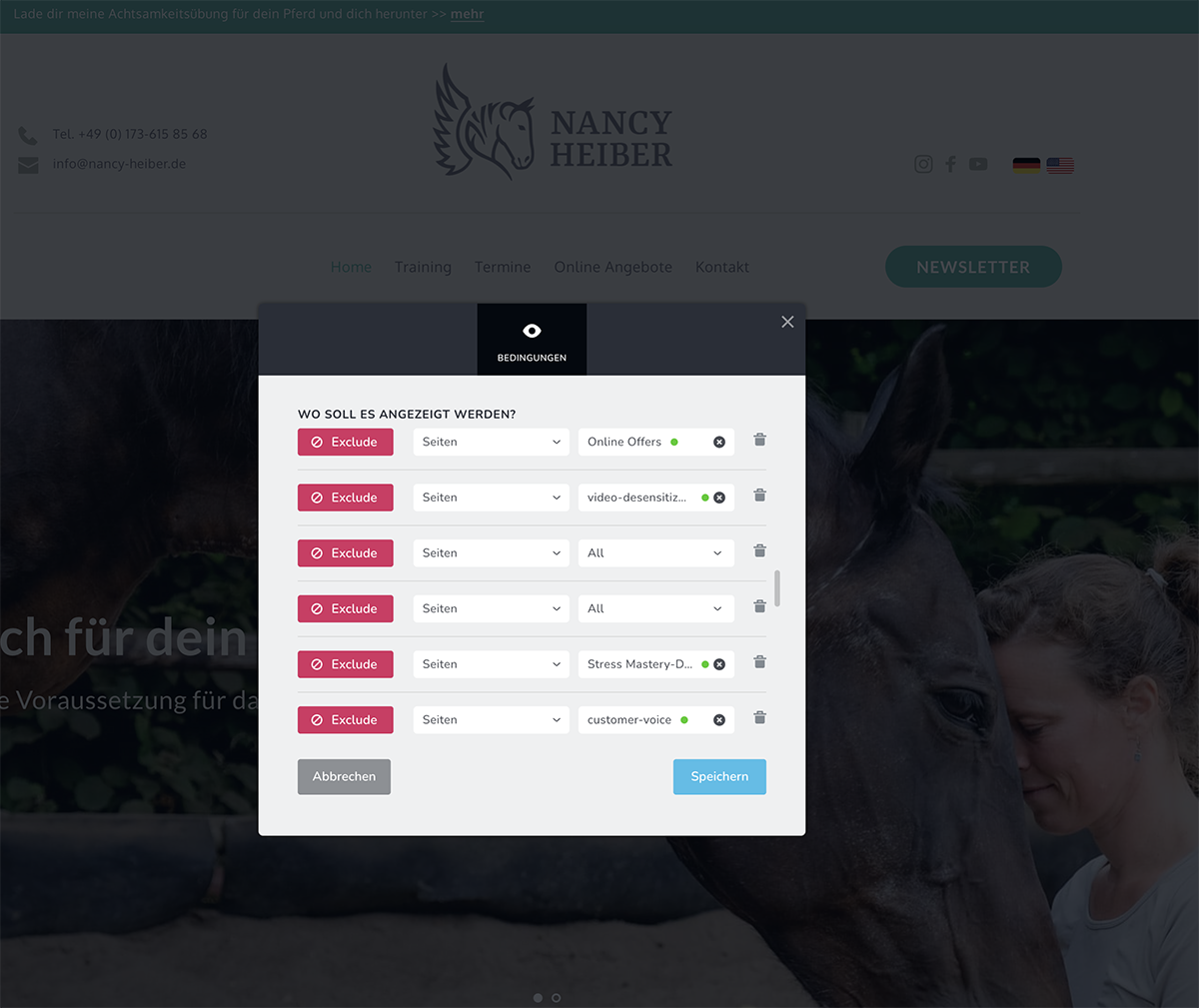
 0
0 -
Hi Miss E., I replied to you on this support thread: https://support.brizy.io/hc/en-us/community/posts/22709037667218
0 -
Hi Leslie,
Thank you for the update. I've asked another colleague to investigate this issue. If it's urgent, I can roll back Brizy and Brizy Pro to a previous version where the problem didn't occur. Please let me know if you'd like to proceed with this.
Best regards,
Ariel H.0 -
Hi Ariel, yes please. Best regards, Leslie
0 -
Hi Leslie,
Thank you for the update. I’ve reverted Brizy and Brizy Pro to the previous versions. Could you create a staging version of the website so we can continue troubleshooting the issue without impacting your live site?
Best regards,
Ariel H.0 -
Hi Ariel, site is running. Thank you so much! Is there any tutorial how to do a "staging version"? I have never done that....
0 -
Hi Leslie,
Please try following this tutorial: https://youtu.be/uPMeaYBzJoo.
When creating the subdomain, check if your hosting console allows you to create a subdomain or a subdirectory. If not, I recommend reaching out to your hosting provider for assistance. They may also offer built-in tools in the hosting console to automatically set up a staging site.
Best regards,
Ariel H.0
Please sign in to leave a comment.
Comments
16 comments