How to Rebuild a Website with a Custom Domain?

Hello Brizy Support Team, we want to rebuild the site that has the custom domain, CamilleNisich.com. How do we do it? Do we build a new site and then disconnect the domain when it is finished and reconnect to the new site?
-

Hi Camille,
Thank you for contacting us.
You can use the free subdomain in your Brizy Cloud project to work on, and finish rebuilding your site.
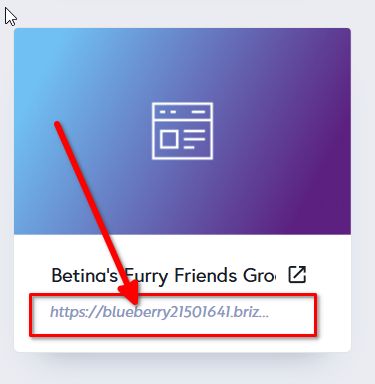
Once your new site is complete and fully functional, you can then disconnect your current domain, CamilleNisich.com, and point it to your new Brizy Cloud site following the steps on this link: https://support.brizy.io/hc/en-us/articles/360041764052-Custom-domain-A-Record-RedirectIf you need further assistance during the process, feel free to reach out.
Best regards,
Ariel H.0 -
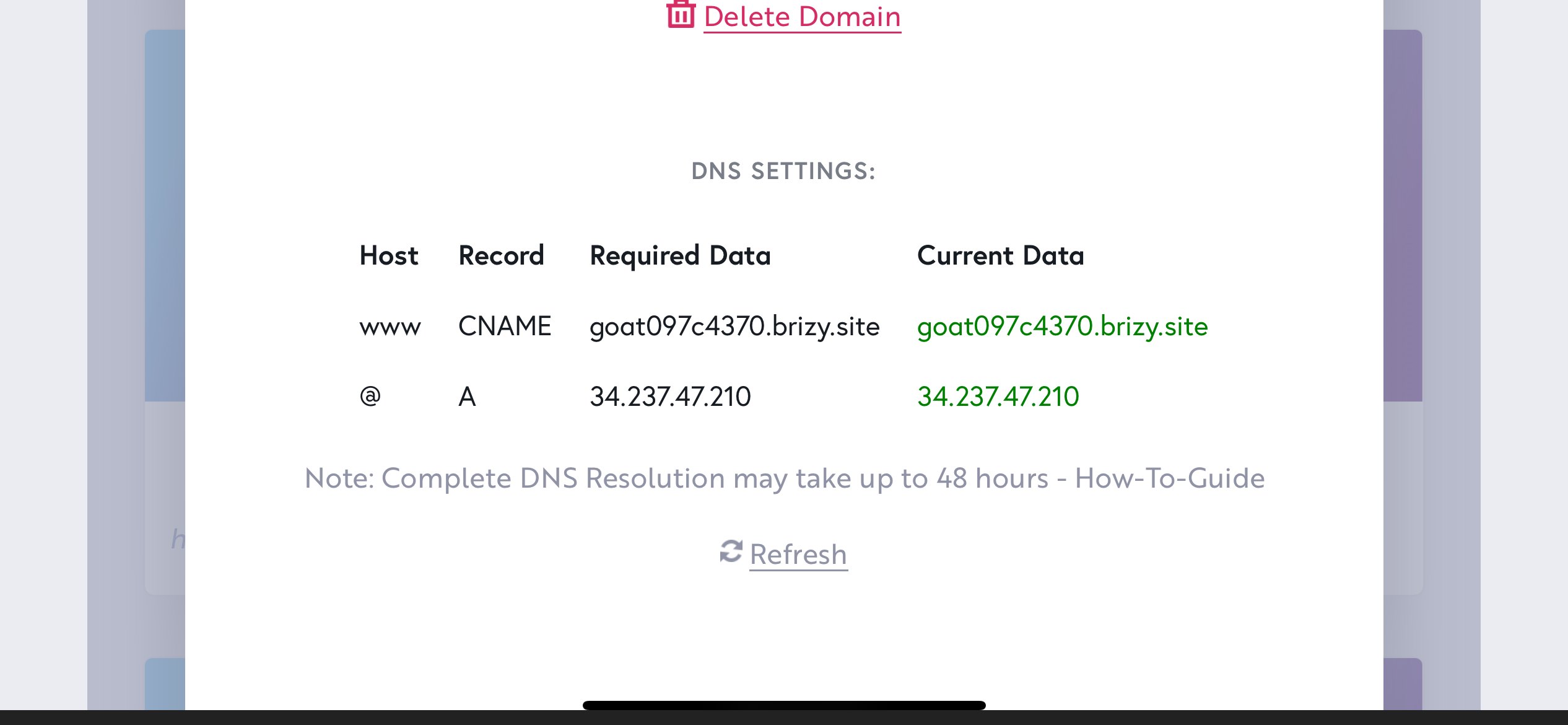 Hi Ariel,
I have done what you directed and have waited 48 hours after making the change, but I still see the old site at www.cami********h.com. I have tried on multiple browsers on desktop and mobile.
0 -
I just tried deleting the domain from the old site and now nothing displays.
0 -
Hi Camille,
We have fixed the SSL error and your website is working now.
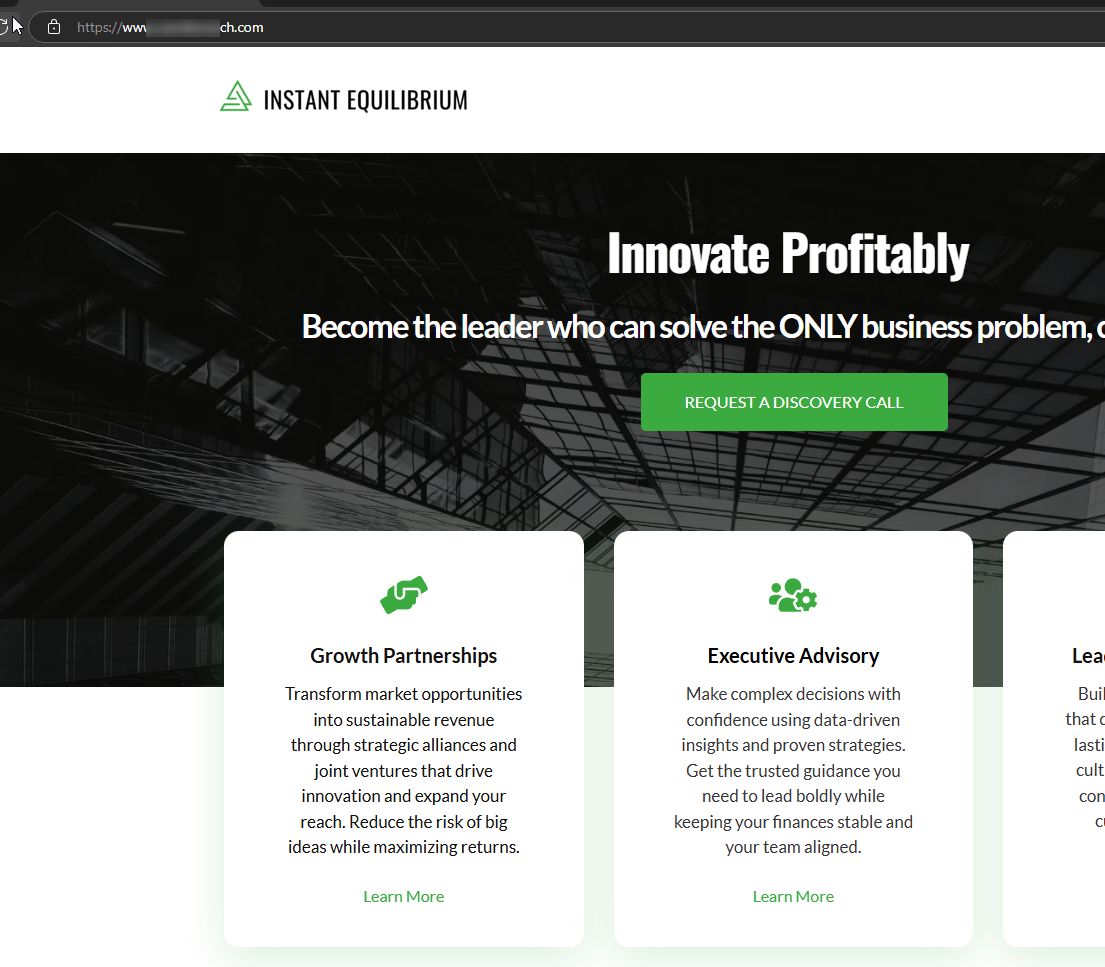
Could you please try clearing your browser cache or use a different browser to see if that helps?
Best regards,
Ariel H.0 -
Thank you, KC and Ariel,
I see the site is working now.
All the best, Camille
0
Please sign in to leave a comment.
Comments
5 comments