Can't update Wordpress page

Hi there,
Mine question is, I am trying to edit and save changes to my page, but the 'update' button does not show on my page. I have the most recent Brizy plugins and ever since I can't update. I have no other plugins active at this moment.
Can someone help me? I will attach a picture to show as evidence. 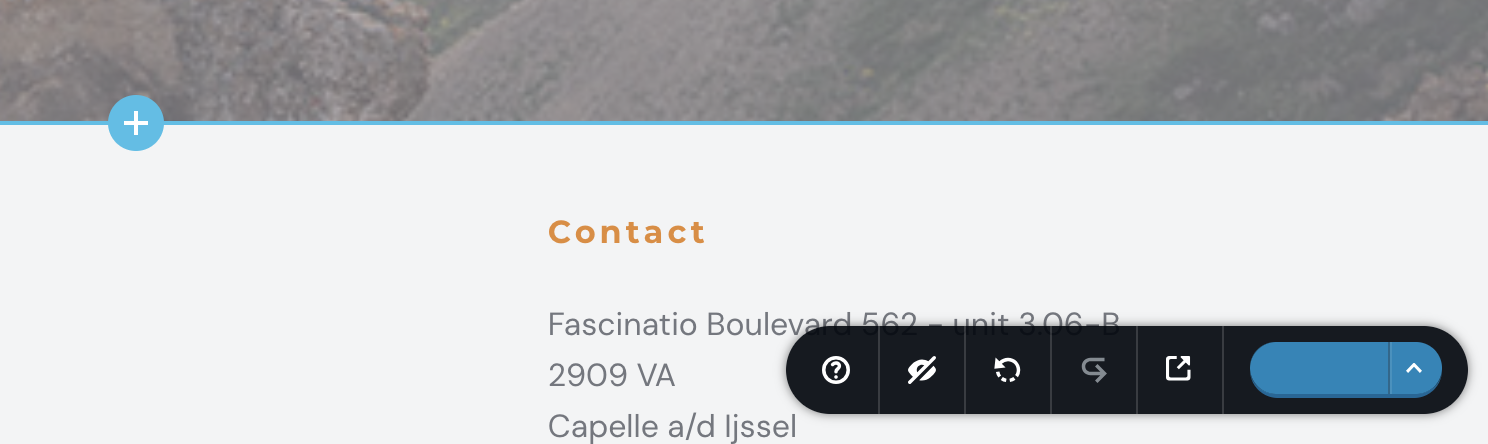
-

Hi Jethro,
Thank you for reaching out to us.
The likely cause of this issue is a conflict. Could you try to isolate this issue by disabling all other plugins except Brizy and Brizy Pro to see if this fixes the problem?
If this resolves the issue, go back to the plugins area and enable the rest of the plugins one at a time, reproducing the issue each time, until it re-occurs. This process will help you determine which plugin is causing the conflict. Additionally, try switching to another theme to see if that makes any difference.
Please try these steps and let me know how it goes.
Best regards,
Ariel H.0 -
Hi there,
Thank you! At the moment I can't publish my website. It says that I can publish my first page. Very strange. I am able to edit and update my website but I can't see the publication on the internet.
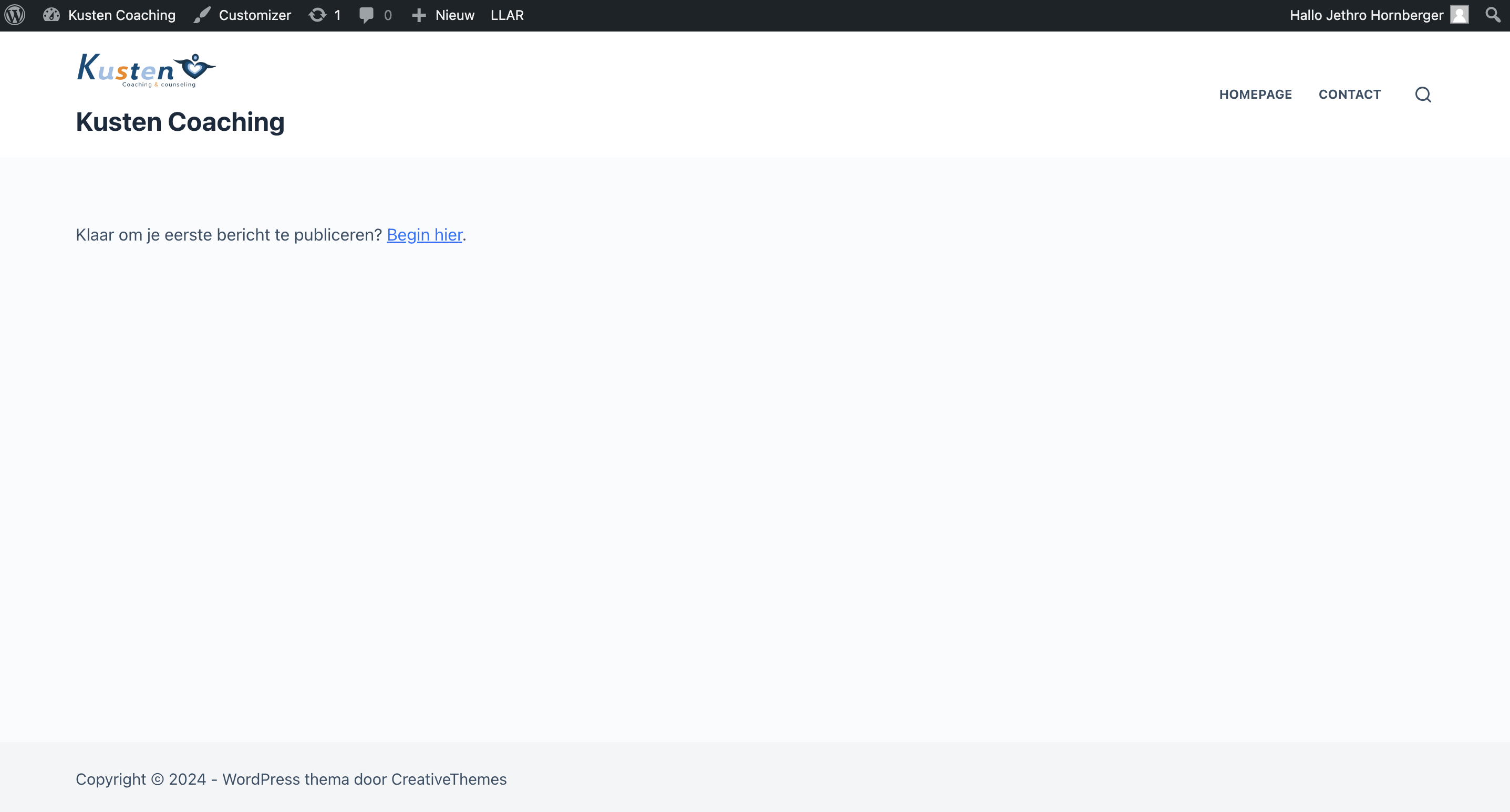 0
0 -
Hi Jethro,
Thank you for the update.
It's possible that you haven't set the page you created with Brizy as your Homepage. Please try the steps on this link and see if this helps: https://wordpress.com/support/pages/front-page/
Best regards,
Ariel H.0 -
Hi Ariel,
Thank you so much. I'm almost there. It now shows the page but not yet the way it looks in Blocksy theme. What can I do to give it the exact lay-out as when I edit it in Brizy.
I appreciate the help so far!
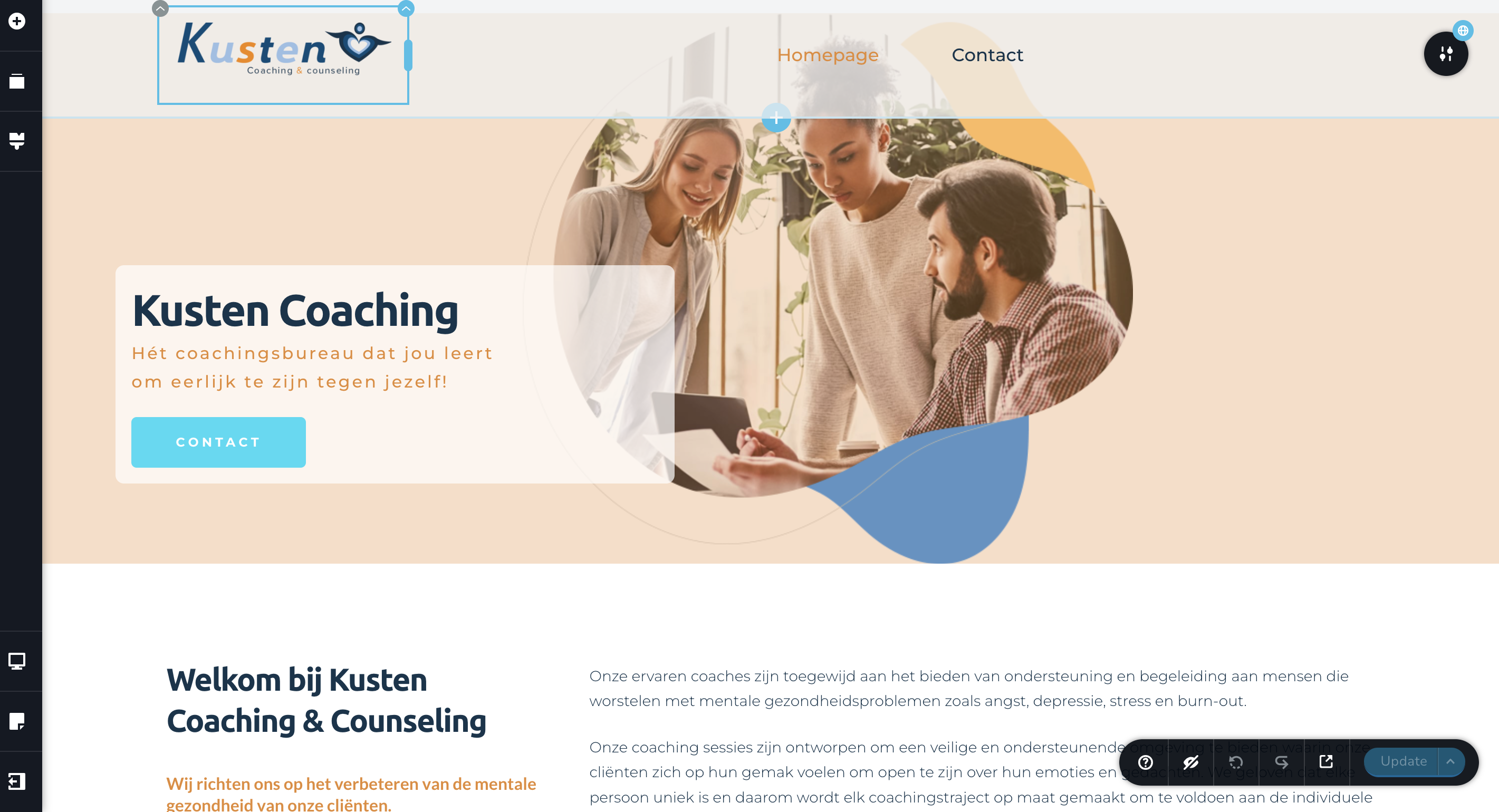
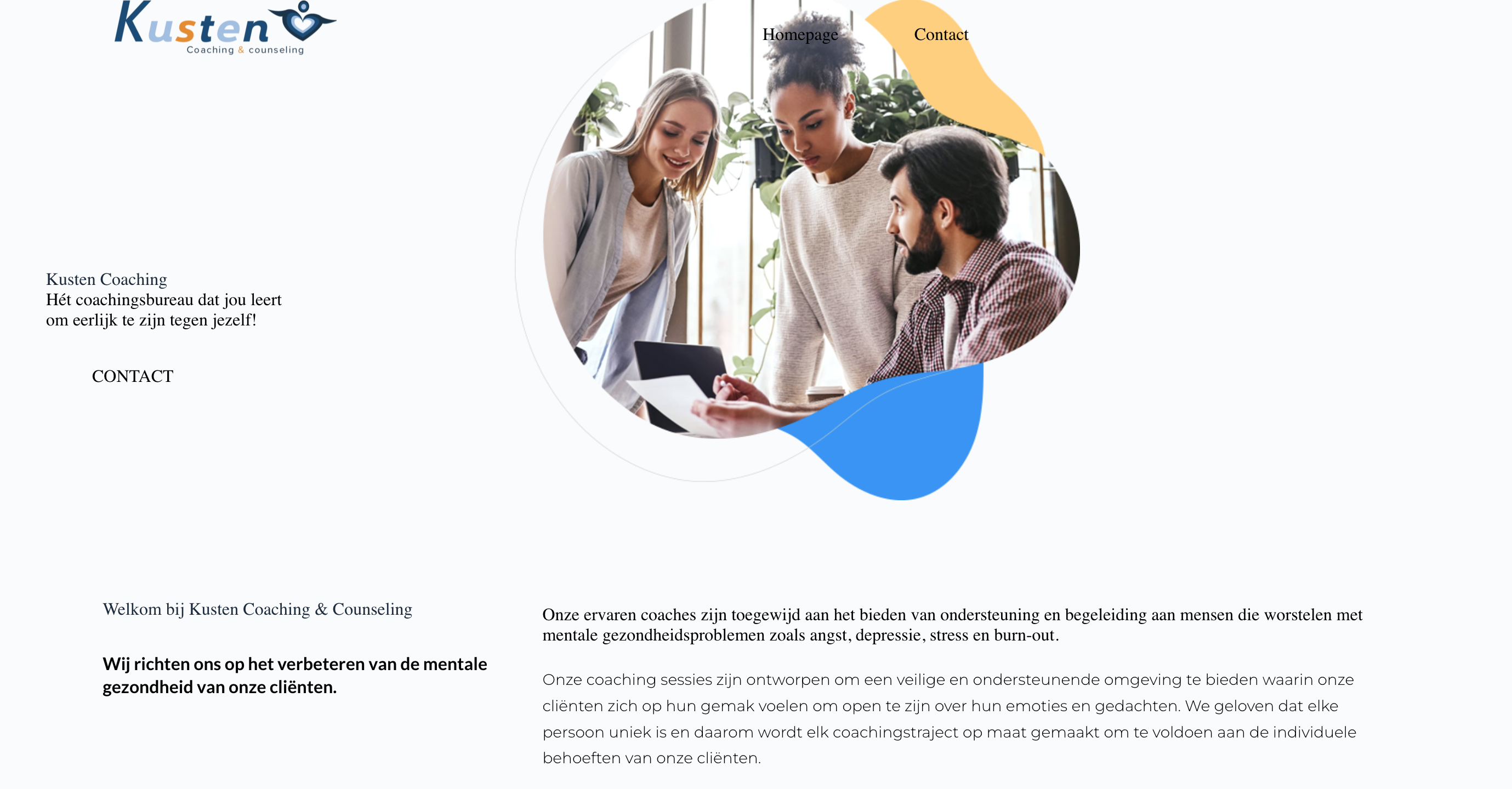 0
0 -
Hi Jethro,
Thank you for the update.
It seems there is a rendering issue on this page. Could you please make a small change to the header by adding 1 pixel of padding, update the page, and then preview your homepage to see if this adjustment resolves the issue? If it works, you can revert the 1px padding in the header.

Please give this a try and let me know how it goes.
Best regards,
Ariel H.0 -
Hi Ariel,
I tried changing the padding with one pixel, but the rendering issues still remains. Is there something else I can try?
0 -
Hi Jethro,
Please provide us with temporary access to your WP Admin page so we can take a look. Please add us as an Admin user to your WordPress Dashboard and send the following details to communitysupport@brizy.io.
Community Post link: https://support.brizy.io/hc/en-us/community/posts/22001177974802
WordPress Admin URL:
Username:
Password:As a precaution, we recommend creating a full backup of your site.
Best regards,
Ariel H.0 -
Hi Jethro,
Thank you for your cooperation.
You can resolve this issue by duplicating the current style and giving it a new name.
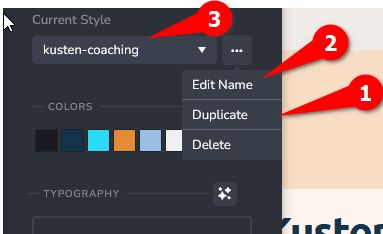
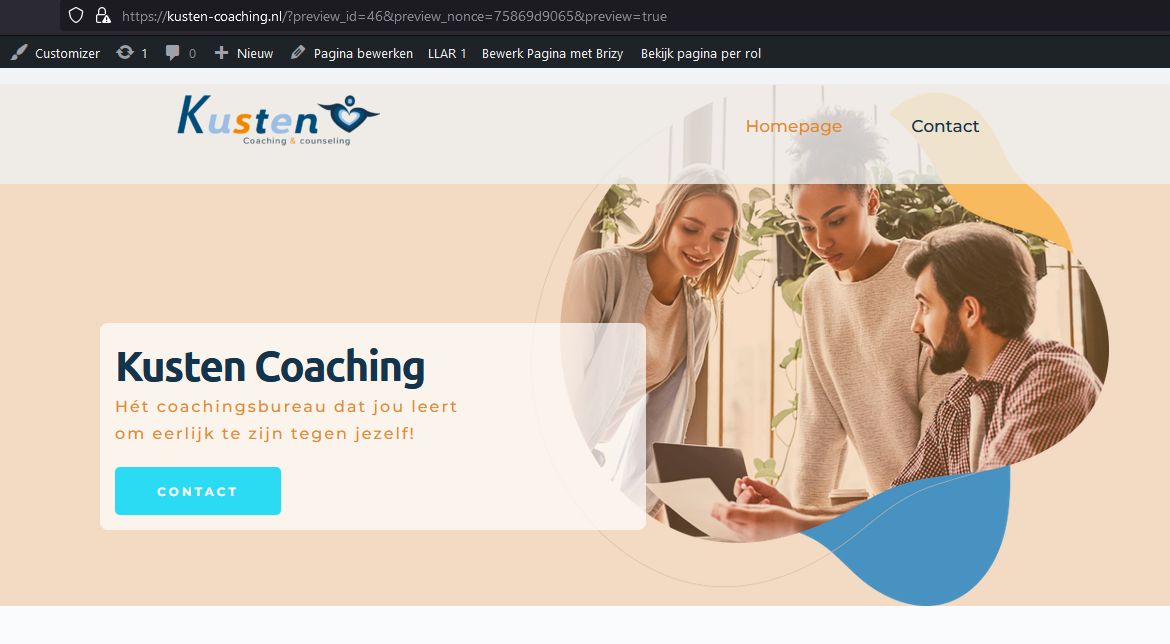
If you have any additional questions, please feel free to reach out.
Best regards,
Ariel H.0 -
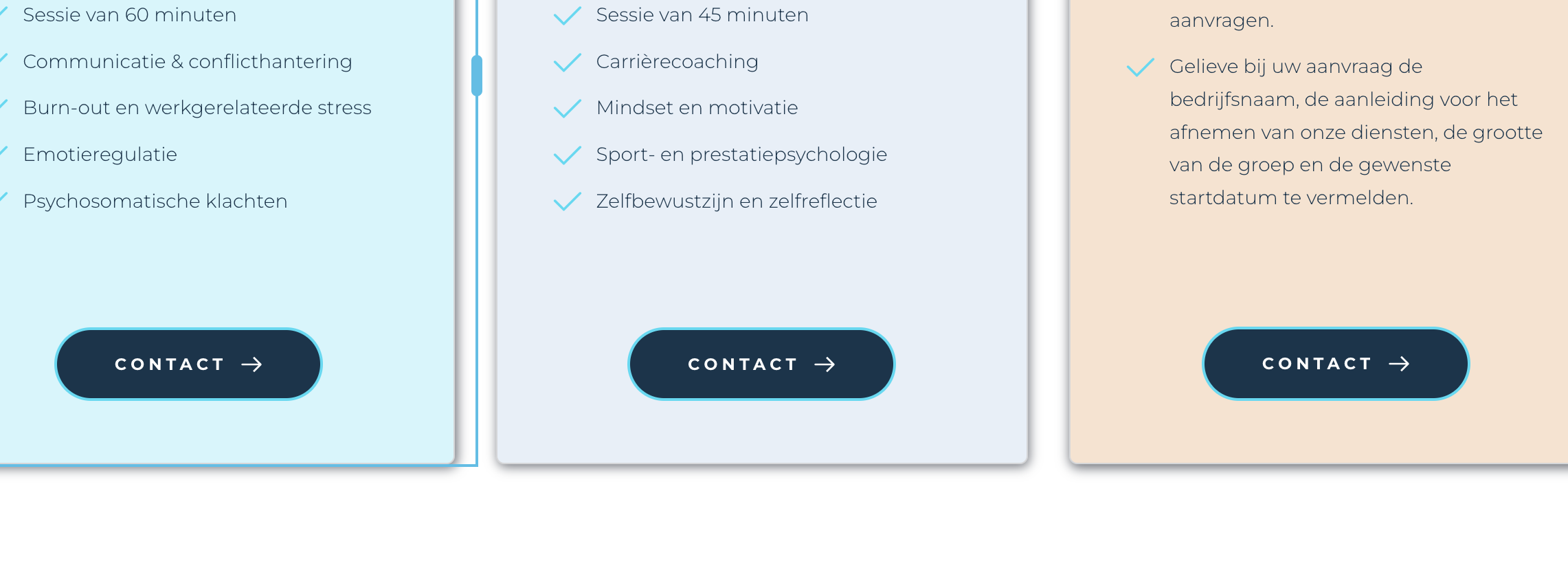
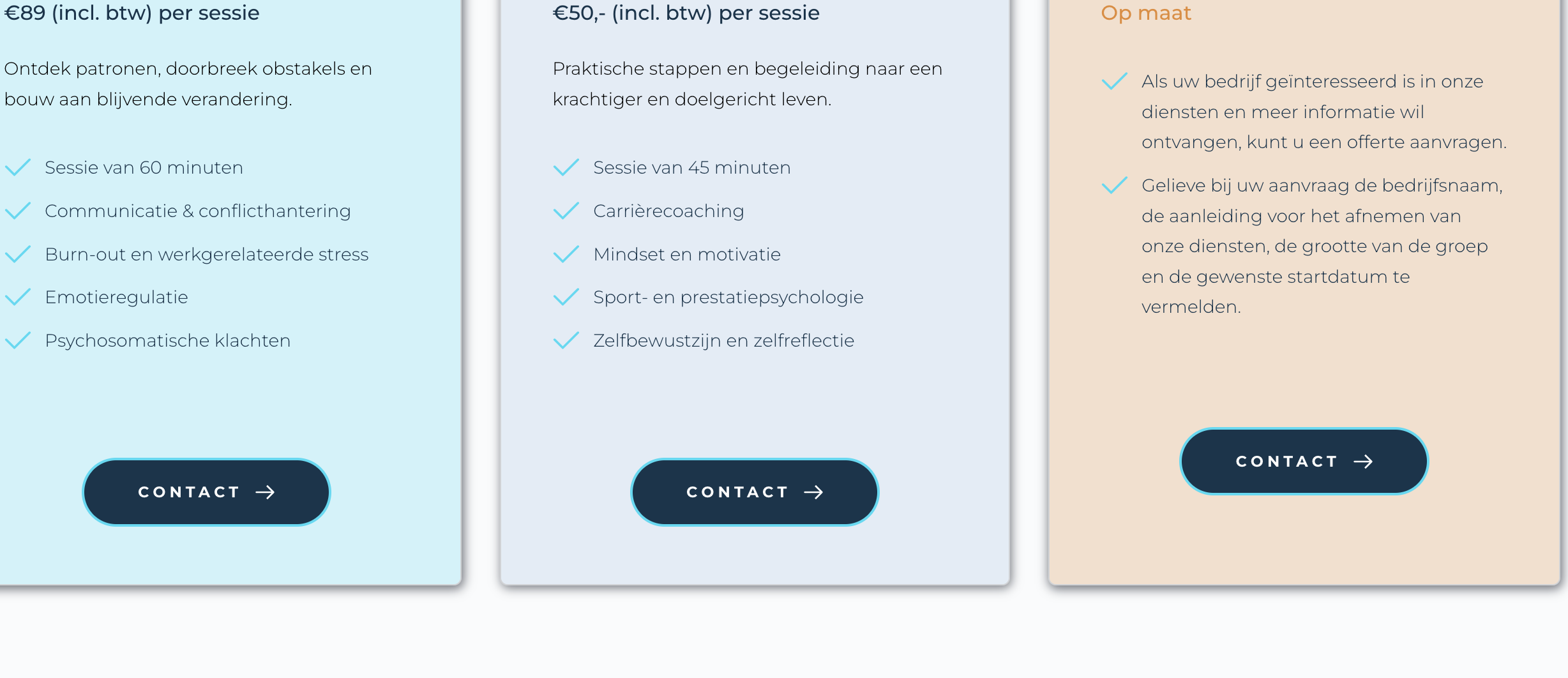
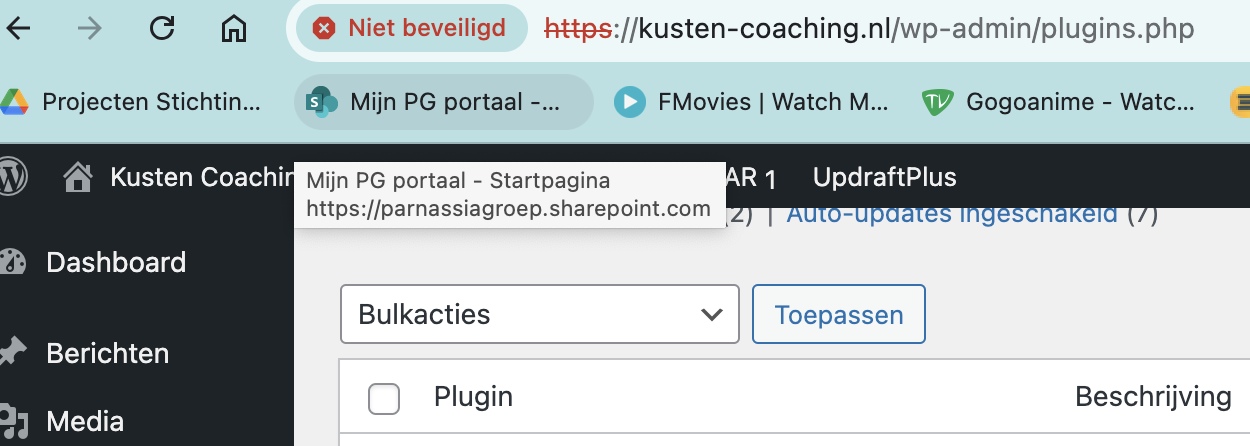
Hi Ariel thank you. I think we're almost there! Everything is now visible on the website. I have only two questions now. One is about the security HTPSS and the other one is about the contactbutton positioning. I will add pictures.
 0
0 -
Hi Jethro,
Thank you for the update.
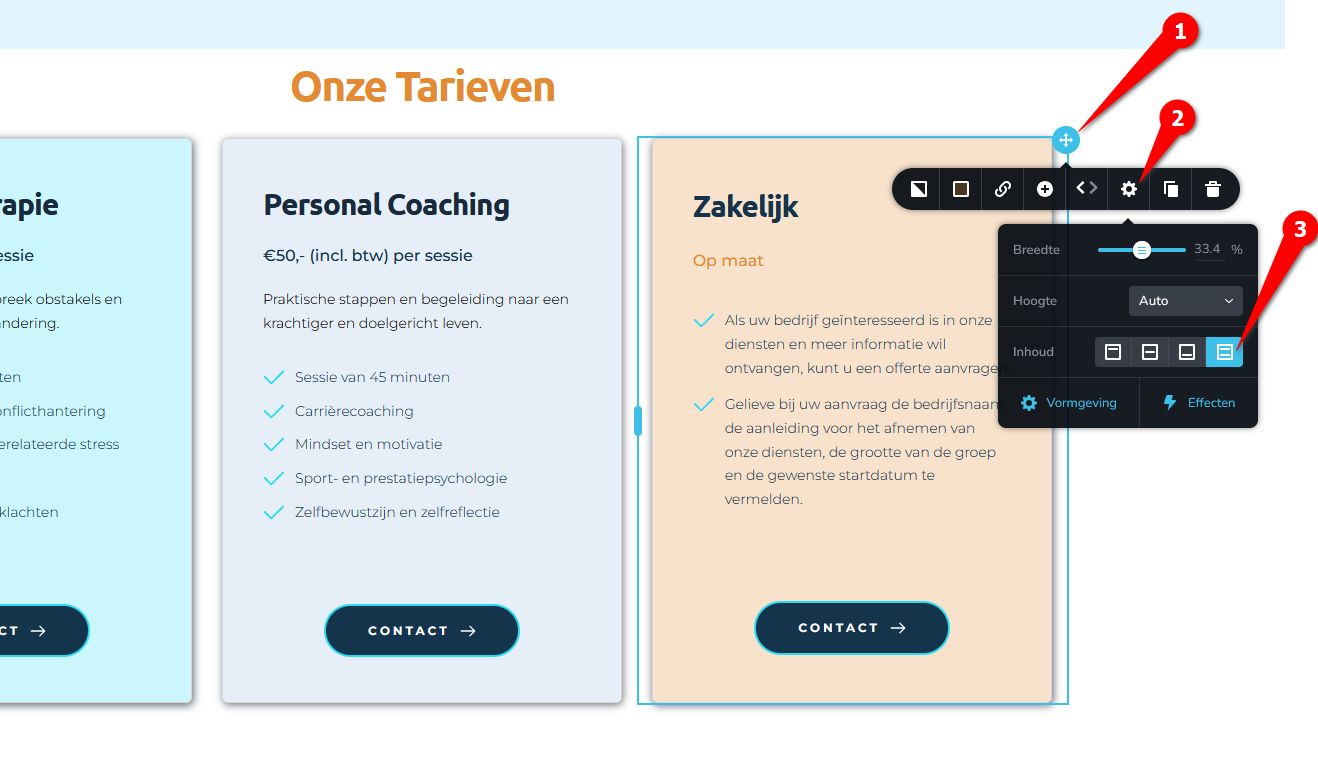
To vertically align elements within a column, select the column, click the cog icon, and you'll find the four content alignment options there.
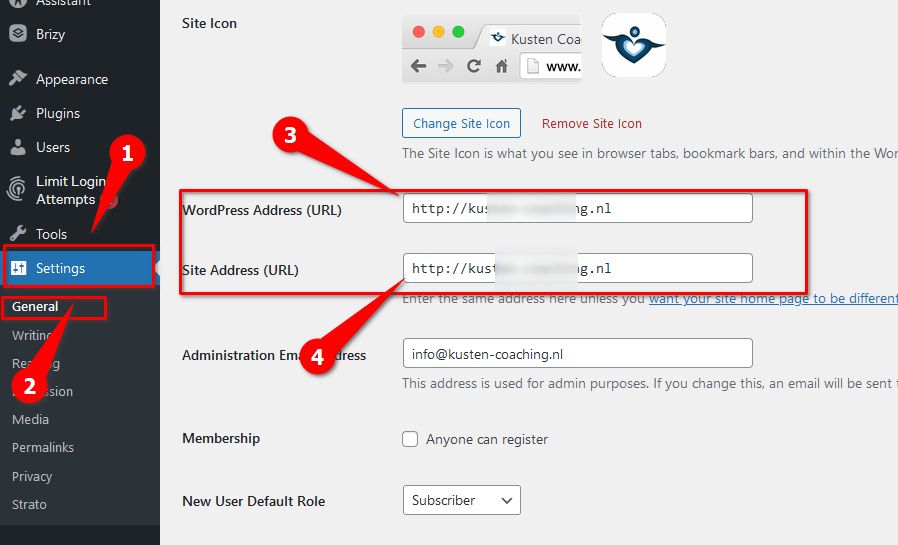
To update your site’s URL to use HTTPS, go to General → Settings, update the Home and Site URLs, and save your changes.
If you have any further questions, please feel free to reach out.
Best regards,
Ariel H.0
Please sign in to leave a comment.
Comments
10 comments