Missing images during migration from local to live server

Hi,
I built my website on localhost then moved it to live server using Duplicator plugin.
Unfortunately, not all the images went through. See image below.
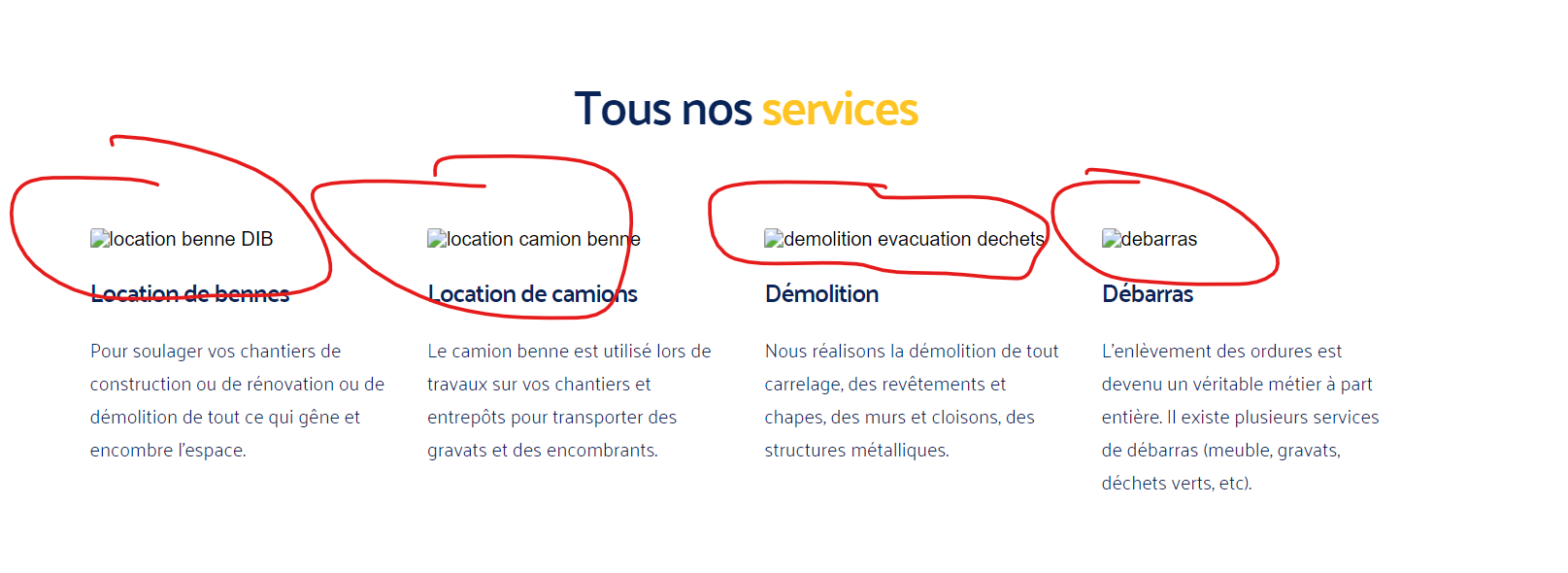
How can I add all the images in bulk ? I have about 90+ pages, don't really want to do it manually.
Thanks.
-
It's strange because when logged into the editor, I can see the images but not on the published page.
When I modify a letter or add some content for example and then publish, the updated page is showing the missing images.
Is there a quick bulk fix instead of doing it page by page manually ?
Thanks.
0 -

Hi Alexis,
Try making a minor change to a global block (like header/footer) and save the project by clicking on the "Update" button a the bottom right corner and check if all images in the website appear in the frontend
If this does not help, kindly share the URL of your website. We will take a look
0 -
Hello,
This didn't work.
Could you please fix both issues I have at the same time ?
My other issue: https://support.brizy.io/hc/en-us/community/posts/21694498206098-SMTP-form-problem-CC-not-working
Thanks.
0 -
Hi Alexis,
I have sent you instructions on how you can give us access to your WordPress Dashboard at https://support.brizy.io/hc/en-us/community/posts/21694498206098 Once we receive your credentials, we will take a look at both issues.
0
Please sign in to leave a comment.
Comments
4 comments