Hamburger menu not opening

Hi there,
today after updating to WP 6.6.2, the hamburger menu on my website is NOT opening any more – no browsers on my Mac, neither on my iOS devices.
Here's the URL:
https://www.stefanfroehlich.photo/
Deactivating each and every plugin doesn't fix the problem, so it must be related to Brizy.
Please help!
Best regards,
Stefan.
PS: Here's a list of my plugins: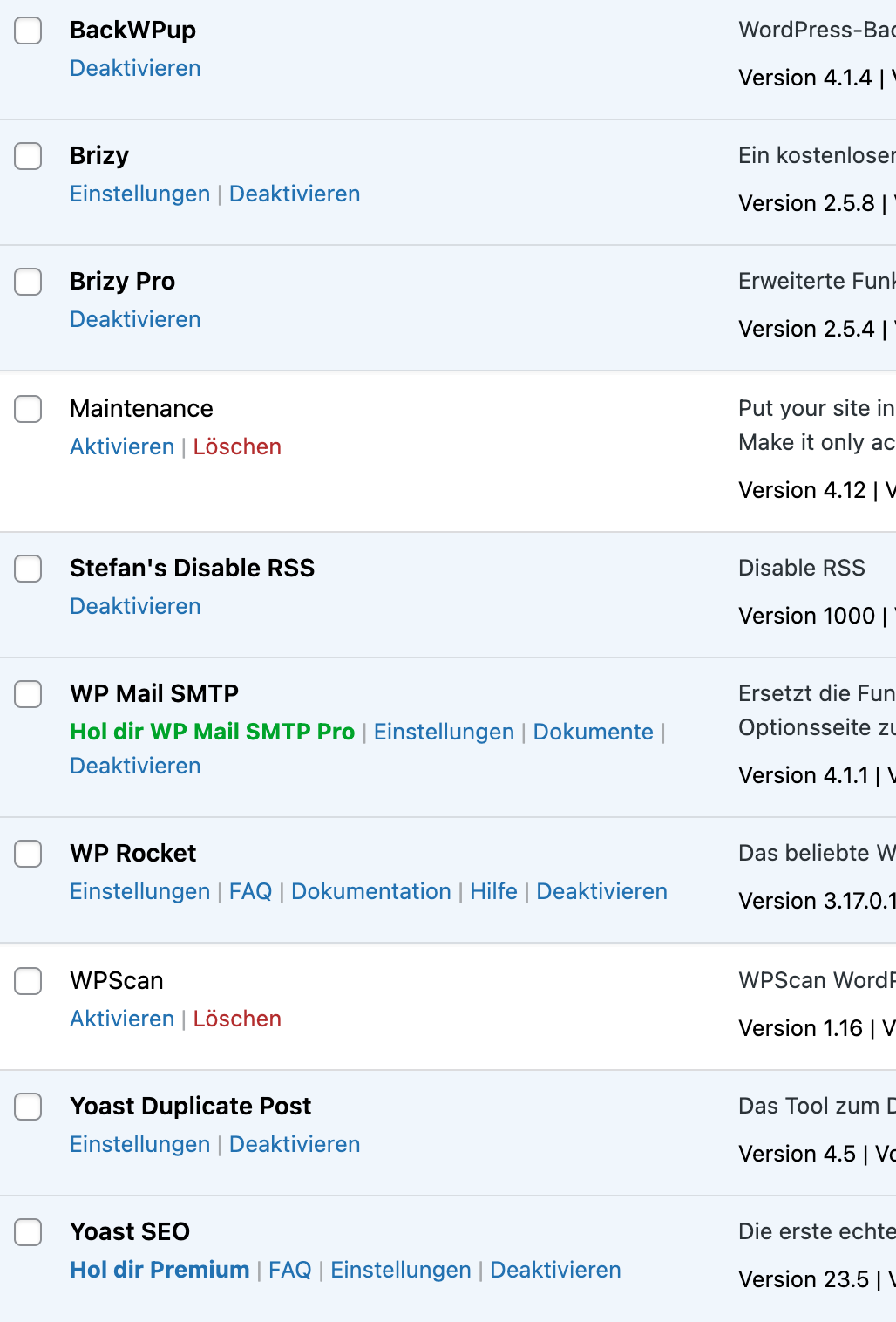
-

Hi Stefan,
Thank you for reaching out to us.
We have received similar issues recently. We've already reported this issue to our senior support team for further investigation. I will reach out to you as soon as I receive any new updates.
In the meantime, you could try rolling back to previous versions of Brizy to see if that helps fix the issue. First, take a full backup of your website and download these versions of Brizy to your computer:
Brizy 2.5.2: https://jmp.sh/2bXHLvAZ
Brizy Pro 2.5.1: https://jmp.sh/s29vW87tAnd follow these steps to roll back
1. Deactivate and delete Brizy Pro
2. Deactivate and delete Brizy
3. Download Brizy 2.5.2 and in your WordPress Dashboard under Plugins - Add New - Upload Plugin, upload Brizy
4. Download Brizy Pro 2.5.1 and under Plugins - Add New - Upload Plugin, upload Brizy Pro
5. Make a minor change to the global header, (like increase the padding by 1 pixel), reverse the change and update your project.Best regards,
Ariel H.0 -
Reverting back to Brizy Version 2.4.45 and Brizy Pro Version 2.4.38 fixed the problem.
Please fix the current versions :-)0 -
I did this from a backup as I didn't see your reply before.
Thank you very much for replying that fast :-)0 -
Even with the latest update, there is the same problem again! Please finally fix this bug!!!
0 -
Hi Stefan, I replied to you on this support thread: https://support.brizy.io/hc/en-us/community/posts/22233863142162
0
Please sign in to leave a comment.
Comments
5 comments