Pictures not showing after new installation (Starter Template)

After i installed Brizy Pro and installed a starter Template its not showing the pictures and also when i want to make some changes there are Problems with it.
-

Hi Amir,
Sorry to hear you're having issues with Brizy.
Could you please try disabling all other plugins except for Brizy and Brizy Pro to see if the issue persists? If the issue does not occur with other plugins disabled, it is possible that there may be a conflict with one of the third-party plugins installed on your site. Additionally, you can try temporarily switching to another theme to determine if the issue is related to your current theme.
If the issue continues, this is something we need to inspect from your WP Admin page. Please add us as an Admin user to your WordPress Dashboard and send the following details to: communitysupport@brizy.io
Community Post link: https://support.brizy.io/hc/en-us/community/posts/21427935654802
WordPress Admin URL:
Username:
Password:Please make a full backup of your site as a precaution.
Best regards,
Ariel H.0 -

Also having problems with the new update and Brizy Editor! No photos are loading in the editor. Had to roll back to the older version.
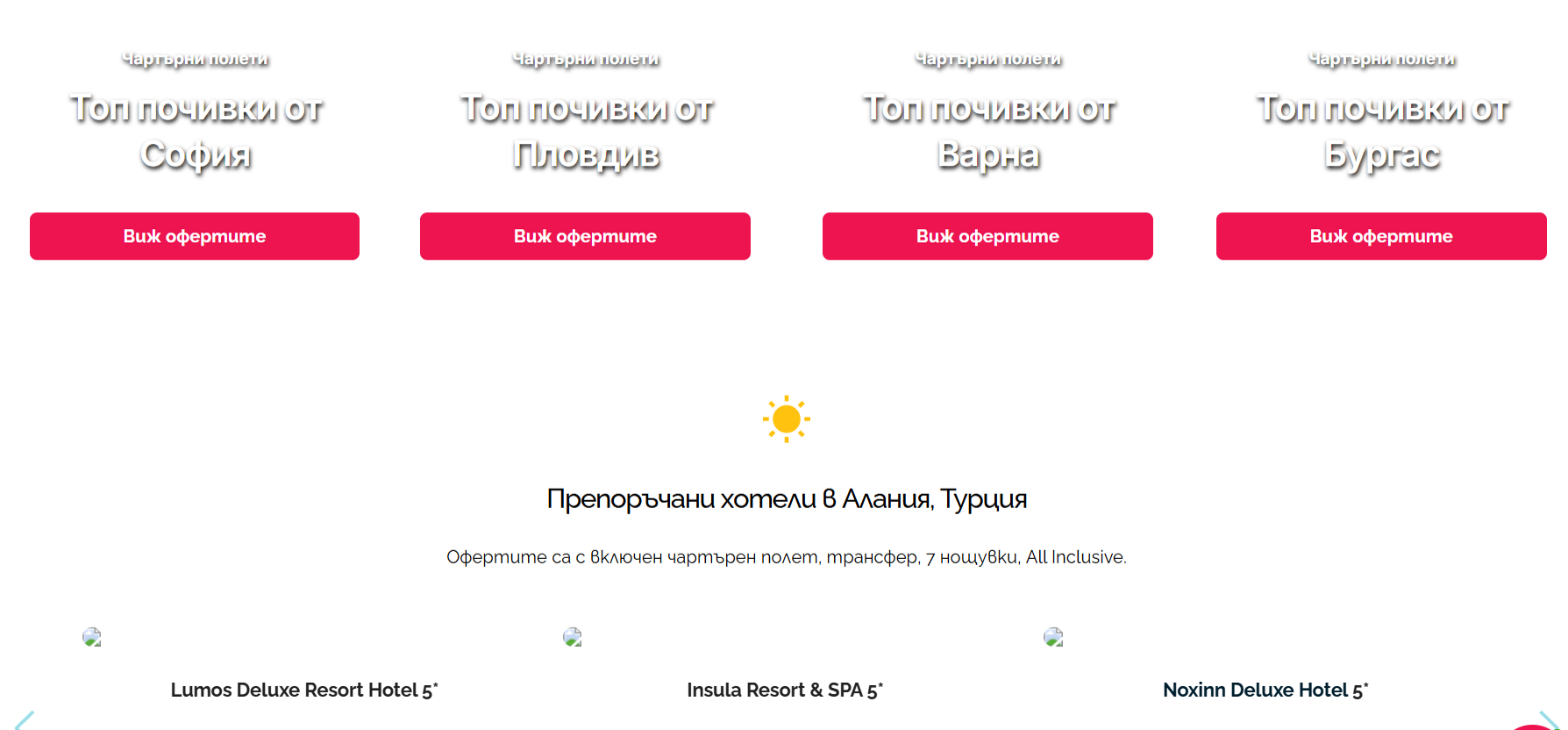 0
0 -

Images are broken also with my latest install. I had to revert back to a really old version of basic/pro in order to even edit/view my site. Please fix the issue.
0 -

Hello, there is a problem with all Brizy sites right now. I disabled the plugins and asked chat gpt. A code was written twice in Brizy databases.
0 -

Hello
I am Basharat from the Brizy support team.
Thank you for contacting us.
We sincerely apologize for the inconvenience you experienced. A hotfix has been released, and we kindly ask you to log in to your website and update the Brizy free plugin, which should resolve the issue.
Should you have any further questions, please feel free to reach out.
Best regards, Basharat
Brizy support team.0
Please sign in to leave a comment.
Comments
5 comments