Where to get Pro v2.4.38

Until the issue/incompatability with Apache web servers is remedied, where can I get Pro v2.4.38?
I have several sites where the global blocks are not showing and I cannot edit pages (this page needs a refresh...). I believe the solution is to rollback from the current version of v2.5.1 - but that's the only version I'm able to get of the Pro plugin from the brizy.io site.
-
 Hi Eric,
Kindly rollback to these Brizy versions to edit and save your changes on Apache web servers.
- Brizy 2.4.45 https://jmp.sh/6w60BmCr
- Brizy Pro 2.4.38 https://jmp.sh/eEwWoJGK
Follow the below procedure to roll back.
- Deactivate and delete Brizy Pro
- Deactivate and delete Brizy
- Download Brizy 2.4.45 and in your WordPress Dashboard under Plugins - Add New - Upload Plugin, upload Brizy
- Download Brizy Pro 2.4.38 and under Plugins - Add New - Upload Plugin, upload Brizy Pro
1 -
Thank you - I've been able to restore the plugins to the "working on Apache" versions and the site is showing the global blocks and I'm able to save edits to pages again.
This has been a thing for a couple versions now, so when can we expect an update that will work with Apache web servers again? Also, was this mentioned in an announcement (that perhaps I had missed)?
0 -

Hi Eric,
Thank you for keeping me updated.
Could you update to Brizy 2.5.4 and Brizy Pro 2.5.2 to check if this resolves the issue?
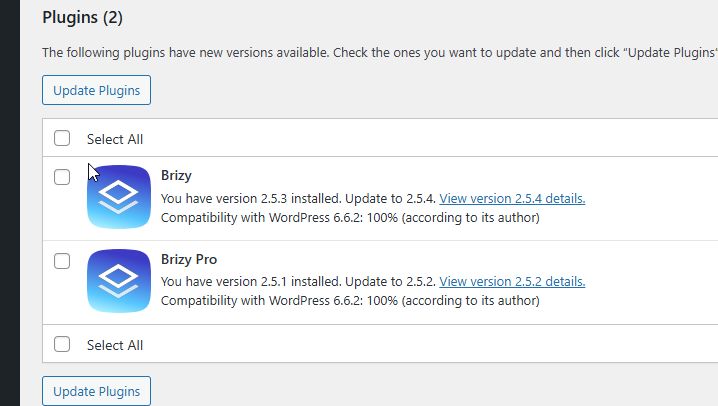
I recommend doing this on a staging site to avoid any impact on your live site. Several users have reported that similar issues were fixed after updating.
Best regards,
Ariel H.0 -
On one site, I downgraded and that has fixed the global blocks not showing.
On another site, I upgraded to brizy v2.5.4 (actually, already had that one with the auto-update) and pro v2.5.2 from the account dashboard. I am able to save/update the content on the pages, but I'm still not seeing the global blocks on the site. and after a hard refresh, I'm not seeing anything on the site anymore
0 -
Hi Eric,
Did you try purging your cache plugins?
Could you kindly share the URL so we can inspect it?
Best regards,
Ariel H.0 -
purging cache plugins? I don't have any cache plugins
0 -
Hi Eric,
Could you kindly give us temporary access to your WP Admin? This will allow us to further investigate the issue. Please add us as an Admin user to your WordPress Dashboard and send the following details to: communitysupport@brizy.io.
Community Post link: https://support.brizy.io/hc/en-us/community/posts/21407922851986
WordPress Admin URL:
Username:
Password:Please make a full backup of your site as a precaution.
Best regards,
Ariel H.0 -
Hi Eric,
Thank you for your cooperation. Could you please update the user account to Administrator? We currently do not have administrative access to your website.
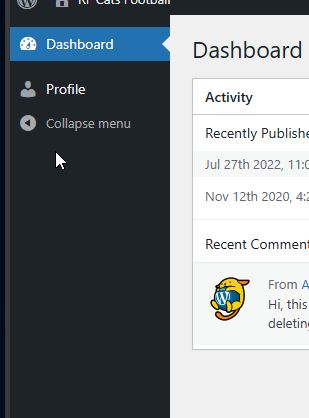
Best regards,
Ariel H.0 -
ope - sorry!
updated
0 -
Hi Eric,
Thank you for providing access to your site. We’re currently looking into the issue and will get back to you as soon as we have any updates. Sorry for the inconvenience.
Best regards,
Ariel H.0 -
Hi Eric,
Thank you for your patience.
We have recently rolled out an update to address these issues.

If you have any further questions, please let us know.
Best regards,
Ariel H.0 -
Can confirm it is working now on the rfcatsfootball site, thank you!
Just updated my other site: themosaiccoach.com and am not getting the same results there - still getting the page needs to refresh messaging. I've preemptively sent login information to review this site
0 -
Hi Eric,
We've set WordFence to learning mode for a few days to allow it to learn Brizy Actions.
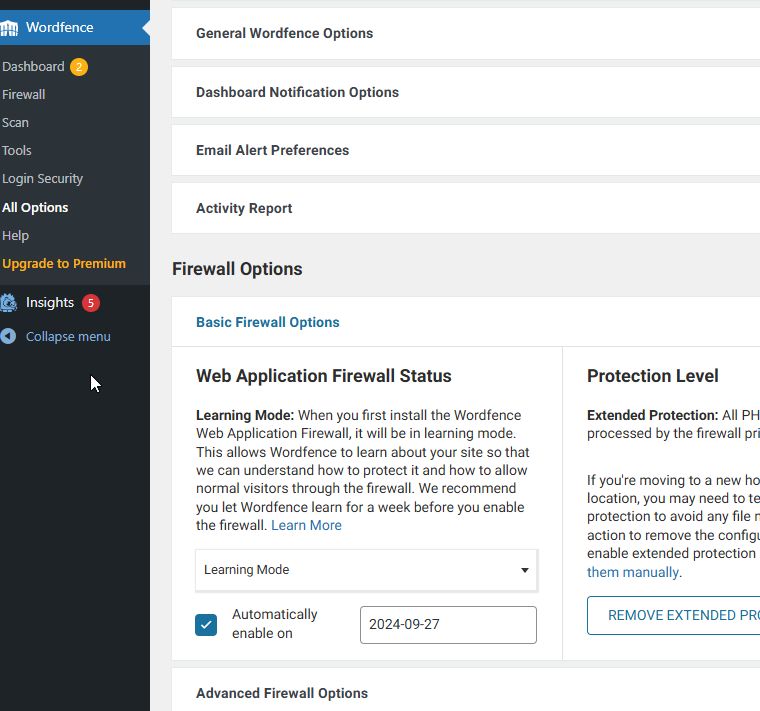
This allowed us to update the home page.
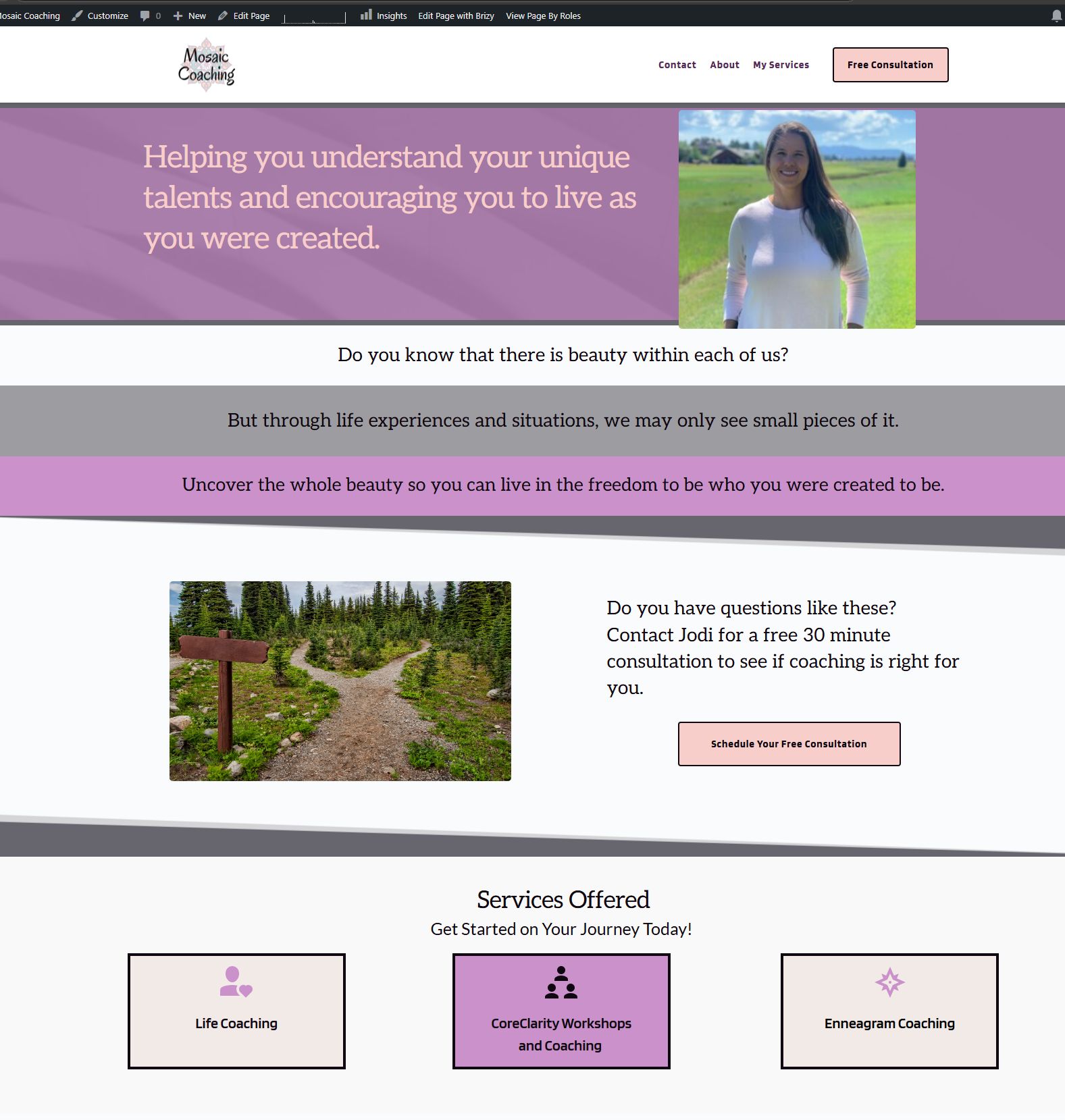
Kind regards,
Ariel H.0 -
ahhhhh! thank you
0
Please sign in to leave a comment.
Comments
14 comments