Posts template results in posts with a block that is not in the template??!!

Seems like this is a problem after we upgraded to the latest version (including Pro). If you look at e.g. this post: New assay from PatoGen - Saprolegnia spp! - PatoGen
There is a block on top with a background image and the post title that we are unable to find in the template :(
Any idea?
-

Hi Noralf,
Thank you for reaching out to us.
I assume that you are referring to this?
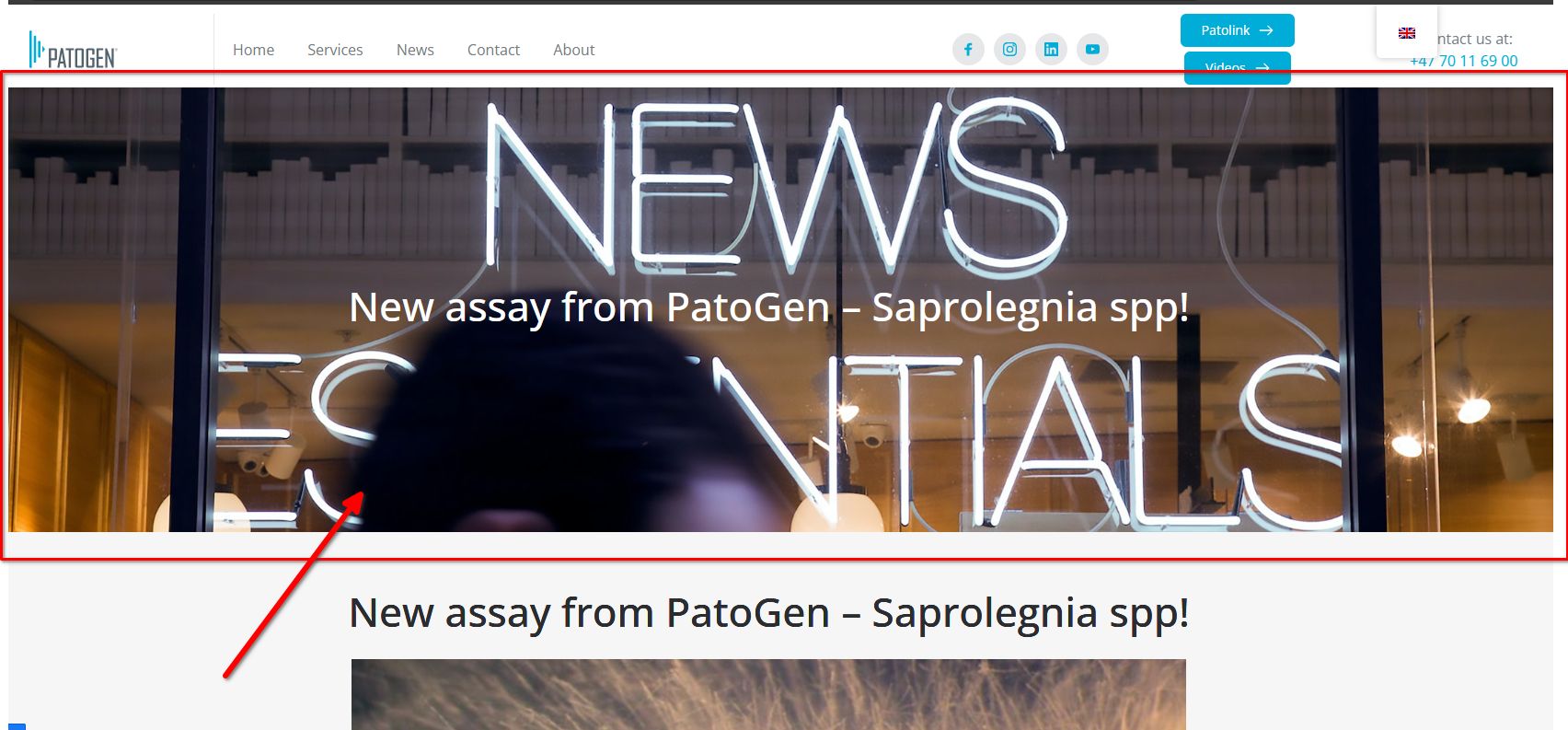
Could you please provide us temporary access to your WP Admin page so we can look into this issue? Please add us as an Admin user to your WordPress Dashboard and send the following details to: communitysupport@brizy.io.
Community Post link: https://support.brizy.io/hc/en-us/community/posts/21313260325906
WordPress Admin URL:
Username:
Password:Please make a full backup of your site as a precaution.
Best regards,
Ariel H.0 -
Correct. :-) Backup is in place and login details should be sent to communitysupport@brizy.io (let me know if it has not arrived). Thank you for your help.
0 -
Hi Noralf,
Thank you for your cooperation.
We have fixed this issue by creating a temporary dynamic template called "test."
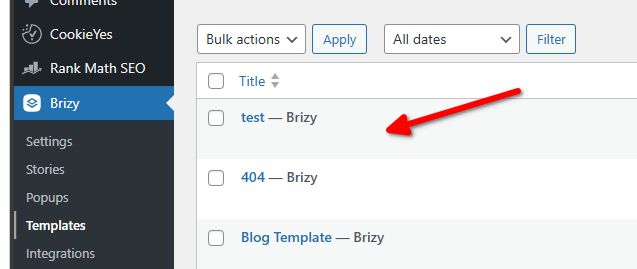
This allowed us to access the hidden global block, and from there, we deleted all the display conditions.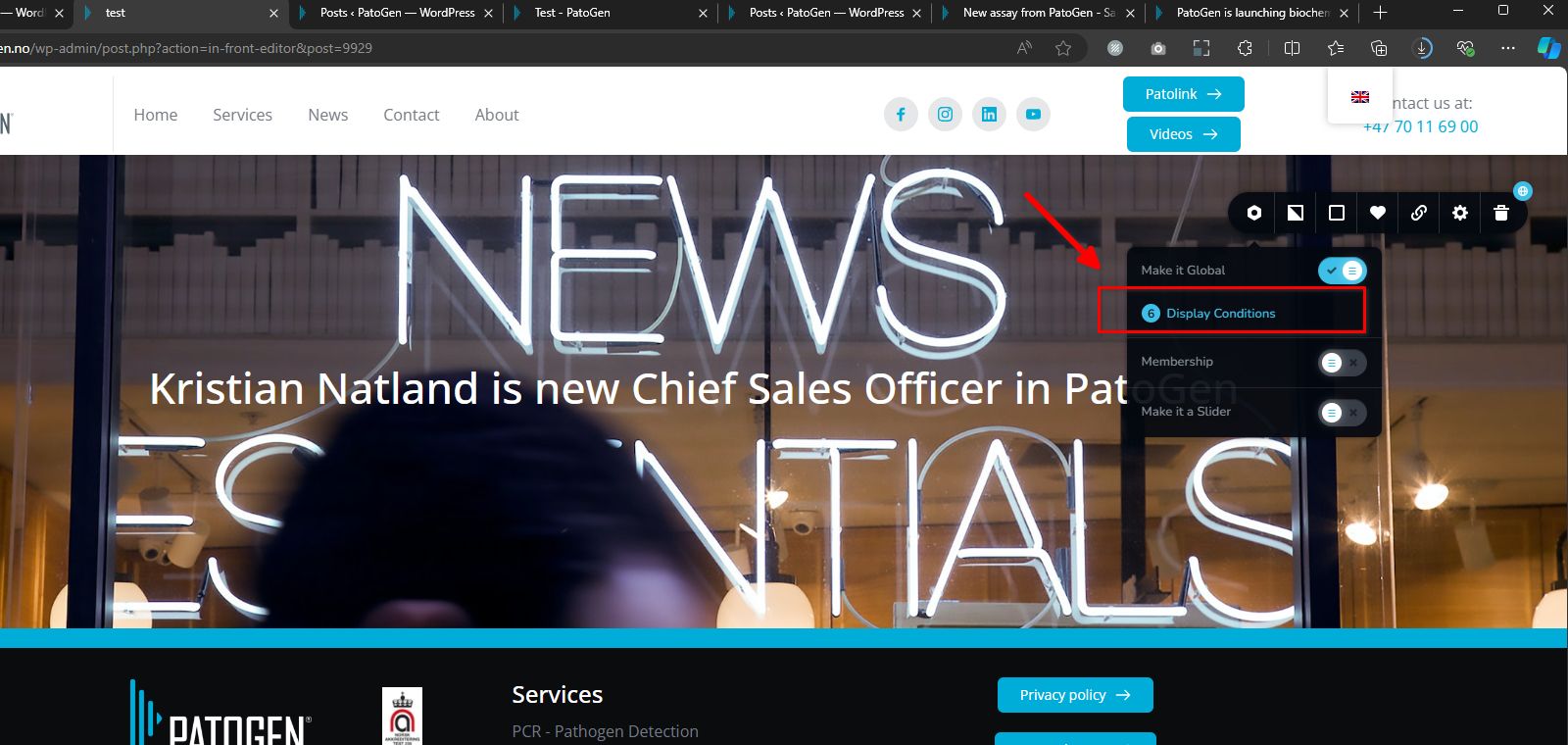
If you encounter a similar issue with other sites that you manage, this approach should address it.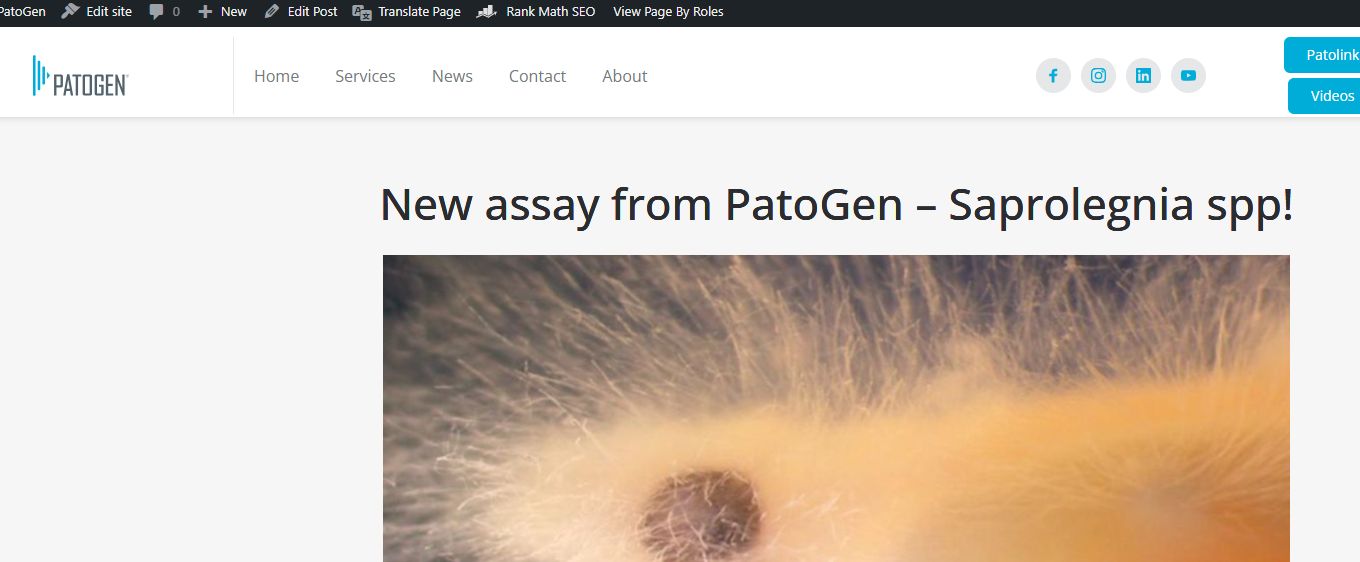
If you have any further questions, please let us know.
Best regards,
Ariel H.0 -
Great! Thanks a lot. :-)
0
Please sign in to leave a comment.
Comments
4 comments