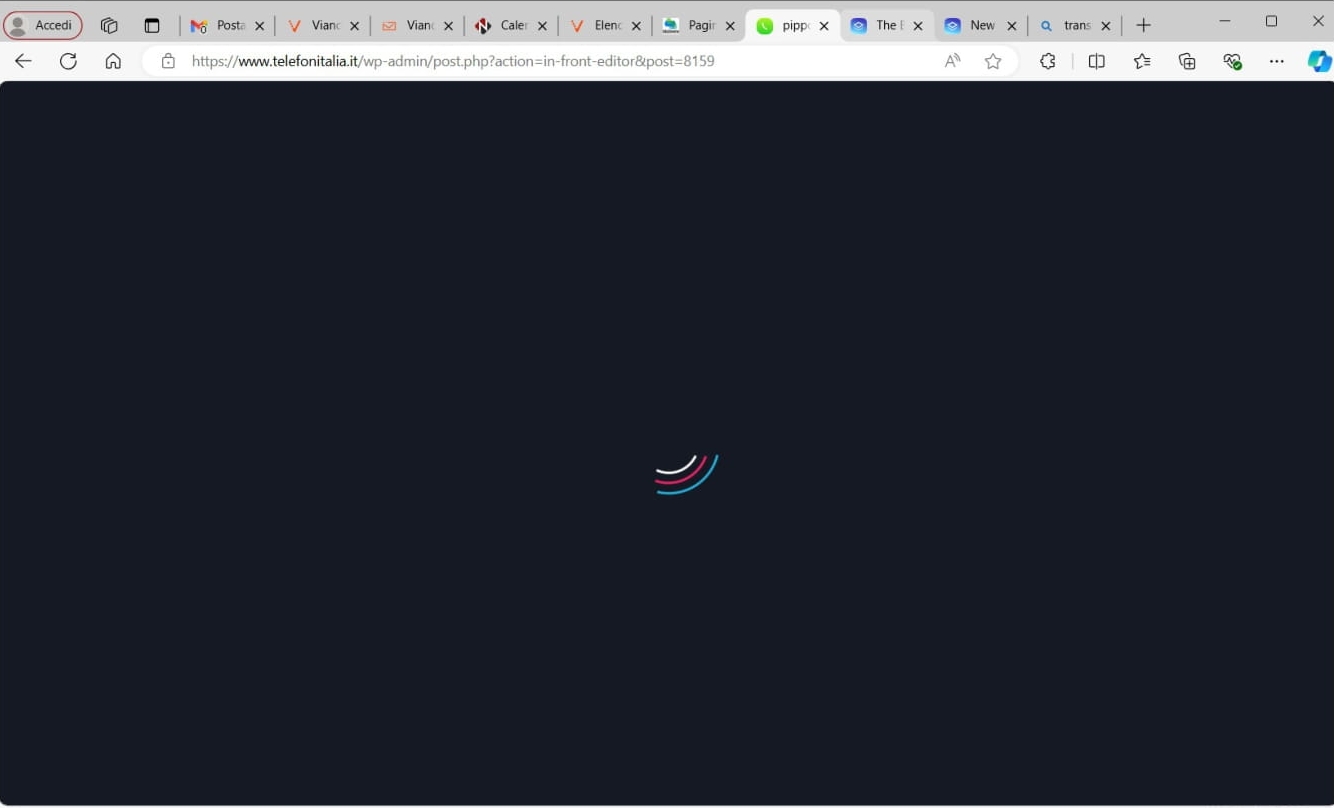
I can't edit a page

I log in to edit the page but I can't enter, it also happens if I create a new page
Versione 2.5.2 Brizy
Versione 2.5.1 Brizy pro
WordPress 6.6.1 con il tema Hestia.
-

Hi Walter,
If you are using WordFence Security plugin please follow these steps and see if this will help resolve the issue with saving changes to your project.
- In your WordPress Dashboard under WordFence - All Option , navigate to "Firewall Options"
- Enable Learning Mode - https://jmp.sh/dXzpSFmk
- Return to your Brizy page, make some minor changes, and then update the page
- Once done, return to the WordFence settings and re-enable the "Enabled and Protecting" mode
If you are not using Wordfence, we are open to take a look at your project to troubleshoot this issue for you. If you need this help, please add a new user to your WordPress Dashboard and send the following details to our email: communitysupport@brizy.io
- Community Post link: https://support.brizy.io/hc/en-us/community/posts/20700651106450
- WordPress Admin URL:
- Username
- Password
Please let us know in this forum when you send us the email.
0 -
Thanks
I send email because i need help
0 -
Hi Walter,
A Brizy file was missing in your server. I have reinstalled the Brizy plugin. Please check if you are able to edit Brizy pages.
0 -
Hi George
Thank you for support
Now everything works
0
Please sign in to leave a comment.
Comments
4 comments