Latest update

Hi, just update to latest and when edit or it cant safe or update got this message.
please advise
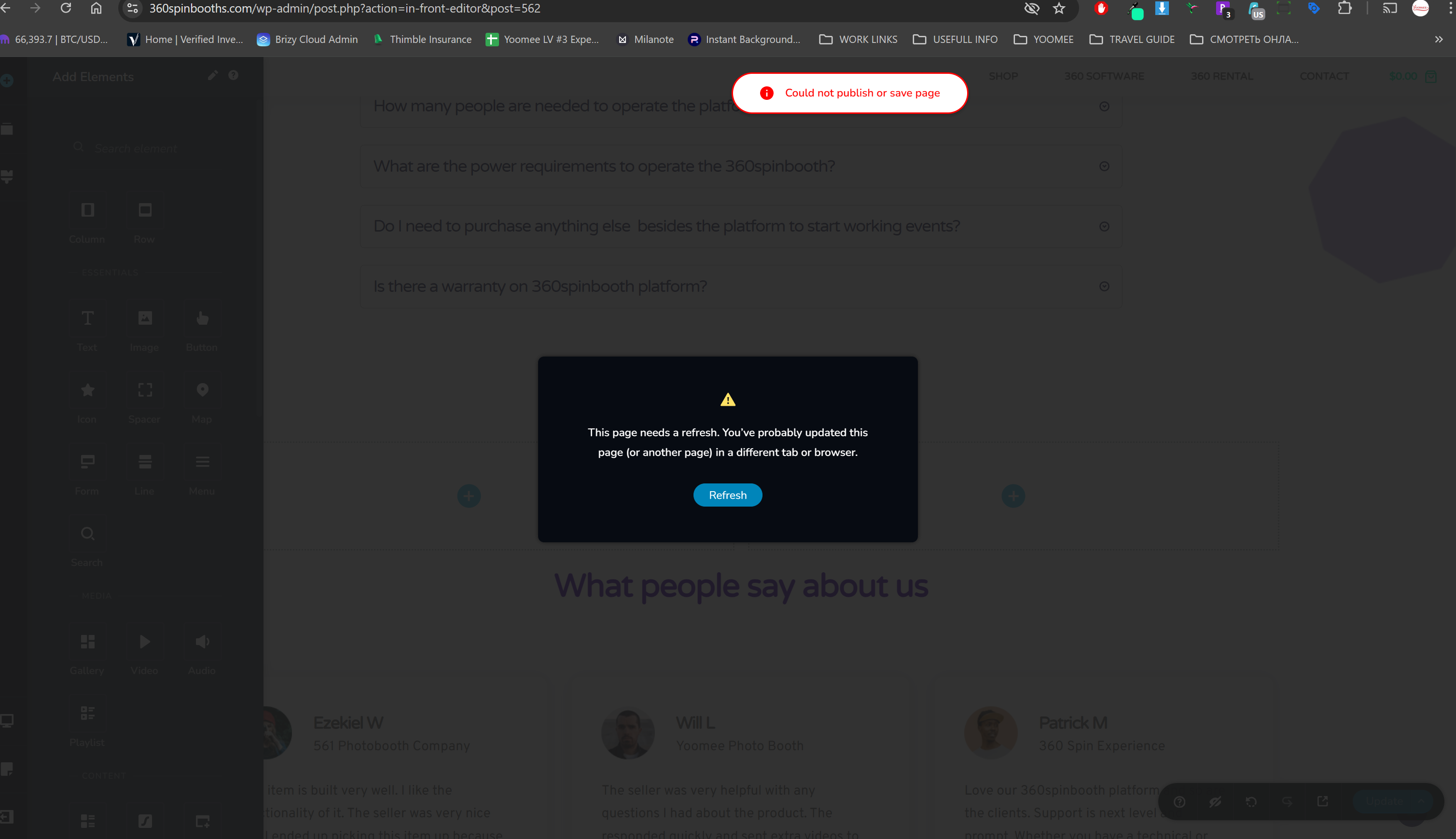
-

Hi Vlad,
If you are using WordFence Security plugin please follow these steps and see if this will help resolve the issue with saving updates to your project.
- In your WordPress Dashboard under WordFence - All Option , navigate to "Firewall Options"
- Enable Learning Mode - https://jmp.sh/dXzpSFmk
- Return to your Brizy page, make some minor changes, and then update the page
- Once done, return to the WordFence settings and re-enable the "Enabled and Protecting" mode
If this does not help, we will need access to your WordPress Dashboard to offer further help.
0 -
Hi KC,
Hope you doing well.
Just update site and all my get quote buttons book now with pop up form doesn't works how to fix it? Also i get sync error when try to sync my safe and global blocks
0 -
Hello Vlad,
We could not locate the "Get Quote" and the "Book Now" buttons at https://360spinbooths.com/. How do we see the issue you are facing?
0 -
Hi KC i was waiting for a while to update it is always scary)) so I update now and all site all pages broke how to fix it?
yoomeebooth.com
0 -
Hello Vlad
We apologize for the inconvenience. Everything looks good at https://yoomeebooth.com/. Do you stil need help?
0 -
Hi KC, thanks i figure it out. it was problem with pop up forms.
I have another question here on home page https://360spinbooths.com/ i have video with cover image and i cant click to play on all videos and if i remove cover image it is not playing event it says autoplay, also learn more button not clickable, i reset it so many times still not working check on multiple browsers and in incognito mode, also effect on product image hase hover effect it is not working too. please advise
0 -
Hello Vlad,
Please try these.
- Deactivate the Litespeed Cache plugin and check if the issue resolves.
- If you have added a hyperlink to the column around the video, please remove it and check if it resolves the issue.
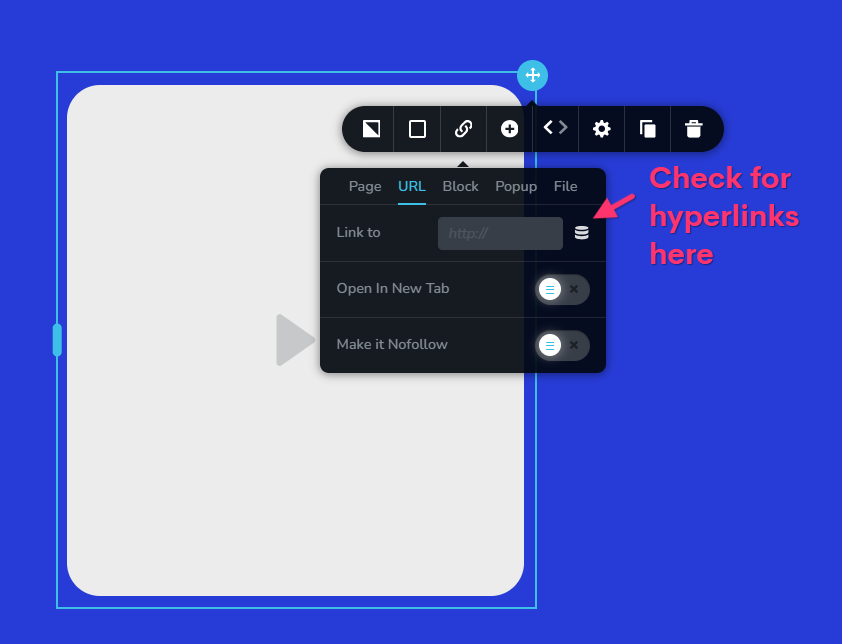
If both of the above do not help, we would like to take a look at your WordPress dashboard to help you resolve this issue. Please add a new user to your WordPress Dashboard and send the following details to our email: communitysupport@brizy.io
- Support Forum reference: https://support.brizy.io/hc/en-us/community/posts/20646017704850
- WordPress Admin URL:
- Username
- Password
Your email must include a link to this thread's URL, otherwise we will be unable to locate your support ticket. Please notify us in this thread when you send us the email.
0 -
Hi KC,
No url,
And yes if I disable lightspeed it is working. What i should do next how to fix lightspeed or do you have better suggestion?
thank you
0 -
also it is weird I dont have start playing automatically switch
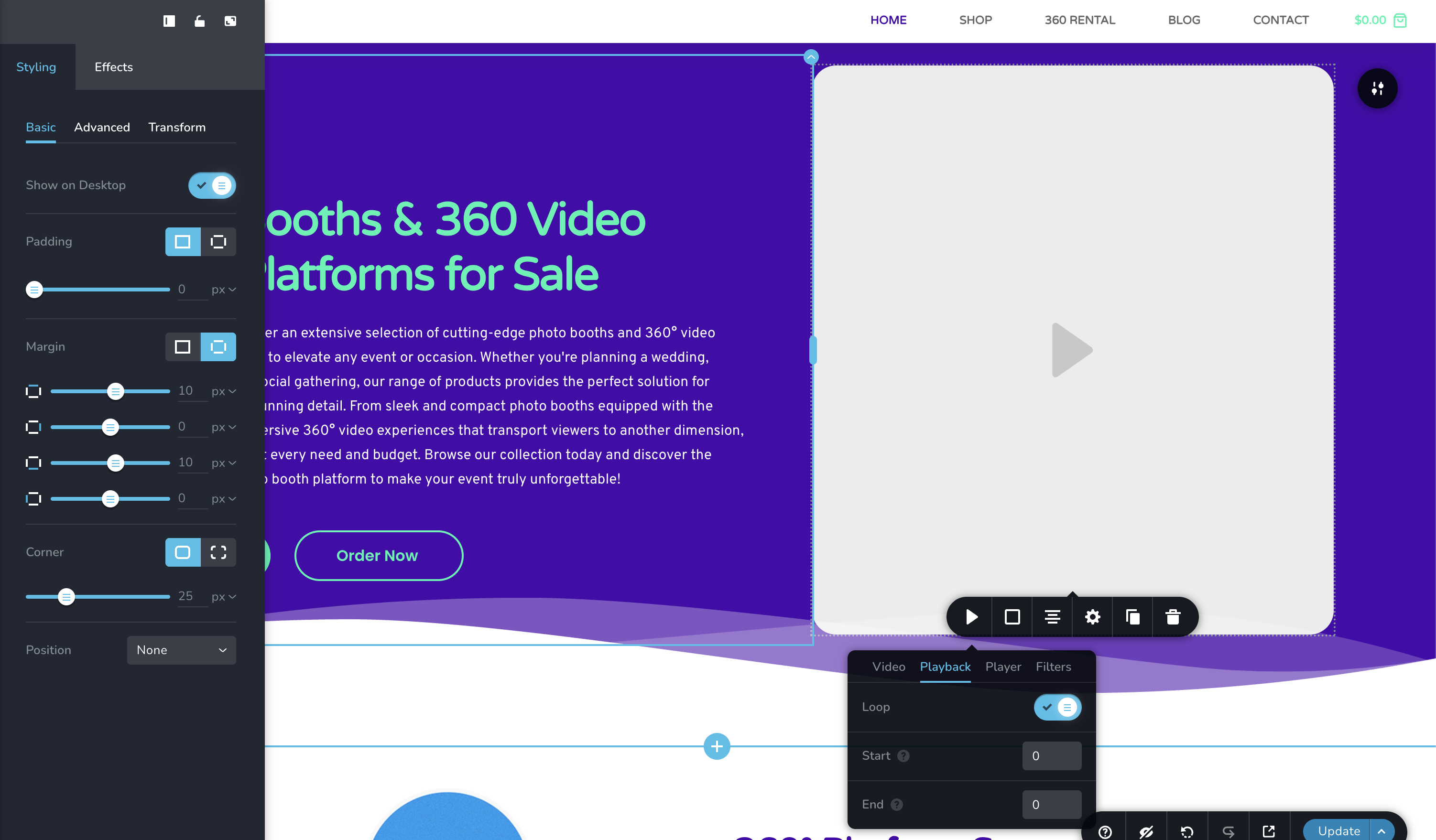 0
0 -
Hello Vlad,
There were a few "404 File Not Found" errors on Litespeed plugin files earlier. Kindly try these
- Reinstall Litespeed cache plugin and check if the problem returns
- If it returns, apply the "Basic" preset in your WordPress Dashboard under Litespeed Cache > Presets and check if helps to resolve the issue. Have a look at https://jmp.sh/SFSpQms4
0 -
Hello Vlad,
Before disabling autoplay, kindly enable the Player "Controls" option.
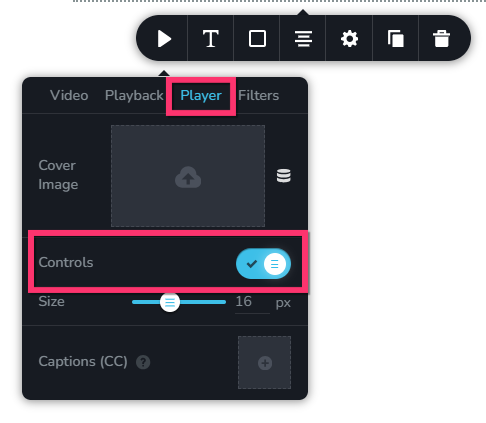 0
0 -
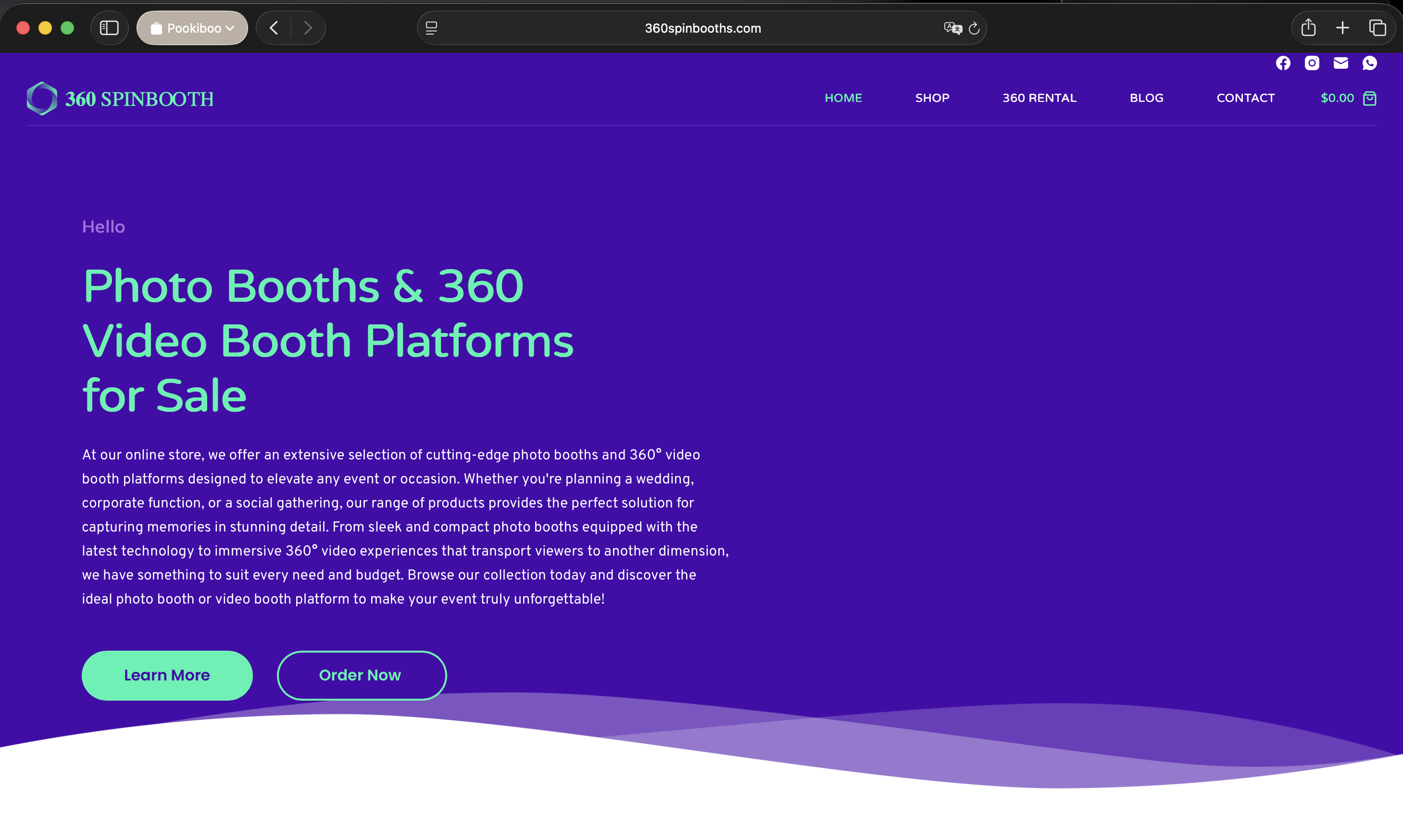
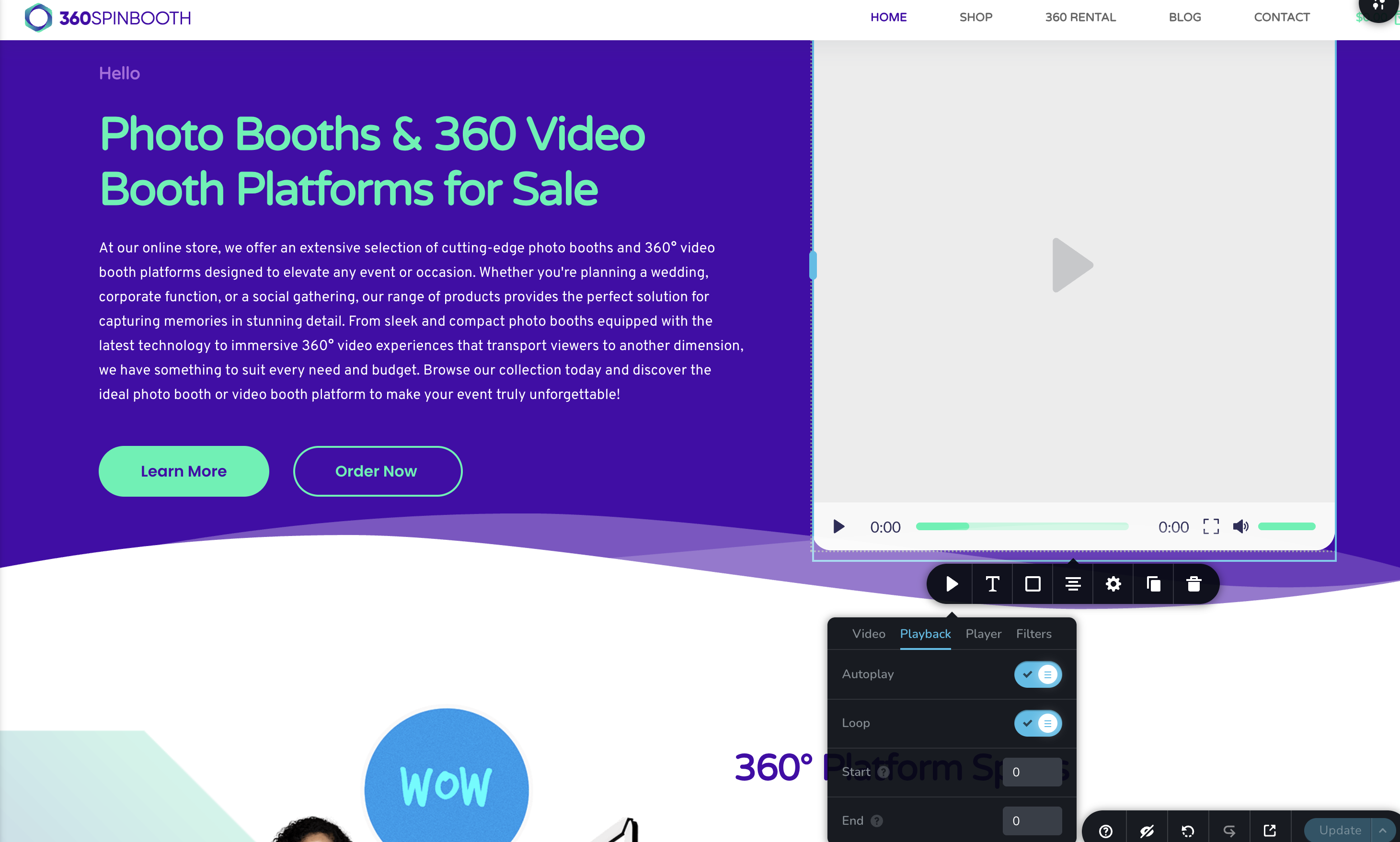
i want no controls and it plays automatically, but when i enable controls or disable there is no video starts
 0
0 -
correction: in chrome it is ok it is working but nit in safari (screenshots from safari)
0 -
Hello Vlad,
Have a look at https://go.screenpal.com/watch/cOhYjXntgsY where the video plays on Safari. Can you do more tests on other laptops/computers and see if it would work on Safari?
0 -
Thank you KC U will test more.
Also do you think you guys can implement this https://novamira.ai/ work with brizy builder?0 -
Hello Vlad,
At the moment, we do not know if AI clients (like Claude) can work with Brizy using the Novamira plugin. We will conduct some tests and get back to you.
0 -
Hi KC, I have again problem with videos please see screenshots, after latest update

 0
0 -
one screen in chrome and one in builder, also faq section all open
0 -
Hello Vlad,
We apologize for the inconvenience. There are a few bugs with the most recent Brizy and Brizy Pro versions. Please roll back to these versions to resolve the problem in your project while we work on fixing those bugs.
- Brizy 2.8.17
- Brizy Pro 2.8.10
You can download the rollback versions at https://jmp.sh/LvkL5r0K
Kindly follow these steps to rollback
- Deactivate and delete Brizy 2.8.19
- Upload Brizy 2.8.17
- Deactivate and delete Brizy Pro 2.8.11
- Upload Brizy Pro 2.8.10
0 -
Thank you
0
Please sign in to leave a comment.
Comments
20 comments