Brizy Page Builder Down?

While using Brizy, my pages under edit will not save. Further, my current (active) pages are not loading on the web.
Is something going on with Brizy? Everything was fine last week. I updated to Brizy Pro 2.5 yesterday. Is that causing my problems?
What can I do to remedy the situation?
Thanks for your help.
-

Hi Randall,
Thank you for contacting us.
If you are using WordFence, kindly temporarily disable it, clear your cache, and verify if this resolves the issue.
You may also consider temporarily setting it to Learning Mode, which will also resolve the issue:
https://www.wordfence.com/help/firewall/learning-mode/
Please try this and let me know how it goes.If this is not applicable to your situation, please provide us with some screenshots to illustrate the issue.
Best regards,
Ariel H.0 -

good day, I put wordFence in the learning mode, I deleted the buffer memory, everything is fine now
0 -

I'm having the same issue, unable to save or publish page, same error as that screen shot above. Brizy has been on auto-update. I checked WordFence. At first I went to disable it, and had a critical error. I then restored defaults. I can select "learning mode", although the "save changes" button I cannot press. I have Brizy Pro, although two years or longer ago it conflicted with some plugin, so it's deactivated. I do need to be able to use Brizy, although now I cannot. Please advise. Thank you.
0 -
Hi Dan,
Thank you for reaching out to us.
Please check if you have the ability to temporarily disable Firewall/Mod Security in your hosting console. This should help resolve the issue.
If you are using the Astra or Blocksy themes, consider trying other themes such as Page Builder Framework or GeneratePress to see if this makes any difference.
Please try these suggestions and inform me of the outcome.
Best regards,
Ariel H.0 -
Hi Ariel. Thank you for your response. I am using the Twenty Seventeen theme. I changed to GeneratePress as the theme and that disabled the home page's functionality. (No images, only lists of links.) I reinstalled the earlier theme and the home page works again. I am still unable to click the "save changes" nor "cancel changes" buttons in the "All Options" page in WordFence. I see nowhere else to disable firewall in WordFence. Can you correct the issue causing this malfunction in Brizy? I'm concerned that I saw this "critical error" as a result of trying to resolve this issue the Brizy update caused, in my site appearing to malfunction. Thank you, Dan.
0 -
Hi Dan,
Thank you for the update and we apologize for the inconvenience.
This is something we need to inspect from your WP Admin page. Please add us as an Admin user to your WordPress Dashboard and send the following details to: communitysupport@brizy.io
Community Post link: https://support.brizy.io/hc/en-us/community/posts/20326732548754
WordPress Admin URL:
Username:
Password:Please make a full backup of your site as a precaution.
Best regards,
Ariel H.0 -
Thank you, Ariel H. I sent you that email.
Appreciatively,
Dan0 -
Hi Dan,
Thank you for your cooperation.
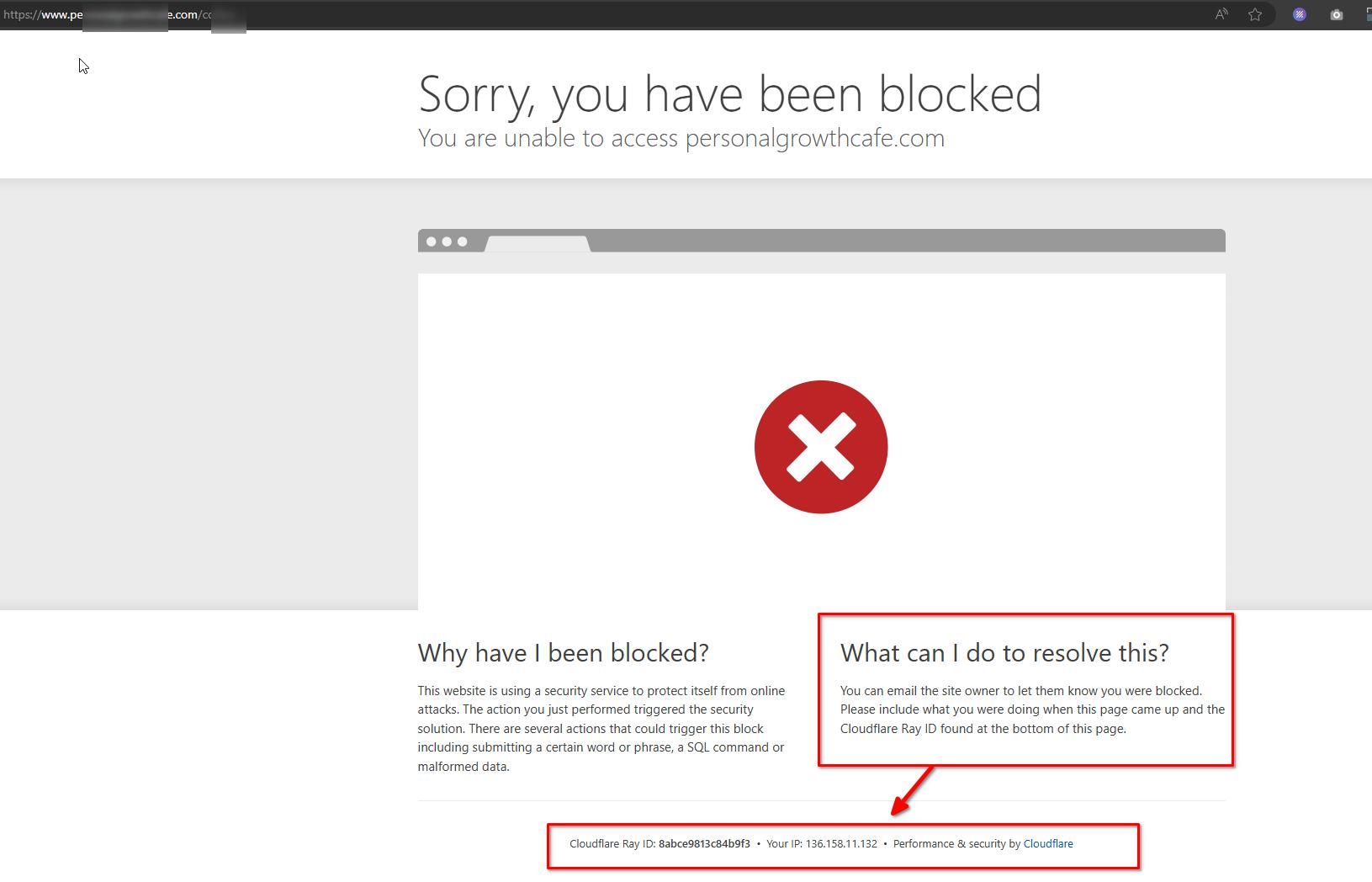
I tried to access your site; however, I am blocked from doing so. Following the instructions in the attached screenshot, kindly grant access from this IP address: 36.158.11.132.
Best regards,
Ariel H.0 -
Please try now, Ariel. You have been added. Thank you.
0 -
Hi Dan,
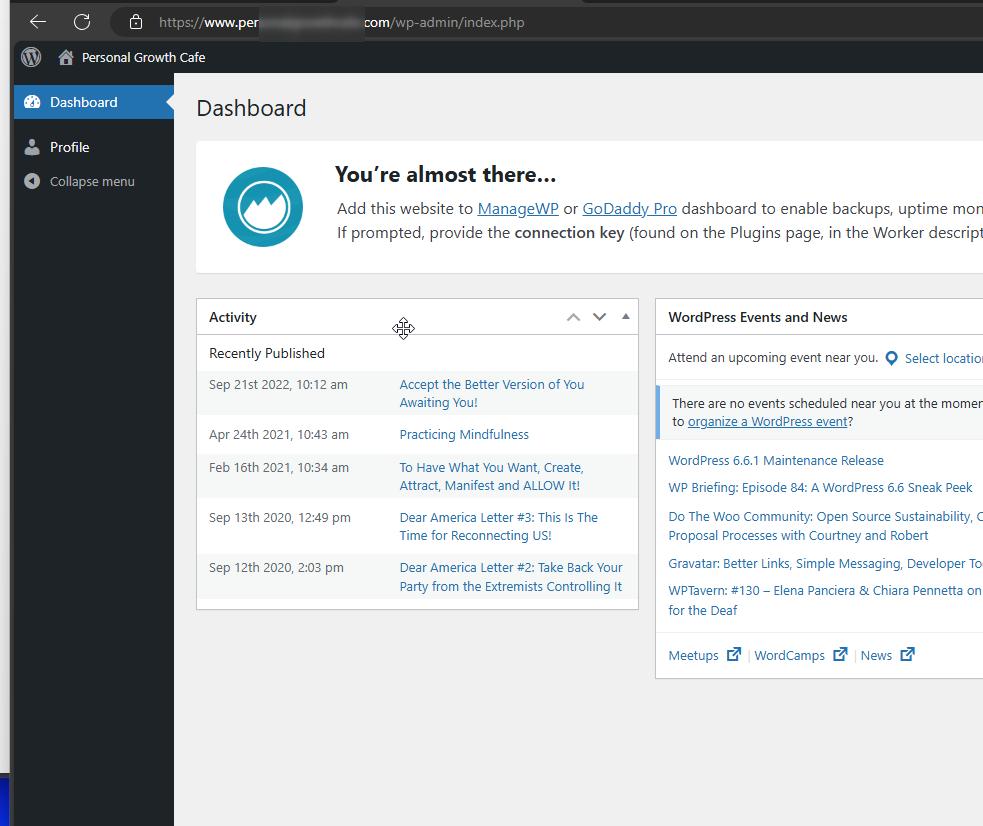
Please also update the user account into an Administrator role. We don't have access to your pages and the plugins area to inspect your site.
 0
0 -
Hi Ariel. I have updated your role to Administrator. I had not intended to make you a subscriber, before. Thanks.
0 -
Hi Dan,
Thank you for your cooperation.
Upon checking, I only found posts where Brizy was used to edit the page. The issue seems to be related to WordFence, as demonstrated in this screencast: https://youtu.be/LvS1GtZIQSY. Initially, WordFence was in Learning mode, but this did not resolve the issue. Permanently disabling WordFence has successfully resolved the issue.
In this scenario, you may need to update your .htaccess file and remove all directives added by WordFence to see if this resolves the issue. For further information, please refer to this link: https://stackoverflow.com/questions/46863705/fatal-error-unknown-failed-opening-required.
Alternatively, you can temporarily disable WordFence while working on your pages and re-enable it after publishing your pages.
If you have any further questions, please let us know.
Best regards,
Ariel H.0
Please sign in to leave a comment.
Comments
12 comments