[Urgent] All global blocks stopped showing on page

[Urgent] All global blocks stopped showing on page
They are still showing on the Brizy editor, but not on the public facing page.
Please advise asap!
-
 1
1 -
Cannot create new page. Need assistance asap please!
-David
0 -
 0
0 -
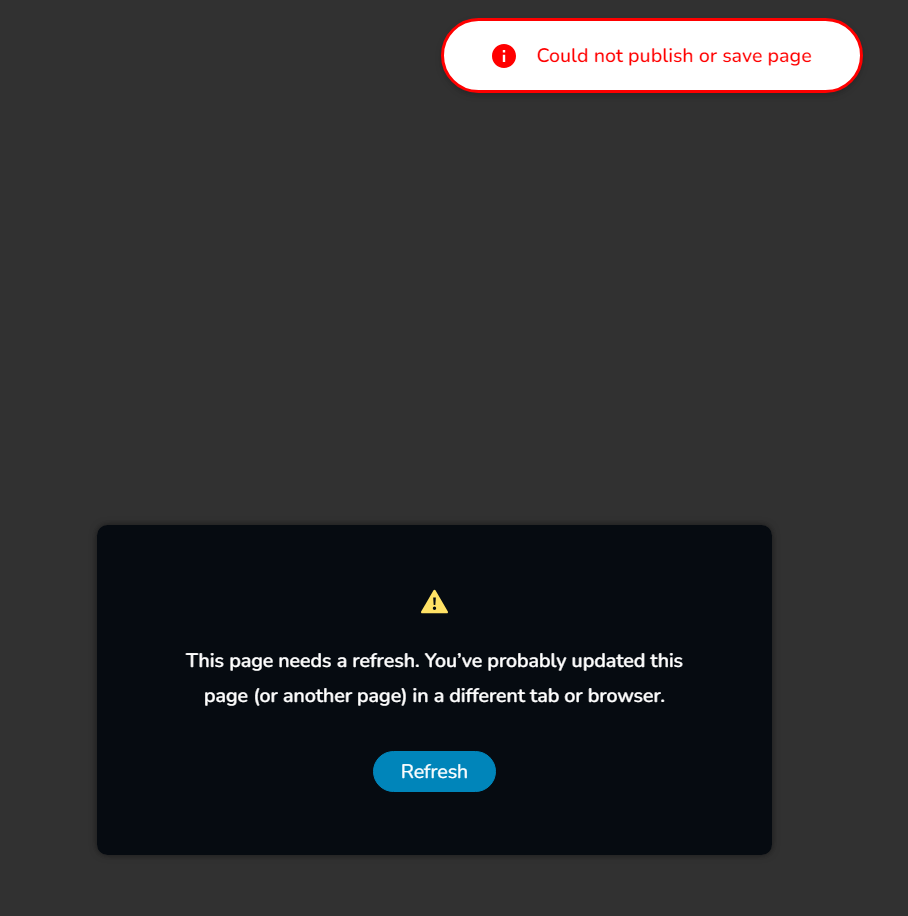
I'm getting this error in console when trying to save a page. ^
0 -

Hi David,
Thank you for reaching out to us.
Does it occur on all pages or one specific page only? From my observation, the issue appears to be related to pages with so many page revisions.
To address this issue, I recommend trying the steps outlined in this link to see if it resolves the issue:
https://www.elegantthemes.com/blog/wordpress/how-to-manage-wordpress-revisions-to-optimize-site-performanceIn the above article offers a manual method of limiting page revisions using PHPMyAdmin, or you can opt for WP Optimize, which is simpler to operate.
If the issue continues, this is something we need to inspect from your WP Admin page. Please add us as an Admin user to your WordPress Dashboard and send the following details to: communitysupport@brizy.io
Community Post link: https://support.brizy.io/hc/en-us/community/posts/20307744234130
WordPress Admin URL:
Username:
Password:Please make a full backup of your site as a precaution.
Best regards,
Ariel H.0 -
Please see email response to communitysupport@brizy.io
-David
0 -
Hello, I have not heard back. Please acknowledge that you received my email and looking into this issue.
Thank you,
David0 -
Hi David,
We apologize for the inconvenience. In response to recent similar reports, we have reverted to the older versions of Brizy and Brizy Pro to resolve the issue. We will keep you informed once we have fixed the issue with the new updates.
Kind regards,
Ariel H.0 -
Hi Ariel, thank you for fixing it!
Since you guys are already looking, can you help me with another glitch I'm having?
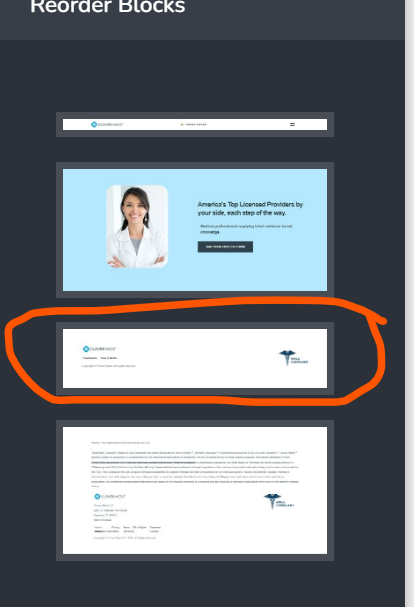
If you try to create a new page, you will see that it has an error each time. The only thing that fixes the error is to remove the second to last block from the block view and save. This is because there is a bit of javascript that seems to be incompatible with Brizy, it is javascript that returns current year.
Question is, how do I remove this from being created on each page?
Thank you,
David
0 -
This is the problematic block, but I cannot access it to deactivate it:
 0
0 -
For context, please see:
https://support.brizy.io/hc/en-us/community/posts/13608480887441-Editor-not-working
0 -
Hi David,
Thank you for the update.
Could you please guide me on where I can locate the page you are referring to?
Kind regards,
Ariel H.0 -
Hi Ariel,
Sure, you can sign in and visit this page. You will see the problem:
[ link removed ]
Also, this happens on every new page.
Finally, when will the new update be available? I have other sites that were impacted by the 'missing global blocks / cannot save page' glitch. Please let me know when it will be available.
Thank you,
David
0 -
Hi David,
Thank you for your cooperation.
The JavaScript that was causing this issue has already been removed from the page. Kindly open the page to confirm.
Additionally, we have created a backup of your site before removing the script, as a precaution in case any issues arise from this process. Please check that your pages are functioning properly and feel free to delete the backup in the All in One WP Migration plugin to free up space on your server.
Unfortunately, I am unable to provide an update about the issue with the recent update as this is currently in progress. However, I will get back to you on this support thread as soon as I have new information.
If you have any further questions, please do not hesitate to reach out.
Best regards,
Ariel H.0 -
Thank you Ariel!
0 -
If you don't mind sharing, how were you able to modify the js in the inaccessible block? Just in case something like this comes up down the line.
Thank you,
David
0 -
Hi David,
Thank you for the update.
The process involves installing an older version of Brizy Pro, which doesn’t block JavaScript. This allows us to remove the embed code. Once that’s done, we can update Brizy to a newer version.
Best regards,
Ariel H.0 -
Hi Ariel,
Thank you for the info.
I see you guys rolled out a new update today but it still does not address the issue I reported here where global elements are missing and pages cannot update.
Any idea when this will be addressed? Seems it is a major issue and rolling back to old versions may not be great for security reasons.
Please advise.
Thank you,
David
0 -
Hi David,
Thank you for the update.
Unfortunately, this issue is still unresolved. We will keep you updated on this support thread as soon as we have any new information. Apologies for any inconvenience.
Best regards,
Ariel H.0 -
Hi Ariel,
Any update on this?
Thank you,
David
0 -
Hi David,
Thank you for keeping in touch.
You may now update to the most recent version of Brizy and Brizy Pro. You might face some layout issues after updating. If this happens, you will need to update all your pages following the steps provided in this link: https://www.brizy.io/new-compiler-200-loading-performance-boost.
Follow the instructions under "How to benefit from the Compiler improvements."If you have any further questions, please let us know.
Best regards,
Ariel H.0
Please sign in to leave a comment.
Comments
21 comments