Correct images not showing when selected

When trying to add images to brizy blocks and pages with the Wordpress plugin I am finding it only wants to let me add one picture, no matter what other images I select from the media library. A screenshot shows you what I mean. Notice the logo is also an image too :)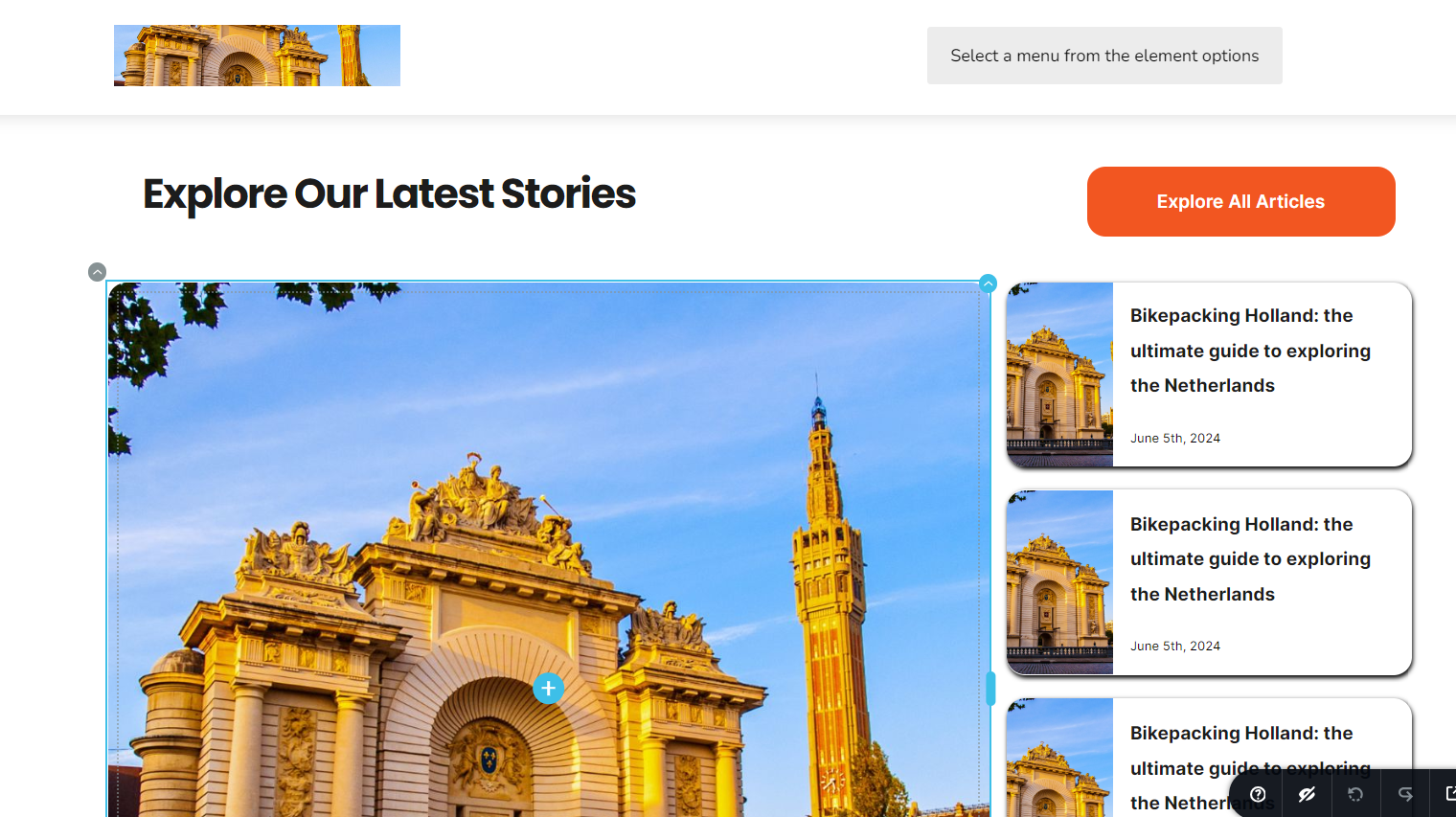
The site is on siteground
-

Hi David,
Thank you for contacting us.
This is something we need to inspect from your WP Admin page. Please add us as an Admin user to your WordPress Dashboard and send the following details to: communitysupport@brizy.io
Community Post link: https://support.brizy.io/hc/en-us/community/posts/19482372388370
WordPress Admin URL:
Username:
Password:Please make a full backup of your site as a precaution.
In the meantime, could you please try disabling all other plugins except for Brizy and Brizy Pro to see if the issue persists? If the issue does not occur with other plugins disabled, it is possible that there may be a conflict with one of the third-party plugins installed on your site. Additionally, you can try temporarily switching to another theme to determine if the issue is related to your current theme.
Best regards,
Ariel H.0 -
Hi Ariel,
We have to be very judicious on the site due to the nature of it's size, I will test with the other plugin checks, as I know what they all do and their settings configs.
What checks would you be doing in the admin section?
We are a multi-national enterprise level business and have to clear these things first.
Thanks0 -
We host with Siteground using sg-host and we proxy our url via a loadbalancer that uses GCP CDN also. But I assume the media is stored on Siteground CDN. Do you know if this CDN is a conflict with Brizy?
0 -
Hi David,
Thank you for the update.
Unfortunately, Brizy doesn't work well with images stored in the CDN. Before editing your pages, I suggest disabling the CDN and then updating your pages. This will allow you to make the necessary edits. Once you're done, you can re-enable the CDN.
If you have any further questions, please let us know.
Best regards,
Ariel H.0
Please sign in to leave a comment.
Comments
4 comments