Brizy editor not showing up

I downloaded and installed my Brizy Pro.
When I first went to my website to edit in wordpress, the Brizy editor showed up just fine. I did notice that I don't have the normal pages screen that I usually see. Instead, it looks like this:
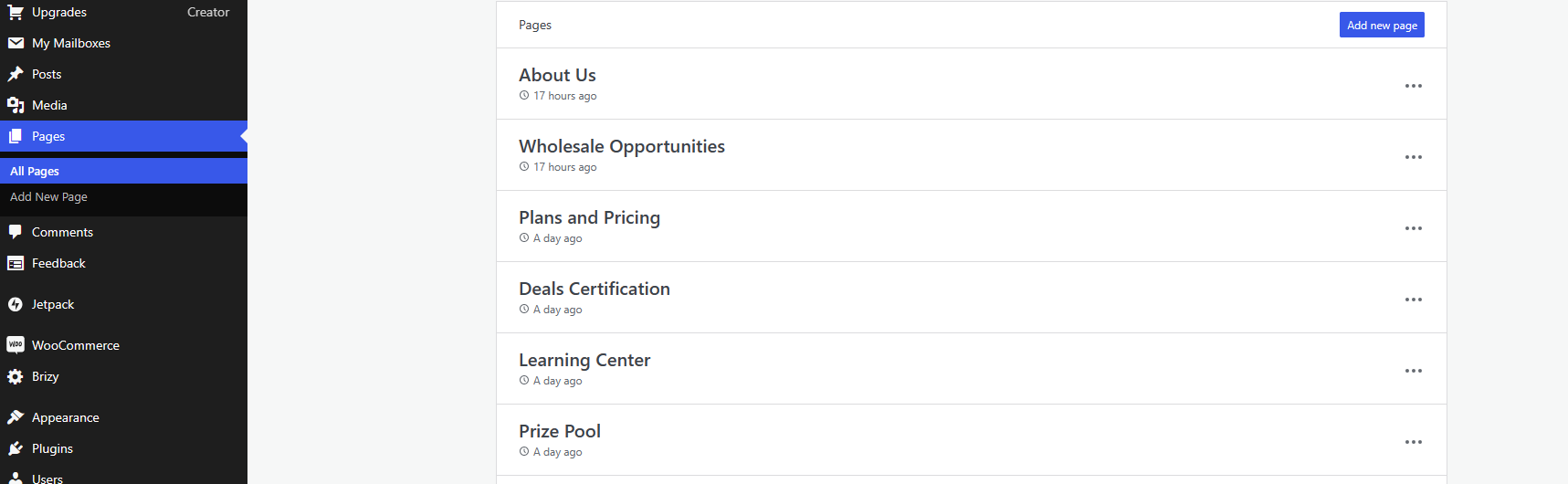
When I try to edit one of my pages, it get an error:
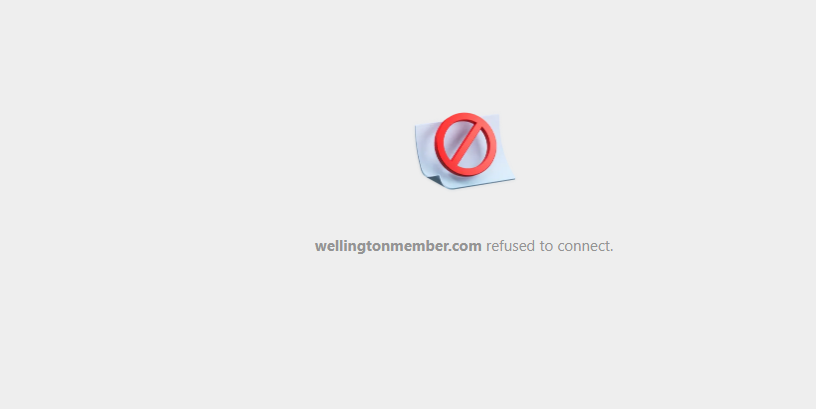
I've disabled all other plugins and still getting this. Contacted WP and they said to contact Brizy.
-

Hi Nicole,
Thank you for contacting us.
We have identified an incompatibility between the most recent versions of Brizy and Jetpack. If you have enabled any of the following options, we kindly request you to disable them temporarily and see if this helps.
Under Jetpack - Settings, under the Performance tab, disable the option 'Speed up image load times' https://jmp.sh/neap53iR
Or turn off "Enable site accelerator"If you have installed Jetpack Boost, please disable "Defer Non-Essential JavaScript" and "Concatenate JS" as described on this support thread: https://support.brizy.io/hc/en-us/community/posts/18695792284434
You may also provide us temporary access to WP Admin page so we can take a closer look into this issue. Please add us as an Admin user to your WordPress Dashboard and send the following details to: communitysupport@brizy.io
Community Post link: https://support.brizy.io/hc/en-us/community/posts/18833180240786
WordPress Admin URL:
Username:
Password:Please make a full backup of your site as a precaution.
Best regards,
Ariel H.0 -
Email sent. Hoping we can figure this out as I'm on a deadline for this client :)
0 -
Actually, I think I'm ok. WP got back to me and had me change my hosting config to the classic instead of the default, and that currently seems to be working.
0 -
Hi Nicole,
Thank you for your cooperation.
I have successfully logged into your WordPress.com account. To find Brizy, please click on "Site" and select "WP Admin" from the menu. Due to the number of plugins installed on your website, Brizy may be listed somewhere in the middle, so you may need to scroll down to find it. Alternatively, if you navigate to "Pages" and create a new page, you should be able to access it using the "Edit with Brizy" button. This is demonstrated on this screencast: https://youtu.be/8jqE6xCgLx8
If you have any further questions, please let us know.
Best regards,
Ariel H.0
Please sign in to leave a comment.
Comments
4 comments