Cannot change image in block item

I have an image of a Microsoft Logo and I cannot change it. I wanted to add a Google logo to it but can't do anything to the item. I've attached a screenshot to help illustrate. 
-

Hi,
Thank you for contacting us.
Would it be possible for you to provide temporary access to your WP Admin page so we can take a closer look at the issue. Please add us as an Admin user to your WordPress Dashboard and send the following details to communitysupport@brizy.io.
Community Post link: https://support.brizy.io/hc/en-us/community/posts/18830399418130
WordPress Admin URL:
Username:
Password:
URL of the affected page:Please make a full backup of your site as a precaution.
Best regards,
Ariel H.0 -
Hi,
Thank you for your cooperation.
We tried to log in to your site using the provided credentials. However, the login details provided do not seem to be working. We double-checked and entered the credentials exactly as it was provided in the email, but unfortunately, we were unable to access the site.
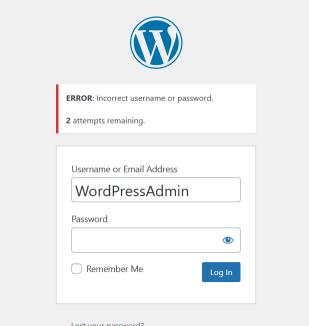
Kindly review the credentials and send them again.
Kind Regards,
Ariel H.0 -
Hi,
Thank you for the update.
Upon investigation, it seems that the issue is related to a large number of revisions.
To verify this issue, I created a sample text page, and I was unable to replicate the problem. This is demonstrated on this screencast:
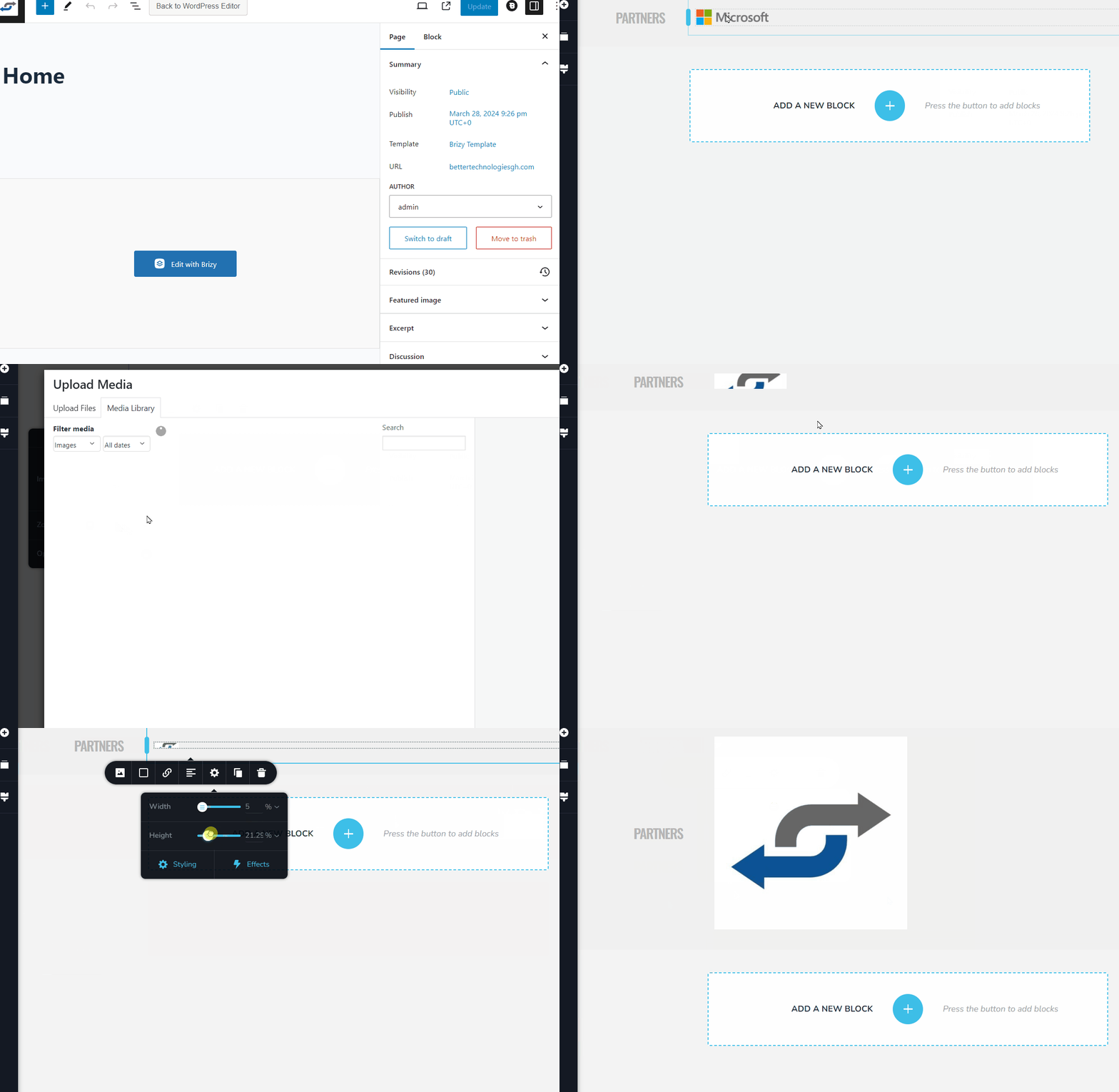
To address this issue, I recommend trying the steps outlined in this link to see if it resolves the issue:
https://www.elegantthemes.com/blog/wordpress/how-to-manage-wordpress-revisions-to-optimize-site-performanceIn the above article offers a manual method of limiting page revisions using PHPMyAdmin, or you can opt for WP Optimize, which is simpler to operate.
Please give this a try and inform me of the outcome.
Best regards,
Ariel H.0 -
Hello Ariel,
I hope you're well.I backed up the site, then I installed WP-Optimize and cleared out all the revisions. Unfortunately, the problem still exists even with all the revisions deleted. Please let me know what the next steps are.Kind regards,Nana0 -
Hi,
Thank you for the update.
Could you please try updating the Home and Site URL to use HTTPS instead of HTTP?
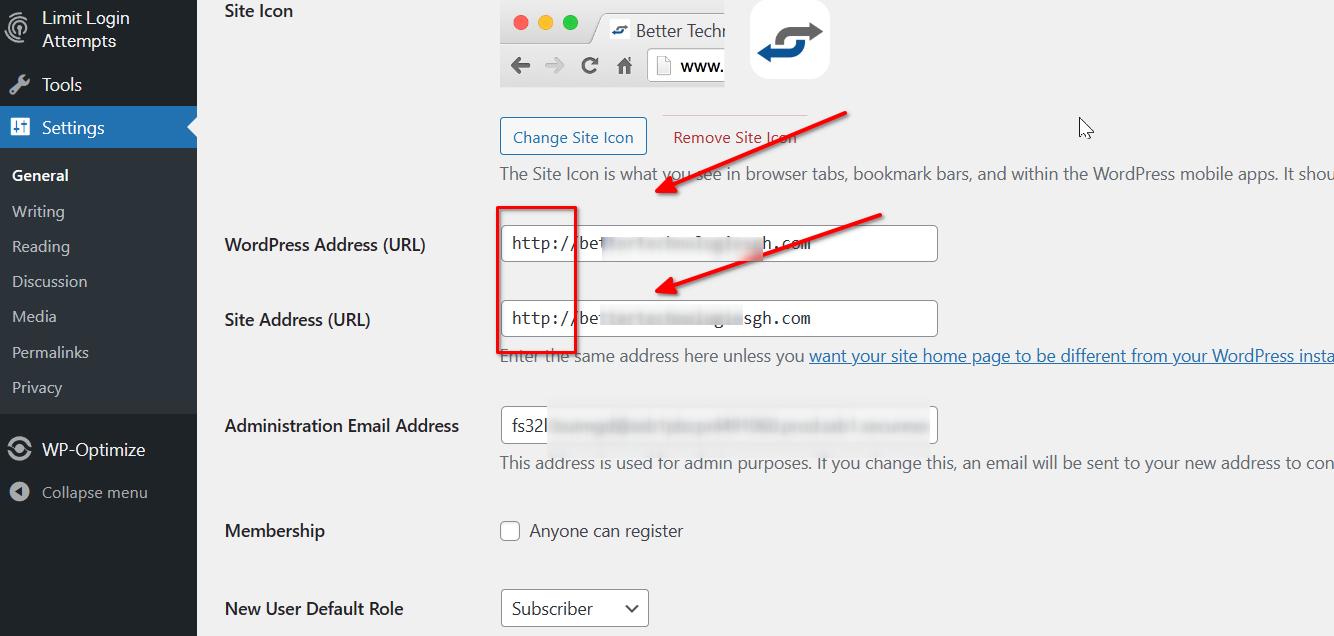
Please try this and let me know if this makes any difference.
Best regards,
Ariel H.0 -
Hello Ariel,
I've updated the WordPress Address (URL) and the site address (URL). Unfortunately, the problem persists.
Kind regards,
Nana
0 -
Hi Nana,
Thank you for your patience.
Checking further, it appears that the image toolbox is positioned at the top when you click on an image to change it. As a result, you need to scroll up to view it. This is demonstrated on this screencast: https://youtu.be/cf9VsN164UE
Once you locate the toolbox, you should be able to change the image. This occurs in all images on this page. We are unsure if this is caused by the excessive use of the slider feature. We will conduct additional checks to investigate further. If it is determined to be a glitch, we will escalate it immediately to our senior support team.
Best regards,
Ariel H.0 -
Hello Ariel,
Thanks that worked. I located the toolbox and made the required changes.
Kind regards,
Nana
0
Please sign in to leave a comment.
Comments
8 comments