Global Popup Form does NOT use the correct submit URL

I added a global Popup page with a form in my website https://www.zediot.com/
You can see there is a form, but it cannot be submit as the form URL is "{{brizy_dc_ajax_url}}?action=brizy_submit_form"
Some other forms in the page, and also with a link click and then show as popup works well, but only this form does not works well.
In addition, I removed the form and re-add by default, all the same errore.
Can you please help to check?
-

Hi RK,
Thank you for reaching out to us.
The issue seems to be related to a conflict. Could you please try disabling the Complianz – GDPR/CCPA Cookie Consent and see if this resolves the problem?
Please give this a try and let me know the outcome.
Best regards,
Ariel H.0 -
I disabled, but still got the same error. It seems {{brizy_dc_ajax_url}} is not parsed from the server-end.
I added it from Brizy->Popups, and like below.
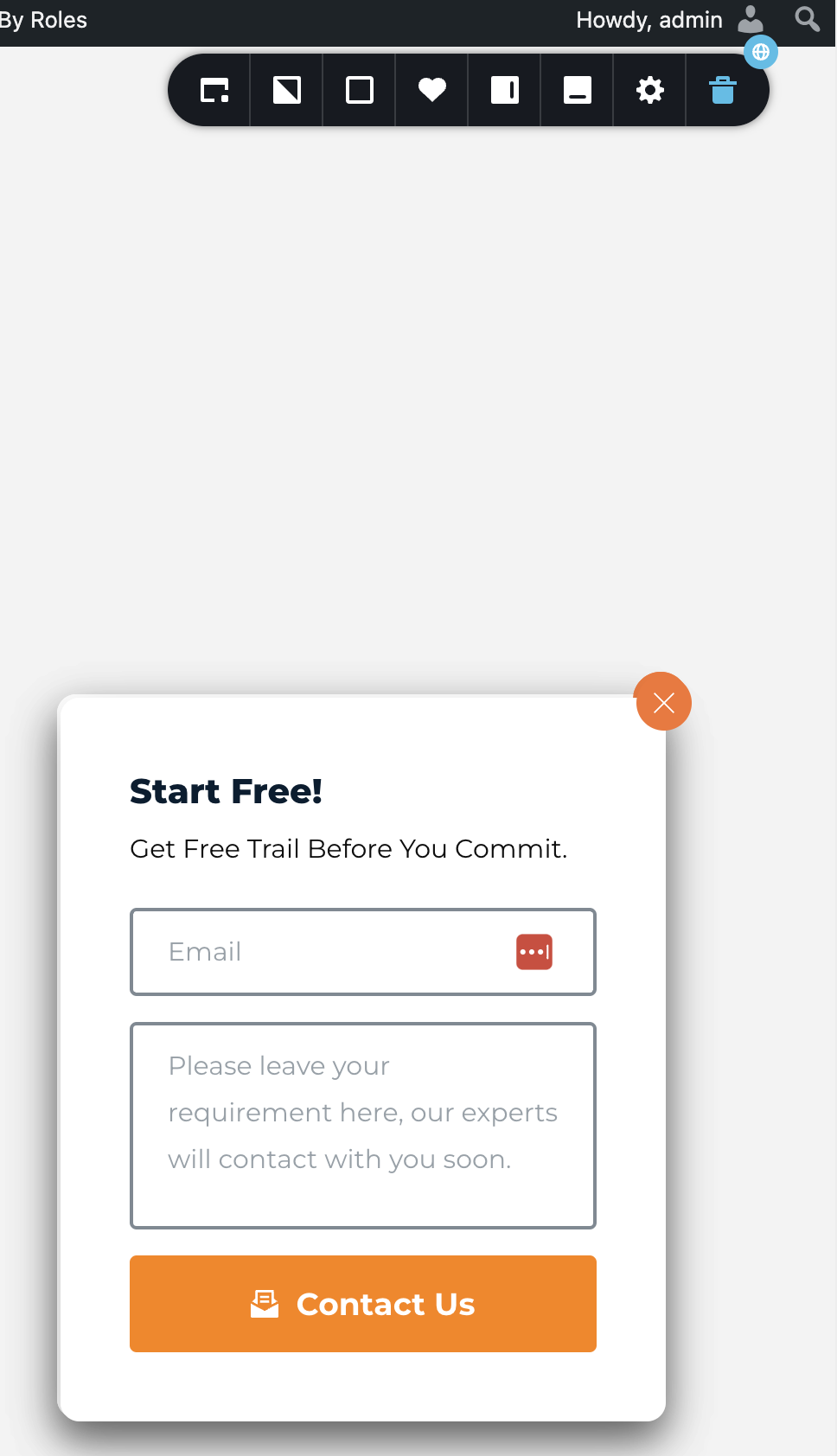 0
0 -
Hi RK,
Thank you for the update.
Could you please try duplicating the form in the popup and reconfiguring it? This might help resolve the issue.
If the issue persists, we will need to inspect it from your WP Admin page. Please add us as an Admin user to your WordPress Dashboard and send the following details to: communitysupport@brizy.io
Community Post link: https://support.brizy.io/hc/en-us/community/posts/17844302513810
WordPress Admin URL:
Username:
Password:Please make a full backup of your site as a precaution.
Best regards,
Ariel H.0
Please sign in to leave a comment.
Comments
3 comments