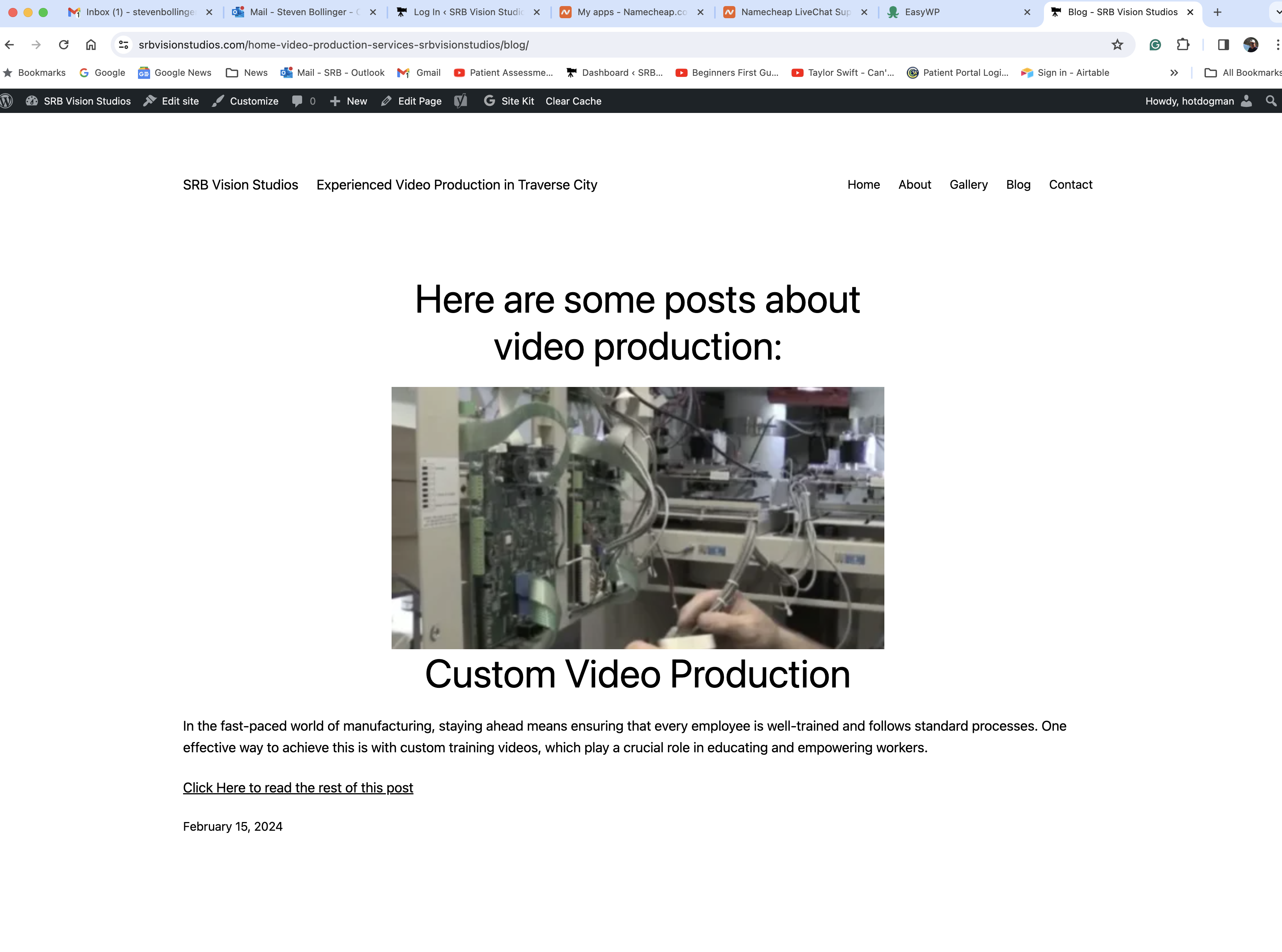
In the edited version my site looks fine, but not in the live version

I'm having issues with the live site not looking at all like the Brizy edited version. Why is this happening? I am not able to go back to a previous version. I reloaded the template and all kinds of things went haywire. Is there a way someone can look and see what is going on?
When I reloaded the template I selected to keep my content, but it still added all the pages back in. HELP Please. I just upgraded to PRO today for this help.
www.srbvisionstudios.com.
Do you have a simple one-page site I can change to?
-

 0
0 -

Hi Steven,
We are happy to take a look at your project, if you give us access. Kindly mention the Starter Template you were attempting to import. Please add a new user to your WordPress Dashboard and send the following details to our email: communitysupport@brizy.io
- Community Post link: https://support.brizy.io/hc/en-us/community/posts/17810709687058
- WordPress Admin URL:
- Username
- Password
Please let us know in this forum when you send us the email.
0 -
I sent the information to your email. I restored the site to a backup that was just before I replaced the template. Thanks for your help.
0 -
Hi Steven,
Your global header was the cause behind the issue you were facing. I have recreated a new header at https://srbvisionstudios.com/test/ using the Brizy menu element.
Kindly remove the current global header from all pages by deleting the Display Condition Include - Pages - All.
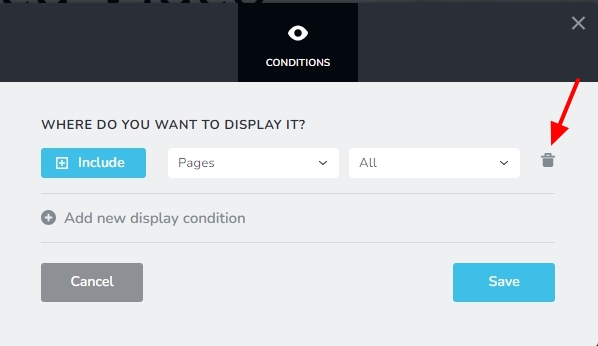
Then set the newly created header as your global header.
0
Please sign in to leave a comment.
Comments
4 comments