Images and icons do not load in the draft page.

Hi,
Images and icons do not load in the draft page.
Everything is displayed correctly on the website.
But when I want to add an image or icon in the draft version, nothing is visible...
I tested and disabled all plugins one by one, nothing changed.
I saw in other posts that the problem may be caused by a redirection plugin. It also uses redirection from the main page to the subpage, but I would not like to turn it off. is there any way to bypass this?
I use the plugin: Redirect Redirection
-

Hi Wojciech,
Thank you for reaching out to us.
Unfortunately, I'm unable to reproduce the issue as described, or maybe I'm approaching it differently. Would it be possible for you to provide a short screencast to demonstrate the issue?
I am looking forward to your response.
Best regards,
Ariel H.0 -
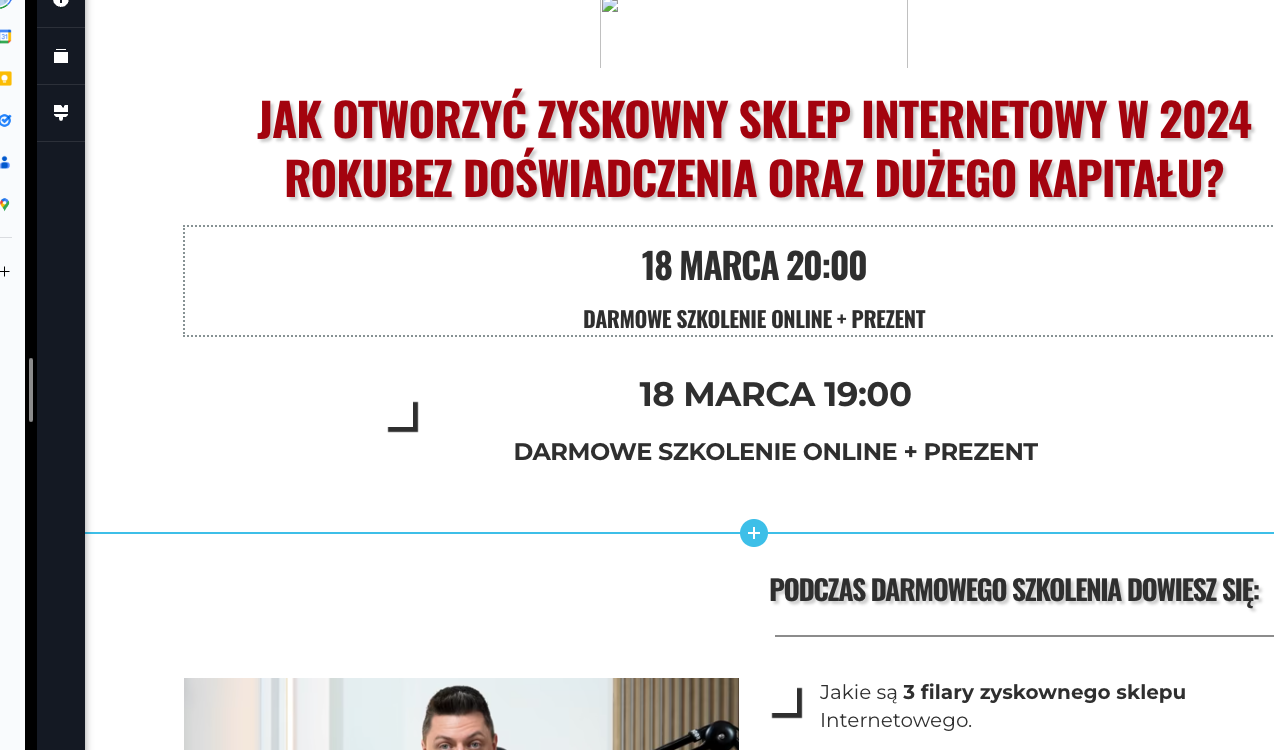 0
0 -
Hi Wojciech,
Thank you for the update.
This is something we need to inspect from your WP Admin page. Please add us as an Admin user to your WordPress Dashboard and send the following details to: communitysupport@brizy.io
Community Post link: https://support.brizy.io/hc/en-us/community/posts/17604116428434
WordPress Admin URL:
Username:
Password:
URL of the affected page:Please make a full backup of your site as a precaution.
Best regards,
Ariel H.0 -
Hi Wojciech,
My apologies for the delayed response. I just found out that your email was filtered as spam.
I have inspected your site, but I couldn't identify the cause of the issue. Is it possible for you to provide us access to your hosting console? Please also send the details to communitysupport@brizy.io and inform us here if you have already sent the credentials.
In the meantime, please check if your hosting panel has a built-in CDN option and try disabling it temporarily. Additionally, look for Mod Security and disable it as well. After making these changes, try adding an image or an icon to your pages to see if it resolves the issue.
Best regards,
Ariel H.0
Please sign in to leave a comment.
Comments
4 comments