Problem adding images to the Image block--Is Brizy broken today?

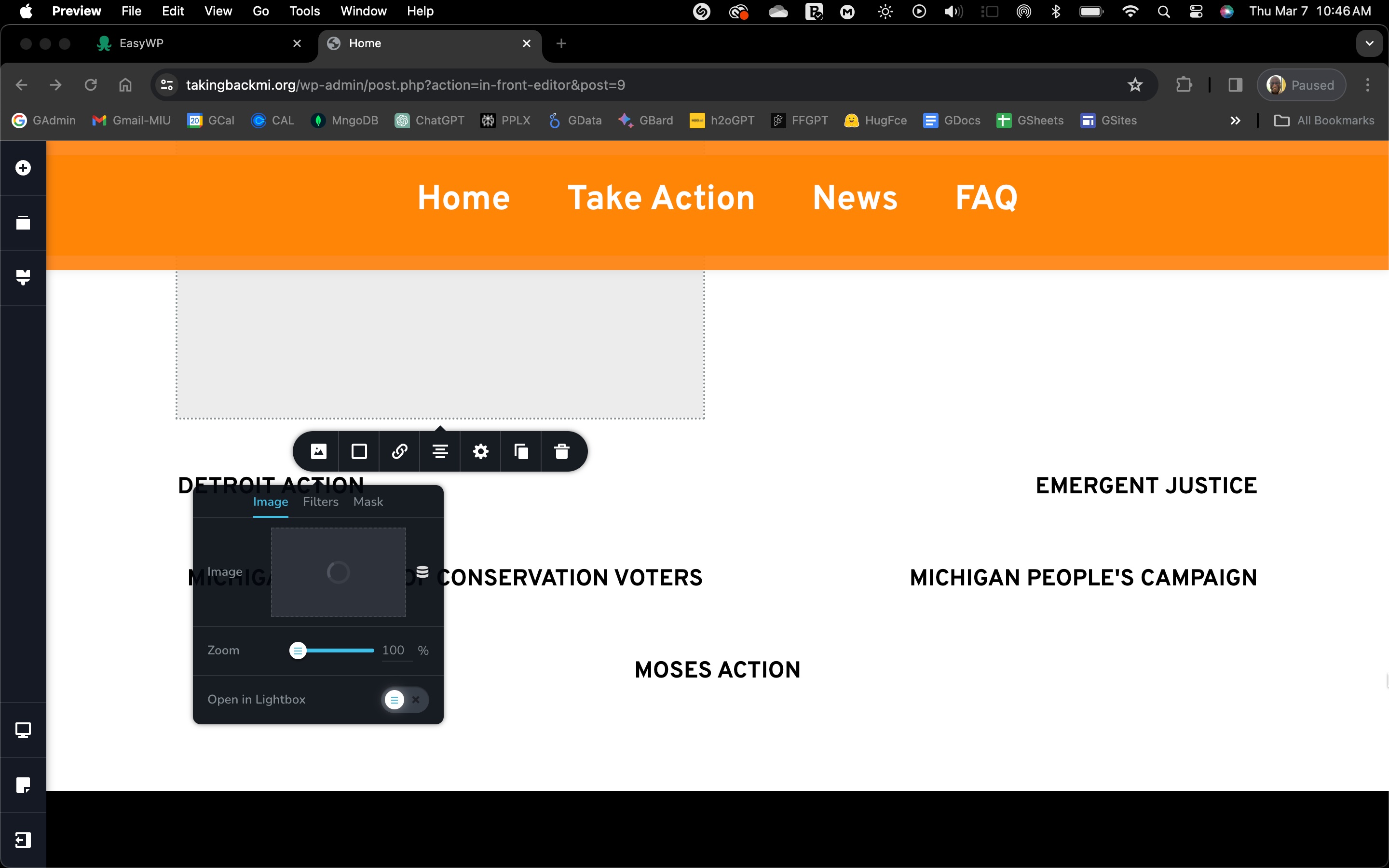
This screenshot is from the SECOND computer I've tried to either upload/place, or place an image in an Image section. The first time, I was using a Mac Intel machine. The screenshot is from an M1. I bypassed the element and uploaded the image I want directly into the WP media library using their uploader. But I can't use the Brizy element to add the image to the page.
I see others complaining about problems and wonder if Brizy is broken today.
Is Brizy broken today?
-

Hi
Brizy image upload has a bug when your website is deployed on CDN (Content Delivery Network). Kindly sign into your hosting account and check if you have enabled a CDN service. If your website is hosted with EasyWP, kindly checkout this article https://www.namecheap.com/support/knowledgebase/article.aspx/10191/2251/how-to-setup-supersonic-cdn-with-easywp/
We are working on a fix for this bug. In the meantime, kindly follow these three steps to upload images using Brizy image element.
- Disable the CDN temporarily
- Upload images to your pages using Brizy
- Enable CDN again
0 -
Thanks, for the info, because I've started 3 new sties using EWP and Brizy Pro. Glad to bring you new business.
I've got the EWP CDN queued up, but haven't added the site to it. Also not on Cloudflare or another CDN either. Here's a list of my plugins. I'll deactivate/reactivate to check for conflicts as well.

Is there another aspect of EWP that would cause this? I'll checkout the article, but won't add the SS CDN until I know more from you.
The other two sites aren't suffering from this problem, knock wood.
8:27 am CST Update: I can add images with plugins deactivated. After a minute or two, the site won't scroll from the Brizy interface.
0 -
If the conflict is due to a plugin, deactivating and activating one plugin at a time is the method to identify the interfering plugin.
Among the list of plugins, the Shortpixel Image Optimizer comes across as the only plugin which can interfere with Brizy image uploads. If you have not enabled Cloudflare API in Shortpixel, the plugin should work fine with Brizy.
0 -
Thanks I'll try that and let you know.
In the meantime, I was on with EWP.
Here's the error code they found; something you likely already know:
[08-Mar-2024 15:43:19] WARNING: [pool default-two] child 9674 said into stderr: "NOTICE: PHP message: Cron reschedule event error for hook: brizy-cloud-synchronize, Error code: invalid_schedule, Error message: Event schedule does not exist., Data: {"schedule":"5minute","args":[],"interval":300}"
12:59 pm CST Update: I removed the Shortpixel plugin. Still doesn't work properly.
0 -
We will need access to your WordPress Dashboard to offer further help. Please add a new user to your WordPress Dashboard and send the following details to our email: communitysupport@brizy.io
- Community Post link: https://support.brizy.io/hc/en-us/community/posts/17531174371346
- WordPress Admin URL:
- Username
- Password
Please let us know in this forum when you send us the email.
0 -
OUTSTANDING!
Look for an email titled: "Brizy Support for TakingBackMi.org"
0 -

Hi,
Thank you for your cooperation.
Upon checking, it appears that the issue stems from the script that was embedded into the page. Without the script, the image upload functions as expected.
This is demonstrated on this screencast: https://youtu.be/dVfzyfn3grUTo resolve this issue, I recommend reaching out to the script developers. They will be able to assist you in debugging and revising the script accordingly.
Alternatively, you can proceed with making changes to the page without the embedded script. Once you have completed the changes, you can reintegrate the script. In this scenario, remember to remove the script whenever you make updates to the page, and then add it back once you're finished.
I hope this information proves helpful. If you have any further questions or concerns, feel free to let us know.
Best regards,
Ariel H.0 -
Thank you very much!
Love you guys,
Sebastian J.
0
Please sign in to leave a comment.
Comments
8 comments