Error uploading Brizy pro

I went through different supports and tryed everything. But 1) I have the latest updates on all my plugins,
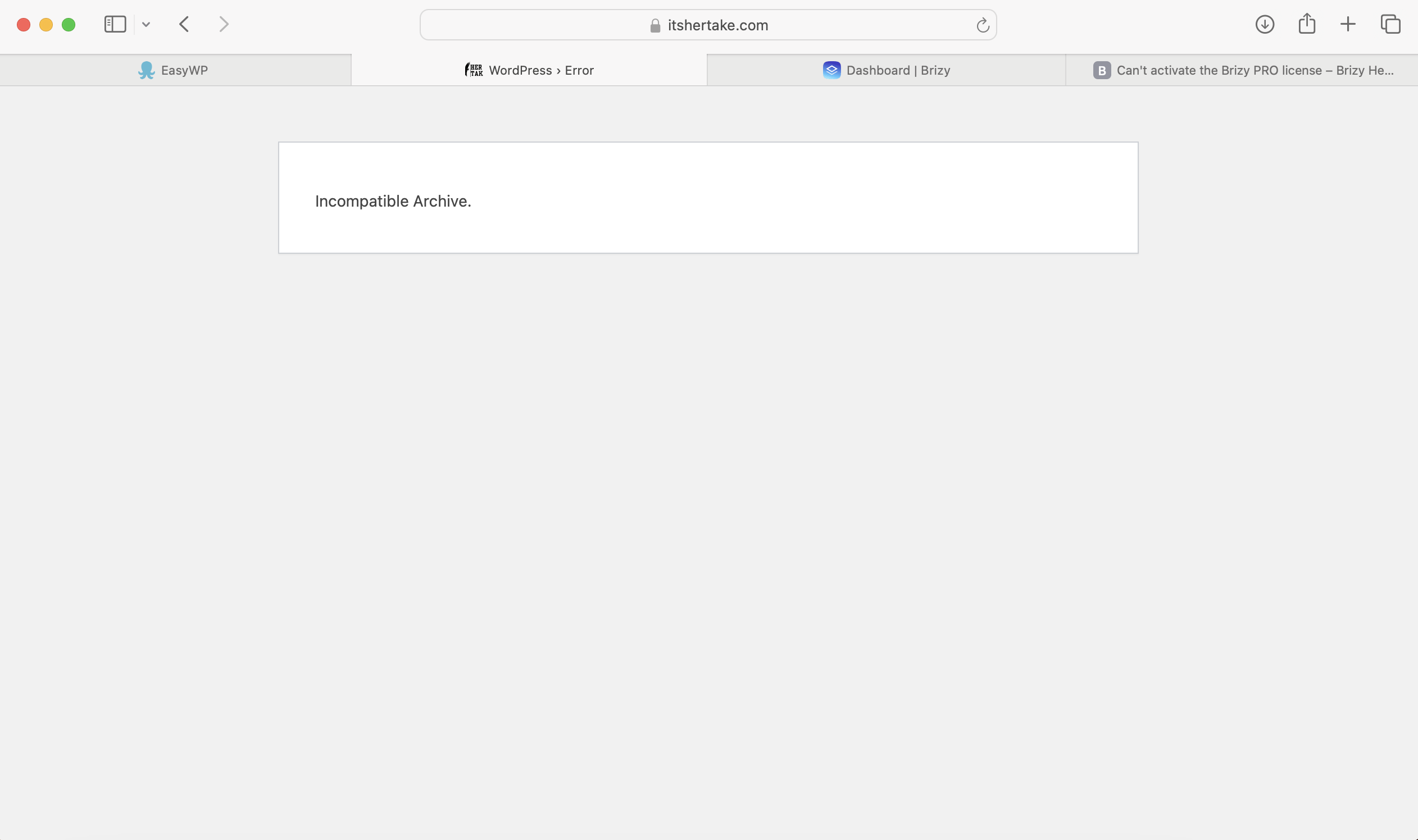
2) i tryed uploading bizy pro plugin and they show these two things
3) i dont have a license tab in settings.

-

Hi Aleksa,
Thank you for getting in touch with us.
The "error 503 Backend fetch failed" means that the web server is unable to fetch data from its backend or origin server. This error can occur for a number of reasons, including:
- The server is overloaded or down for maintenance
- The server doesn't have enough memory to process the incoming information
- The internet speed is slow or there are some issues with the network connection
- The varnish is not working from the backend
The Guru Meditation: Varnish cache server appears in Varnish when the cache makes too many requests and doesn't receive a response from the server.
I recommend reaching out to your hosting provider for assistance in resolving this error. They should be able to help you troubleshoot and fix the issue.
In addition, have you tried isolating the problem by temporarily disabling all other plugins except for Brizy and Brizy Pro? This will help determine if the error is caused by a conflict with another plugin. If you haven't tried this yet, I suggest giving it a go and let us know the outcome.
Feel free to reach out if you have any further questions or need additional support.
Best regards,
Ariel H.0 -
Yes I have tried all these things- isolating the plugin, zipping the file through an online compressor.
When I used the online compressor file, i could upload it and for a second it worked until it completely shut down my website.
Could the problem be with Mac compressor option?
0 -
Hi Aleksa,
Thank you for keeping in touch.
To further investigate and replicate the issue, we will need temporary access to your WP Admin page. Kindly add us as an Admin user to your WordPress Dashboard and forward the necessary details to: communitysupport@brizy.io
Community Post link: https://support.brizy.io/hc/en-us/community/posts/17433226383634
WordPress Admin URL:
Username:
Password:Please make a full backup of your site as a precaution.
Best regards,
Ariel H.0 -
Hi Aleksa,
Thank you for your cooperation.
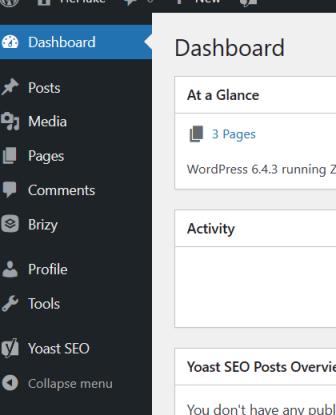
Unfortunately, the temporary user account does not have administrative access. Could you please update it to an Administrator account? We will need access to the Plugins section of your site in order to replicate the issue.
Best regards,
Ariel H.0 -
I added you to administartor account!
Could you check if anything can be done please?
0 -
Hi Aleksa,
Thanks for keeping me in the loop.
I've checked out your website, but I couldn't reproduce the problem you mentioned.
Regarding the "Incompatible Archive" error, it seems to be a problem that only affects MacOS users, as explained in this article:
https://wpstack.co/incompatible-archive-error-in-wordpress/
This issue doesn't occur on a computer running Windows, a possible fix is also suggested in the article.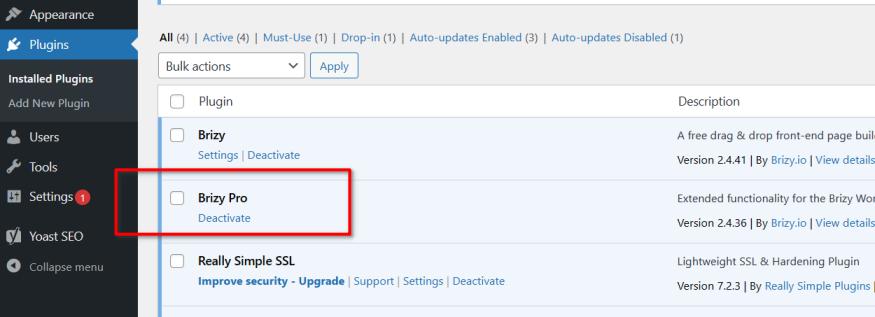
At the moment, it's activated using my license. Could you please replace it with your own license?For the "Error 503 Backend Fetch failed" error, could you please share the specific steps you followed that resulted in the "Error 503 Backend Fetch failed" error?
Best regards,
Ariel H.0 -
thank you for a fast reply!
I did deactivate your plugin, and tried installing mine again. I created a zip file from an app from app store. I tried creating it through terminal app but I could not figure it out. How can we figure this out?
0 -

I managed to create a zip file through terminal app and
Finally this is what it says.
0 -
Hi Aleksa,
Thank you for the update.
Please download Brizy Pro and extract the folder onto your desktop. Then, download 7zip for MacOS from the link provided below and compress it again into a Zip format:
https://7ziphelp.com/7-zip-for-macosOnce you've completed these steps, try uploading the compressed file to your website.
Please give it a try and let me know how it goes.Best regards,
Ariel H.0 -
Hi! Did you get the access? Aleksa
0 -
Hi Aleksa,
I apologize for the confusion. Let me clarify the situation. Five days ago, we had access to your site and successfully installed and activated Brizy Pro. However, it appears that you later uninstalled it and attempted to install Brizy Pro that you had downloaded.
Please let me know if you would like me to reinstall Brizy Pro for you.
Best regards,
Ariel H.0
Please sign in to leave a comment.
Comments
11 comments