Error message on the front end

Hello Brizy team, I have an error message showing on a website's front end that I can't get rid of and I was hoping you could help as it appears to be related to Brizy. This is only happening on one client website. Last week it was on the front page and now I see it on the services page but not on the homepage. Would you please have a look and let me know? Thank you, Sofia
-

Hi Sofia,
Thank you for reaching out to us.
I've taken a look at the website you referred to and everything appears to be in order from my end - https://i.imgur.com/kZClRDf.jpg
Would you be able to send us some screenshots that show the problem you're encountering, along with steps on how we can recreate it?
I am looking forward to your response.
Best regards,
Ariel H.0 -
Hi Ariel!
Oh, I just opened it and I also don't see it. It comes on and off. It was there yesterday, and this screenshot is from last week or so. The screenshot shows the error that keeps coming back. When it's there, it also shows when I'm not loged in. (I'll just delete the URL because I noticed that these support tickets show on google serps)
Thank you, Sofia
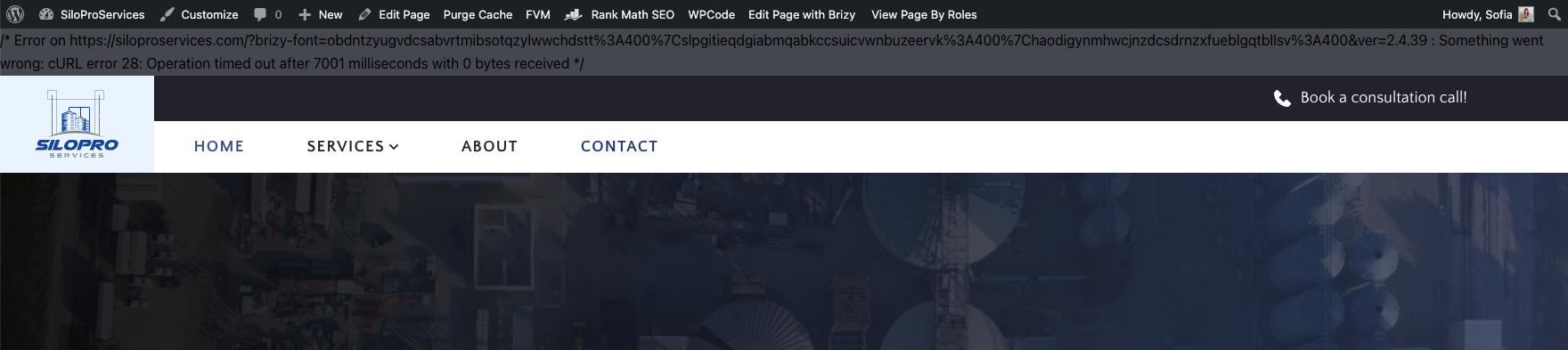 0
0 -
Hi Sofia,
Thank you for the update.
In case this happens again, please try the steps suggested on this link and see if this helps.
https://kinsta.com/knowledgebase/curl-error-28/Best regards,
Ariel H.0 -
Hi Ariel!! It's happening again and on a different website :(
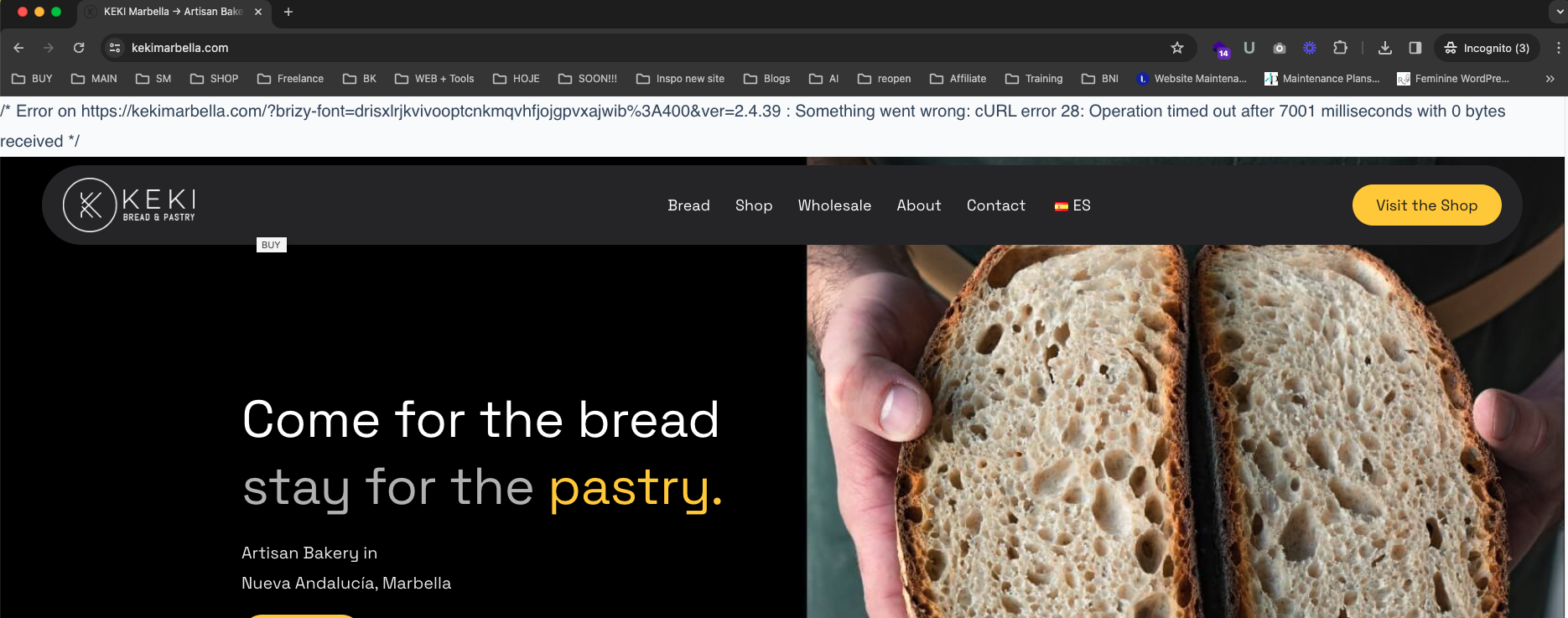 0
0 -
Hi Sofia,
This error message doesn't occur at my end. Could you please try accessing the websites on another computer or your mobile device? It's possible that there might be a security software running on your computer that is causing this issue.
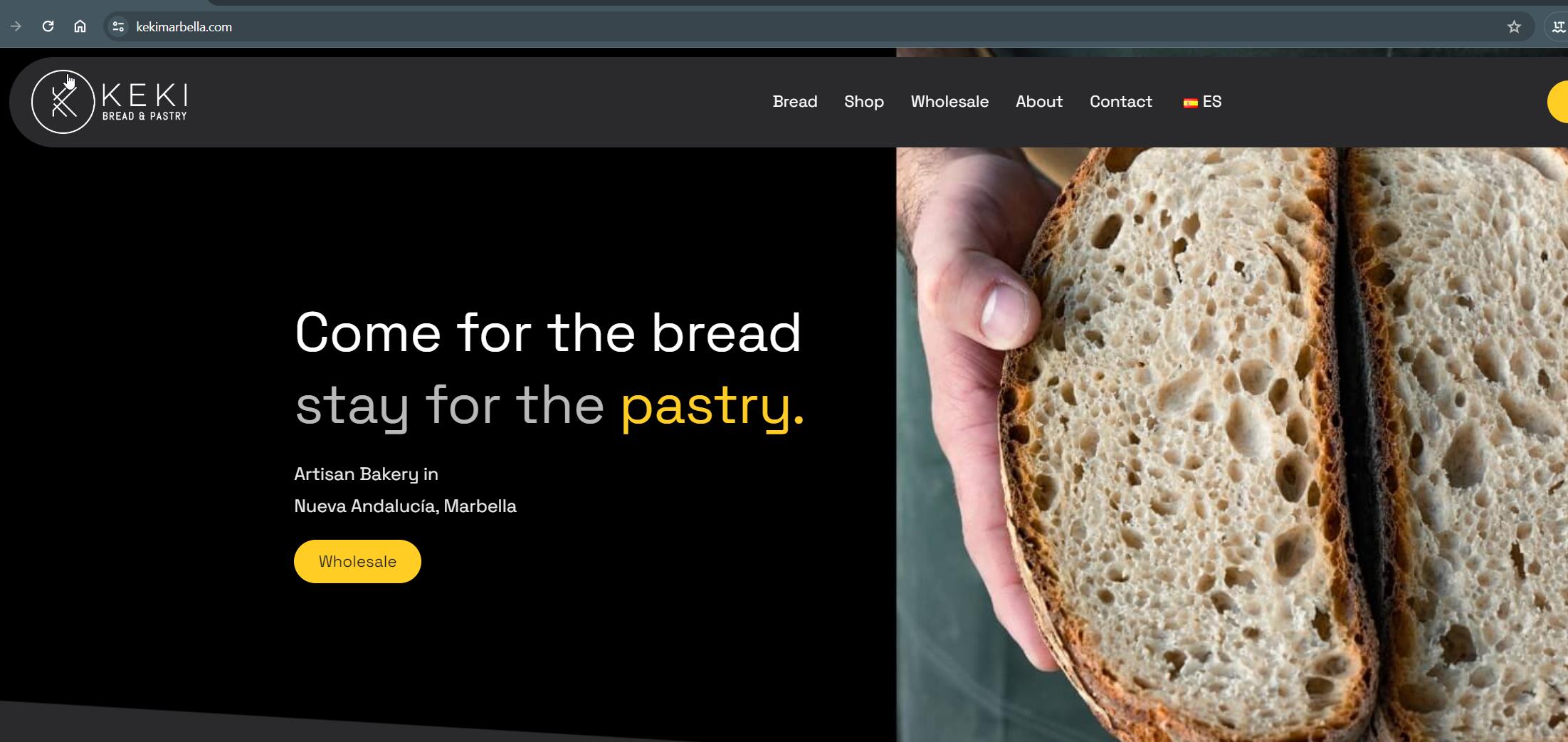
In the meantime, I'll keep an eye on these two websites and see if I can replicate the error.
Best regards,
Ariel H.0 -
Hi Ariel,
Hope you're well. The error message seems to come and go. On the Silo website it's still there in the about page at least. I really need to solve this as the client is getting annoyed. This error clearly states Brizy in it.
I just spoke to my host but they unfortunately cannot help any further... "as the issue does seem to stem from the dynamic loading of the fonts by Brizy, ultimately, it would be best to get in touch with them regarding this to see if this can be adjusted so that the fonts are no longer loaded dynamically if they have any questions or require anything from our side to aid them"
0 -
Hi Sofia,
To assist you, could you please add us as an Admin user to your WordPress Dashboard? You can send the following details to communitysupport@brizy.io:
Community Post link: https://support.brizy.io/hc/en-us/community/posts/16720669606674
WordPress Admin URL:
Username:
Password:Additionally, do you have all your sites hosted with the same provider?
Best regards,
Ariel H.0

Please sign in to leave a comment.
Comments
7 comments