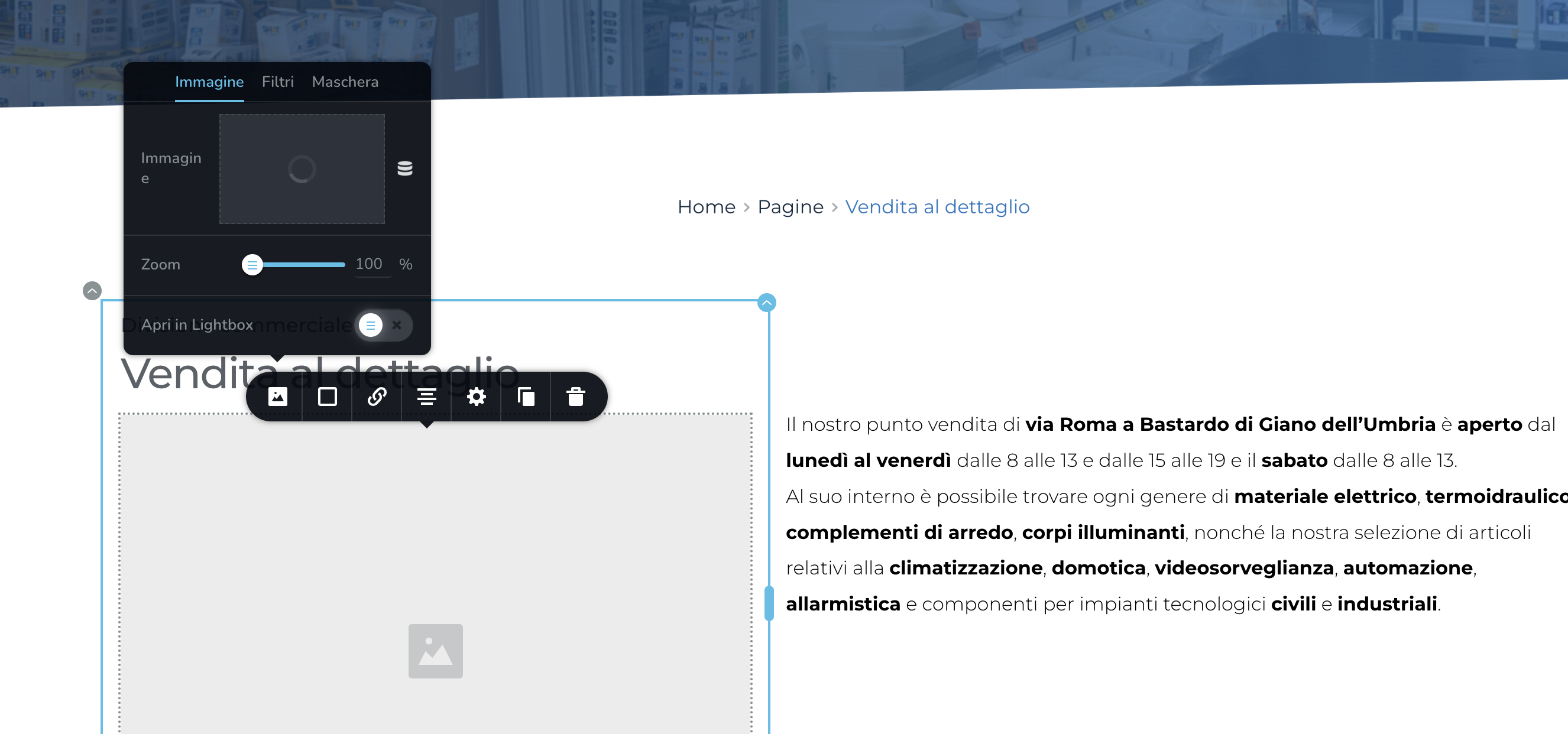
upload image stop working

Hello there
the image uploader has stop working all the sudden on my website www.valerielettrica.eu
both brizy and wp is up to date, i've already setup an account for you.
thank you in advance

-

Hi Giacomo,
Thank you for reaching out to us.
We have identified an incompatibility between the most recent versions of Brizy and Jetpack Image optimizations. If you have enabled any of the following options, we kindly request you to disable them temporarily to upload images using Brizy.
- In your WordPress Dashboard under Jetpack - Dashboard scroll down to the heading "Performance and Growth" and disable the option 'Image Accelerator' https://jmp.sh/SU32wfE9
- Under Jetpack - Settings, under the Performance tab, disable the option 'Speed up image load times' https://jmp.sh/neap53iR
- If you have installed Jetpack Boost, under Jetpack - Boost disable the option 'Image CDN' https://jmp.sh/FUSoE1ZP
- And lastly, if your website is hosted with GoDaddy, please disable CDN - https://in.godaddy.com/help/enable-or-disable-my-cdn-40921
If the issue continues, we will need temporary access to your WP Admin dashboard to take a closer look. Please add us as an Admin user to your WordPress Dashboard and send the following details to: communitysupport@brizy.io
Community Post link: https://support.brizy.io/hc/en-us/community/posts/16686735173266
WordPress Admin URL:
Username:
Password:Please make a full backup of your site as a precaution.
Best regards,
Ariel H.0 -
Hi Ariel
i've already read this thraed but i've not Jetpack or godaddy.
i will send you the access
Best Regards
0 -
Hi Giacomo,
Thanks for your cooperation.
It seems that the issue you're experiencing is due to a conflict with the iubenda | All-in-one Compliance for GDPR / CCPA Cookie Consent plugin. When this plugin is disabled, the issue no longer occurs. To address this, I suggest temporarily disabling the plugin while editing your pages. Alternatively, you can explore other similar plugins that are compatible with Brizy.
If you have any further questions, please let us know.
Best regards,
Ariel H.0
Please sign in to leave a comment.
Comments
3 comments