Brizy Popup form not working

Hi,
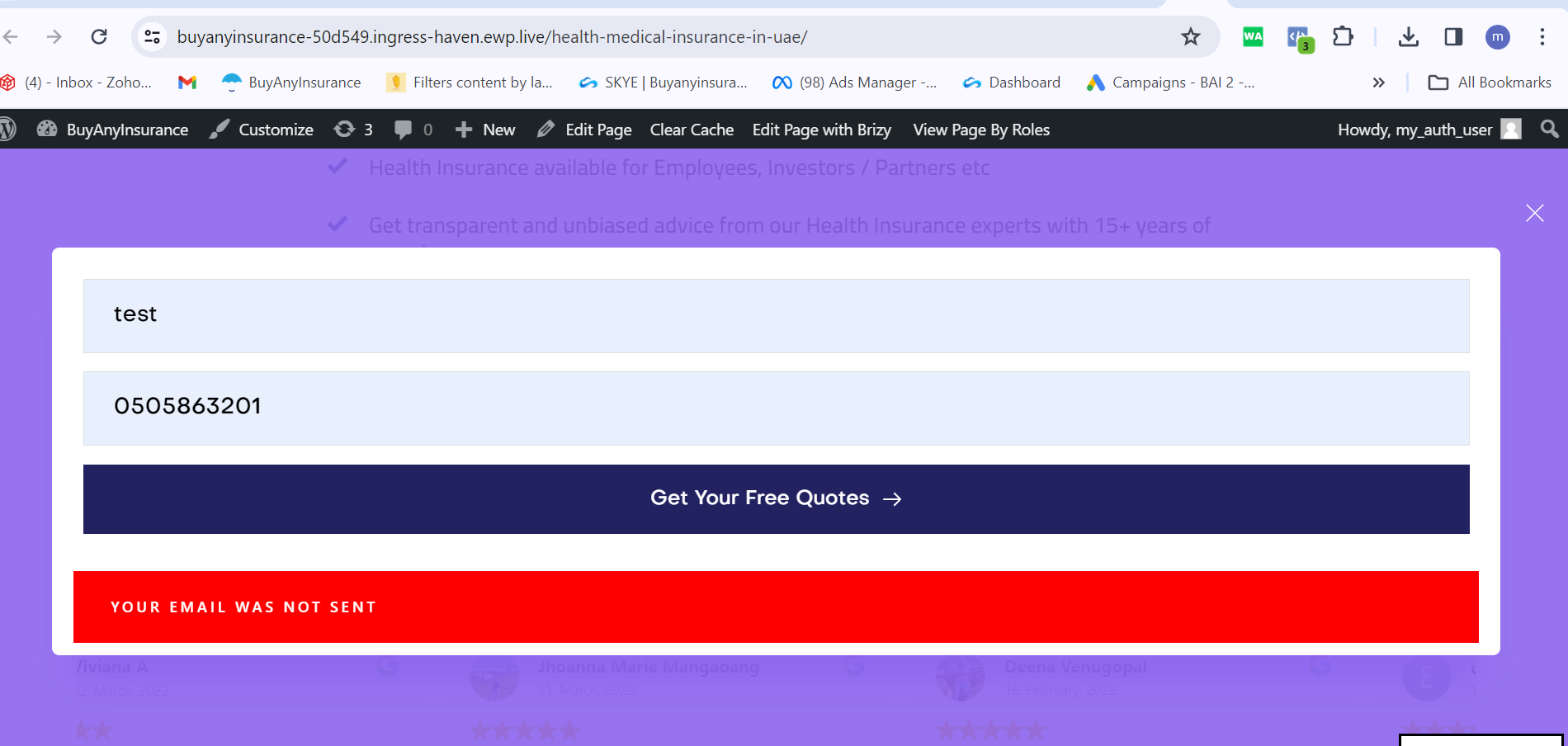
I have made a popup form in Brizy, when i submit it it says "your email was not sent" and the lead doesnt come through in Brizy.
When I make a normal form that works.
Can you please help me sort this issue.
Thanks
-

Hi
Please share with us the URL of the page where you are experiencing this issue and let us know the steps we must follow to trigger the popup.
0 -
https://buyanyinsurance-50d549.ingress-haven.ewp.live/health-medical-insurance-in-uae
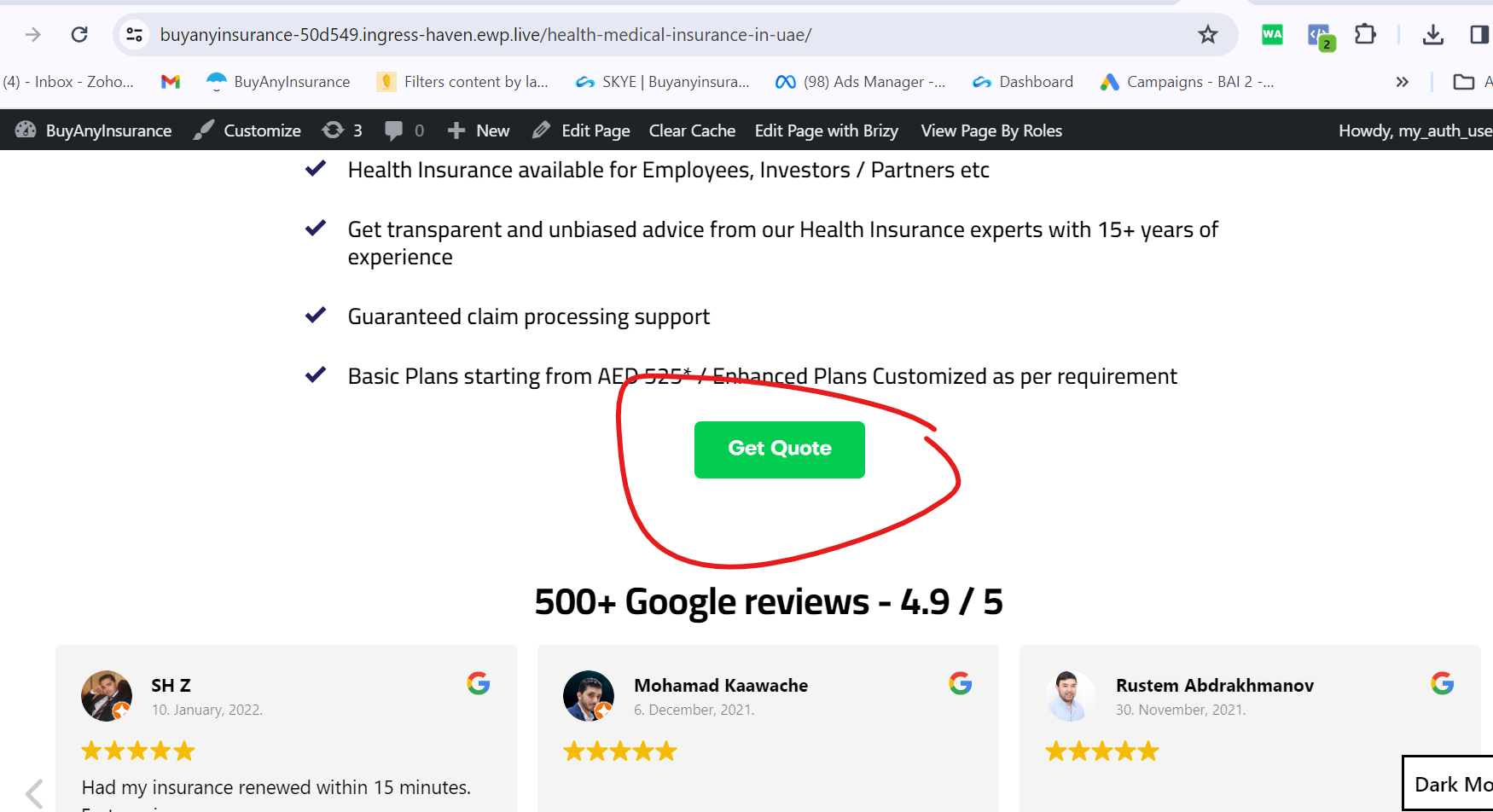
Check the green color get a quote button pls.
0 -

Hi Bai,
Thank you for the update.
The form appears to be working properly as demonstrated on this screencast - https://youtu.be/eh_PRp_z26I
However, it's possible that the leads are being filtered as spam. Have you checked your spam folder in your email?To troubleshoot this further, I recommend duplicating the form and configure it to send emails from your contact form using SMTP.
https://support.brizy.io/hc/en-us/articles/360043766792-Email-notification-via-SMTP
Please try this and let me know how it goes.
Best regards,
Ariel H.0 -
Hi,
I know the form is working fine.
I am talking about the POPUP form which appears when I press the GREEN COLOR get a quote Button
attached screenshots
 0
0 -
Hi Bai,
Sorry about that.
This is something we need to inspect from your WP Admin page. Please add us as an Admin user to your WordPress Dashboard and send the following details to: communitysupport@brizy.io
Community Post link: https://support.brizy.io/hc/en-us/community/posts/16477000549394
WordPress Admin URL:
Username:
Password:Please make a full backup of your site as a precaution.
Best regards,
Ariel H.0 -
Hi PFA details
(removed)
0 -
Hi Bai,
Thank you for your cooperation.
It seems that in your popup, you haven't selected how your emails should be sent. You'll need to choose between using WordPress, SMTP, or Gmail to send emails from your site. This is what's causing the error to occur.
To further troubleshoot this issue, I've created a duplicate of this block and reconfigured the form. When I chose WordPress to send email notifications, it appeared to be working, but the emails were not being sent. So, I tried using SMTP instead, and it worked successfully. You can see the demonstration in this screencast: https://youtu.be/mBH9XaCnB6U
I used my SMTP settings in the example, but feel free to replace them with your own as needed.There seems to be an issue with email delivery when selecting WordPress to send notification emails from your site. It may be worth reaching out to your hosting provider to have them investigate this issue. Alternatively, you can use SMTP or Gmail to send out emails from your contact form.
If you have any further questions, please let us know.
Best regards,
Ariel H.0 -
Hi,
I dont want to configure SMTP or wordpress. I am ok if the emails dont come. I shall take the leads from wordpress dashboard itself. Please fix the issue without emails being sent
0 -
I understand what you are saying. But I dont want emails to be sent. I am ok if the leads come in directly to the brizy dashboard. The issue at hand is that is also not happening.
0 -
Hi Bai,
If you would rather not receive emails directly to your personal email account, you have the option to set up a temporary email address using either Gmail or Outlook. This temporary email address can be used in the form to capture leads.
I can confirm that leads are being successfully captured as long as the form is properly configured.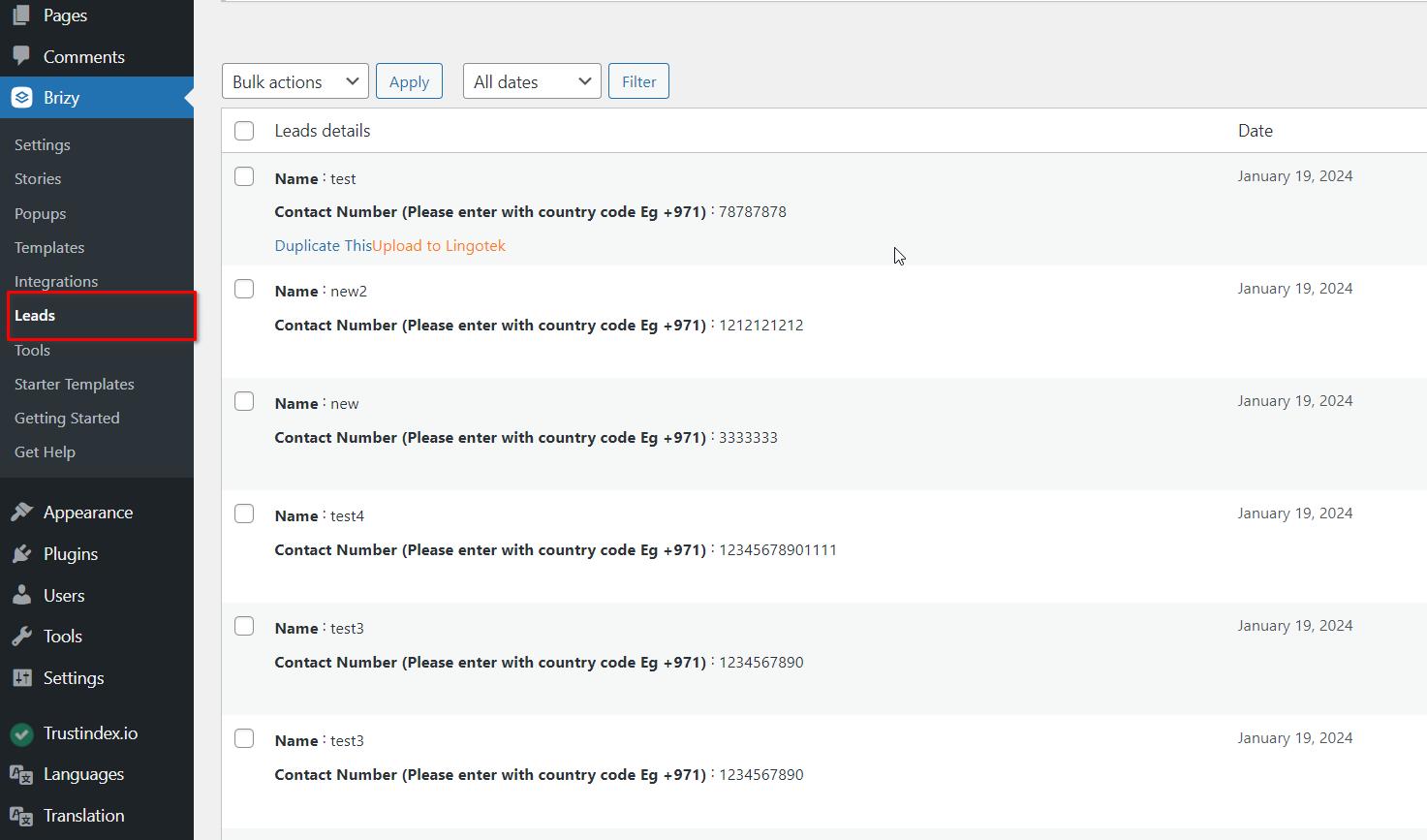
Kind regards,
Ariel H.0 -
I don't think you understand what I am saying.
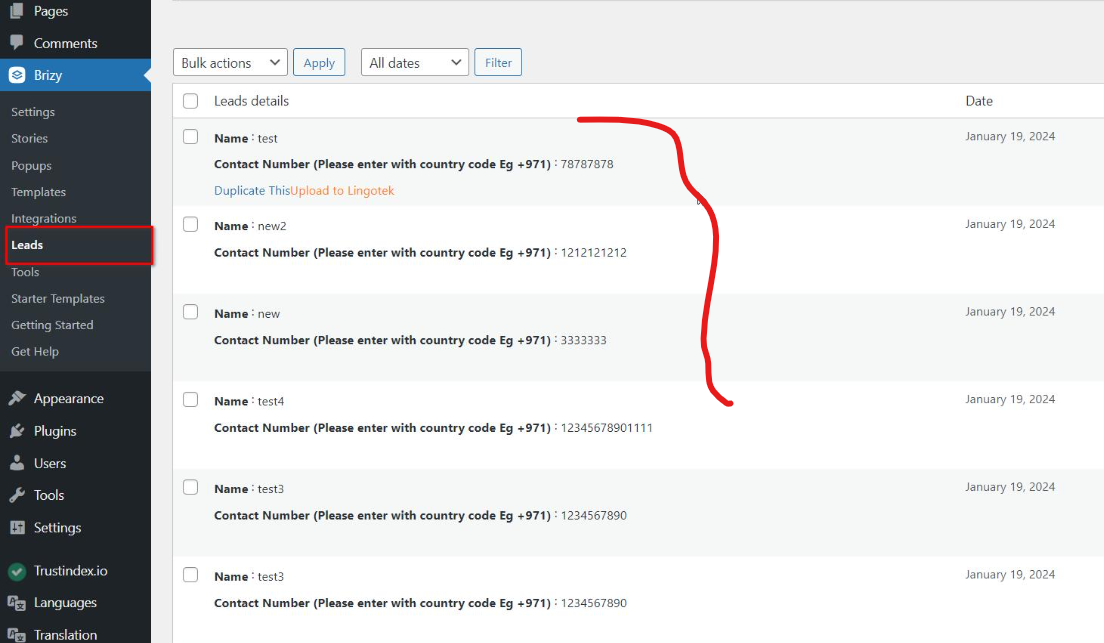
I don't want the emails to come, personal or another account whatsoever. I just want the leads in the dashboard here which is NOT HAPPENING WITHOUT CONFIGURING THE EMAIL ID. CAN YOU PLEASE FIX THIS?
I AM ALSO DOING THIS ELSEWHERE USING BRIZY AND THERE IS NO ISSUE AS SUCH.
 0
0 -
Hi Bai,
Sorry about that, unfortunately, for now it is designed to require at least one of the three options for sending email notifications, otherwise, the form will not work. If you do not want to receive an email, please consider using a fictional email address like rew8r767@khkjh.com
Best regards,
Ariel H.0 -
Please do thanks
0
Please sign in to leave a comment.
Comments
13 comments