Template images not loading

We tried installing the "Architect" website template (Preview Design) in the domain estudiobec.com, but it's not showing all images (you can see it if you access the site. What could be the problem ? Thanks in advance !
-

Hi Alberto,
Thank you for contacting us.
It appears that the issue you are experiencing is likely caused by a conflict.
To troubleshoot this, I recommend disabling all other plugins except for Brizy and Brizy Pro, and then checking if the issue persists. If the problem is resolved, you can gradually enable the rest of the plugins one by one until the issue reoccurs. This step-by-step process will help you identify which plugin is causing the conflict.In particular, optimization and caching plugins are known to sometimes cause such conflicts, so you may want to start by disabling them first.
Please try this and let me know how it goes.
Best regards,
Ariel H.0 -
Hi Ariel !
There was no optimization or caching plugin. Anyway, I disabled / deleted all plugins but the problem is still the same.
Other ideas?
Thanks in advance0 -
Hi Alberto,
Thank you for the update.
If by any chance your site is hosted by GoDaddy, please try to temporarily disable CDN and see if this helps.
https://in.godaddy.com/help/enable-or-disable-my-cdn-40921If the issue persists, would it be possible for you to provide us with temporary access to your WP Admin? You can add us as an Admin user and send the following details to communitysupport@brizy.io:
- Community Support link: https://support.brizy.io/hc/en-us/community/posts/16268096328978
- Admin User:
- Password:
- URL of the affected page:As a precaution, please make a full backup of your website before providing us access.
Best regards,
Ariel H.0 -
Hi Alberto,
Thank you for your cooperation.
Unfortunately, I'm having trouble logging in with the credentials you've given.
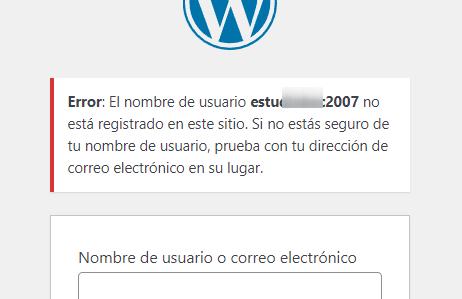
Could you please check them and update me once you've made the necessary changes?Best regards,
Ariel H.0 -
Hi ! I've already sent the credential correctly now, sorry for my mistake.
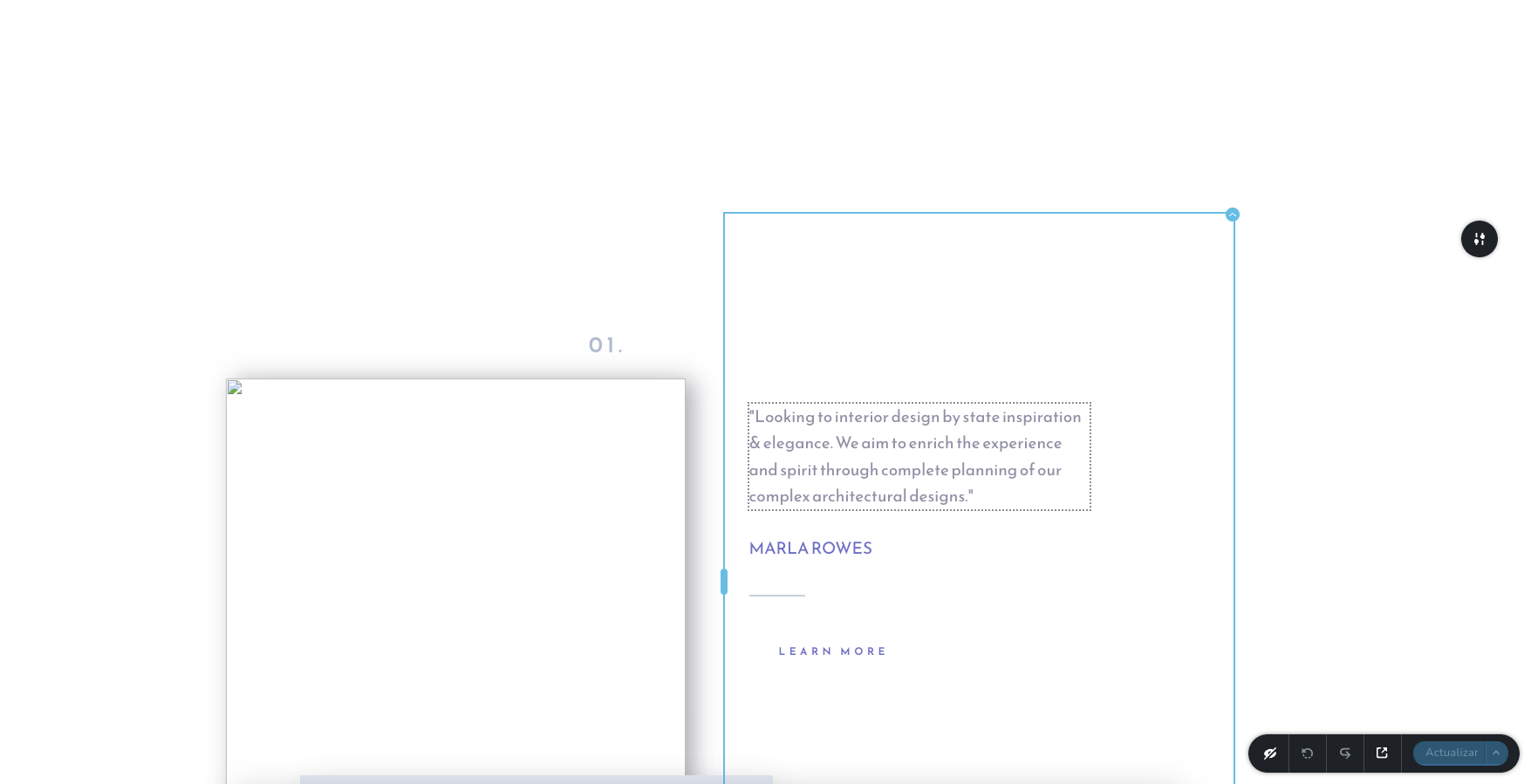
Now I see in the site that images are appearing when I open the site in a browser, but if I open it for edition in Brizy, it is still showing broken images.
Viewing the site:
Editing the site in Brizy:
 0
0 -
Hi Alberto,
Thank you for the update.
It seems like the problem is connected to certain settings on your server. Unfortunately, I can't recreate this issue on my own test environment. Is there any chance you could give us temporary access to cPanel so we can dig deeper into the problem?
In the meantime, could you try installing another instance of WordPress in a subdirectory on your website and see if the issue persists? You can easily do this using the Softaculous App installer in cPanel.
I am looking forward to your response.
Best regards,
Ariel H.0 -
I installed WP in a folder of our domain and all images in the editor appear correctly. What could be the conflict ??. I'm sending you credentials to CPanel by mail.
0 -
Hi Alberto,
Thank you for the update.
From what I have gathered, it seems your server is limiting the accessibility to files and directories within this WordPress instance. I would recommend you to get in touch with your hosting provider to investigate the cause of this.
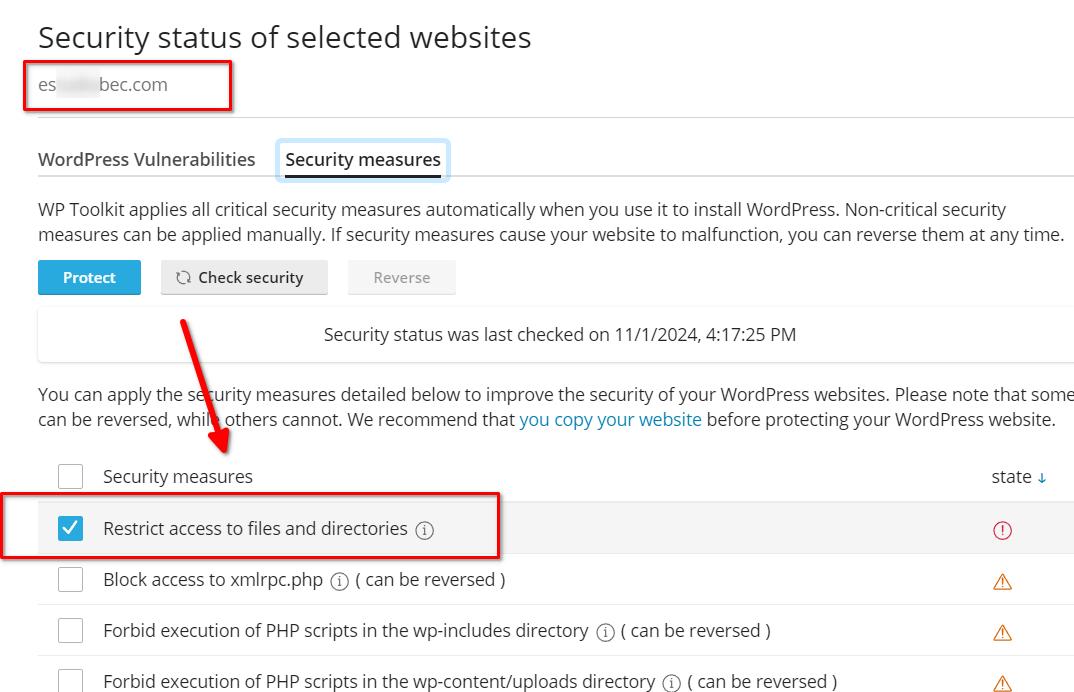
Another possible solution could be to reinstall WordPress, which might help in resolving the issue.
I encourage you to give these suggestions a try and keep me posted on the progress.Please try this and let me know how it goes.
Best regards,
Ariel H.0 -
I finally had to reinstall Wordpress and then it worked. Thanks !
0
Please sign in to leave a comment.
Comments
9 comments