images are broken in builder

Good Morning!
I'm having issues in changing my images in the builder, but when I go to the site, the images are showing. My activation code is: BR***********4ZF
I don't know what to do to fix the problem, can you help please? Thanks!
-

Hi Otis,
Thank you for contacting us.
For us to better understand the issue, would you be able to share some screenshots to demonstrate the issue you are facing? Additionally, could you please provide the URL of your website so we can inspect it?
Meanwhile, you might want to try accessing your website through a different browser to see if there's any improvement.
I am looking forward to your response.
Best regards,
Ariel H.0 -
https :// www . fai**********eekend . com/
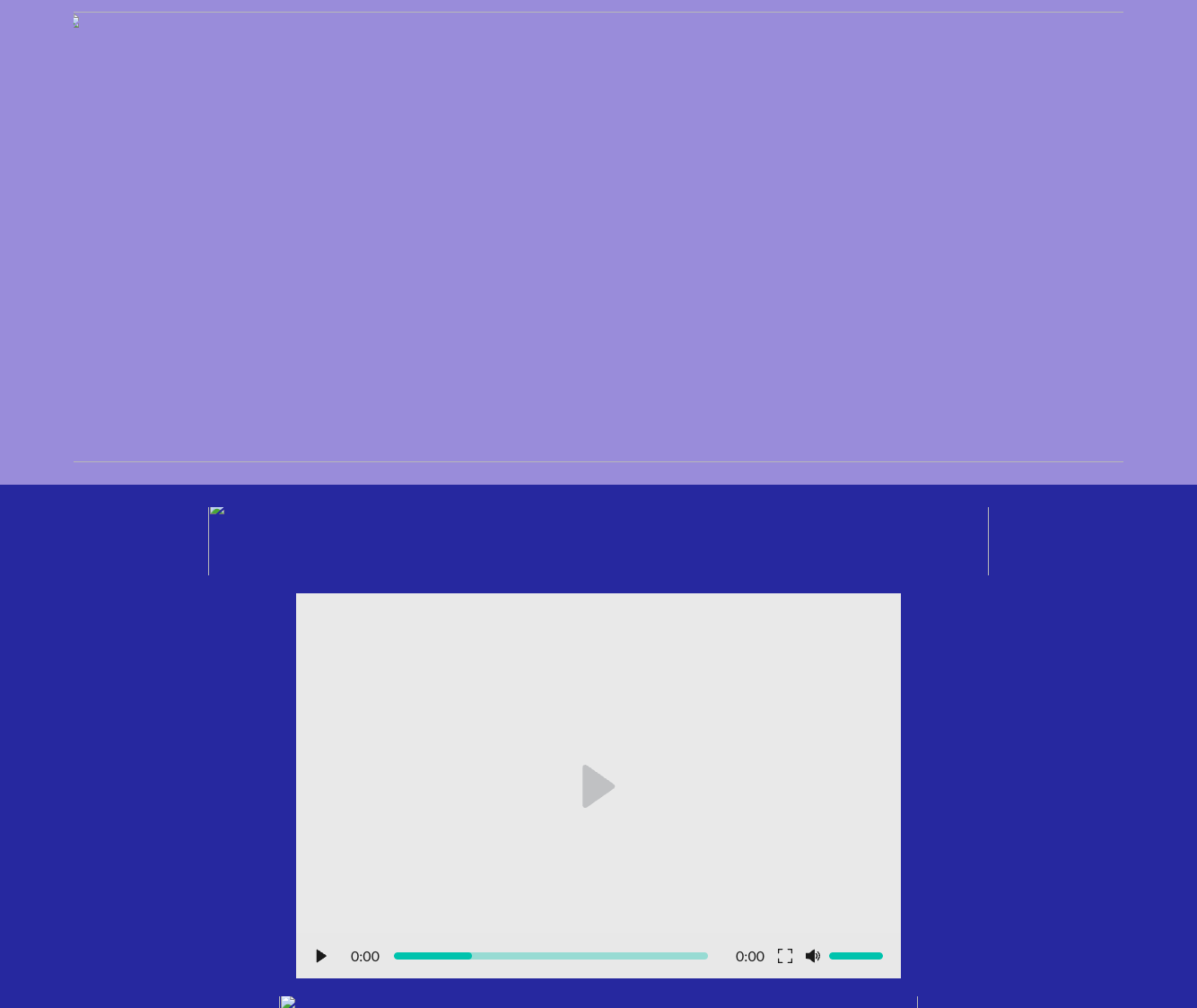
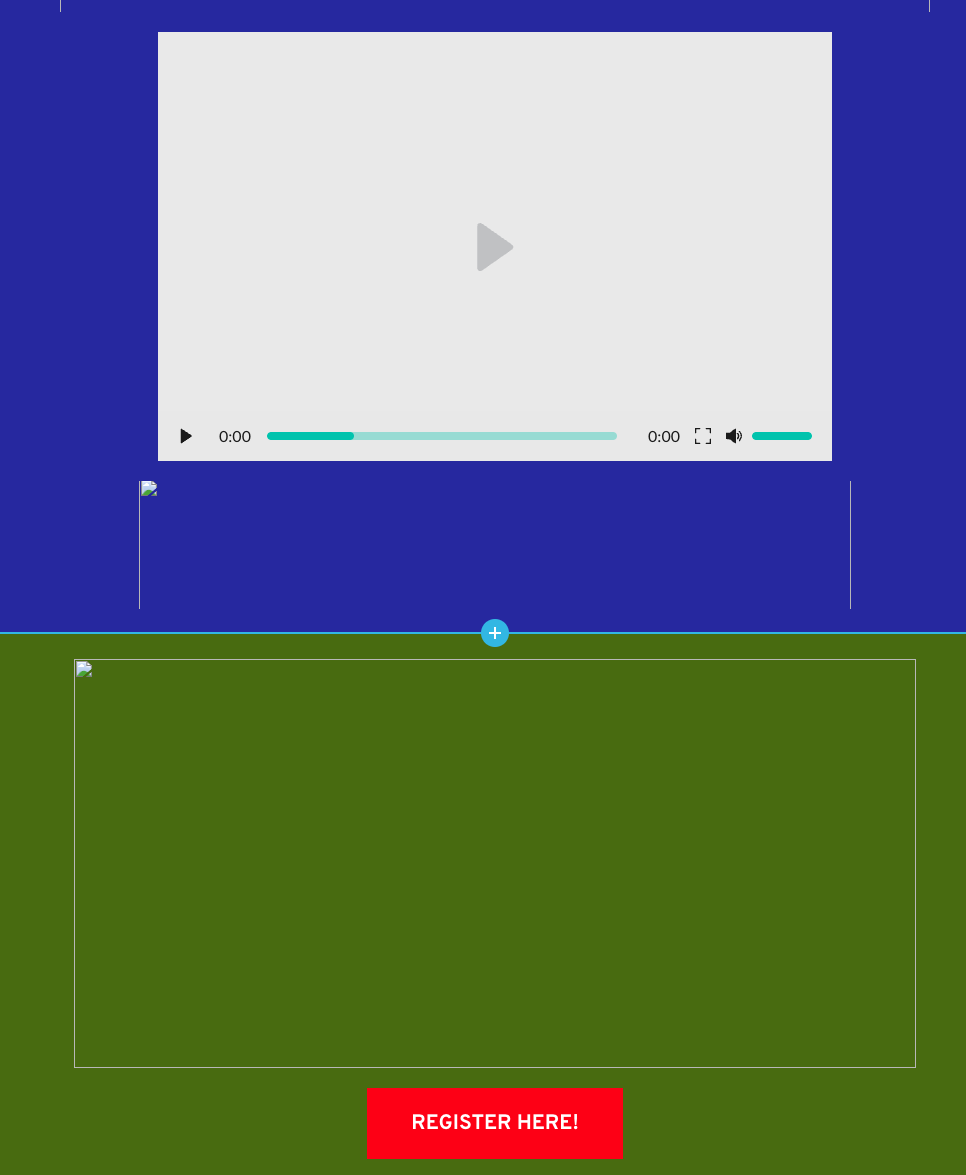
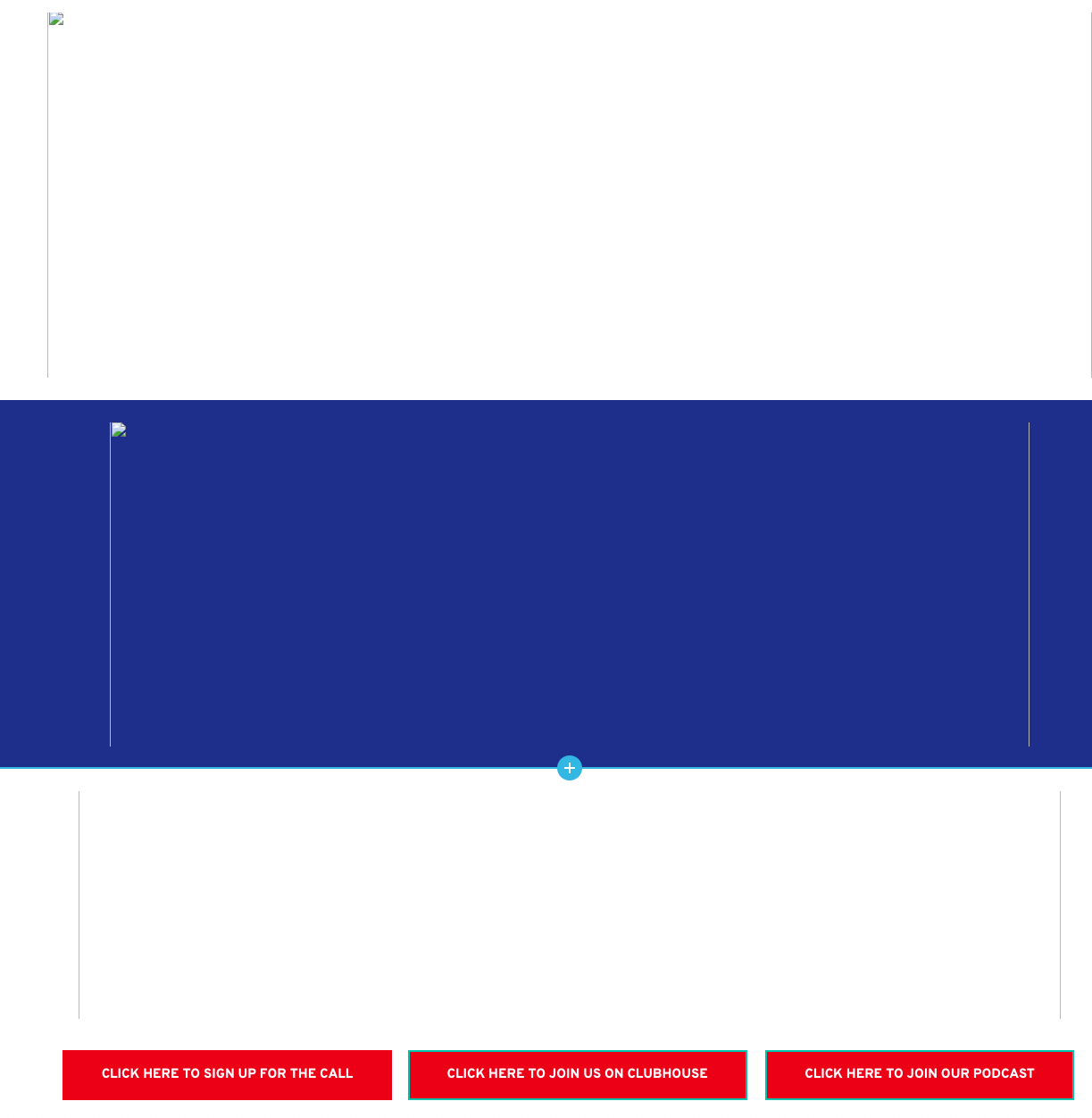
Every browser shows the broken images in the builder.
below are the snapshots:
 0
0 -
Hi Otis,
Thank you for the update.
It appears that the issue you are experiencing is likely caused by a conflict.
To troubleshoot this, I recommend disabling all other plugins except for Brizy and Brizy Pro, and then checking if the issue persists. If the problem is resolved, you can gradually enable the rest of the plugins one by one until the issue reoccurs. This step-by-step process will help you identify which plugin is causing the conflict.
In particular, optimization and caching plugins are known to sometimes cause such conflicts, so you may want to start by disabling them first.
If the issue persists, would it be possible for you to provide us with temporary access to your WP Admin? You can add us as an Admin user and send the following details to communitysupport@brizy.io:
- Community Support link: https://support.brizy.io/hc/en-us/community/posts/16268096328978
- Admin User:
- Password:As a precaution, please make a full backup of your website before providing us access.
Best regards,
Ariel H.0 -
I sent an email with the login details
0 -
Hi Otis,
I attempted to log into your site, but it seems the user account doesn't have administrative privileges.
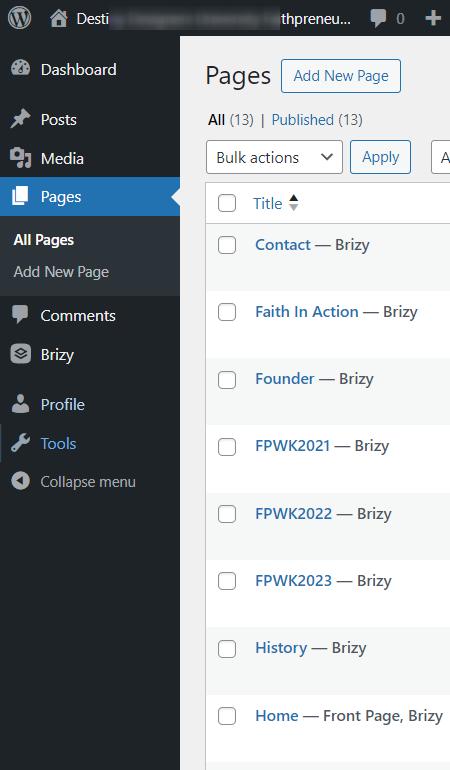
Could you please upgrade the user account to an Administrator role? We'll also need access to the Plugins and Themes in your WP Admin dashboard to delve deeper into the issue.
Best regards,
Ariel H.0 -
Good Morning,
i added you as an Admin now, my apologies
0 -
Hi Otis,
Thank you for your cooperation.
I've examined your site, but unfortunately, I couldn't identify the conflict. It might be helpful if we could have temporary access to cPanel to conduct a more thorough investigation. If you could provide your cPanel credentials, please send them to communitysupport@brizy.io. Please include the ticket reference number 16247801726098 in the subject line of your email.
In the meantime, I noticed that your site is hosted with HostGator. Could you please check if CloudFlare CDN is enabled on your subscription and try temporarily disabling it? This might help determine if it's causing any issues with editing your pages. You can find the instructions on how to disable CloudFlare CDN here: https://www.hostgator.com/help/article/cloudflare-cdn-overview
Please try this and let me know how it goes.
Best regards,
Ariel H.0
Please sign in to leave a comment.
Comments
7 comments