Font and local video file not scale

Hi,
1. Why font in editing mode bold but when it is live it is not. please see the screen shot.
https://yoomeebooth.com/photo-booth-rental-for-wedding/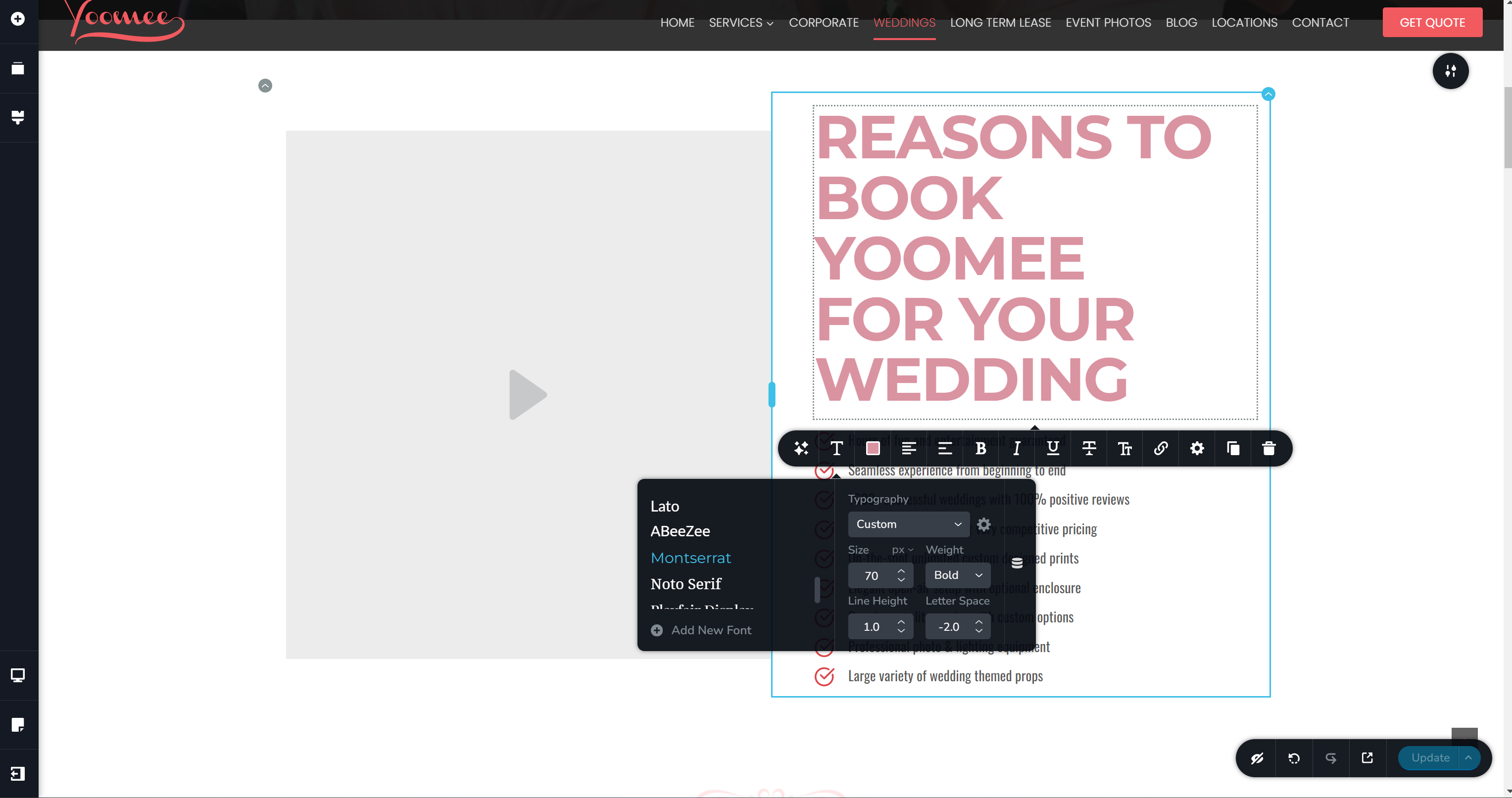
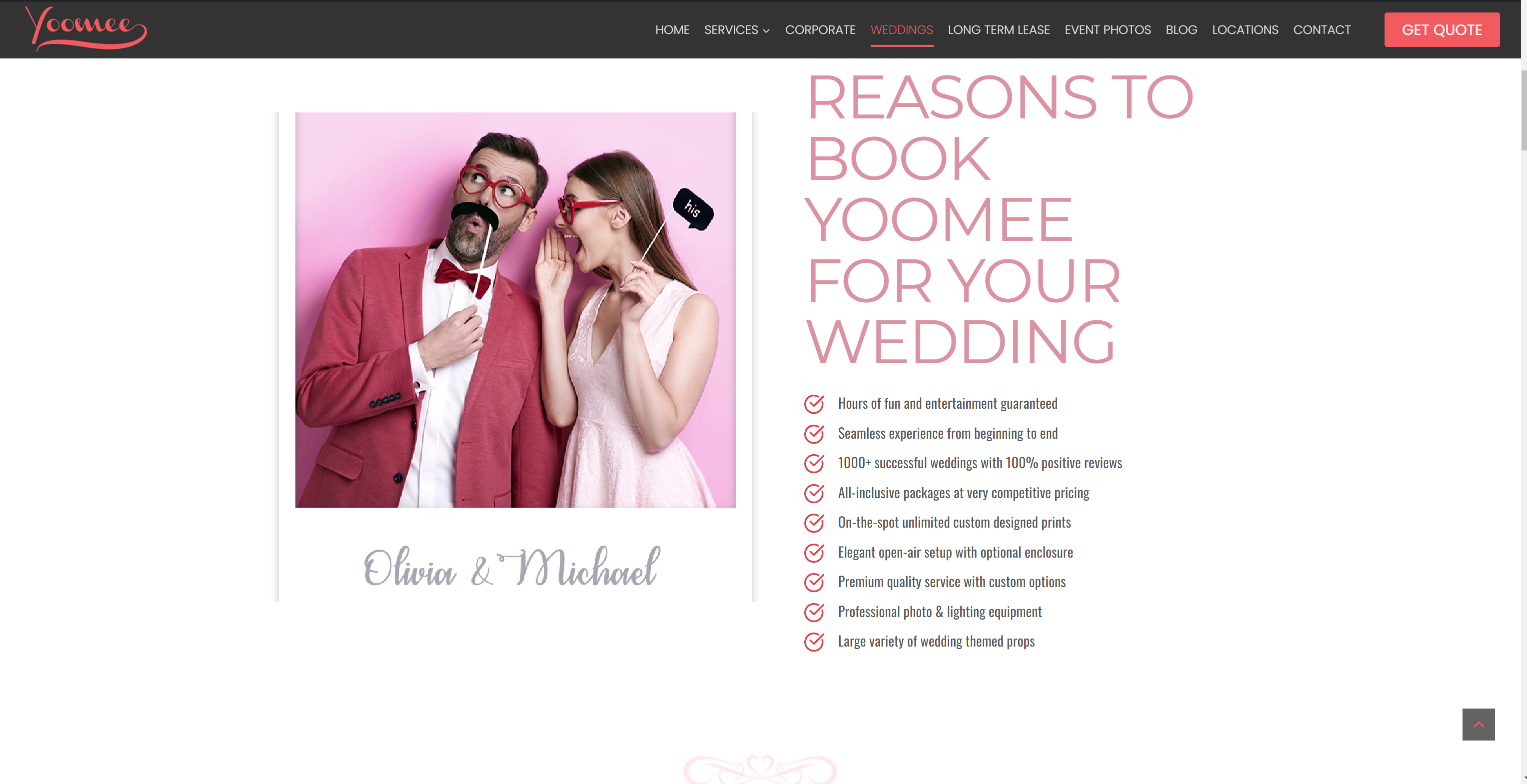 2. Local video is not scaled right it is cut top and bottom , tried all aspect ration and all padding and margins settings. Please see screenshots
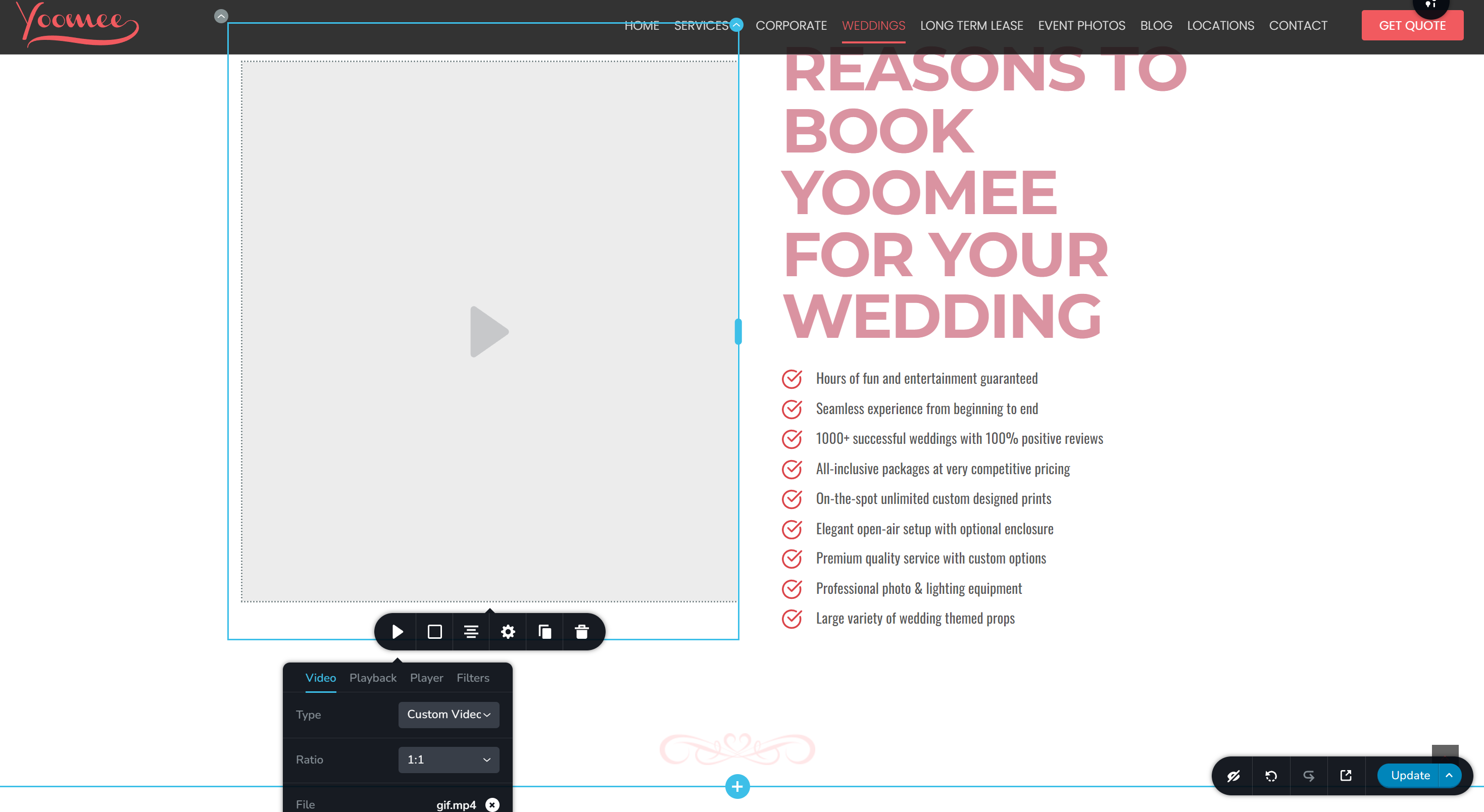
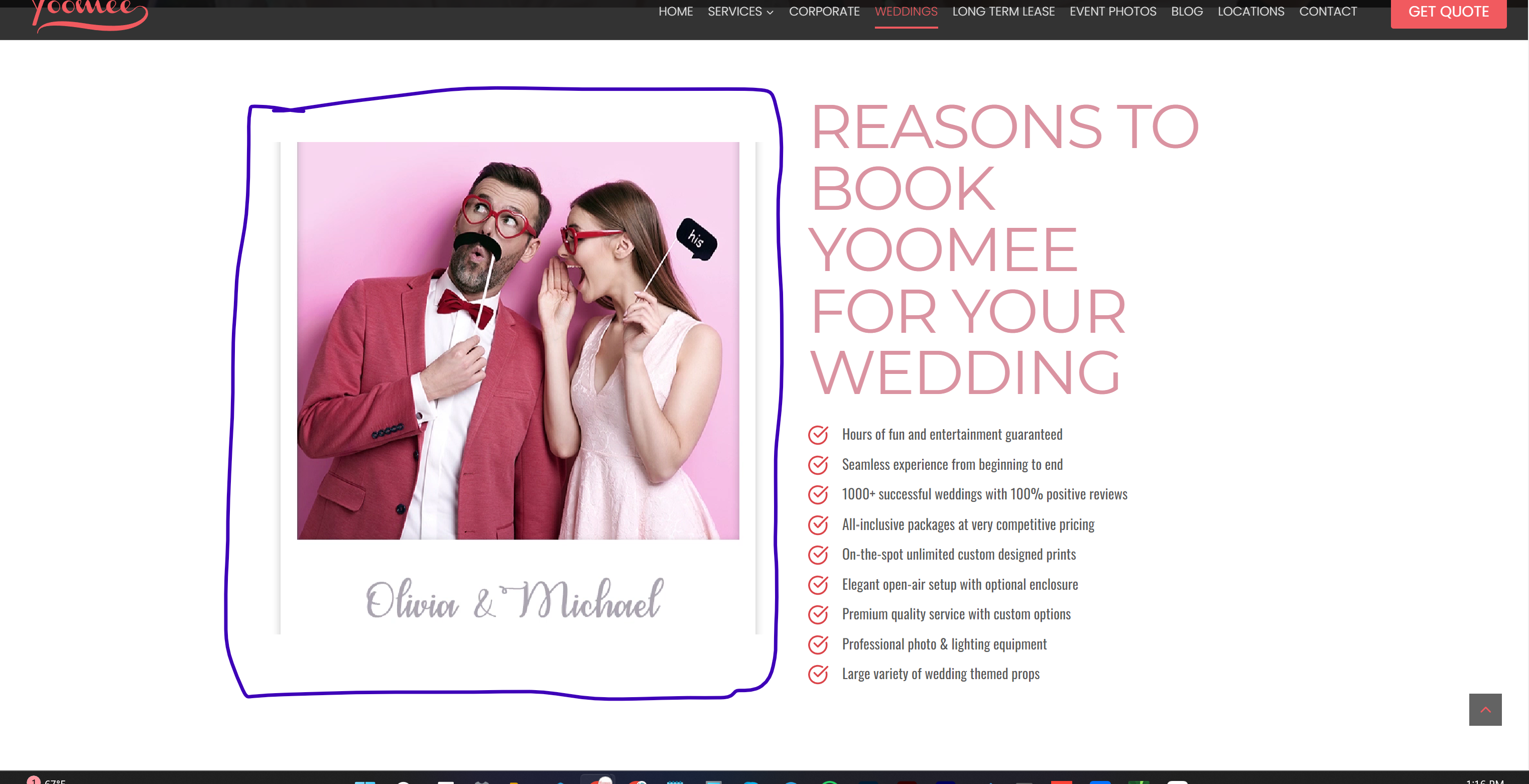
-

Hi Vlad,
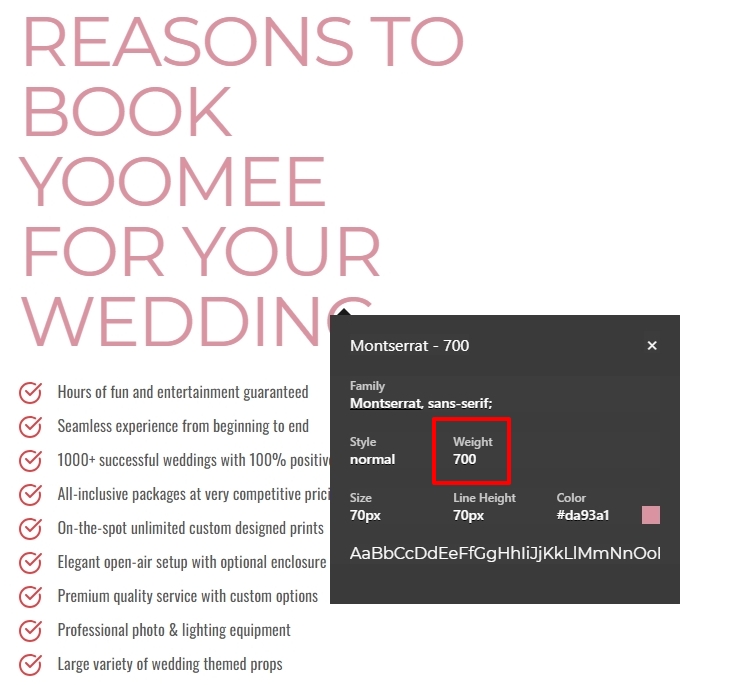
When checking the font settings using the 'What Font' Chrome Extension, the heading font appears bold in the frontend just like in the editor. The weight of the font is set to 700 which indicates that the text is bold. (Weight of a Normal text is 400).
Can you please deactivate the Litespeed Cache plugin temporarily and check if the issue resolves?
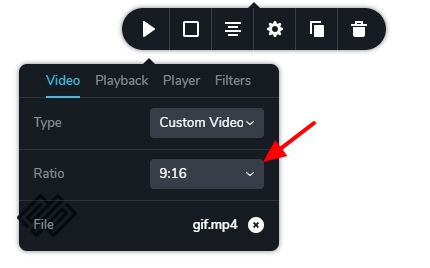
Please set the Aspect Ratio of 9:16 for your video.
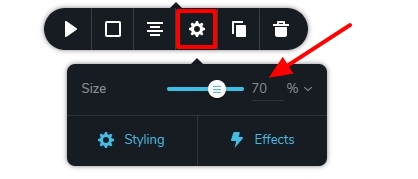
You could also try the Size of 70% for your video. These settings seem to work fine for me at https://brizy.tech/video/
 0
0 -
Hi KC,
Thank you for help
Video still cuts on sides, you can see video file in media. I tried all aspect ratio and size it down or up. it is still cuts top and bottom or left and right
0 -
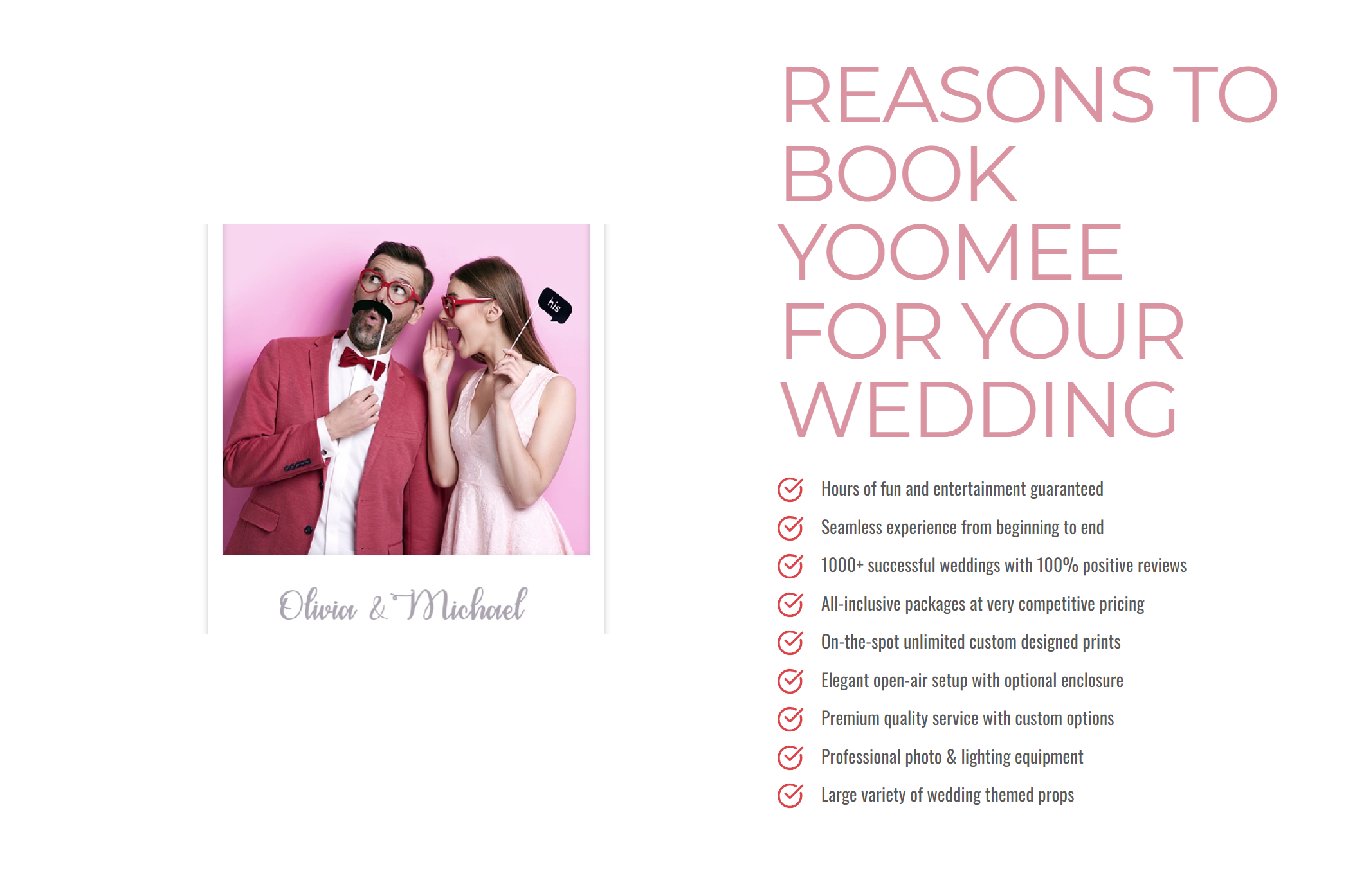
same with font disable litespeed same effect in incognito tab
 0
0 -
Hi Vlad,
We need access to your WordPress Dashboard to offer further help. Please add a new user to your WordPress Dashboard and send the following details to our email: communitysupport@brizy.io
- Community Post link: https://support.brizy.io/hc/en-us/community/posts/16154044215314
- WordPress Admin URL:
- Username
- Password
Please let us know in this forum when you send us the email.
0 -
Hi George,
Just sent you a link to login by email
0 -
Hi Vlad,
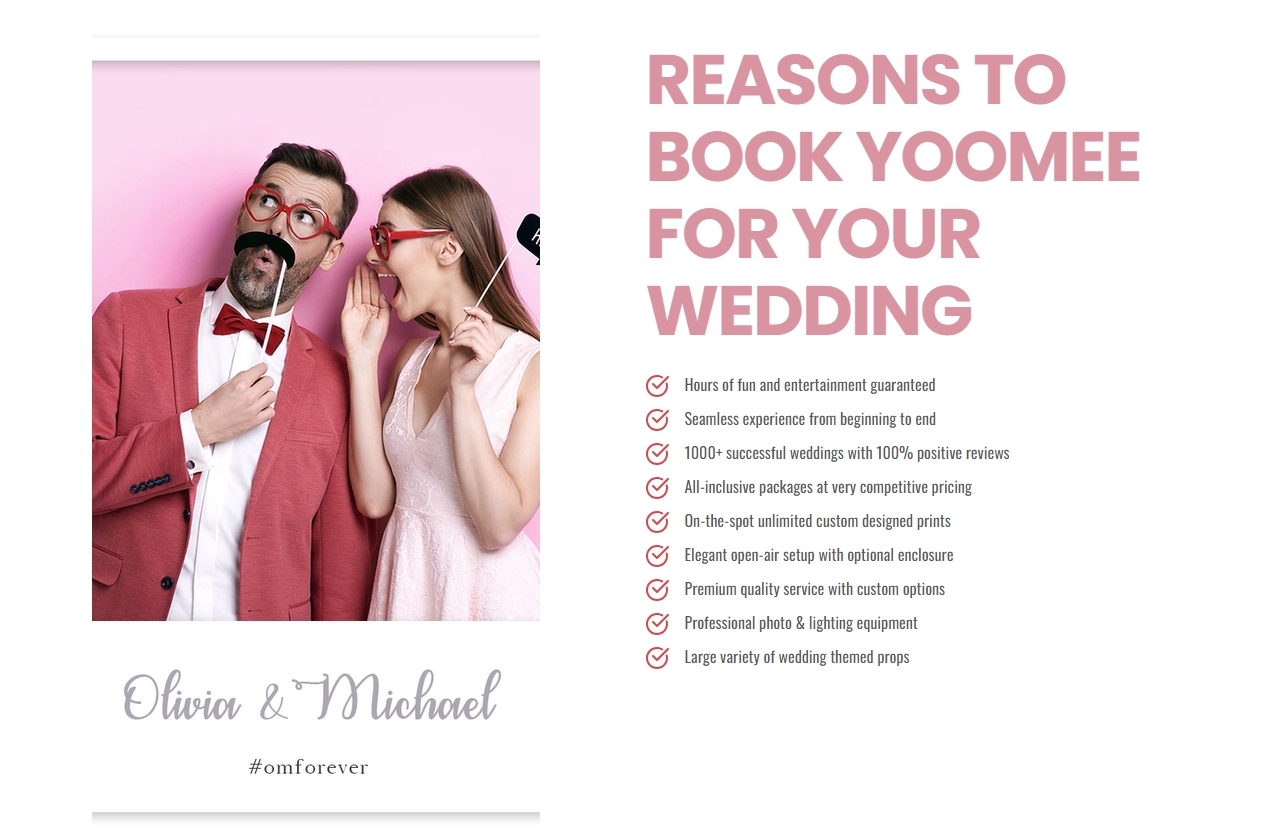
I have set the aspect ratio of your video to 9x16 and its width to 80% and the entire video seems to display in the frontend. Please check.
When changing your heading typography to Poppins from Montserrat the bold typeface displays well in the frontend. It's possible that the issue is specific to the Montserrat font. In place of Montserrat, you could consider these alternate Google fonts.
- Work Sans
- Poppins
- Raleway
- Roboto
 0
0 -
Hi George.
Thank you for the font got it.
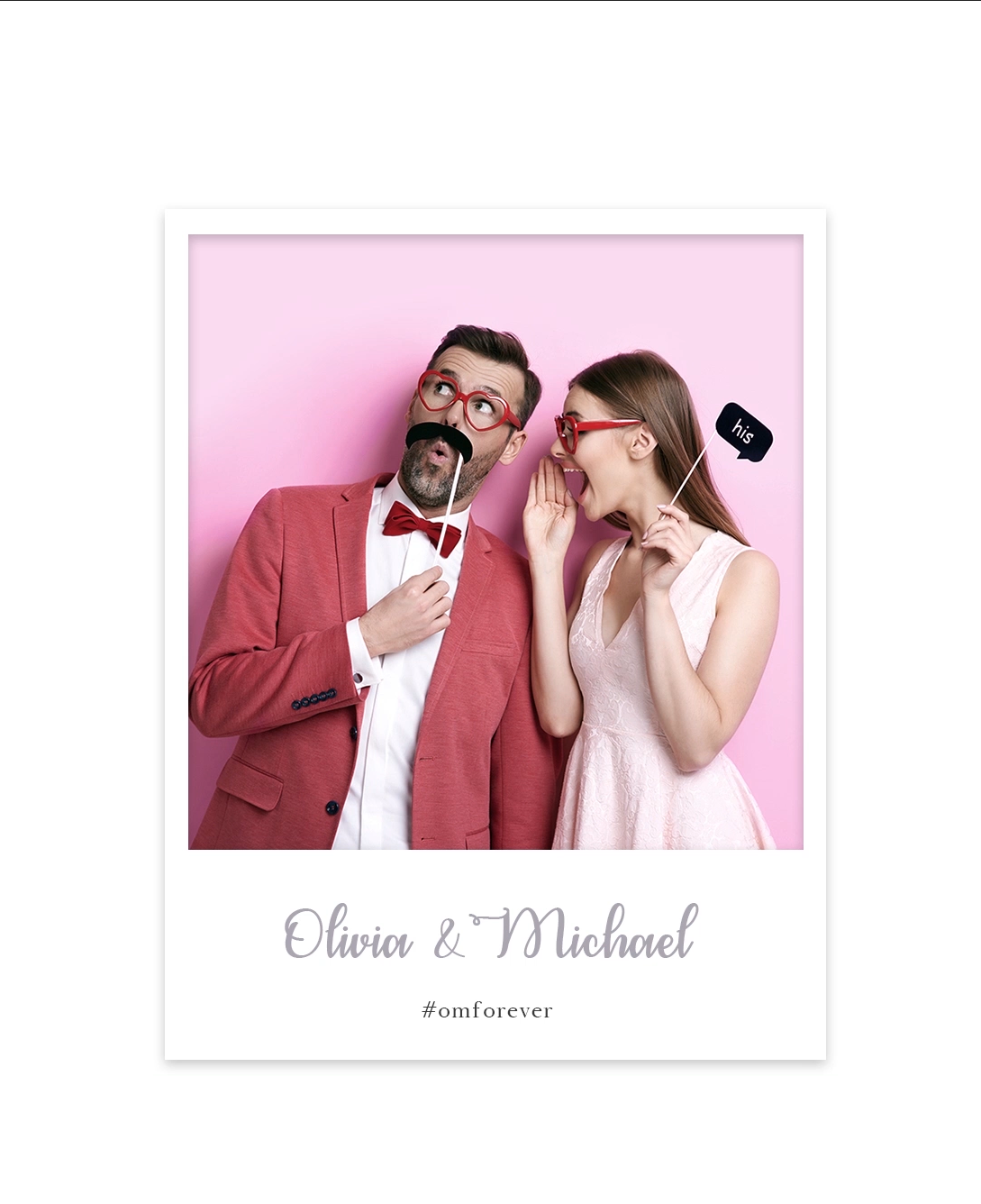
But video is not full it is cut off on top and bottom. Please see screen sot of full video
 0
0 -
Hi Vlad,
The video is not cropped at the top or bottom. The original video is playing at full height, but its getting cropped on both sides. This is a result of the non-standard aspect ratio you are using for your video. For information on standard video aspect ratios, see this article. https://wistia.com/learn/production/what-is-aspect-ratio
Please consider these options
- Since it is a 1second video, you could consider converting it into a GIF. The quality of the GIF will be marginally worse than that of the MP4.
- I have converted your video to 9:16 aspect ratio using the service https://www.veed.io/ You can download the converted video here https://jmp.sh/zYeAMxwS This video should play full width.
0 -
Hi, thank you I tried fir video all setting and all aspect ratio aane it is cut the video
0 -
Hi, No video is not full, I attached it here
0 -
Hi Vlad,
If you are unable to make the video work, please convert the file as a GIF and use it. Any aspect ratio should work with GIF.
Unfortunately, email attachments do not work with our help desk system. Please click on https://support.brizy.io/hc/en-us/community/posts/16154044215314 and attach the image to your comment.
0 -

Hi Vlad,
Another solution that you can consider, instead of using the video element directly, you can use HTML to display the video in the column.
Please use the Embed element and paste the following script:
<div style="display: flex; justify-content: center;">
  <video width="100%" height="auto" autoplay loop muted style="object-fit: cover;">
    <source src="https://yoomeebooth.com/wp-content/uploads/2024/01/gif.mp4" type="video/mp4">
    Your browser does not support the video tag.
  </video>
</div>
I have created a short screencast to demonstrate this solution, which you can view at this link: https://youtu.be/EtteOHorh7Y
Feel free to adjust the width % value to fit the video in the column according to your preference. Additionally, the video will automatically adjust its size based on the screen size, ensuring responsiveness.
This solution has been tested on the following URL: https://sitebuilder1.online/dev01/video/
Please give this solution a try and let us know if it works for you.
Best regards,
Ariel H.0 -
Thank you Ariel and George, I changed video (1:1) size and it works.
0 -
Hi KC, just upload image and it is blurry, set it to original and it is still blurry https://yoomeebooth.com/ai-experience
please advise
0 -
Hi Vlad,
Large sized images get scaled down in WordPress. You can read more about it here https://make.wordpress.org/core/2019/10/09/introducing-handling-of-big-images-in-wordpress-5-3/
The file you have uploaded to the Media Library, https://yoomeebooth.com/wp-content/uploads/2024/02/AI-Photo-Booth.jpg is 1600 x 4029 pixels in size. The image being used at your page https://yoomeebooth.com/ai-experience/ is scaled down to 1017 x 2560. You can see the scaled down image at https://yoomeebooth.com/wp-content/uploads/2024/02/AI-Photo-Booth-scaled.jpg
Kindly disable the scaling down of images by setting a parameter in the function.php file. You can also add the code snippet using the Code Snippets plugin. Please have a look at this article for more details https://smartwp.com/large-image-scaling-wordpress/
0
Please sign in to leave a comment.
Comments
15 comments