Images Blurry Only on Desktop (Look fine in builder)

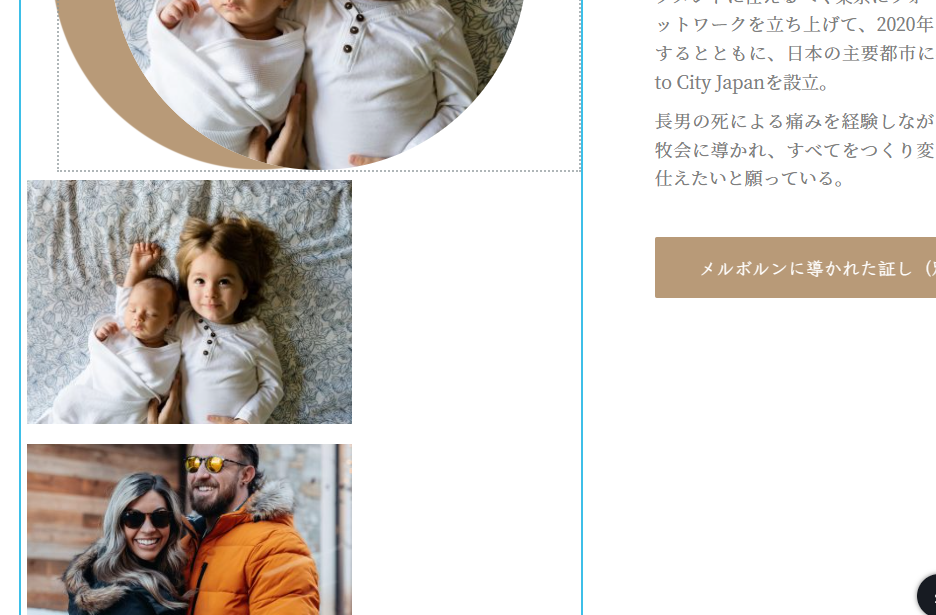
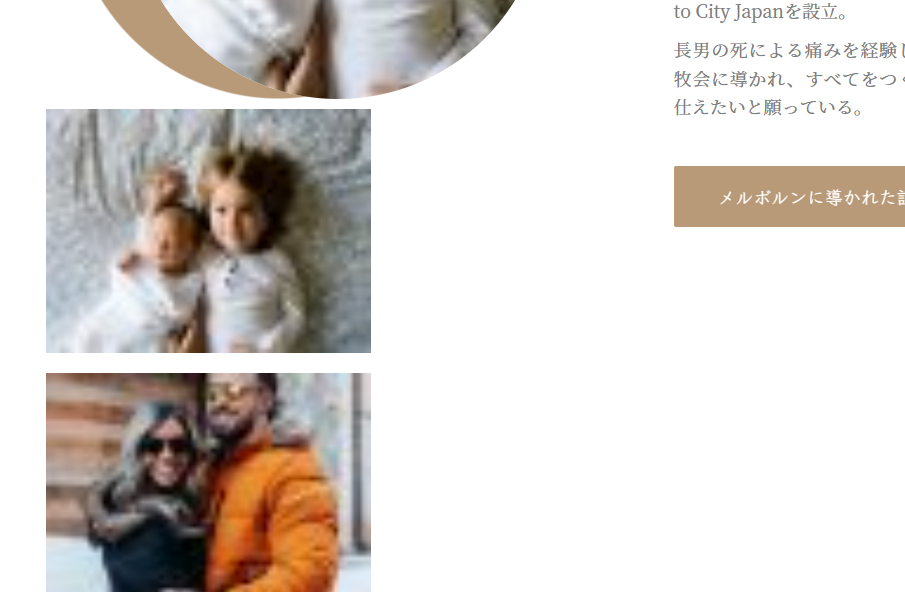
In desktop view, my images are blurry on the live side. Tablet view and mobile look fine. I've cleared every cache I know of, tried another browser, uploaded an entirely new image, etc. I can't get it to go clear again.
I'm on 2.4.18 and Pro 2.4.17 (already rolled back for image sizing issue, which had cropped up in another image, but is now fixed)
Builder:
Live site:
-

Hi Anna,
Can you please share the URL of your website where we can see these images?
0 -
Ah, yes, sorry:
melbournemission.org
0 -
Hi Anna,
On your computer, please rename the three images, re-upload the images to your Media Library with the modified file names and use it on your Brizy design and see if that makes a difference?
0 -
Hello,
I tried renaming one of the images, to no effect. I also uploaded a completely new image that has never been on the server in any way, and it is also blurred.
Edit: You may not have seen that change, because I neglected to flush my server cache. Changes should now be visible.
0 -

The same think is happening to me. After the upgrade to Brizy pro 2.4.18 all of my sites are having issues with images, they look gigantic:
https://elections.imperialcounty.org/
They look fine in brizy editor.0 -
Hi Leonel,
Would you please try the solution suggested in this post? https://support.brizy.io/hc/en-us/community/posts/15743616262161
0 -
Hi Anna,
The three images you have shown above are resized to a tiny size for some reason in your website frontend. If you are using Brizy 2.4.18 and Brizy Pro 2.4.17, ideally this should not happen. To offer further help, we will need access to your project.
Please add me as a user to your WordPress Dashboard and send the following details to our email: communitysupport@brizy.io
- Community Post link: https://support.brizy.io/hc/en-us/community/posts/15752684344593
- WordPress Admin URL:
- Username
- Password
Please let us know here when you send us the email.
0 -
Hello,
Thank you for your help! I've sent the email, with the subject "Wordpress Login for melbournemission.com"
0 -
Hi Anna,
On your homepage, I could not understand how you have implemented the following design.

Multiple images are normally placed within multiple columns. In your design, multiple images are added one below the other.
I have copied your homepage design to https://melbournemission.org/test/ and have recreated the block with the images issue. On this page, the images look fine in the frontend.
Please continue designing at https://melbournemission.org/test/ and delete the homepage and rename Test to Home.
0 -
I think I may have the source of the issue. The page is adapted from the Brizy layout called "Riston" (a one-page layout). The extra images in the column were put there just to test, trying to find the cause of the blurriness.
In an attempt to get the decorative circle back, I reimported the layout onto Test. And now, if you look at https://melbournemission.org/test/, you can see that the block pulled straight from the layout has a blurry image, whereas the other block does not. If I simply drag that element into another block, it behaves very differently, and becomes clear. So I think it's a problem local to that particular block in the Riston layout.
Now that I know that, I can easily work around it.
Thank you so much for your help!
0
Please sign in to leave a comment.
Comments
10 comments