Rest of the page disappeared after Embed code

Dear Brizy Team,
I was not satisfiead with one of Brizy Elements, so I downloaded its source code and wrote it in a way I want. But when I add the embed code to the page, the rest of the page disappears. Earlier you recommended me to remove the HTML and the body containers but this time it still didn't work.
In Editing mode:
Preview: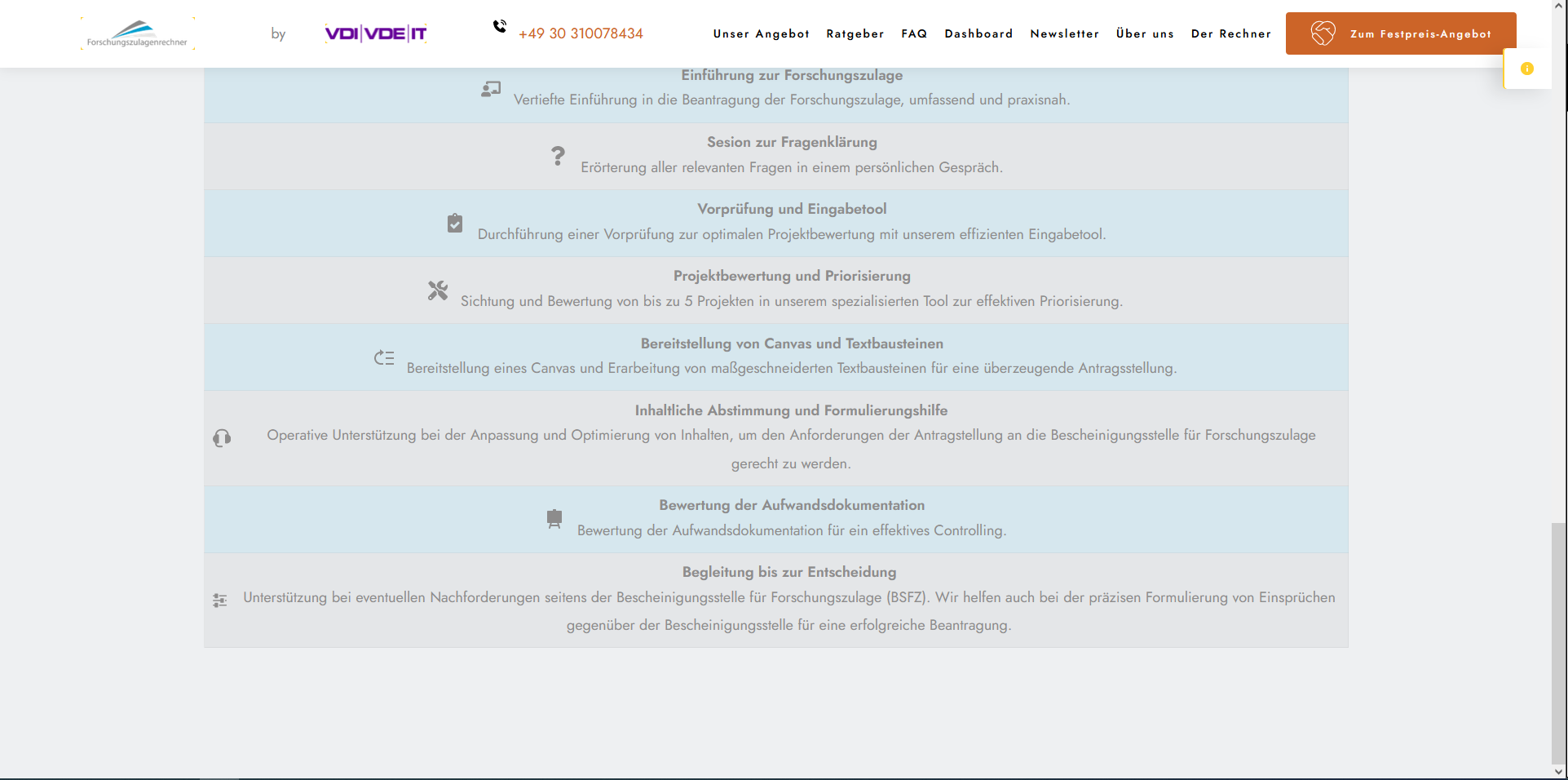
Here is the source code of the edited table:
https://codeshare.io/kmkxE3
I would be happy for any solution!
Kind Regards!
-

Hi Ulrike,
Thank you for reaching out to us.
For this to work, please remove the opening and closing body tags - https://codeshare.io/j03YA3
After removing these tags, this is how it appears on my local test environment.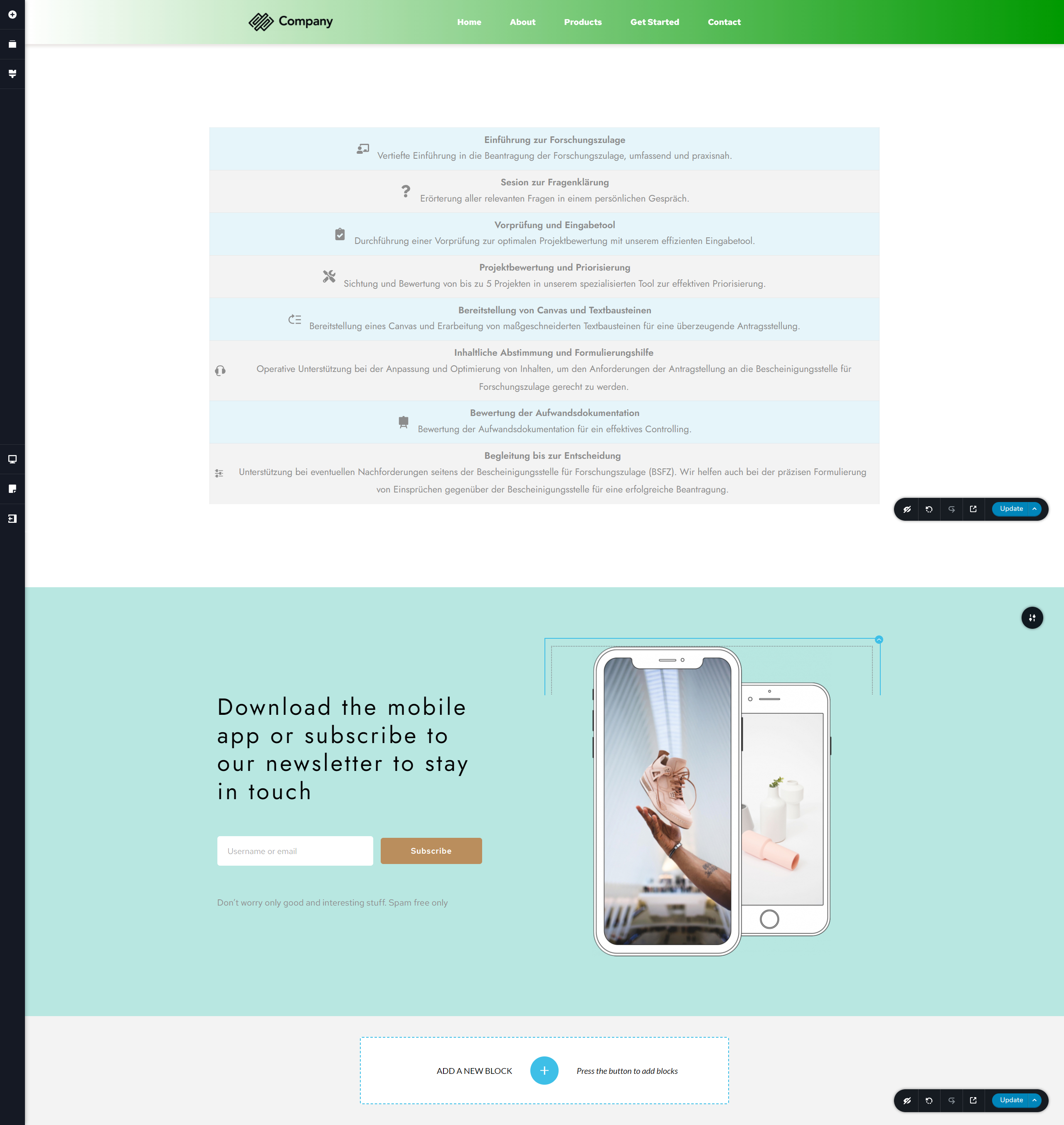
If you have any further questions, please let us know.
Best regards,
Ariel H.0 -
Dear Ariel,
your suggestion worked pretty well, thank you! But I see know another problem.
After I add the embed code, the phone symbol on the header turns to be black. But it should stay red as it is defined in the global settings.
After Embed code I got this:
But expected this:
I would be happy for any solution!
Kind Regards!
0 -
Hi Ulrike,
Thank you for keeping in touch.
Could you please provide the URL of this page so we can inspect it?
I am looking forward to your response.
Best regards,
Ariel H0 -
Dear Ariel,
This is the URL of this page: (link removed)
Best Regards!0 -
Hi Ulrike,
Thank you for the update.
From my end, the color of the phone icon seems to be correct. It's possible that this issue is due to a cache. To resolve this, I recommend clearing your browser cache or trying to access the website using a different browser.

Best regards,
Ariel H.0 -
Dear Ariel,
I didn't update the changes since after I add the embed code, the color changes. This links shows the correct color of the icon and on the page there is no self-written embed codes.
https://forschungszulagenrechner.de/unterstuetzung-bei-der-beantragung/
The problem is when I try to add this code with embed function(see https://codeshare.io/r4v41v), The color of the icon changes.
Best regards!0 -
Hi Ulrike,
This is something we need to inspect from your WP Admin page so we can directly investigate the issue on your site. Please add us as an Admin user to your WordPress Dashboard and send the following details to: communitysupport@brizy.io
Community Post link: https://support.brizy.io/hc/en-us/community/posts/15714210601362
WordPress Admin URL:
Username:
Password:Please make a full backup of your site as a precaution.
Best regards,
Ariel H.0 -
Dear Ariel,
We are a big company and due to privacy policy we can not and we don't want to share such Informations. How about if we have a video call and I can show you everything during the video call with screensharing?
Best Regards!0 -
Hi Ulrike,
I understand your concern about privacy.
Can you please save this page as a layout and upload the zip file to a subdirectory on your server or share it on Google Drive? https://www.youtube.com/watch?v=pvvzFW_QNKY
Also, please include the code snippet and let us know which theme you're using on your website. This way, we can replicate the issue and possibly offer a solution.
Best regards,
Ariel H.0 -
Dear Ariel,
Alright! I will send it to you by Email, since it is much easier. I hope that's okay for you!
Best Regards!0 -
Hi Ulrike,
Thank you for the update.
Please send it to communitysupport@brizy.io, in the Subject line, please include this reference number: 15714210601362
I am looking forward to your response.
Best regards,
Ariel H.0 -
Hi Ulrike,
Thank you for your cooperation.
Upon checking, it seems to be importing some CSS onto the page, which in turn is influencing the color of the icon in the header. The embedded code needs modification to remove the linked CSS, but it could break the layout. A more feasible solution would be to modify the icon's color using CSS. I've put together a brief screencast to show you how to add the following CSS into the icon's container.
element {
  color: #cc6428 !important;
}
Screencast: https://youtu.be/XcUT1HTY2ss
Please try this and let me know how it goes.
Best regards,
Ariel H.0 -
Dear Ariel,
thank you a lot for your effots, however as mentioned earlier it is not just about the color. For example some certain icons get also smaller.
Here you see screenshots of the page which includes the self-written embed Code:
Image 1:
Image 2:
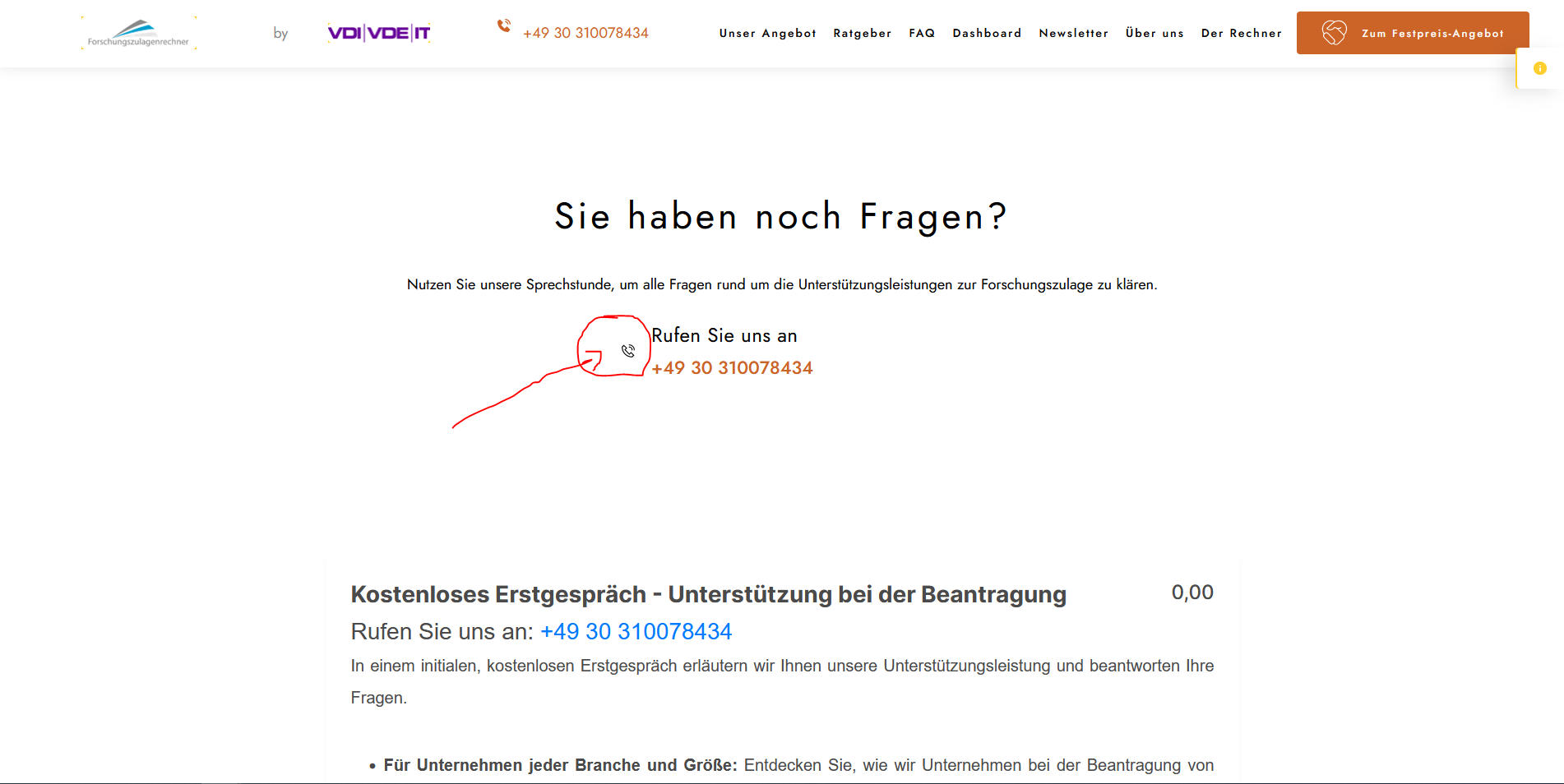
Image 3:
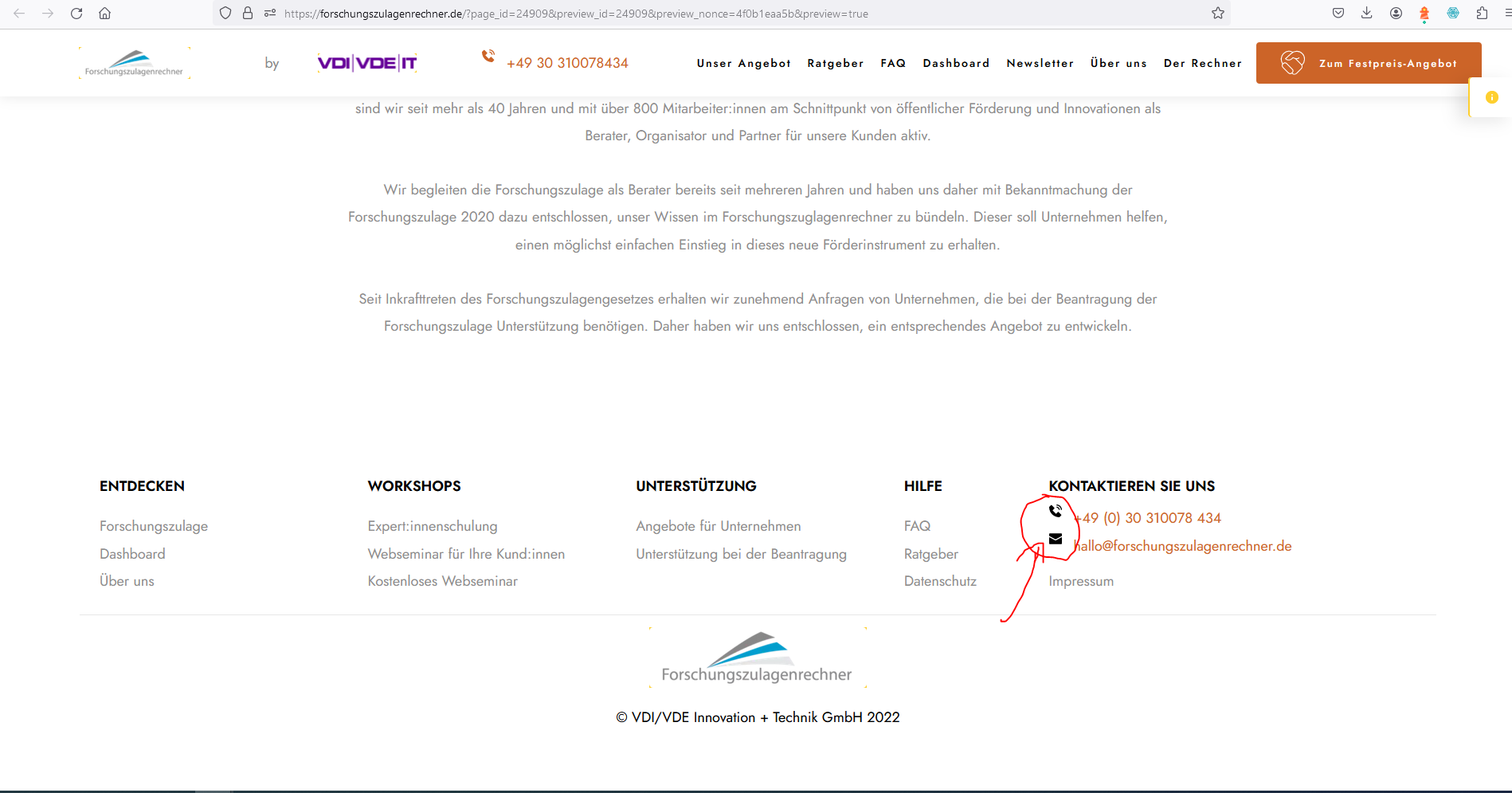
And here you see the original page, without self-written embed code:
Image 1:
Image 2: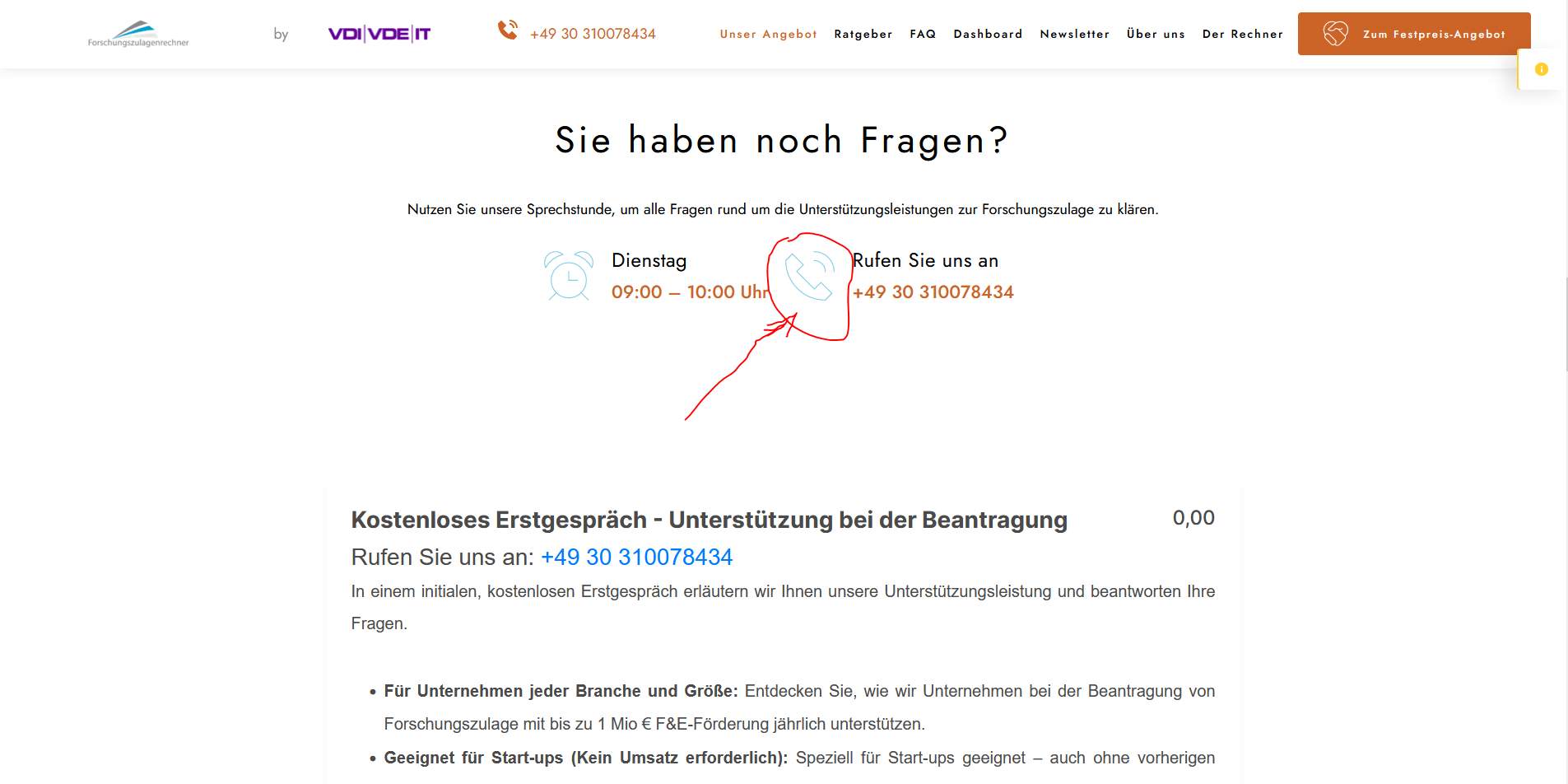
Image 3: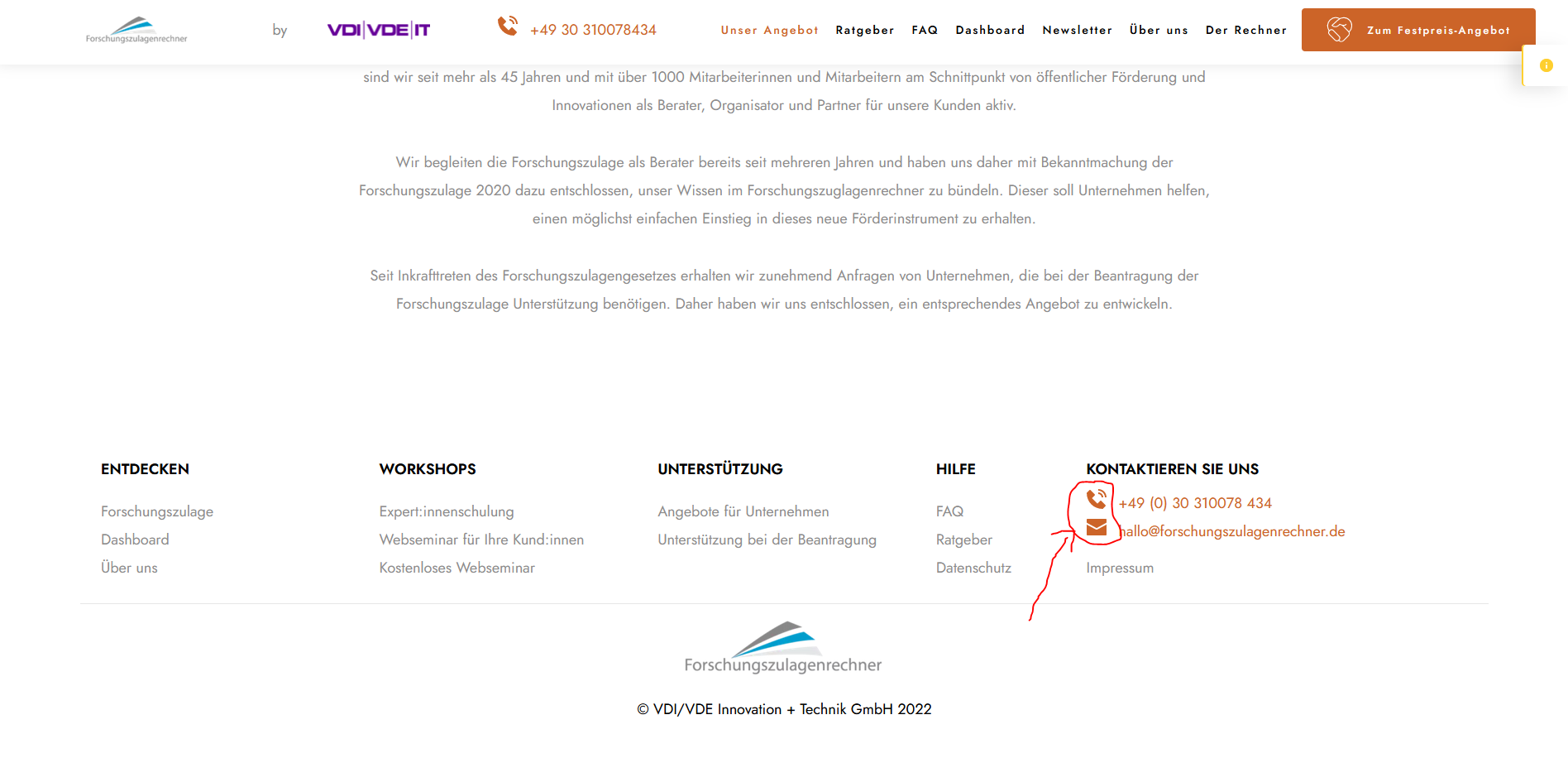 Thanks in Advance and Best regards!0
 -
Hi Ulrike,
Thank you for the update.
I'd like to assist you further with resolving this issue. However, the root of the issue lies within the embedded code on your site, which is causing conflicts. Although I tried to delete the linked CSS in the embedded code to resolve the conflict with the current CSS on the page, it resulted in breaking the layout of the embedded HTML. While it's still possible to adjust it, the process is complex and may require some time. In the previous example, I showed you how to modify the color of the icons; you can use a similar approach to adjust the sizes of the affected icons.
Unfortunately, debugging issues related to conflicting embedded code falls beyond the scope of our support. Without the embedded code, the icon colors are functioning as expected within Brizy.
If you have any further questions, please let us know.
Best regards,
Ariel H.0
Please sign in to leave a comment.
Comments
14 comments