Scroll up button

Hello,
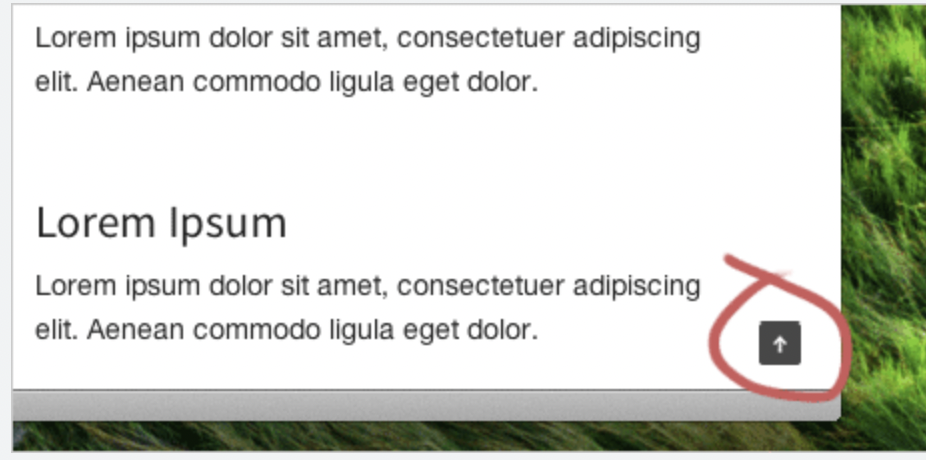
In Brizy page builder, I'm not able to find the scroll up button/icon for my blog page somewhere on the right so a user can click on it and it will move it right to the beginning of the blog post. Here is an example of what I mean, thank you in advance!
-

Hi Eliza,
Thank you for contacting us.
This feature is currently not available, but please have a look at your theme to see if it's included.
Otherwise, there is a suggested workaround in this support thread.
https://support.brizy.io/hc/en-us/community/posts/360014914837-Back-to-Top-popupAnother example was also created by another user on YouTube: https://youtu.be/G-8ZBVtAicA.
I hope this helps.
Best regards,
Ariel H.0 -
Hi,
Thank you for your reply, it's very helpful! Also, i have another question: I have table of contents that i've done manually for now (using anchor links for each heading/subheading) as I havent found the plugin that I prefer. The table of contents looks pretty lengthy at the moment so I was wondering whether you have in a brizy page builder any "hide icon" so you i can add the TOC there and once I click on this icon the dropdown will appear? Please, let me know if something similar to this is possible.
Regards,
Elizaveta
0 -

Hi Elizaveta,
Please consider using the Brizy accordion element to show and hide the table of contents. Here is the procedure. https://jmp.sh/xoSYzpFR
0
Please sign in to leave a comment.
Comments
3 comments