Not allowed to edit pages.

Hi there,
I have been getting this message all day today:
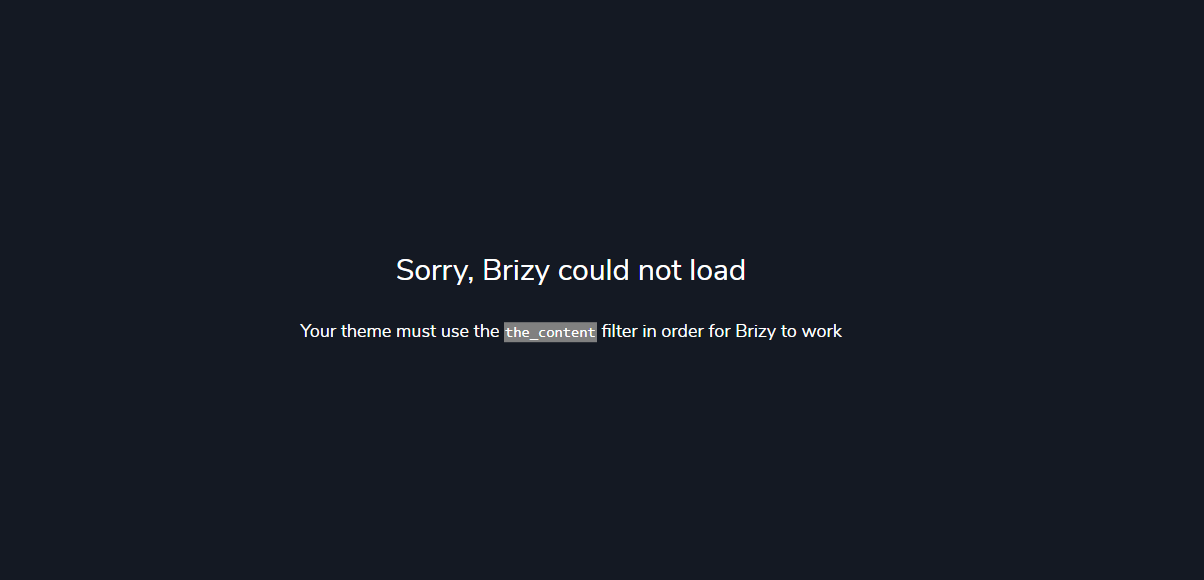
I got this trying to edit my homepage (sixdegreesmed.com), which was built using Brizy years ago. The template is set to Brizy. What could be happening?
Thx
Alex
-

Hi Alex,
In your WordPress Dashboard under Settings - Reading, please check if your homepage is set to display your latest posts.
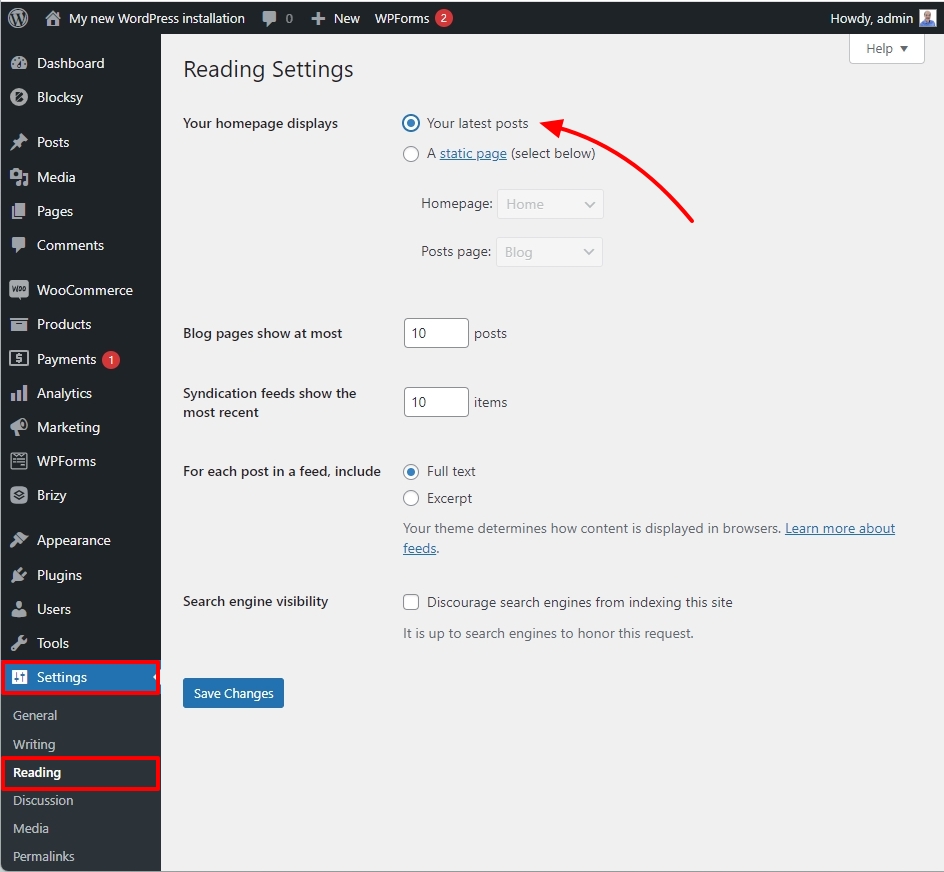
Based on your finding, we will guide you to the next step.
0 -
Hi George, sorry for the delay on getting back to you.
The answer is no, it is set to a static page and our homepage is selected.
Thanks,.
0 -
Hi Alex,
Please change your theme from The SDM WordPress Theme to Blocksy and check if the issue gets resolved.
If this does not help, we would like to check your WordPress Dashboard to troubleshoot this issue. If you need this help, please add a new user to your WordPress Dashboard and send the following details to our email: communitysupport@brizy.io
- Community Post link: https://support.brizy.io/hc/en-us/community/posts/15066476584978
- WordPress Admin URL:
- Username
- Password
Please let us know in this forum when you send us the email.
0 -
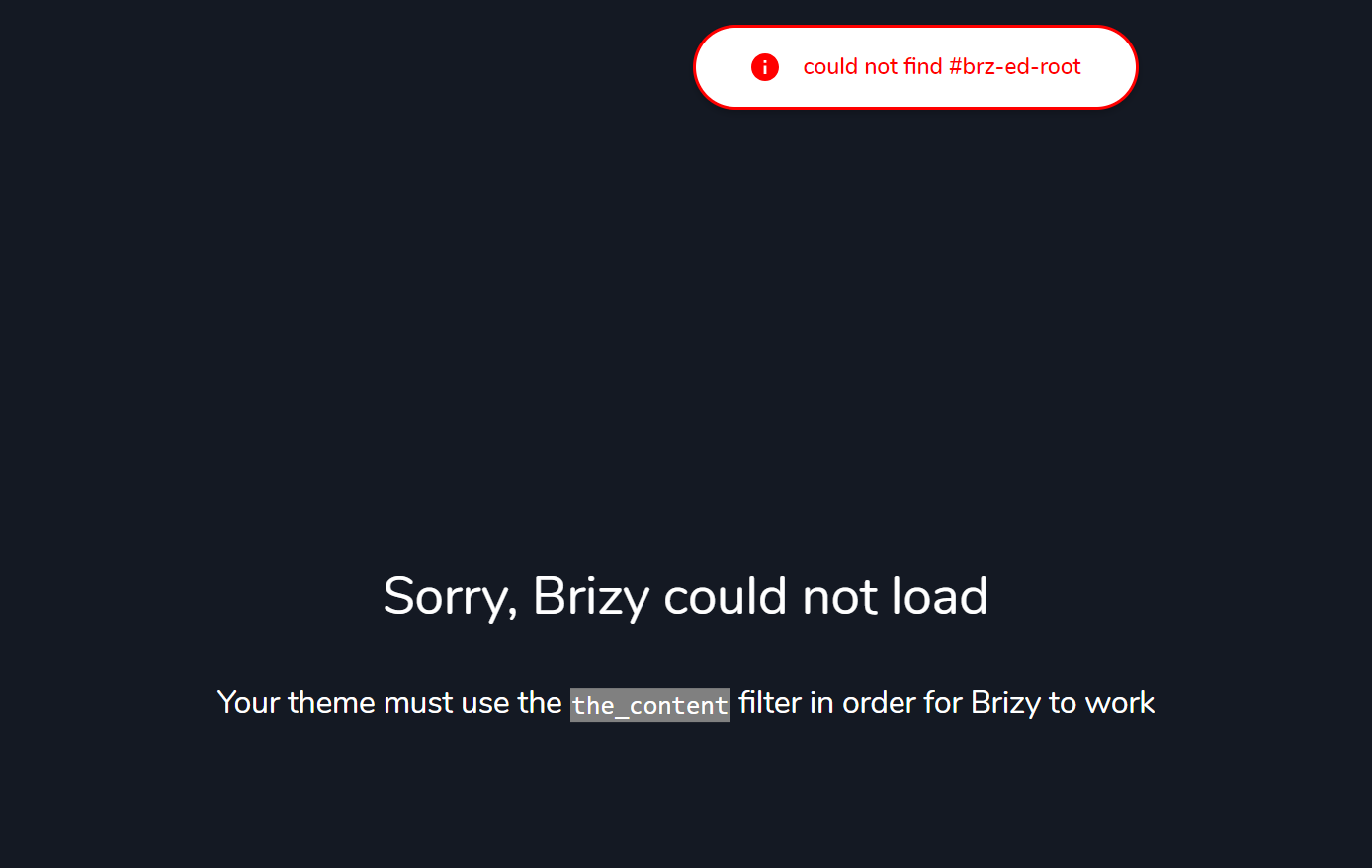
Hi George - will do it later today. Sharing with you one more info on this screenshot:
 0
0 -
Hi George, credentials were sent. The switch to Blocksy didn't stop the issue.
0 -
Hi Alex,
I was unable to replicate the issue that you are experiencing. Have a look at my test at https://jmp.sh/rko1qGxK. Do you have any more guidelines on how we should duplicate the error?
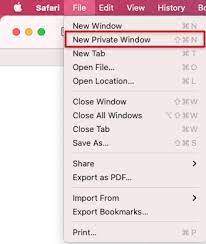
Do you experience the same error if you use an another browser? Have you tried using your browser's private (incognito) window to view your WordPress Dashboard? Do you notice the similar issue when accessing the Dashboard using a private window?
 0
0 -
Hi George, I tested at first and it worked, but now it is back to the error. I can't even get to the editor.
Please check the video here.One issue (let me know if I should open another ticket), but for the homepage, the top menu is showing in the editor, but not live. Any ideas why? I have cleaned the cache, but still not showing.
Thanks!
0 -
Hi Alex,
This error could be due to an incompatibility between SmartCrawl Pro plugin and Brizy. I have temporarily disabled this plugin. Please check if the issue persists.
0
Please sign in to leave a comment.
Comments
8 comments