Cannot edit form settings or integrations

On this site -> https://oanagabor.ro/ - on the Home, for either of the 2 forms, I have the same issue. When I try to edit any of the forms, I get this forever loading spinner, and then cannot do anything else.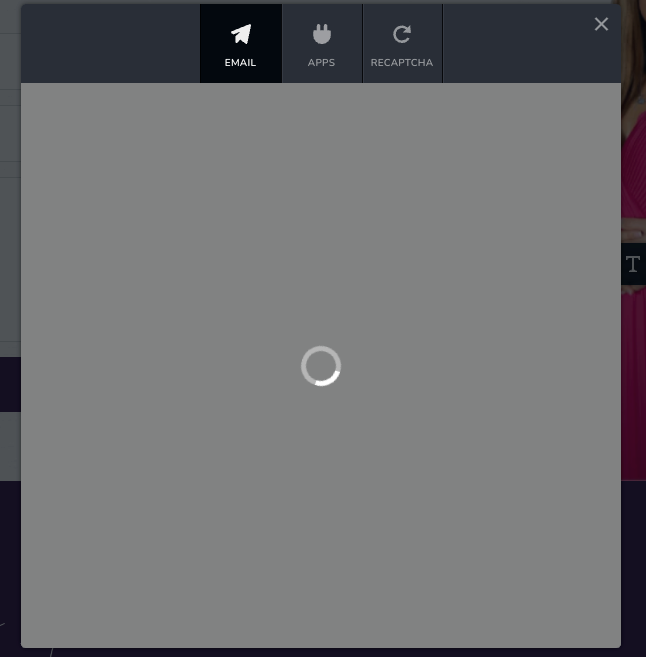
I also have a lot of errors in my Console, for the Brizy editor page (that I do not see in when loading the page normally):
JQMIGRATE: Migrate is installed, version 3.4.1
Canvas2D: Multiple readback operations using getImageData are faster with the willReadFrequently attribute set to true. See: https://html.spec.whatwg.org/multipage/canvas.html#concept-canvas-will-read-frequently
(anonymous) @ editor.min.js:1
46[Deprecation] Listener added for a synchronous 'DOMNodeInserted' DOM Mutation Event. This event type is deprecated (<URL>) and work is underway to remove it from this browser. Usage of this event listener will cause performance issues today, and represents a risk of future incompatibility. Consider using MutationObserver instead.
editor.min.js:1 Uncaught (in promise) Objectdata: "Server Error"status: 500[[Prototype]]: Object
editor.min.js:1 Uncaught (in promise) Objectdata: "Server Error"status: 500[[Prototype]]: Object
admin-ajax.php:1
Failed to load resource: the server responded with a status of 400 ()
Thank you,
Alexandra
-

Hi Alexandra,
Thank you for reaching out to us.
Please try using another browser and see if this will help address the issue.
Also ensure that you have installed the most recent versions of Brizy and Brizy Pro - https://prnt.sc/SwKdYoB_sBr1If the issue continues, this is something we would like to investigate from your dashboard. Kindly share the WordPress credentials with us, so we can take a closer look into this issue.
Please add us as an Admin user to your WordPress Dashboard and send the following details to: communitysupport@brizy.io
Community Post link: https://support.brizy.io/hc/en-us/community/posts/14874770133394
WordPress Admin URL:
Username
PasswordPlease make a full backup of your site as a precaution before providing us access.
Best regards,
Ariel H.0 -
Hi Ariel!
The forms worked in Safari, but not in Chrome, I was able to make changes to the settings.
It must be some sort of compatibility issue in Chrome at the moment.
One other thing I was able to figure out is that recaptcha is only added once for all forms, so if a page has more then 1 form, and you have recaptcha active, the forms no longer work.
Is there a workaround for that?
You should be getting a notification from https://coachingdefeminitate.ro/ about a new user being created for you, and a password creation prompt, in case you want to check the error and find out more on your end.
Please not this is a live site, and therefore, users are active on it.0 -

Hi Alexandra,
I signed in to your WordPress Dashboard and your email notification screen is visible at my end on Google Chrome. Please have a look at my test here https://jmp.sh/1PjU80A8
It is likely that a piece of software in your computer/network environment interferes with Brizy Cloud email notification screen. Please check these
- If you are using an antivirus software like AVG/ McAfee please temporarily disable it and try to upload an image to your project
- If you are using firewall software like Windows Defender Firewall, please disable it and check again
- If you are using a Malware protection application like Malwarebytes or a browser extension like Malware bytes browser extension, please disable it and check again
- If you are using an ad blocker software/ browser extension, please disable it and check again.
- If you have another security software which monitors other software on your computer please disable it and check again.
0
Please sign in to leave a comment.
Comments
3 comments